
ComfyOnline
ComfyOnline · Coding
ComfyOnline runs ComfyUI workflows in the cloud and turns them into APIs, so you pay for runtime only and skip the GPU setup.
About ComfyOnline
What Is ComfyOnline
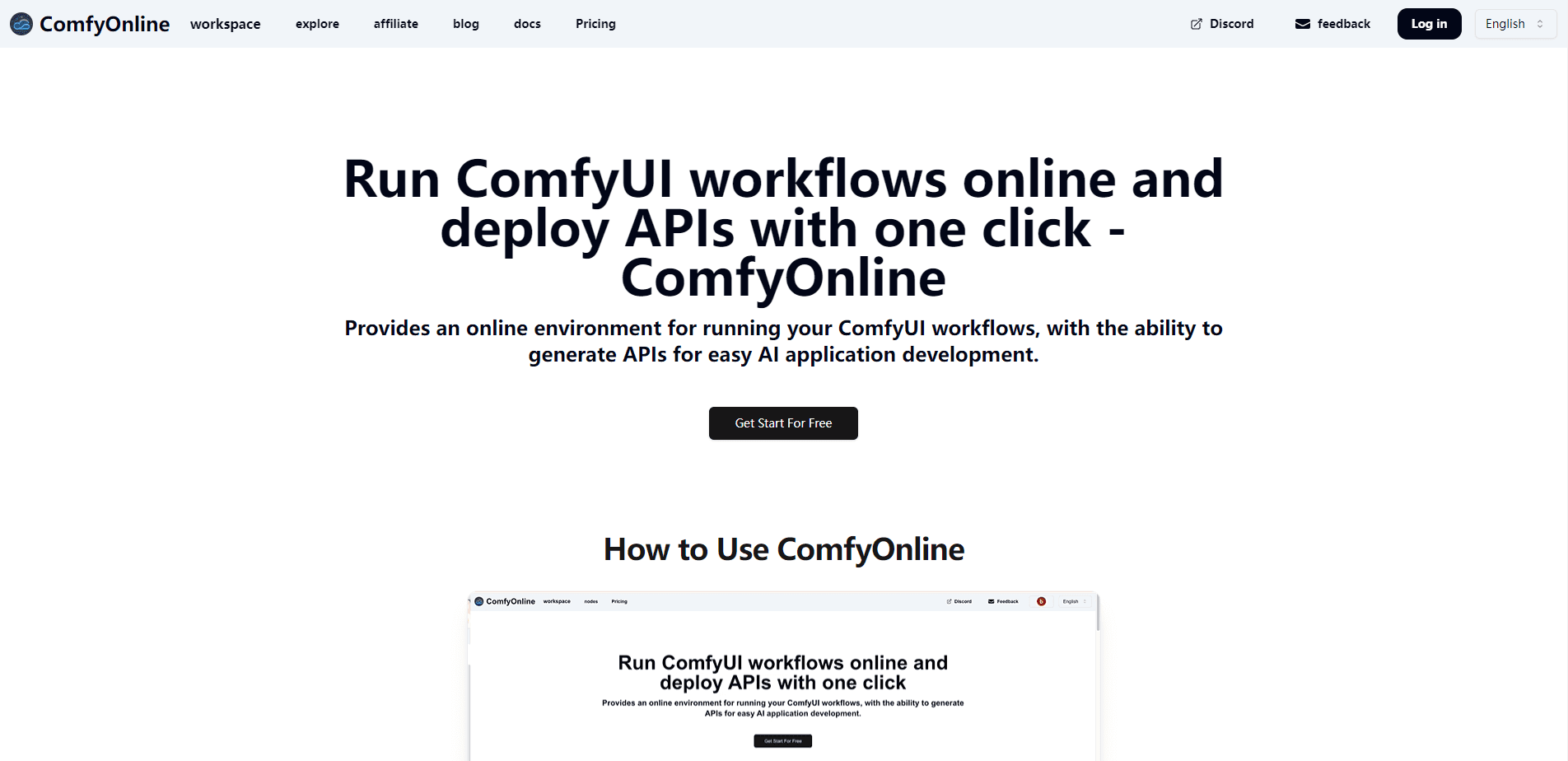
ComfyOnline is a ComfyUI hosting and AI workflow platform that runs ComfyUI online. It is built on the node-based tool most people use to build image, video and audio generation pipelines. Instead of installing Python, CUDA drivers and hundreds of model files on your own machine, you open the browser, load a workflow and hit run. The platform handles the dependencies and the model downloads for you.
The bigger draw is deployment. ComfyOnline generates an API for any workflow you build, so a creator who normally cannot code can wrap a generation pipeline and call it from an app. The company also keeps a public library of workflow templates covering FLUX image generation, Wan 2.1 and Hunyuan Video, CogVideoX and LTX Video, DiffRhythm for music and LatentSync for lip sync, refreshed since late 2024.
The main limit is control and cost. You are running on someone else's GPUs, so you cannot fine-tune the driver stack, and every second a workflow runs is billed. Long batch jobs on top-tier cards add up, and heavy users end up comparing the bill against a rented machine.
Getting Started
- Create an account at comfyonline.app and buy a credit pack or start a subscription.
- Open a template from the workflow library or upload your own ComfyUI workflow file.
- Pick the GPU for the job, from a 24GB card up to an 80GB H100, then run the workflow in the browser.
- Generate an API for the workflow and call it from your own application, or invite a team into the same workspace.
Product Information
A quick look at ComfyOnline's pricing, supported platforms, and performance.
Best for
The users, tasks, and scenarios where this tool fits best.
Users
- Creators without a strong GPU
- Developers building AI apps
- Small studios that share pipelines
Tasks
- Running image and video workflows at scale
- Turning a workflow into a product API
- Testing new models early
Scenarios
- Shipping a generation feature without infrastructure
- Occasional heavy jobs
- Prototyping a pipeline before you commit
Key features
Browser-based ComfyUI with no setup
You run ComfyUI in the cloud without installing dependencies or downloading model files. The interface matches the local version, so an existing workflow runs with little change. Editing is free, and the meter only starts when a workflow actually executes.
One-click API generation
The platform turns any workflow into an API, which is the feature that sets it apart from a plain hosted ComfyUI. You choose which parameters to expose, give them names, and call the endpoint from your own app. That path suits builders who want a model behind a product without learning the internals.
Runtime-only, serverless billing
ComfyOnline bills by the second a workflow runs, not by the hour a GPU sits idle. Credits cover execution across card types, with rates like 0.62 credits per second on a 24GB card and 2.07 credits per second on an H100. You stop paying when the job finishes, so there is no idle charge to manage.
Workflow template library
A maintained collection of ready-made pipelines covers FLUX and Ideogram image generation, Wan 2.1 and Wan 720P, Hunyuan Video, CogVideoX, LTX Video, Runway, Kling, Hailuo, Luma and Pika for video, plus DiffRhythm for music and LatentSync for lip sync. Templates have been updated since late 2024, so you do not rebuild common tasks from scratch.
Third-party model integrations
Beyond open models, workflows pull in hosted services such as Recraft, Ideogram and Flux Pro Ultra for images, ElevenLabs for voice, and language models including Claude, Gemini, GPT and DeepSeek. You bring those into the same graph rather than juggling separate dashboards.
GPU choice and custom models
You pick the hardware for each job, from a 4090 with 24GB of memory up to an A100 or H100 with 80GB. You can also upload private models and LoRAs, and fine-tune options such as Hunyuan Video and FLUX LoRA are available. Higher tiers and the startup plan unlock the largest cards.
Pros and cons
Pros
- No hardware purchase or setup, so a creator on a laptop can run models that normally need an expensive card.
- Pay-per-second billing means idle time is free, which fits occasional or bursty workloads.
- One-click API generation turns a workflow into an endpoint, which is rare among hosted ComfyUI options.
- A large template library and third-party model integrations cut the time to a working pipeline.
Cons
- No free plan. You have to buy credits or a subscription before you can run anything.
- Credits are consumed by runtime, so long jobs on top-tier GPUs can get costly and hard to predict.
- Access to the H100 and some large cards needs the startup plan, which pushes the entry cost up for individuals.
- You depend on the platform's environment, so you cannot change the driver stack or debug below the workflow level.
Frequently asked questions
ComfyOnline is used to run ComfyUI workflows in the cloud and to turn them into APIs. You build image, video, audio and music pipelines in the browser, run them on rented GPUs, and call the results from your own app.
Related content
Explore related tools, skills, and articles for ComfyOnline.
ComfyOnline Alternatives

Base Code
Base44 (Wix) · Coding · ProductivityBase Code is a shared cloud development environment from Base44. Teammates describe changes to an existing GitHub codebase in chat, preview them live and send them back as pull requests.

Google EmbeddingGemma 2
Google DeepMind · Writing · Image · CodingGoogle EmbeddingGemma 2 is a 740M-parameter open model that turns text, code, images, audio, and video frames into vectors in one 768-dimension space, running on phones and laptops.

GitGlow
GitGlow · Coding · ProductivityGitGlow is a local-first desktop Git client that lets independent developers review their own code and their AI agents' changes in one place before shipping.