

Comicai
Kawaii, Inc. · Writing · Image
Comic AI is a web-based AI comic generator from Kawaii, Inc. You describe a story or upload character photos, pick a style, and get a finished comic strip in about 60 to 90 seconds.
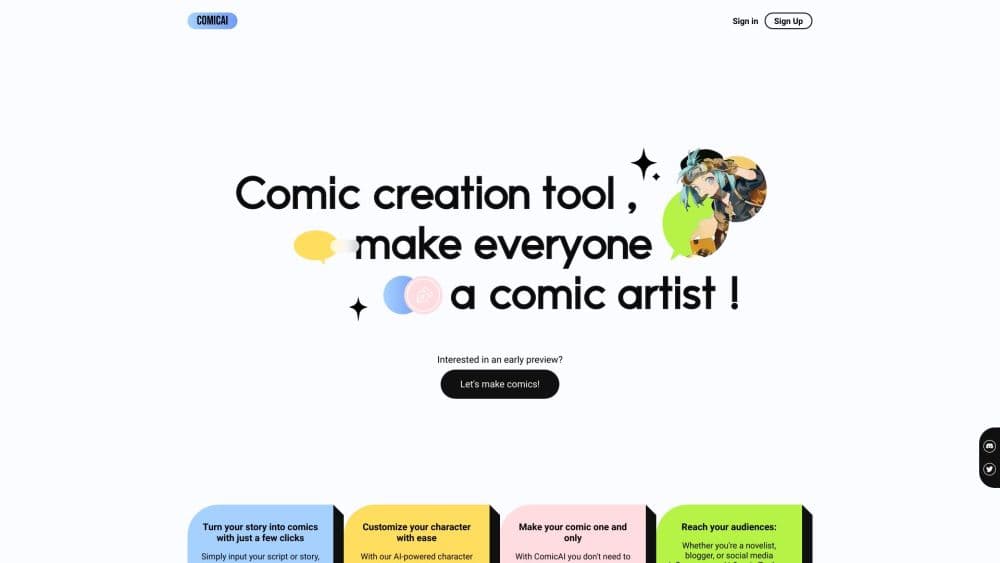
About Comicai
What Is Comic AI
Comic AI is a browser tool that turns plain text or photos into finished comic pages. You don't draw anything. You type a story, or upload pictures of people you want to see in the panels, then choose a style and a layout. The AI fills in characters, backgrounds, and action, and you download the result. As an AI comic creator, it sits in the same lane as other AI comic makers, but its pitch is speed and keeping one character looking the same across every panel.
The product runs on credits rather than a flat monthly fee. New accounts get free credits to try it, and you buy more when you run out. Each comic costs credits based on quality: a low-quality strip is 1 credit, a standard one is 4, and the pro setting is 10, with extra charges for each character photo you add.
The trade-off is control. Comic AI is built for quick strips and personal projects, not for professional lettering or fine page design. You pick from preset styles and panel counts, and you can't hand-tune the art pixel by pixel. If you want panel-by-panel control, this isn't the tool. If you want a finished strip from a sentence, it is.
Getting Started
- Go to comicai.com and start a comic from the home page. No credit card is needed to try it.
- Choose how to begin: describe your story in text, or upload photos of the characters you want.
- Pick an art style from the 12 options, then set the number of panels and the quality level.
- Hit generate and wait roughly a minute for the strip to finish.
- Download the comic, then buy credits if you want to keep going past the free allowance.
Product Information
A quick look at Comicai's pricing, supported platforms, and performance.
Best for
The users, tasks, and scenarios where this tool fits best.
Users
- Content creators
- Teachers and trainers
- Hobby writers
Tasks
- Turning a script into a comic strip
- Building a comic around real people
- Quick ad and social visuals
Scenarios
- A gift for a birthday or anniversary
- Classroom warm-ups
- Testing a story idea
Key features
Two Ways to Build a Comic
Comic AI starts either from text or from photos. You can type a full story or just a scene, and the AI writes characters, settings, and action from scratch. Or you upload pictures of real people and it turns them into comic characters, keeping their look steady across the whole strip. This comic generator from photos is what makes personal comics possible.
Twelve Art Styles
The generator ships with 12 styles, spanning manga, superhero, cartoon, anime, noir, and sketch. As a manga maker and a superhero comic generator rolled into one, it changes the line work, color, and mood with each pick, so the same story reads very differently across styles. You choose the style up front, and switching means regenerating the strip.
Consistent Characters Across Panels
Keeping a character's face and outfit unchanged panel to panel is the hard part of comic art, and Comic AI treats it as the core feature. When you upload a photo or the AI invents a character, that character holds its appearance through the strip. For a multi-panel story, this is what makes it read as one comic rather than a pile of images.
Panel Layout and Quality Controls
Before you generate, you set how many panels the strip has and how much detail to spend on it. Quality runs across three levels: low at 1 credit, standard at 4, and pro at 10, with the pro setting using the smartest model. You match the credit spend to how much the strip matters to you.
Credit-Based Pricing With a Free Start
Comic AI doesn't lock you into a subscription. New users get free credits, and after that you buy credits and spend them per comic. That model suits people who make a strip now and then, since there's no monthly fee sitting idle between projects.
Fast Generation and Direct Download
A finished strip takes roughly 60 to 90 seconds, which is quick enough to iterate on a story in one sitting. Once it's done you download the comic at high resolution, ready to print or post. There's also a community gallery where public comics are shared.
Pros and cons
Pros
- You get a finished comic strip from a sentence or a set of photos, with no drawing skill required.
- Consistent characters across panels make longer stories read as a single comic instead of loose images.
- Credit pricing means no subscription, so occasional users only pay for the comics they actually make.
- Twelve styles cover a wide range, from manga and anime to superhero, noir, and sketch.
Cons
- There's no free-form editor, so fine control over lettering, balloons, and panel design is limited.
- Credits add up if you generate often, since each strip costs 1 to 10 credits plus 1 per character photo.
- It's web only, with no mobile app or desktop software for working offline.
- There's no public API, so teams can't wire comic generation into their own products.
Frequently asked questions
Comic AI turns a written story or a set of photos into a finished comic strip. As a comic strip maker, people use it for social posts, classroom visuals, personal gift comics, and quick story mockups without needing to draw.
Related content
Explore related tools, skills, and articles for Comicai.
Comicai Alternatives

Google EmbeddingGemma 2
Google DeepMind · Writing · Image · CodingGoogle EmbeddingGemma 2 is a 740M-parameter open model that turns text, code, images, audio, and video frames into vectors in one 768-dimension space, running on phones and laptops.

MePersona
MePersona, Inc. · Writing · Productivity · MarketingMePersona is an AI unified inbox for creators. It learns your voice, drafts replies to fan messages from 12 platforms, and sends only what you approve.

Fluence
Yay Software (Yannick Huchard) · Writing · Voice & Language · ProductivityFluence is an Android app that reads PDFs, EPUBs, Word files and web articles aloud, follows each sentence as it speaks, and answers questions about the text on the phone itself.