

Communicate
TinyCheque, Inc. · Business · Chatbot
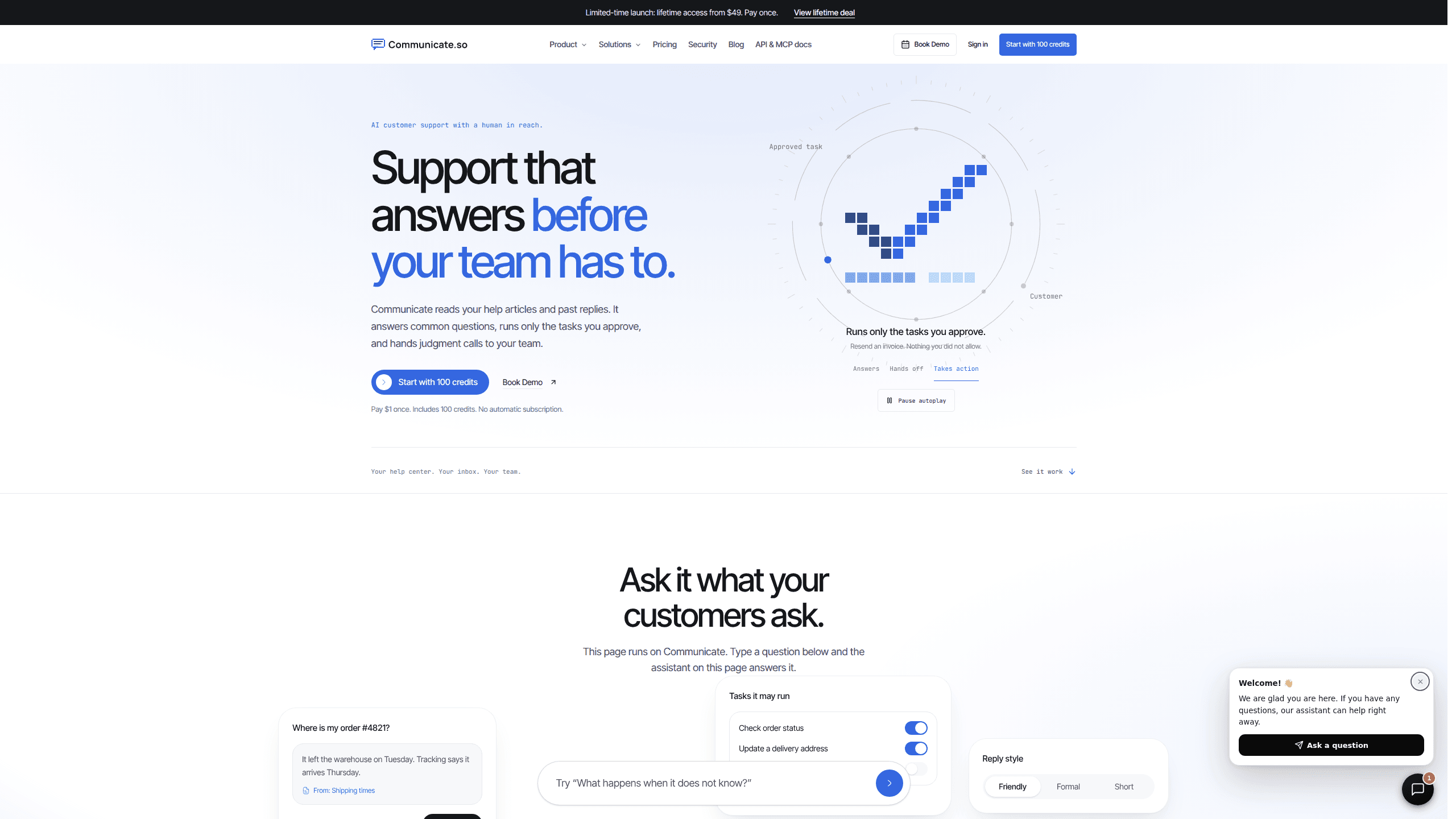
Communicate is an AI support agent that answers customer questions from your own help content, completes approved tasks, and hands the conversation to a person when the question needs one.
About Communicate
What Is Communicate
Communicate is a customer support platform built by TinyCheque, Inc. You connect the help articles, past replies, and product documentation your team already trusts, and the platform turns that material into an AI support agent that answers in your brand voice.
The product targets a specific failure. An AI chatbot for customer service usually means one of two things: a scripted widget that follows decision trees and stalls on anything unscripted, or a homegrown assistant that turns into an engineering project. Communicate sits in between: grounded answers, a shared inbox for the team, and a person available the moment the agent should stop talking.
Most support teams get value from it in a single afternoon. You add a data source, test real questions in a sandbox, adjust the instructions, and embed the widget. No integration project and no sales call are required to get to that point.
One limitation deserves an early mention. The agent only knows what you feed it, so thin or outdated help content produces thin answers. Communicate handles the "I don't know" case by routing to a human instead of inventing a reply, which is honest but not a substitute for real documentation.
Getting Started
- Create an account at app.communicate.so and confirm your email. The sandbox opens with 100 evaluation credits and no card on file.
- Add your data sources. Point the agent at help center articles, product docs, policy pages, or past ticket replies.
- Set the behavior rules. Choose the agent's name, tone, approved tasks, and the cases that must go to a person.
- Test with real customer wording. Ask the questions your inbox actually receives and check which source each answer cites.
- Embed the widget on your site or app, then turn on live chat when the answers meet your standard.
Product Information
A quick look at Communicate's pricing, supported platforms, and performance.
Best for
The users, tasks, and scenarios where this tool fits best.
Users
- SaaS support teams with a maintained help center
- Startups where one or two people cover support
- Agencies running support for several clients
Tasks
- Answering billing, refund, and account questions
- Creating tickets and looking up account status
- Sorting what needs a person
- Finding gaps in your documentation
Scenarios
- A launch week brings triple the usual chat volume
- A customer asks something outside the agent's rules
- A support lead wants to test before going live
Key features
Answers Grounded in Your Sources
Every reply starts from content you approved. The agent checks the connected knowledge before writing, and the reply can show which guide, policy page, or past answer it used. When nothing matches, it says so and routes the question to a person rather than guessing. That behavior matters for prices and refund rules, where a confident wrong answer costs money.
Human Handoff in the Same Thread
A teammate can join a live conversation with the full history already visible, including the source the agent used and everything the customer typed. Auto-takeover passes the thread over without opening a new ticket. From the customer's side, the chat simply continues with a different name on the reply.
Approved Actions With Visible Permissions
Beyond answering, the agent can run a short list of tasks you define: account lookups, ticket creation, lead capture, a form, or a call to your own API. Each action has structured inputs and a controlled response, and anything you don't allow stays blocked. Sensitive changes can be marked for human review instead of running automatically.
Preview and Rules Before Publishing
You write tone, boundaries, and escalation cases in plain language, then test changes in a preview state before they reach customers. The platform separates what the agent may read, what it may do, and when it must step aside. That's more control than tuning prompts in production and hoping for the best.
Website Widget and In-App Messages
The chat widget drops onto any site or app, and you can style it to match your product. In-app messages let you target announcements or nudges at specific users inside the product. Conversations from website chat and connected channels land in one inbox, which keeps the team from watching several tabs.
Analytics That Point at Weak Content
The dashboard reports conversation volume, resolution, and response time, then shows where the agent hesitated or handed off. Those moments are the useful signal: each one usually maps to a missing or outdated article. Fix the source once and future conversations pick up the change without retraining anyone. The inbox also supports a ticket mode with status, priority, and owner, and drafts can be translated into 13 languages before sending.
Pros and cons
Pros
- Setup fits in an afternoon: connect a source, test real questions, embed the widget, and go live without an integration project.
- Answers cite their source, so a support lead can check why a reply was safe to send.
- Handoff keeps the full thread, which removes the "can you explain that again" step that frustrates customers.
- Pricing is credit-based with no per-seat or per-resolution fee, so a small team isn't penalized for adding a teammate.
- The sandbox gives 100 evaluation credits before any payment, which is enough to judge answer quality on your own content.
Cons
- There's no free tier. After the sandbox credits you pay a $1 activation fee plus a plan, and unused subscription credits expire at the end of each billing period.
- Answer quality depends on your documentation. Teams with scattered or outdated help content will spend real time cleaning it up first.
- The tool covers chat and connected support channels, not phone support. Teams that run a call center still need a separate system for voice.
- Actions are intentionally narrow. Complex workflows that touch several internal systems need custom API work before the agent can finish them.
Frequently asked questions
Communicate is an AI customer support platform. It builds a support agent from your help content, answers customer questions in your brand voice, runs approved tasks, and passes conversations to your team when a person is needed.
Related content
Explore related tools, skills, and articles for Communicate.
Communicate Alternatives

Knocket
Knocket (Tencent RTC team) · Productivity · Business · ChatbotKnocket is a free live chat and contact page tool that lets visitors message you from your website, app, or a shareable link, with every reply handled from Telegram or one inbox.

shippedit.me
Krawlup · Marketing · Businessshippedit.me now redirects to Krawlup, a web platform that audits SEO, AEO and page speed every week, then hands the fixes to AI coding agents over MCP.

Ayven
Alknoma · Productivity · BusinessAyven is an AI control centre by Alknoma that turns a plain-language goal into a dated plan, hands the work to your people and AI agents, and asks for your approval only when the call is yours.