

Compot
LukyLab s.r.o. · Coding
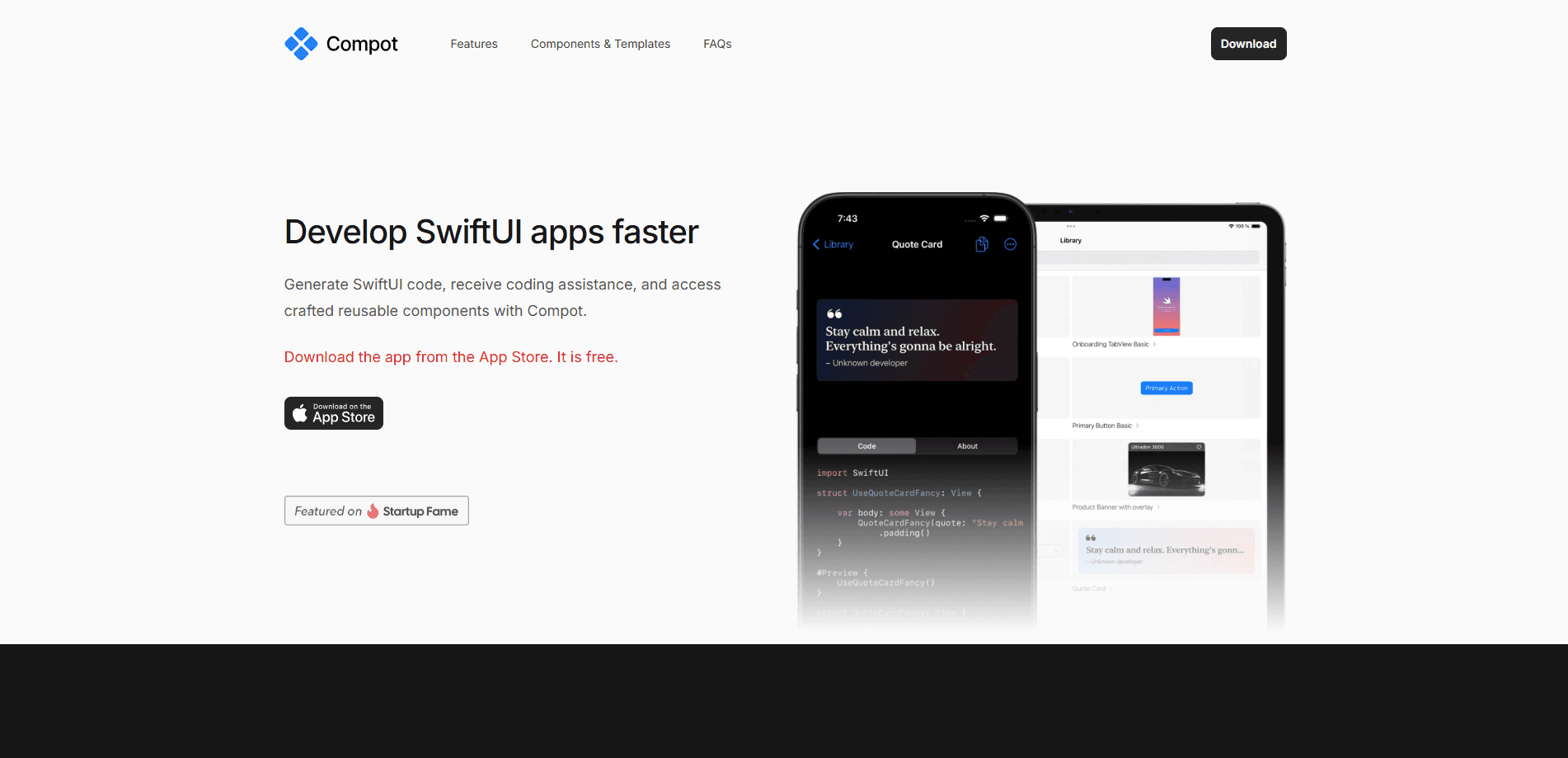
Compot (also called Compot UI) is a SwiftUI component library and AI coding assistant. It packs 130+ copy-paste SwiftUI templates plus a Swift code generator to speed up iOS app work.
About Compot
What Is Compot
Compot is a native Apple developer tool from LukyLab s.r.o., a studio based in Prague. It bundles two things: a library of handcrafted SwiftUI components you copy straight into Xcode, and an AI assistant that writes Swift code for you. The pitch is speed. Instead of rebuilding a paywall, an onboarding flow, or a settings list from scratch, you drop in code that already handles layout, animation, and dark mode.
The library leans on Apple's own design language. Components follow the Human Interface Guidelines, use SF Symbols, respond to Dynamic Type, and switch between light and dark themes without extra work. Every snippet is vanilla SwiftUI with no CocoaPods, Carthage, or third-party Swift Package Manager dependencies. That keeps your project clean and your build times short.
The catch is scope. Compot only helps with native SwiftUI on Apple platforms. If your app runs on Flutter, React Native, or Android Jetpack Compose, or if you still build interfaces in UIKit, it won't do anything for you. The AI assistant is likewise tuned for SwiftUI layout work, not general programming questions.
Getting Started
- Download the Compot app for iPhone, iPad, or Mac from the App Store. It's free to start.
- Browse the catalog by category, from buttons and paywalls to charts and chat bubbles.
- Preview a component, then copy its Swift code into your Xcode project.
- For custom layouts, describe the screen or upload a design and let the AI assistant, a SwiftUI code generator built for this toolkit, draft the Swift code.
- Adjust the copied modifiers and colors to match your app's style.
Product Information
A quick look at Compot's pricing, supported platforms, and performance.
Best for
The users, tasks, and scenarios where this tool fits best.
Users
- iOS and macOS developers who ship native SwiftUI apps and want to skip rebuilding common screens from scratch.
- Indie developers and solo makers without a dedicated designer, who need components that already look polished out of the box.
- App teams prototyping early screens, since copy-paste code gets a working UI in front of testers fast.
Tasks
- Building a subscription paywall
- Assembling an onboarding flow
- Generating a custom SwiftUI layout from a design or a text description when no catalog component fits.
Scenarios
- Late-stage polishing before an App Store submission, when small touches like toast messages and rating prompts matter.
- Learning SwiftUI patterns by reading real, dependency-free component code instead of abstract tutorials.
- Shipping a visionOS or watchOS screen with gauges and symbols that already respect Apple's sizing rules.
Key features
130+ Copy-Paste Components
The library spans 22 categories, from buttons and typography to paywalls, charts, and map overlays. Each component ships as standalone Swift code you paste into your project, so there's no package to import or version to track. The breadth matters most when you're assembling a full screen: a welcome flow, a settings list, and a footer can all come from the same catalog.
AI Swift Code Generation
Compot's assistant, a SwiftUI code generator tuned for Apple apps, turns a design upload or a written description into SwiftUI code. Rather than asking a general coding assistant and hoping the syntax is current, you get output that follows SwiftUI layout conventions. It's the fastest path when none of the catalog components match what you have in mind.
Zero Dependencies
Every snippet is pure Swift and SwiftUI. Nothing pulls in CocoaPods, Carthage, or external Swift packages. For teams that care about build size and long-term maintenance, that means fewer things to break on the next Xcode update.
Apple HIG Alignment
Components follow Apple's Human Interface Guidelines, using SF Symbols, Dynamic Type, and native spring animations. Light and dark mode work without extra configuration. That consistency keeps a hand-built screen from looking out of place next to system UI.
Ready-Made Paywall and Onboarding Blocks
Subscription paywalls and onboarding screens are where a lot of development time disappears. Compot ships benefit rows, cascading bounce animations, plan selectors with a savings tag, and multi-page welcome carousels as finished pieces.
Native App Catalog
You browse and preview components inside a native app on iPhone, iPad, or Mac, not a slow web page. Copying code is one tap, and previews render the actual SwiftUI component, so what you see is what lands in Xcode.
Pros and cons
Pros
- 130+ components across 22 categories cover most common app screens, cutting early UI work sharply.
- Dependency-free vanilla Swift keeps projects light and avoids package conflicts.
- Built-in AI assistant generates SwiftUI code from a design or a prompt.
- Components respect SF Symbols, Dynamic Type, and dark mode, so they fit system UI.
- Free to download, with the catalog browsable before you pay for anything.
Cons
- Apple platforms only, so it's useless for Flutter, React Native, or Android projects.
- Requires Xcode 15+ and iOS 16+, which rules out apps supporting older OS versions.
- Many components are free, but the most advanced paywall and onboarding pieces sit behind in-app purchases.
Frequently asked questions
Compot is an iOS app development tool for SwiftUI interfaces. You copy prebuilt components into Xcode or let its AI assistant generate Swift code, which cuts the time spent rebuilding common screens like paywalls and settings lists.
Related content
Explore related tools, skills, and articles for Compot.
Compot Alternatives

Base Code
Base44 (Wix) · Coding · ProductivityBase Code is a shared cloud development environment from Base44. Teammates describe changes to an existing GitHub codebase in chat, preview them live and send them back as pull requests.

Google EmbeddingGemma 2
Google DeepMind · Writing · Image · CodingGoogle EmbeddingGemma 2 is a 740M-parameter open model that turns text, code, images, audio, and video frames into vectors in one 768-dimension space, running on phones and laptops.

GitGlow
GitGlow · Coding · ProductivityGitGlow is a local-first desktop Git client that lets independent developers review their own code and their AI agents' changes in one place before shipping.