

Conduit
South Forge AI · Coding
Conduit is a free, open source local MCP gateway that gives every AI client on your machine one shared set of MCP servers. Instead of pasting the same server config and API key into Claude, Cursor, Codex, and VS Code over and over, you set up a server once and switch it on everywhere. The gateway also loads tool definitions on demand, so agents search for what they need instead of carrying hundreds of tool descriptions in every request. South Forge AI now ships the product under the name Toolport. The original Conduit branding and repository are still what most early users know.
About Conduit
What Is Conduit
Conduit is a desktop gateway for MCP, the open protocol that lets AI apps reach tools like GitHub, Slack, and databases. It runs locally on your machine and acts as a single port that every supported AI client talks to. You add each MCP server once and authenticate it once. Then you share it across Claude, Cursor, Codex, VS Code, Windsurf, and about 30 more clients.
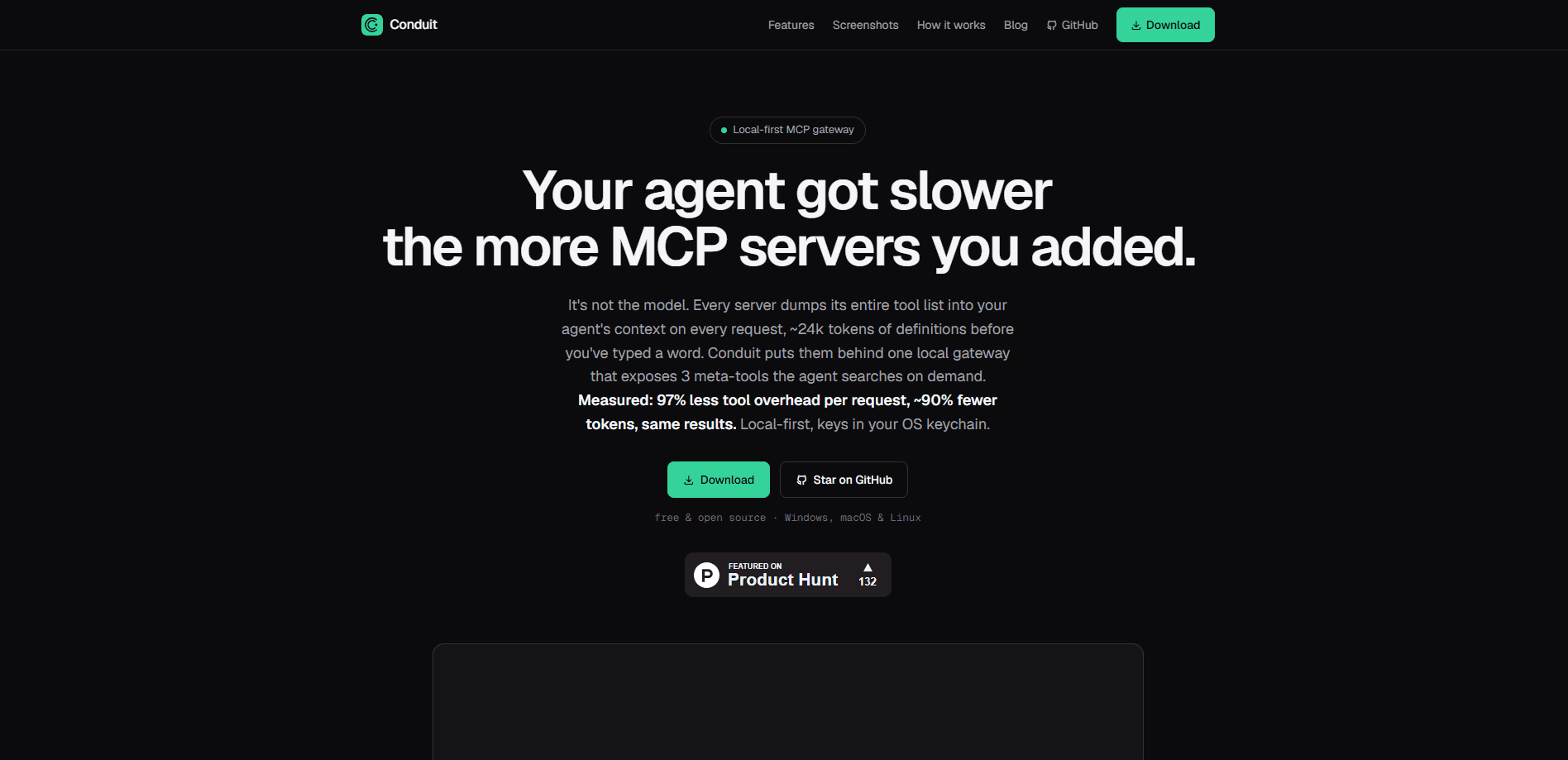
The core problem it solves is context bloat. Every MCP server you connect dumps its full tool list into the agent's context before you've typed a word. Add a handful of servers and you're paying a real token tax on every request. That tax is invisible. Conduit swaps that wall of tool definitions for a small set of meta-tools the agent searches on demand.
The biggest limitation is scope. This is a tool for people who run multiple MCP servers and multiple AI clients, usually developers. Use one client and one server? The setup is more machinery than you need.
Getting Started
- Download Conduit for Windows, macOS, or Linux. No account and no cloud sign-in are required.
- Add an MCP server from the catalog, import an existing config from a client you already use, or paste a server config manually.
- Authenticate the server so Conduit can store its credentials in your OS keychain rather than a plain config file.
- Open the Clients tab and toggle the server on for each AI app you want to use it in. No restarts are needed.
- Review activity and per-tool controls in the app, then turn servers on or off as your setup changes.
Product Information
A quick look at Conduit's pricing, supported platforms, and performance.
Best for
The users, tasks, and scenarios where this tool fits best.
Users
- Developers juggling several AI coding clients
- Small teams sharing an approved server set
- Privacy-conscious users
Tasks
- Cutting tool-context overhead
- Centralizing per-tool governance
- Auditing agent activity
Scenarios
- Setting up a new laptop
- Working across three or four agents in one day
- Sharing a stack with a teammate without sharing secrets
Key features
One gateway for every AI client
Conduit runs as a local service that all your MCP-enabled apps connect to. You authenticate a server once and it shows up in Claude, Cursor, Codex, VS Code, Windsurf, and the rest of the supported clients. Hot toggles let you switch servers on or off per client. No restarts. For anyone who has hand-edited four mcp.json files in an afternoon, this is the part that saves real time.
Lazy tool discovery that trims context
Rather than loading every tool definition up front, Conduit exposes a handful of meta-tools the agent searches when it needs something. On the vendor's own benchmark, tool-definition tokens on a single request dropped from 23,698 to 886. That's a big cut. Graded at the same task success, the company reports 74 to 91 percent fewer tokens across servers. Treat those numbers as South Forge AI's measurements rather than an independent result.
Tool-integrity checks
The gateway fingerprints every tool and flags two attack patterns: rug pulls, where a definition changes after you approved it, and tool poisoning, where hidden instructions sit inside a tool description. Both checks are on by default. Both run locally, so flagged tools surface before an agent acts on a tampered description.
Secrets in the OS keychain
API keys are stored in your operating system's keychain and injected at runtime. They never live in a config file and never go to a cloud vault. That removes the common mistake of committing a key into a shared repository. It also means a leaked config file doesn't hand over your credentials.
Per-tool governance across the fleet
Any tool can be toggled on or off. One switch can hide every destructive tool from every agent at once. On the Teams tier, admins set a policy that individual members can't loosen. Servers on a private or local network are refused, so a shared config can't quietly become a path into internal systems.
Agent rules and permissions in one place
Conduit also manages the instructions and permission policy you feed your agents. Import an existing CLAUDE.md or AGENTS.md, or write a ruleset in the app. Then apply it to every client you switch on. It works globally and per project. Your own text is never touched, and a block you edited by hand isn't silently overwritten.
Pros and cons
Pros
- Free and open source under the MIT license, so you can read every line and self-host if you want.
- Cuts tool-definition tokens dramatically, which lowers cost and gives agents more headroom on long tasks.
- Credentials stay in the local keychain instead of being copied into each client's config file.
- Shares one server setup across roughly 30 AI clients, with no restarts when you toggle servers.
- Local tool-integrity and governance features give you control over destructive or tampered tools.
Cons
- Built for people running multiple MCP servers and clients, so single-server users get little benefit for the extra setup.
- The Teams hosted option is a separate, account-based product, which adds a cloud dependency if you were hoping to stay fully local.
- Benchmarks come from the vendor. The headline token savings haven't been independently verified yet.
Frequently asked questions
Conduit is a local MCP server manager built around a single gateway. It lets you set up an MCP server once and use it from many AI clients at the same time. Tool definitions stay out of your agent's context until they're needed.
Related content
Explore related tools, skills, and articles for Conduit.
Conduit Alternatives
Forefront
Forefront · CodingForefront is a web platform for building with open-source AI. It lets you fine-tune leading open-source language models on your own data, evaluate how they perform, and run them through an API or export them to host yourself. Developers who want the convenience of a closed-source platform but insist on owning their models and data are the target audience here.

Startkit
StartKit.AI · CodingStartkit is a boilerplate for building AI SaaS and AI wrapper products. Think of it as an AI startup boilerplate with the boring parts already wired up: authentication, Stripe and Lemon Squeezy payments, usage limits, transactional email, and an AI API starter that talks to OpenAI, Anthropic, Groq, or Llama. You clone the repo, set your price, and start on the part of your product that people actually pay for. It's Next.js under React and Tailwind, so most of the boilerplate code already feels familiar.
Testim
Tricentis · CodingTestim is an AI-powered test automation platform for building and running end-to-end tests across web, mobile, and Salesforce applications. It leans on machine learning to keep tests stable when an interface changes, so teams spend less time fixing broken selectors. Not bad for an automated testing tool you can start using today. You create tests by recording actions in a browser, then optionally add JavaScript when you need more control. It's a solid pick for busy QA teams.