
Container Diet
k1lgor · Coding
Container Diet is an open-source command-line tool that reads your Docker images and Dockerfiles, then tells you exactly what's wasting space and where the security holes are. It leans on an AI model of your choosing to explain the problems in plain language and suggest fixes you can apply automatically. You can run it by hand, wire it into a CI/CD pipeline, or call it from your AI editor as an MCP server.
About Container Diet
What Is Container Diet
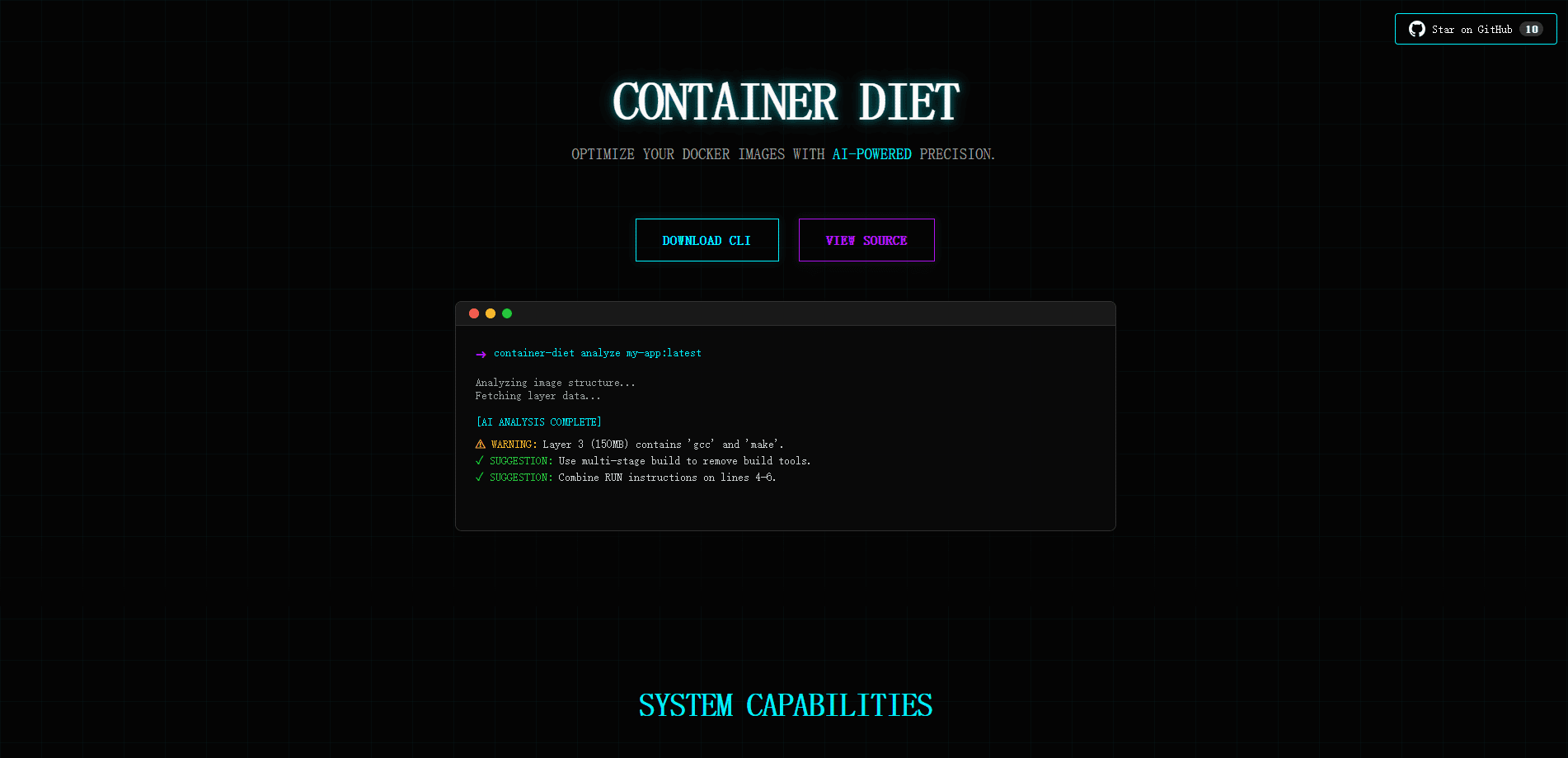
Container Diet is a Docker image optimization tool written in Go. Point it at a Dockerfile or a running image and it breaks the thing down layer by layer, then hands the details to an AI model for a review. The output isn't a dry checklist. The tool's whole personality is a sassy dietician that roasts your bloated container and then tells you how to trim it down.
The problem it solves is familiar to anyone who ships containers. A Dockerfile that worked fine six months ago slowly collects junk layers, outdated base images, and loose permissions that pile up while nobody is watching closely enough. Nobody notices until the image is 2 GB and someone asks why. Then it's a fire drill. Container Diet catches that early, before it reaches production.
One honest limitation up front: the tool is AI-driven, so the quality of its advice depends on which model you plug in. A small local model through Ollama will get you free but blunt feedback. A frontier model gives sharper answers and costs you tokens. Also, it's a CLI and an MCP server, not a GUI. If you don't live in a terminal, there's a learning curve.
Getting Started
- Install the CLI with
go install github.com/k1lgor/container-diet/cmd/cli@latest, so the binary lands in your Go bin path. - Run
container-diet init-configto generate a config file, then open~/.config/container-diet/config.yamland uncomment the AI provider you want to use. - Paste your provider's API key, or point it at a local Ollama instance if you'd rather not pay per request.
- Analyze a file with
container-diet analyze --dockerfile Dockerfile --auto-fixto get advice plus an optimizedDockerfile.diet. - Add
--format jsonwhen you want the results to feed into a CI pipeline or another script.
Product Information
A quick look at Container Diet's pricing, supported platforms, and performance.
Best for
The users, tasks, and scenarios where this tool fits best.
Users
- Backend and DevOps engineers who ship Docker images and want a second pair of eyes before release.
- Solo developers running containers on a budget, since the tool runs free with a local Ollama model.
- Teams standardizing Dockerfiles who need consistent, automated review rather than ad-hoc fixes.
Tasks
- Trimming image size
- Security review
- CI/CD gates
Scenarios
- Cleaning up a legacy Dockerfile that's grown messy over years of quick patches.
- Onboarding a new repo and checking whether its container setup follows any sane standards.
- Asking your AI coding assistant to review a Dockerfile from inside the editor through the MCP integration.
Key features
Multi-Provider AI Backend
Container Diet doesn't lock you into one AI vendor. It ships with adapters for 12 or more providers, including OpenAI, Anthropic, OpenRouter, Groq, DeepSeek, Mistral, xAI, Perplexity, Moonshot, and Hugging Face. You can also point it at a custom endpoint or run it fully offline through Ollama. Switching is a flag, not a rewrite. One word, and you're done.
Auto-Fix Generation
The --auto-fix flag goes past advice. It writes a Dockerfile.diet file alongside your original, with the suggested changes already applied. You review the diff, keep what works, and toss the rest. It turns a list of complaints into something you can actually run. No copy-pasting snippets by hand.
Docker Image Layer Analysis
Beyond Dockerfiles, the tool inspects real images. It can read from your local daemon, pull from a registry with --remote, or grab a missing image automatically. You get a breakdown of what each layer weighs, which is the fastest way to find the fat in a container you didn't build yourself. Which layer is the offender? The report tells you straight.
MCP Server for AI Editors
Container Diet doubles as a Model Context Protocol server, so assistants like Claude Desktop, Cursor, Claude Code, and Codex can call it directly. It exposes four tools, including one that returns quick image metrics without spending AI tokens. No API keys go in the MCP config, since the server reads them from your existing config file.
CI/CD-Ready JSON Output
Add --format json and the analysis comes back as structured data with the advice text and the generated fix. That's the format you want when a pipeline needs to parse results and decide whether to pass or fail a build. No parsing a block of chatty terminal output, and no regex gymnastics to pull out the useful bits.
Configurable, Layered Settings
Config loads from three places in priority order: a --config flag, a project-level .container-diet/config.yaml, and a global file at ~/.config/container-diet/config.yaml. Later entries override earlier ones, which means a repo can carry its own provider and model choices while still falling back to your global defaults. It's a small thing, but it keeps teams from arguing over whose settings win.
Pros and cons
Pros
- Completely free and open source, with no per-seat fee, since you supply your own AI key.
- Works with whatever AI provider you already pay for, including a free local Ollama setup.
- Auto-fix output saves real time compared to reading advice and editing the Dockerfile by hand.
- MCP support lets you review containers from inside an AI editor without switching tools.
Cons
- It's a CLI only, so anyone expecting a visual dashboard will be disappointed.
- AI output is only as good as the model you configure, and weaker models can miss subtle issues.
- Free usage still needs a provider key or a local model, so there's setup before the first run.
Frequently asked questions
Yes. The tool itself is MIT-licensed and open source. Your only cost is whatever your chosen AI provider charges, and that's zero if you run a local model through Ollama.
Related content
Explore related tools, skills, and articles for Container Diet.
Container Diet Alternatives
Forefront
Forefront · CodingForefront is a web platform for building with open-source AI. It lets you fine-tune leading open-source language models on your own data, evaluate how they perform, and run them through an API or export them to host yourself. Developers who want the convenience of a closed-source platform but insist on owning their models and data are the target audience here.

Startkit
StartKit.AI · CodingStartkit is a boilerplate for building AI SaaS and AI wrapper products. Think of it as an AI startup boilerplate with the boring parts already wired up: authentication, Stripe and Lemon Squeezy payments, usage limits, transactional email, and an AI API starter that talks to OpenAI, Anthropic, Groq, or Llama. You clone the repo, set your price, and start on the part of your product that people actually pay for. It's Next.js under React and Tailwind, so most of the boilerplate code already feels familiar.
Testim
Tricentis · CodingTestim is an AI-powered test automation platform for building and running end-to-end tests across web, mobile, and Salesforce applications. It leans on machine learning to keep tests stable when an interface changes, so teams spend less time fixing broken selectors. Not bad for an automated testing tool you can start using today. You create tests by recording actions in a browser, then optionally add JavaScript when you need more control. It's a solid pick for busy QA teams.