

Context Sync
Intina47 · Coding · Productivity
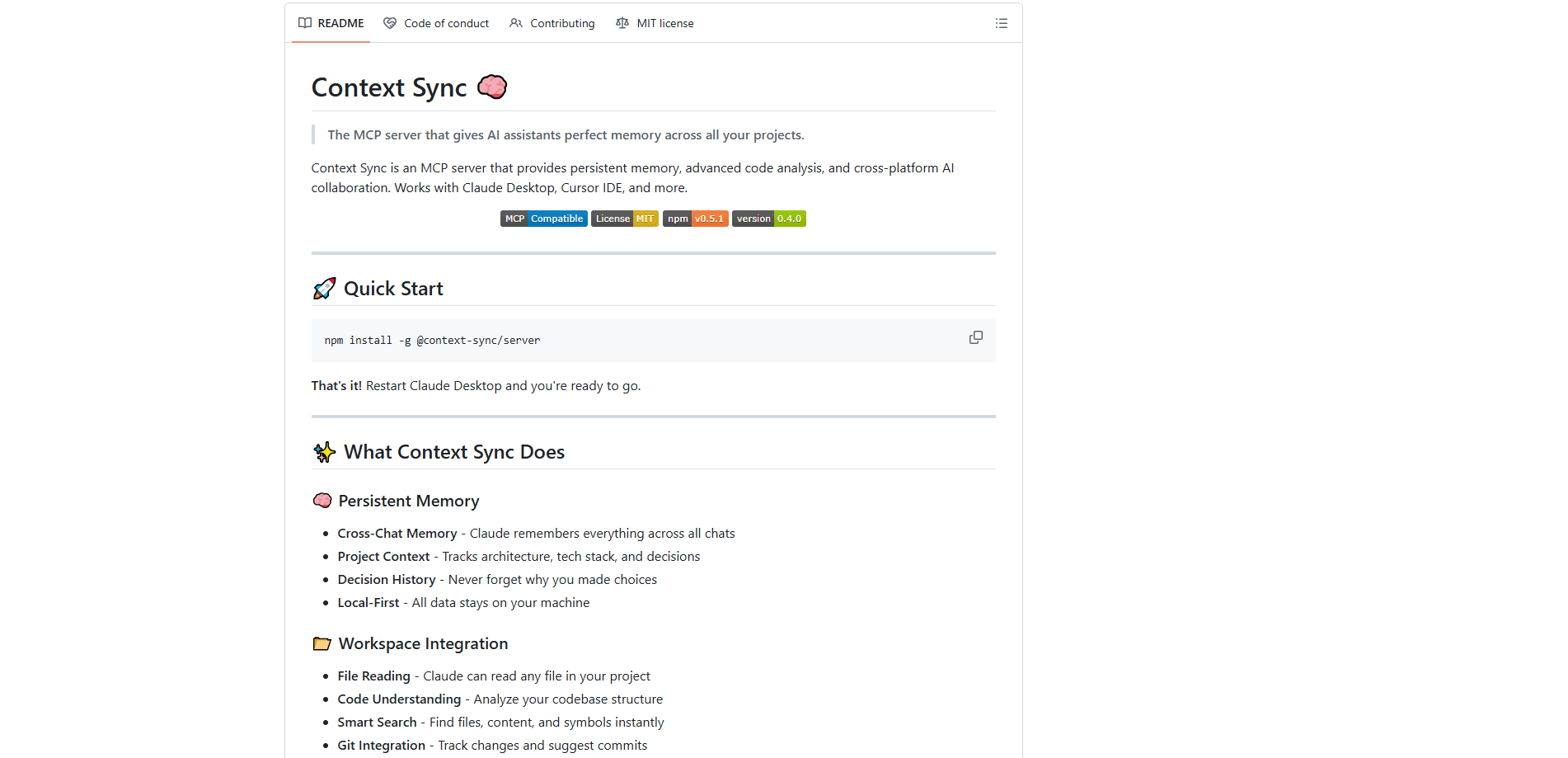
Context Sync is a local MCP server that gives AI coding assistants a persistent memory layer for your codebase. It stores project identity, decisions, constraints, and structured file context on your own machine, then serves them to tools like Cursor, Claude Desktop, and GitHub Copilot through a small set of MCP tools. Instead of re-explaining your project every session, you set the project once and let the assistant recall what matters.
About Context Sync
What Is Context Sync
Context Sync is a Model Context Protocol server built for session continuity. AI coding assistants usually forget everything once a chat ends, so you repeat the same context about your stack, naming rules, and past decisions. Context Sync moves that context out of the model and into a database on your computer, where any connected assistant can read it back. Same project. New session. No re-explaining.
It focuses on the things that actually shape a coding session: what the project is, what tech stack it uses, which decisions are locked in, and where the relevant files live. A git-aware layer adds commit history, hotspots, and coupling data when you work inside a repository. There's also an optional read-only Notion lookup for teams that keep notes there.
The biggest limit is scope. Context Sync is a memory and exploration server, not an editor or a chat app, so it only helps if your assistant speaks MCP. Setup expects comfort with npm and config files. The tool surface is deliberately small. It keeps everything local by default, which is great for privacy but means no built-in cloud sync between machines.
Getting Started
- Install the server globally with
npm install -g @context-sync/server. Auto-configuration runs during a global install, so restart your AI tool afterward. - Confirm the install worked by checking your assistant's MCP tool list. In Codex CLI run
codex mcp list, or in Claude Code runclaude mcp list. - Run
context-sync-setupif you want the optional Notion connection. Notion access stays read-only at the tool level. - Start a session by calling
set_projectwith your project's absolute path, thenrecallto pull stored context andstructureto map the folder tree. - Use
rememberwhenever a decision or constraint should survive the current session.
Product Information
A quick look at Context Sync's pricing, supported platforms, and performance.
Best for
The users, tasks, and scenarios where this tool fits best.
Users
- Solo developers juggling several repos
- Teams using Cursor, Claude Desktop, or Copilot
- People who dislike repeating setup questions
Tasks
- Recovering context at the start of a session
- Exploring an unfamiliar codebase
- Tracking why a choice was made
Scenarios
- Starting a new day on a long-running project
- Reviewing git history for risky files
- Keeping AI notes off third-party servers
Key features
Persistent Project Memory
The core of Context Sync is a remember and recall pair backed by a local SQLite database. You store decisions, constraints, and caveats with a type tag, and any connected assistant can pull them back later. That means a choice you logged last month still shows up when it's relevant, without you retyping it. No copy-paste ritual. No guessing what you decided in March. The database lives at ~/.context-sync/data.db by default, and you can move it with the --db-path flag or the CONTEXT_SYNC_DB_PATH environment variable.
Set Once, Recall Everywhere
set_project establishes which codebase you're working in, then recall rebuilds the context window from stored data. The recommended flow is to set the project at the start of each session and recall right after. It's a small habit that saves a lot of typing, and it works the same across every assistant that speaks MCP. Run it once. Forget about it.
Structured File Exploration
Instead of dumping directory trees into a chat, Context Sync exposes structure, search, and read_file as discrete tools. You ask for a folder depth or a filename pattern and get a focused result. This keeps context windows lean, which matters when you're feeding a model a large project and want the relevant parts, not everything. Why does that matter? A bloated context window buries the signal you actually need, and every wasted token is one the model can't spend on your actual question.
Git-Aware Context
When you run set_project inside a git repository, the server can install hooks for post-commit, pre-push, post-merge, and post-checkout. Each hook is marked "Context Sync Auto-Hook," and any existing hooks get backed up first. The git tool then reports status, hotspots, coupling, blame, and analysis, so you can see which files churn most often and which ones tend to change together, even when nobody wrote down that relationship anywhere.
Optional Read-Only Notion Lookup
If your team lives in Notion, the setup wizard (context-sync-setup) connects a search and read interface. Support is intentionally read-only: you can search pages and read a page by ID, but the tool can't write back. That's a sensible default for a memory server that shouldn't be silently editing your docs. Anyone who's watched a bot mangle a wiki page will appreciate the restraint.
Broad Assistant Coverage
Context Sync connects to Claude Desktop, Cursor, VS Code with GitHub Copilot, Continue.dev, Zed, Windsurf, Codeium, TabNine, Codex CLI, Claude Code, and Antigravity. Auto-config runs on global install and wires up most of them, and the rest follow the manual guide in the project docs, which walks through editing each tool's MCP config file by hand. Cross-platform support covers macOS, Linux, and Windows on x64 and arm64. Broad coverage. Very little lock-in.
Pros and cons
Pros
- Keeps project memory entirely on your machine, so sensitive code context stays private by default.
- Works across a long list of MCP-aware assistants, which limits tool lock-in.
- MIT licensed and free, with the full source on GitHub.
- Small, focused tool surface that's easy to reason about and hard to misuse.
Cons
- Only useful if your editor or assistant supports MCP, so it does nothing for tools without it. That rules out a lot of older or niche IDEs.
- Setup expects comfort with npm and config files, which can slow down non-technical users.
- No built-in cloud sync, so keeping two machines in step means managing the database yourself.
- Notion support is read-only, so it can't update your notes from inside a session. Annoying if you expected two-way sync.
Frequently asked questions
It's a local MCP server that stores project memory and serves it to AI coding assistants, keeping a running record of your tech stack, decisions, and constraints so that any connected tool can recall it at the start of a session instead of making you repeat the same explanation from scratch.
Related content
Explore related tools, skills, and articles for Context Sync.
Context Sync Alternatives
Forefront
Forefront · CodingForefront is a web platform for building with open-source AI. It lets you fine-tune leading open-source language models on your own data, evaluate how they perform, and run them through an API or export them to host yourself. Developers who want the convenience of a closed-source platform but insist on owning their models and data are the target audience here.

Startkit
StartKit.AI · CodingStartkit is a boilerplate for building AI SaaS and AI wrapper products. Think of it as an AI startup boilerplate with the boring parts already wired up: authentication, Stripe and Lemon Squeezy payments, usage limits, transactional email, and an AI API starter that talks to OpenAI, Anthropic, Groq, or Llama. You clone the repo, set your price, and start on the part of your product that people actually pay for. It's Next.js under React and Tailwind, so most of the boilerplate code already feels familiar.
Testim
Tricentis · CodingTestim is an AI-powered test automation platform for building and running end-to-end tests across web, mobile, and Salesforce applications. It leans on machine learning to keep tests stable when an interface changes, so teams spend less time fixing broken selectors. Not bad for an automated testing tool you can start using today. You create tests by recording actions in a browser, then optionally add JavaScript when you need more control. It's a solid pick for busy QA teams.