
Code Converter AI
Unknown · Coding
Code Converter AI, sold at converter.codes, was a browser-based AI code converter that rewrote code between programming languages. The site is offline now.
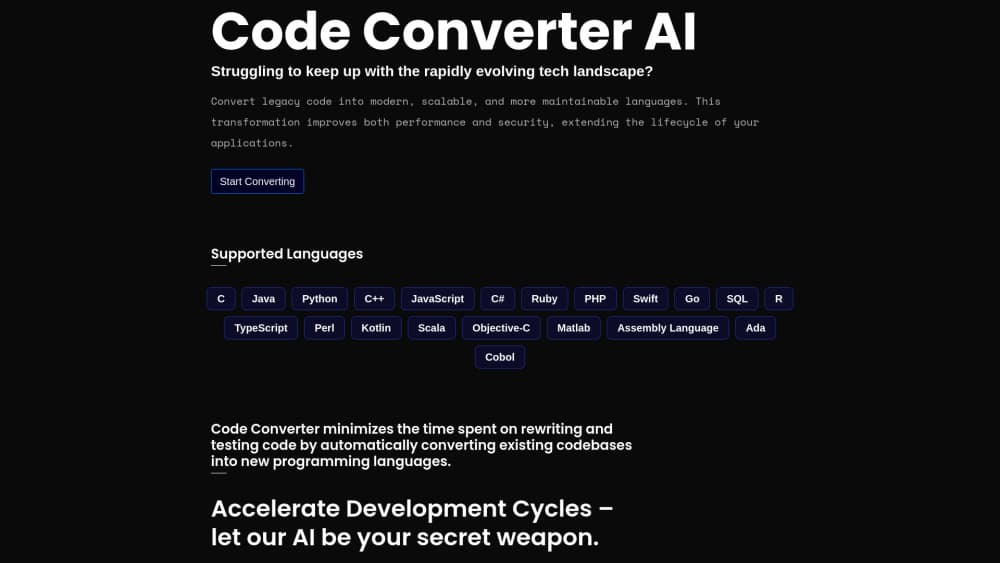
About Code Converter AI
What Is Code Converter AI
Code Converter AI is the product name behind converter.codes, a web app that took a block of source code and returned the same logic in a different language. The promise was narrow and clear: pick the language you have, pick the language you want, paste your code, and get a rewritten version back. No repository hookup, no config file, no install.
The problem it addressed is real. Moving a small utility from Python to JavaScript, or reading a Kotlin snippet while you work in Swift, usually means hand-translating loops, string handling and date calls one line at a time. That work is boring, and it's exactly the kind of work people get wrong after the tenth function.
Availability is the part that matters now. The converter.codes domain resolves to a marketplace listing where the name sits for sale at $100. Nothing runs there. So this isn't a code translation tool you can open today, and the useful question shifts from how to use it to what to check before trusting any replacement.
Getting Started
- Open converter.codes and pick the source language your snippet is written in.
- Pick the target language, meaning the one you want to read or ship.
- Paste the function or the single file you want moved over.
- Run the conversion, then read the output next to the original before copying anything.
- Fix naming, error handling and library calls by hand, because those rarely survive a straight port.
Step one is where the flow breaks in late 2026. The browser lands on a for-sale page, not a converter.
Product Information
A quick look at Code Converter AI's pricing, supported platforms, and performance.
Best for
The users, tasks, and scenarios where this tool fits best.
Users
- Developers inheriting an unfamiliar codebase
- Teams scoping a code migration
- Learners comparing language idioms
Tasks
- Porting a helper function
- Rewriting a date or regex block
- Decoding a snippet from a bug report
- Drafting a first pass for review
Scenarios
- Legacy handover
- Feasibility check before a rewrite
- Cross-platform prototyping
Key features
Paste and convert in the browser
The entire workflow lived in a tab. You brought text, you got text back, and there was nothing between those two points except a button. That matters for anyone who has tried to set up a local conversion pipeline for a one-off job.
AI rewriting instead of pattern swapping
The tool aimed to convert code between programming languages by generating new code, not by running a search and replace over keywords. A generated version can change how a loop is written or how a condition is expressed, which is the difference between code that reads naturally and code that looks like a translation.
Scope limited to snippets and single files
Input was pasted text, so the unit of work was a function or a file. That keeps the problem small and the output checkable. It also means imports, package versions and build settings stayed outside the tool entirely.
Nothing to install and nothing to configure
No editor plugin, no CLI, no account setup to speak of. Open a browser, convert, close the tab. For a task you do twice a year, that's the right amount of ceremony.
Output built for a human review pass
Generated code came back as a draft. Names, error handling and edge cases still needed a person to read them, and the tool never pretended otherwise. Anyone shipping the output unreviewed was taking a risk the tool didn't cover.
Pros and cons
Pros
- Nothing to install: the whole thing ran in a browser tab, so a one-off port didn't require tooling decisions.
- Fast first pass: rewriting a single function by hand takes minutes, and a converter shortened that to seconds.
- Useful as a reading aid: seeing unfamiliar code in a language you know well makes a strange codebase easier to scan.
- One snippet, several targets: the same input could be pushed toward different languages while you compared which one read better.
Cons
- The service is gone: converter.codes now resolves to a domain marketplace, so no conversion runs at all.
- Thin public record: there's no archived manual or changelog, which makes any accuracy claim hard to verify.
- No repo-level migration: pasted text was the input, so imports, package files and build config were your problem.
- Output needs review: generated code can compile and still be wrong at the edges, and shipping it unchecked is how small bugs become incidents.
Frequently asked questions
No. The converter.codes domain now redirects to a marketplace page where the name is listed for sale. There's no working converter behind that address.
Related content
Explore related tools, skills, and articles for Code Converter AI.
Code Converter AI Alternatives

Base Code
Base44 (Wix) · Coding · ProductivityBase Code is a shared cloud development environment from Base44. Teammates describe changes to an existing GitHub codebase in chat, preview them live and send them back as pull requests.

Google EmbeddingGemma 2
Google DeepMind · Writing · Image · CodingGoogle EmbeddingGemma 2 is a 740M-parameter open model that turns text, code, images, audio, and video frames into vectors in one 768-dimension space, running on phones and laptops.

GitGlow
GitGlow · Coding · ProductivityGitGlow is a local-first desktop Git client that lets independent developers review their own code and their AI agents' changes in one place before shipping.