

cookAIfood
cookAIfood · Writing · AI Assistant
cookAIfood is an AI recipe generator that turns ingredients, short descriptions, or photos of your fridge into full recipes with step-by-step instructions and matching AI food photos.
About cookAIfood
What Is cookAIfood
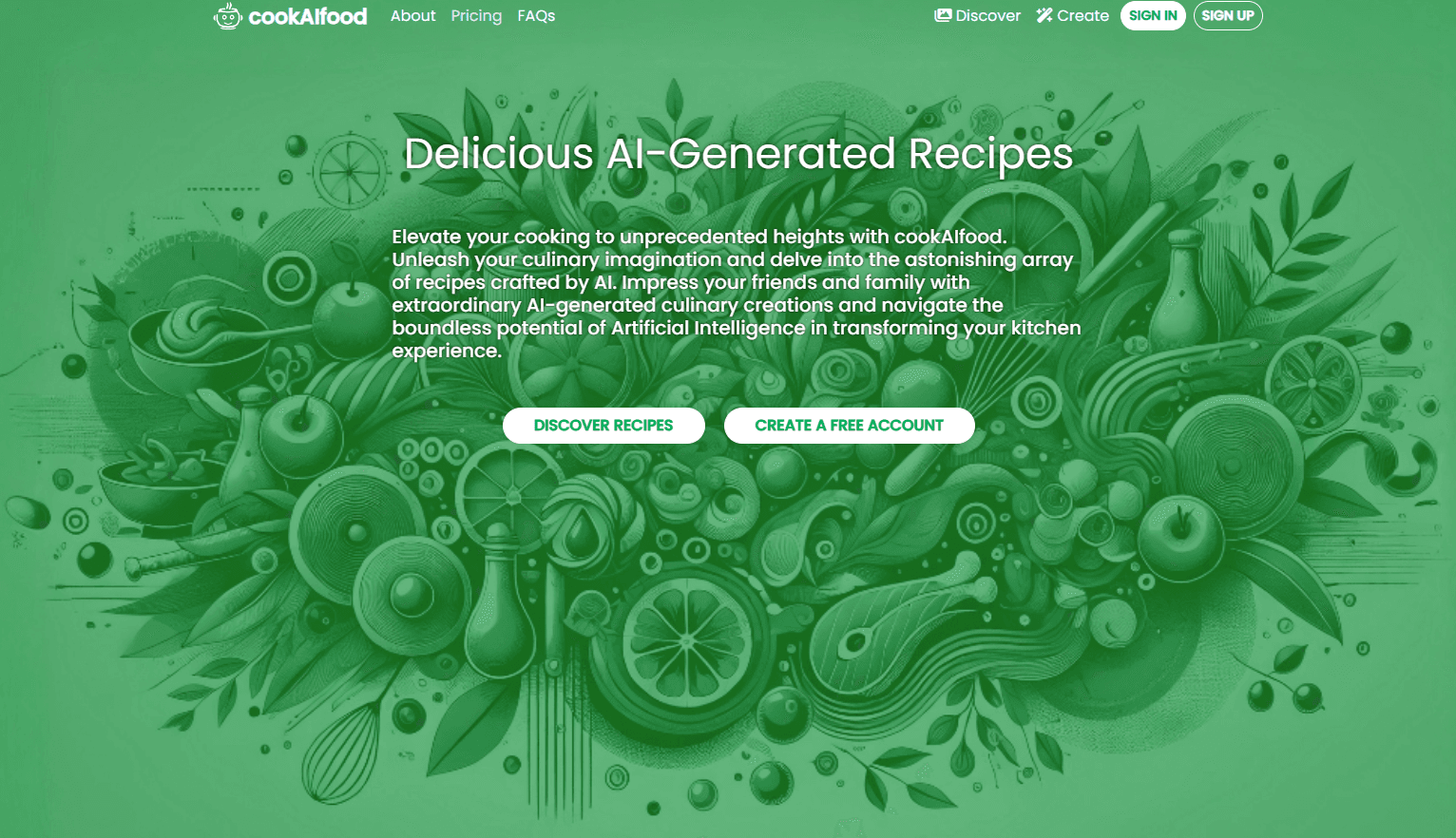
cookAIfood is a web platform for coming up with recipes when you don't have one in mind. You describe a dish, list what's in your kitchen, or upload a photo of ingredients, and the tool writes back a full recipe: quantities, instructions, cooking times, and a generated photo of how it should look.
The pitch is straightforward. Most recipe sites make you search for something that already exists. cookAIfood makes something new from whatever you already have, then lets you keep it, tweak it, or share it. It also builds multi-course menus for dinners and parties, which is the part home cooks tend to reach for around the holidays.
The catch is the credit system. Almost every useful action spends credits: one for a basic recipe, three for an advanced one with high-definition images. Free accounts get three credits at signup and three more each month, and those don't roll over. If you cook with it often, you'll likely buy packs.
Getting Started
- Create an account on the cookAIfood website to claim the three starter credits.
- Generate a recipe by describing the dish, listing ingredients, or uploading a photo.
- Review the recipe, then adjust servings or swap ingredients if something doesn't fit.
- Save it to your personal page, download the image, or export it to PDF.
- For an event, switch to menu mode and let the tool assemble several courses at once.
Product Information
A quick look at cookAIfood's pricing, supported platforms, and performance.
Best for
The users, tasks, and scenarios where this tool fits best.
Users
- Home cooks with a fridge full of odds and ends
- Food bloggers and content creators
- People planning parties or dinners
Tasks
- Recipe generation from a photo
- Menu planning for events
- Ingredient calculation
Scenarios
- Cooking through the week with whatever is left in the fridge before it goes bad.
- Hosting a dinner and needing a menu that holds together, not just a main course.
- Testing an unusual flavor combination before committing a whole evening to it.
Key features
Recipe Generation from Text or Photo
Type a dish name, a rough description, or a list of ingredients, and cookAIfood returns a full recipe with quantities and instructions. Uploading a photo of your ingredients or open fridge works too, which helps when you have food but no name for the dish you want. Each result arrives with a generated image of the finished plate.
Full Menu Building
Menu mode designs an entire spread for a dinner or party instead of a single dish. You set the occasion, and the tool lines up the courses so they fit together. It's the feature that separates cookAIfood from a plain recipe search box, and it's aimed at hosts who would otherwise plan everything by hand.
AI Food Photography
Every recipe comes with a high-definition generated photo, and you can request more images if the first one misses. The images run on several image models, including Flux-2, Flux-2 Pro, Recraft-4, Kontext, and Z-Image Turbo, so output style varies with the model behind it. For bloggers, this removes the need to cook and shoot the dish before publishing.
Credit-Based Pay-as-You-Go Pricing
You buy credits rather than a subscription. A basic recipe costs one credit, and an advanced recipe with HD images costs three. Packs run $5 for 100 credits, $10 for 225, and $20 for 500. That suits people who cook with AI in bursts. The free monthly allowance, by contrast, is small.
Sharing and Community Pages
Recipes live on your personal page, where other users can like and upvote them. Browsing the public feed is a way to see what the AI produces before you spend credits of your own. It's a lightweight community rather than a full social network.
Built-in Kitchen Tools
Beyond recipes, cookAIfood bundles a few practical utilities. You can recalculate ingredient amounts for a different serving size, find nearby restaurants that serve a dish, export recipes to PDF, and download the generated images. These are the small jobs that usually pull you out of a recipe page and into a separate app.
Pros and cons
Pros
- Generates recipes from a fridge photo, which few competitors handle as directly.
- Recipe and food image come together, cutting a step for bloggers and creators.
- Pay-as-you-go credits fit occasional use better than a monthly subscription.
- Menu building covers full events, not just single dishes.
- Extra tools like ingredient scaling and PDF export make recipes easier to reuse.
Cons
- The free plan is thin: three credits at signup and three a month, and they don't accumulate.
- All sales are final. Credits spent on a recipe or image aren't refunded, even if the result disappoints.
- No API, so developers can't build cookAIfood generation into their own apps.
- Some listed tools, like nutrition tracking and weekly menu planning, are still marked as in development.
- Output quality depends on which image model runs, so photos vary between recipes.
Frequently asked questions
It generates recipes, food images, and full menus with AI. You start from a description, a list of ingredients, or a photo, and the platform returns a complete recipe with instructions and a matching picture.
Related content
Explore related tools, skills, and articles for cookAIfood.
cookAIfood Alternatives

Emailwritr
Emailwritr · Writing · MarketingEmailwritr is an AI email copywriting tool built for affiliates, course creators, and online businesses that want more revenue from the list they already own. Instead of blank pages or generic chatbot prompts, this AI email writer generates welcome sequences, launch campaigns, cart recovery emails, and promo series from frameworks modeled on well-known direct-response copywriters. You connect your autoresponder, answer a few questions about your offer, and it writes the copy for you.

Swms
Swms AI · Writing · Productivity · BusinessSwms is an AI safety compliance tool that turns a plain description of a job into ready-to-use safety documents. Describe your project, trade, and known hazards, and it writes a safe work method statement, job hazard analysis, safe work procedure, RAMS, or safety data sheet in seconds. It also ships with Oscar, a chat assistant that answers workplace safety questions in any language. Teams in construction, mining, transport, and warehousing use it to cut the paperwork that usually eats into a workday.

Prosp
Prosp · Writing · Voice & Language · MarketingProsp is an AI LinkedIn outreach tool built for agencies and sales teams, and it writes the message and the voice note in your own voice for each prospect so they actually reply. You connect your accounts, find leads, and let the AI draft and send personalized messages at scale, all from one inbox. It's built for people running outbound at volume. That's the whole pitch. Every touchpoint still has to feel human.