

Cooksync
Lemonhat Interactive AB · AI Assistant · Other
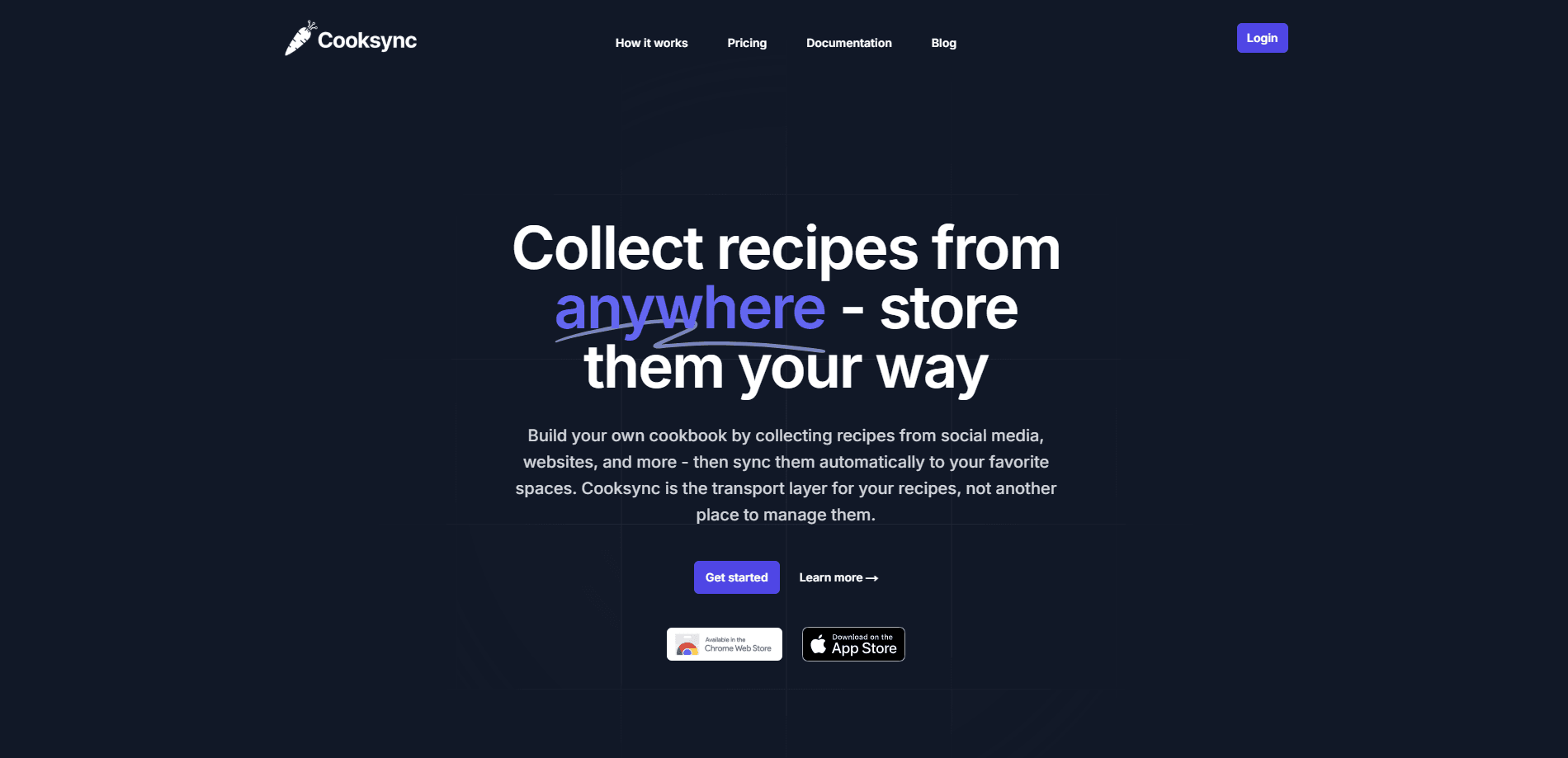
Cooksync is a recipe sync tool that collects recipes from websites and social media, then pushes them into Obsidian, Notion, or Markdown files. It works as a hub, not a place to store your cookbook.
About Cooksync
What Is Cooksync
Cooksync is a recipe collector built around one idea: you already have somewhere to keep your notes, so it shouldn't make you learn a new app. You point it at a recipe on a website or a social post, it pulls out the title, ingredients, and steps, and then it drops the finished recipe into the tool you actually use, whether that's an Obsidian vault, a Notion database, or a folder of Markdown files.
That last part is where it stands apart from a normal recipe collector or recipe manager. Cooksync doesn't ask you to build a cookbook inside its own interface. It acts as the pipe between the messy web and your own setup, and it keeps running in the background once you've connected a destination. AI handles the boring part, stripping blog stories, ads, and page clutter so you get a clean recipe instead of a wall of text.
The tradeoff is deliberate. Because Cooksync refuses to become your library, the experience depends on the platform you export to. Obsidian only pulls in new recipes when you open the app on your phone or desktop, and Notion gets updates through its API as recipes arrive. Export is also one-way for now, so edits you make after the fact stay where you made them. If you want a self-contained cooking app with meal plans and shopping lists built in, this isn't that.
Getting Started
- Create a Cooksync account on the web app and sign in.
- Pick your importer. Add the Chrome extension for desktop browsing, the iOS app for social feeds, or paste a recipe URL by hand.
- Connect an exporter under the Export page and authorize Obsidian or Notion.
- Collect a recipe and confirm it lands in your chosen destination, then fine-tune the export template if you want a different layout.
Product Information
A quick look at Cooksync's pricing, supported platforms, and performance.
Best for
The users, tasks, and scenarios where this tool fits best.
Users
- Obsidian and Notion power users
- Home cooks who hoard recipes from social feeds
- People who dislike subscription lock-in
Tasks
- Building a searchable recipe collection
- Cleaning up recipe clutter
- Cutting down on manual copy-paste
Scenarios
- Meal planning from a notes app
- Quick weeknight dinner hunts
- Long-term collection upkeep
Key features
Sync to Obsidian and Notion
Cooksync exports collected recipes to Obsidian or Notion automatically once you connect an account. Obsidian sync happens through the official Cooksync community plugin, which writes new recipes into your vault whenever you open the app. Notion receives recipes through its API as soon as they're imported, using a template you can leave as-is or replace with your own.
Import from Websites and Social Media
You can bring recipes in from almost anywhere. The Chrome extension grabs recipes while you browse on a computer, the iOS app handles shares from Instagram, TikTok, YouTube, and mobile browsers, and a manual option lets you paste a URL directly. Websites without a formal recipe still work, since Cooksync summarizes guides and keeps a link to the original.
AI Recipe Extraction
The import step uses AI to pull the recipe out of the page and drop the parts you don't need. Instead of scrolling past a family story before you reach the ingredient list, you get the title, description, ingredients, instructions, and cover image in a structured form. It also works on recipe frameworks and guides, not just classic recipe posts.
Custom Export Templates
Obsidian exports use the Handlebars templating language, so you can control exactly how each recipe file looks. You can add frontmatter tags, format dates and cooking times, and arrange fields like yield, calories, and cuisine however you like. Notion exports let you pick the built-in template or build your own layout.
Weekly Recipe Suggestions
Cooksync sends personalized recipe ideas based on what you've collected and what other users are saving. The suggestions arrive by email, which gives you something to cook beyond the recipes you already found. It's a discovery layer on top of the collector, not a separate feed you have to check.
Markdown Downloads
If you'd rather not connect a third-party service, you can download your recipes as Markdown files. That keeps everything in a plain, portable format that opens in any text editor, so you're never locked into a specific platform just to keep your collection readable.
Pros and cons
Pros
- Keeps your recipes in tools you already use, so there's no new app to maintain.
- Handles imports from websites, Instagram, TikTok, and YouTube in one flow.
- AI extraction removes blog clutter and leaves a clean, structured recipe.
- Obsidian export supports Handlebars templates for full control over file format.
- Lifetime plan at $39.99 removes recurring fees for people who just want the tool to work.
Cons
- No free plan, only a 7-day trial, so you can't test it at your own pace before paying.
- Export is one-way, which means edits made in Obsidian or Notion don't flow back into Cooksync.
- Only two built-in exporters for now, so anyone outside the Obsidian and Notion crowd has to wait or settle for Markdown downloads.
Frequently asked questions
No. Cooksync is a sync and collection tool, not a place to store and organize your cookbook. It gathers recipes from the web and social media, then sends them to Obsidian, Notion, or Markdown files, where you manage them yourself. If you want a standalone app with meal planning and shopping lists, you'll need a different tool.
Related content
Explore related tools, skills, and articles for Cooksync.
Cooksync Alternatives

Iplan AI
Iplan AI · Productivity · AI AssistantIplan AI is an AI travel planner that turns a few trip details into a full day-by-day itinerary in seconds. You answer questions about your destination, interests, budget, and travel companions, and the tool builds a plan you can edit, share, and carry with you on any device. It targets travelers who want a solid draft without spending hours in spreadsheets and browser tabs. Think of it as an itinerary generator that does the tedious part for you.

Screenhelp
Screenhelp · Productivity · AI AssistantScreenhelp is an AI screen assistant that turns a single keyboard shortcut into real-time help. You press Ctrl+Shift+Space, it captures what's on your screen, and it streams an answer into a private panel in about two seconds. Think of it as an AI screenshot helper you trigger on demand. It runs on Mac, Windows, and the web, starts free with 30 answers a month, and stays invisible during screen sharing on Zoom, Teams, and Google Meet.

Rainbow
Rainbow · AI AssistantRainbow is an AI weather forecast app built around short-term precipitation nowcasting. Its engine pushes min-by-min rain and snow predictions up to four hours ahead, blending live satellite and radar feeds into hyperlocal forecasts. The app adds live rain radar, a seven-day outlook, precipitation alerts, home-screen widgets, and a hurricane tracker, and it runs on both Android and iOS with a free tier plus paid upgrades.