

CopilotKit
CopilotKit · Coding · Chatbot
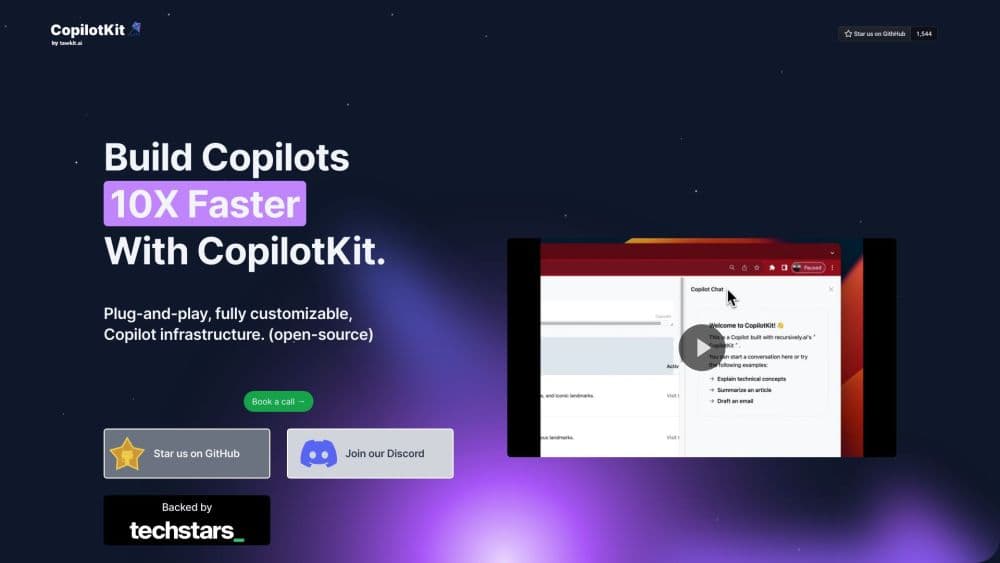
CopilotKit is an open-source AI copilot framework for adding in-app AI agents to your product, with chat, actions and generative UI for React, Angular and mobile apps.
About CopilotKit
What Is CopilotKit
CopilotKit is a developer framework that connects a user-facing app to an AI agent. Instead of building a chat window, streaming logic and tool calls from scratch, you drop a provider component and a chat component into your project and let the framework handle the plumbing. It began as a React library and now covers React, Angular, Vue, React Native and iOS, plus Slack, Teams and WhatsApp surfaces.
The gap it fills is the last mile. Plenty of teams have a working agent on the backend and no good way to show its work inside the product. CopilotKit supplies prebuilt chat interfaces, hooks that expose app state to the agent, and a way to register actions the agent can call, so a copilot can sort a table, open a record or fill a form on the live screen.
CopilotKit also maintains AG-UI, an open event-based protocol for the link between an agent backend and the frontend. That choice matters if you want to swap agent frameworks later without rebuilding the interface. The SDK is MIT licensed. The hosted runtime, CopilotKit Intelligence, is a paid product with metered threads, storage and Slack credits.
CopilotKit pricing has three limits worth weighing early. The framework expects a coded app, so no-code teams will not get far. The free hosted tier caps you at 200 threads and three days of retention. And features such as self-learning and analytics are listed in early access, so treat them as moving targets.
Getting Started
- Install the SDK in an existing project, or start from the official templates for React, Angular, Vue or React Native.
- Wrap your app in the CopilotKit provider and point it at an agent endpoint or the managed runtime.
- Register what the agent can see with readable hooks and what it can do with action hooks.
- Pick a surface: a sidebar, a popup, or a fully headless build wired to your own design system.
- Add human approval steps for any action that changes money, data or permissions, then test against real user flows.
Product Information
A quick look at CopilotKit's pricing, supported platforms, and performance.
Best for
The users, tasks, and scenarios where this tool fits best.
Users
- Frontend developers shipping a product copilot
- Product teams at SaaS companies
- Platform teams with several agent backends
- Support and operations groups building internal tools
Tasks
- Adding in-app chat
- Letting an agent act on the page
- Rendering interactive replies
- Adding approvals
- Building a Slack or Teams assistant
Scenarios
- A dashboard that answers questions about the data on screen
- A support console with a handoff
- A finance or admin tool where mistakes are costly
- A quick prototype for a new agent idea
Key features
Chat UI Components
The library ships ready-made chat surfaces: a full chat panel, a sidebar and a popup. Each one streams responses and supports generative UI out of the box. You can swap individual subcomponents, such as the message bubble or the input, through slots, so the copilot inherits your product's look without a rewrite. For full control, the same behavior exists as headless hooks.
Generative UI
Agents can answer with real interface elements rather than prose. CopilotKit supports three patterns: a controlled mode where you predefine components and the agent picks one and fills it with data, a declarative mode where the agent proposes a UI tree the app validates, and an open mode for richer output. In practice, a question about vendor spend returns a chart with your own styling, and a refund request returns a form the user can submit.
In-App Actions and Shared State
Hooks let you expose application state to the agent and register functions it can call. The agent sees the current table, the selected record or the open form, then takes a step such as sorting a column or navigating to a detail page. State changes propagate back to the app, so what the agent does stays visible and reversible instead of disappearing into a chat log.
Human in the Loop Approvals
Any action that touches money, permissions or customer data can require a confirmation before it runs. The request appears in the conversation with the specific parameters filled in, and the user approves or rejects it there. This is the feature that makes agent-driven products defensible in regulated, customer-facing work, where an unreviewed agent action is not acceptable.
AG-UI Protocol and Agent Backends
AG-UI is an open, event-based protocol that standardizes how an agent backend talks to a frontend. CopilotKit maintains it and ships connections for LangGraph, CrewAI, Mastra, Google ADK, AWS Strands, the OpenAI Agents SDK and the Claude Agent SDK, with roughly twenty more available. Because the protocol is separate from the SDK, you can change the agent framework later and keep the frontend code.
Self-Hosting and CopilotKit Intelligence
The frontend SDK runs under the MIT license, and the runtime can be self-hosted so data stays in your infrastructure, including on-premises or in a VPC. The managed option, CopilotKit Intelligence, adds thread storage, hosting, Slack and Teams channels, an inspector for debugging runs, and analytics. Paid plans raise thread retention and storage caps.
Pros and cons
Pros
- The open-source SDK removes the repetitive work of chat streaming, tool calls and context wiring.
- AG-UI keeps the frontend independent of the agent framework, which lowers the cost of switching later.
- Prebuilt components cover sidebar, popup and headless builds, so you can match your own design system.
- Human approval steps make agent actions auditable, which matters for customer-facing and finance workflows.
- A free hosted tier with 200 threads and one connected Slack or Teams organization covers early prototypes.
Cons
- It is a coding tool, so marketing teams or solo founders without frontend skills cannot use it directly.
- The free tier keeps threads for three days and caps storage at 1 GB, which is tight for real testing with users.
- Self-learning, analytics and several enterprise capabilities sit in early access, so their behavior can change.
- Documentation and API names have shifted across major versions, so older tutorials can mislead during setup.
Frequently asked questions
It adds an AI assistant to an application you already build: a chat panel, agent actions inside the page, and generated interface elements such as charts or forms. Developers use it so the agent can act on the live app state instead of answering in a separate window.
Related content
Explore related tools, skills, and articles for CopilotKit.
CopilotKit Alternatives

Base Code
Base44 (Wix) · Coding · ProductivityBase Code is a shared cloud development environment from Base44. Teammates describe changes to an existing GitHub codebase in chat, preview them live and send them back as pull requests.

Google EmbeddingGemma 2
Google DeepMind · Writing · Image · CodingGoogle EmbeddingGemma 2 is a 740M-parameter open model that turns text, code, images, audio, and video frames into vectors in one 768-dimension space, running on phones and laptops.

GitGlow
GitGlow · Coding · ProductivityGitGlow is a local-first desktop Git client that lets independent developers review their own code and their AI agents' changes in one place before shipping.