

Corgea
Corgea · Coding
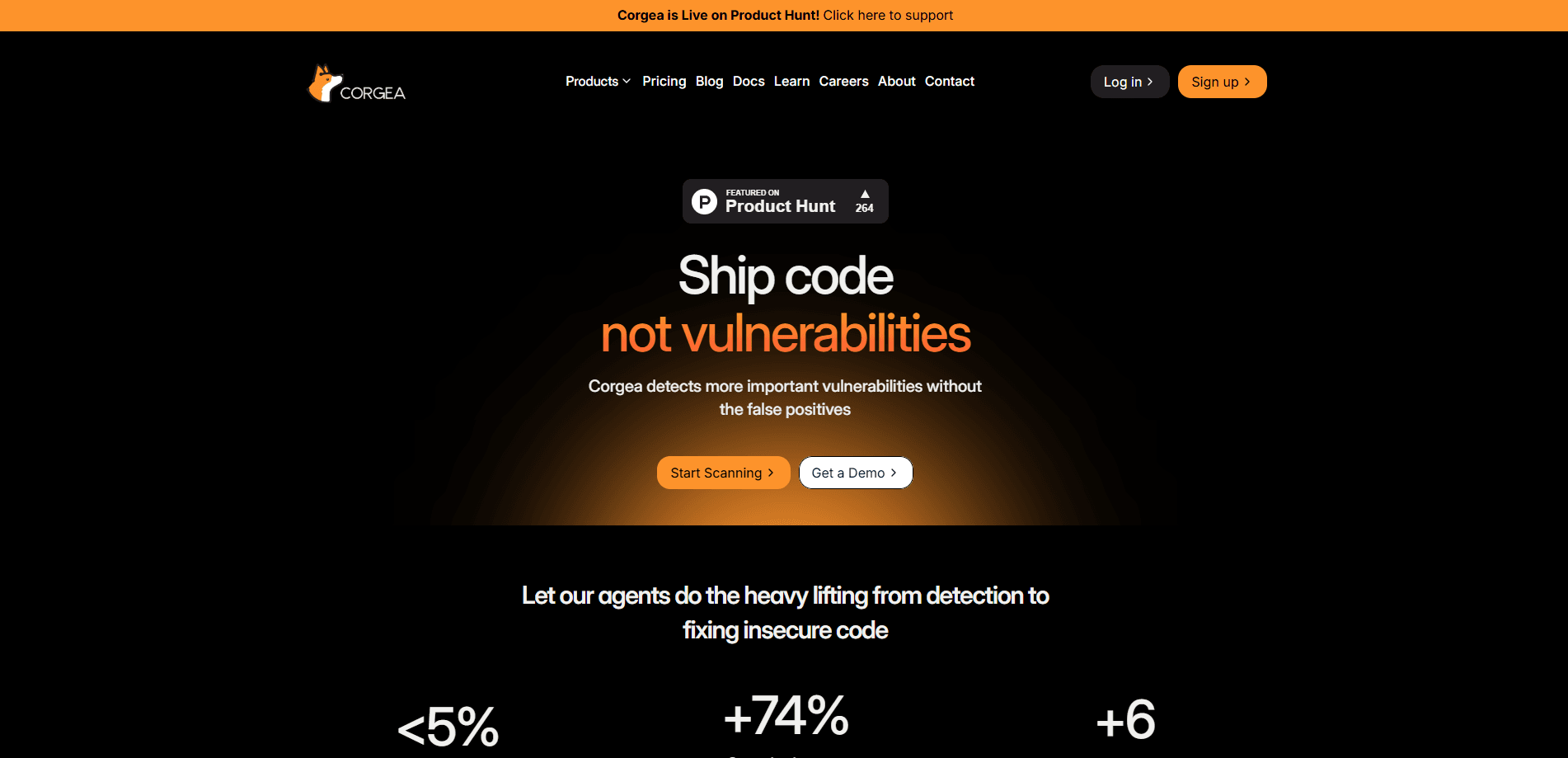
Corgea is an AI application security platform that scans your code, packages, and infrastructure, then writes ready-to-merge fixes to help teams fix insecure code instead of just filing tickets.
About Corgea
What Is Corgea
Corgea is an AI-native application security platform built for developers. It reads your code, business logic, and infrastructure to surface real risk, then hands back vulnerability remediation work as fixes that fit the workflow you already use.
Most AppSec platforms stop at detection. They dump thousands of alerts into a dashboard, and someone has to spend weeks sorting the noise from the threats. Corgea, a static analysis security testing tool at heart, attacks that bottleneck from both ends: it tries to catch flaws traditional scanners miss, such as broken authentication and authorization gaps buried in real application flows, and it writes the patch once it confirms the issue is real.
The catch is that Corgea leans on AI models to do the reasoning, and the company's accuracy claims (2x more true positives, 3x fewer false positives, 90%+ autofix accuracy) come from its own testing on customer codebases. The marketing also leans on abstract terms like false positive reduction, so check the numbers against your own repos before trusting them. Treat those as vendor numbers, not independent benchmarks. The free plan is also capped at 2 team members and 10 repositories, so growing teams hit paid tiers fast.
Getting Started
- Sign up at corgea.app with your email. No credit card is needed for the free plan.
- Connect a repository through the GitHub app, or pull in GitLab, Azure DevOps, Bitbucket, or Harness if that's where your code lives.
- Let Corgea run its first scan. It maps reachable routes, auth flows, and dependency risk, then reports findings in minutes.
- Review the ranked issues, accept auto-generated fixes, and let Corgea open pull requests against your branch.
Product Information
A quick look at Corgea's pricing, supported platforms, and performance.
Best for
The users, tasks, and scenarios where this tool fits best.
Users
- Software developers
- AppSec and security engineers
- Startup engineering leads
- Compliance-minded enterprises
Tasks
- Fixing insecure code at scale
- Catching business logic flaws
- Pre-merge security checks
- Cleaning up vulnerable dependencies
Scenarios
- Shipping a new feature fast
- Adopting AI coding assistants
- Preparing for an audit
- Hardening an inherited codebase
Key features
AI Static Analysis (AI SAST)
Corgea's core scanner reads source code the way a human reviewer would, not just by matching patterns. It targets logic-level flaws like broken authentication, missing authorization checks, and access control gaps that rule-based tools often miss. The company reports its engine finds around twice the true positives of legacy SAST while flagging far fewer false alarms.
Auto-Fix Pull Requests
Every confirmed finding comes with a suggested patch delivered as a pull request in your repo. You review the diff, tweak it if needed, and merge. This keeps the fix inside the developer's normal workflow rather than a separate remediation queue. Free accounts get 10 auto-fixes, Growth and Scale raise that to 50 and 200.
Autonomous Pentesting Agents
Corgea's pentest engine runs like a small security team. A coordinator agent spawns specialist sub-agents (authentication discovery, API exploration, injection testing) that share findings and adapt as they learn. In one published test, the company says its agents found 25 findings versus 6 from a human pentester, delivering results in hours instead of weeks.
Broad Scanner Coverage
One platform covers SAST, dependency scanning, secrets detection, container scanning, and infrastructure-as-code misconfigurations. That matters because most security programs run these as separate tools with separate alerts. Corgea merges them into a single issue list ranked by what attackers can actually reach.
Developer and Agent Integrations
Corgea plugs into GitHub, GitLab, Azure DevOps, Bitbucket, and Harness for source control, and into VS Code, Cursor, Visual Studio 2022, and IntelliJ for in-editor feedback. It also ships an MCP server, so AI coding agents can pull and act on findings autonomously.
Risk Prioritization by Reachability
Instead of ranking by raw severity, Corgea traces runtime paths from public entry points to the code and packages they touch. It connects multiple converging routes to the same weak point and maps impact to vulnerable code, so teams fix what's exploitable first.
Pros and cons
Pros
- Delivers fix insecure code output as pull requests, so vulnerability remediation happens where developers already work.
- Combines five scan types in one platform, cutting tool sprawl and duplicate alerts.
- Free plan includes real SAST and logic scanning, not just a demo.
- MCP server and IDE extensions let AI agents act on findings without a human handoff.
Cons
- The free plan caps you at 2 seats and 10 repos, which is tight for any team past the prototype stage.
- Accuracy claims (fewer false positives, higher autofix rates) come from the vendor's own tests, so third-party validation is still thin.
- Some security leaders remain cautious about autonomous code changes touching production branches without a human gate.
Frequently asked questions
Yes. There's a free plan with no credit card required that covers AI SAST, logic and auth scanning, dependency scanning, secrets detection, container scanning, and IaC scanning. It's limited to 2 team members and 10 repositories, and includes 10 auto-fixes.
Related content
Explore related tools, skills, and articles for Corgea.
Corgea Alternatives

Base Code
Base44 (Wix) · Coding · ProductivityBase Code is a shared cloud development environment from Base44. Teammates describe changes to an existing GitHub codebase in chat, preview them live and send them back as pull requests.

Google EmbeddingGemma 2
Google DeepMind · Writing · Image · CodingGoogle EmbeddingGemma 2 is a 740M-parameter open model that turns text, code, images, audio, and video frames into vectors in one 768-dimension space, running on phones and laptops.

GitGlow
GitGlow · Coding · ProductivityGitGlow is a local-first desktop Git client that lets independent developers review their own code and their AI agents' changes in one place before shipping.