

Cosine
Cosine · Coding
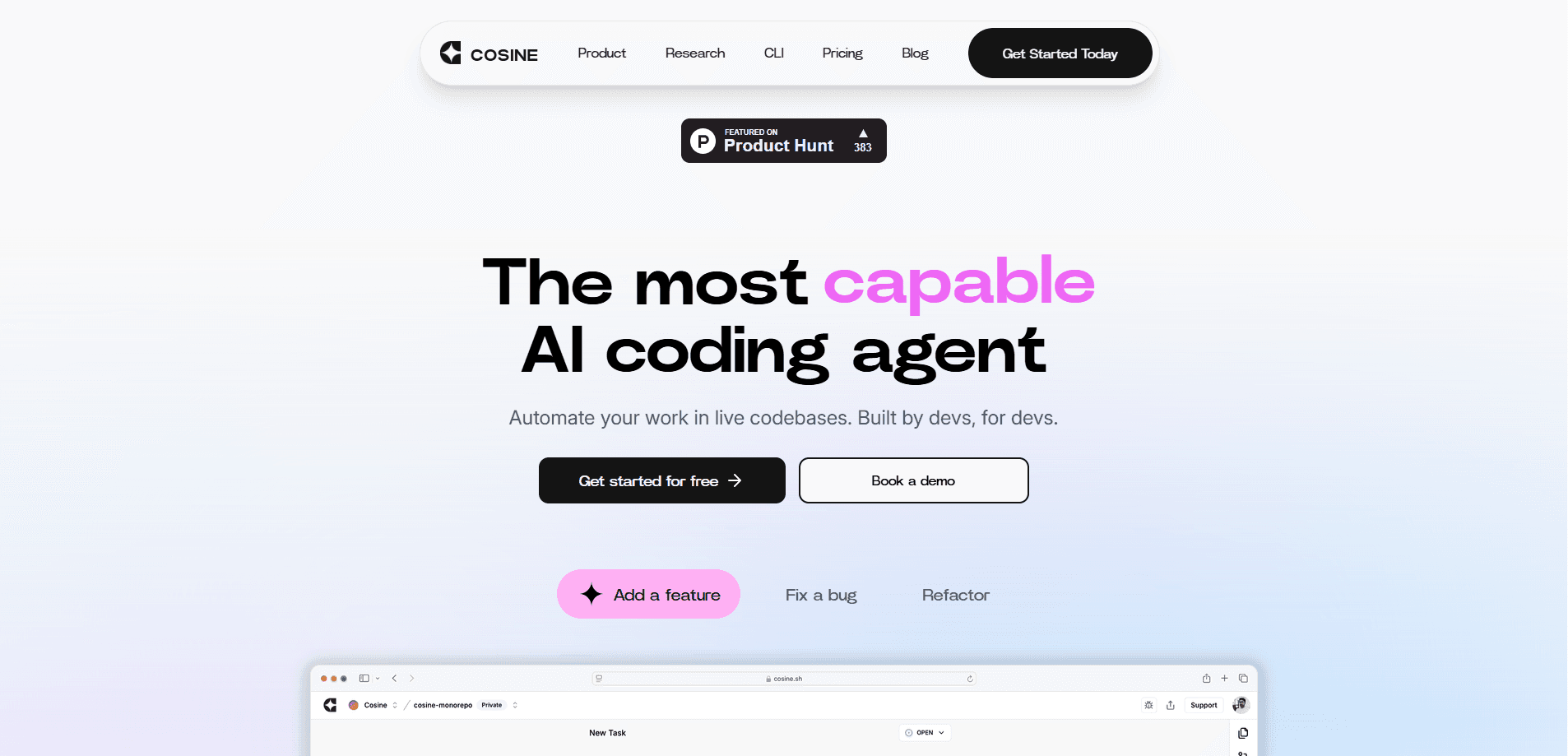
Cosine is an AI coding agent that plans, writes and ships real software across the terminal, cloud and desktop, and it can run inside secure or fully air-gapped environments.
About Cosine
What Is Cosine
Cosine is an AI coding agent built for real software engineering work. It grew out of the autonomous AI engineer Genie, which Cosine launched in 2024 and has since expanded into a full platform and its own model family called Lumen. The idea behind it is narrow on purpose: a model trained on production code, from real engineering teams, should beat a generalist at the one job developers actually need done.
The product spans how teams already work. You can start in a terminal with a local-to-remote execution model, run multiple coding tasks in parallel in the cloud, or work from a desktop app. Cosine connects to external tools through MCP and coordinates several agents on one job, so a large migration can be split across tasks instead of handed to a single pass.
The main limits follow from that positioning. Cosine targets organisations that need frontier coding capability inside their own security boundary, so the selling motion leans toward teams rather than casual users. Pricing starts at $19 a month, but the deeper controls and private deployments sit behind higher plans, and a fully air-gapped install is an enterprise arrangement rather than something you switch on yourself.
Getting Started
- Create an account on the Cosine site and pick the surface you want to work in, such as the CLI, the desktop app or the cloud.
- Connect your codebase and the tools you use, which the platform reaches through MCP so the agent can act on real repositories.
- Point the agent at a task, from a quick fix to a larger migration, and let it plan the steps before it writes code.
- Review the changes it proposes, run them through your tests, and ship the result through your normal workflow.
Product Information
A quick look at Cosine's pricing, supported platforms, and performance.
Best for
The users, tasks, and scenarios where this tool fits best.
Users
- Software engineers
- Engineering teams shipping at scale
- Regulated and enterprise teams
- Solo developers and side projects
- Platform and DevOps engineers
Tasks
- Bug fixing to feature building
- Large-scale migrations
- Working in legacy and niche languages
Scenarios
- Clearing a backlog of issues
- Planning a risky change
- Working inside a strict security perimeter
Key features
Lumen model family
Cosine trains its own models rather than only wrapping someone else's. The current lineup includes Scout, post-trained from Devstral 123B, and Outpost, post-trained from Kimi K2.6, with a third model, Sovereign, listed as coming soon. The pitch is a specialist trained on production code, so it writes for maintainability and readability instead of volume.
Three surfaces, one workflow
You can work in a terminal, a desktop app or the cloud, and move between them as a task grows. The terminal gives a local-to-remote execution model, the cloud runs many tasks at once, and the desktop keeps it on your machine. That spread matters because coding rarely stays in one place.
Parallel cloud tasks
The cloud lets a team run multiple coding tasks side by side and plan a large change across engineers, PMs and stakeholders in a shared project. It turns a single request into a small fleet of jobs, which is where the time saving shows up on bigger work.
MCP tool access and multi-agent orchestration
Cosine reaches external tools through MCP and coordinates several agents on one job. That means the agent can use the systems you already run, and a complex change gets broken into parts rather than attempted in one shot.
Deployment to fit your security setup
You can start in a managed public cloud and move to a managed single-tenant cloud or a fully air-gapped install as requirements tighten. The air-gapped option is aimed at organisations that need Cosine to run entirely inside their own perimeter, which is the part most coding agents skip.
Post-trained for enterprise languages
Beyond mainstream stacks, the models are post-trained for languages like COBOL, Fortran, Verilog, Rust and complex SQL. That matters for teams maintaining long-lived systems that general-purpose models handle poorly.
Pros and cons
Pros
- Trains its own coding models instead of reselling an existing one, which points at better output on production code.
- Runs across terminal, desktop and cloud, so it fits teams that work in more than one place.
- Parallel cloud tasks and multi-agent planning suit large migrations that would be painful in a single pass.
- Offers managed single-tenant and fully air-gapped deployments for regulated and enterprise work.
- Post-trained for enterprise and niche languages like COBOL, Fortran and Verilog, which most agents ignore.
Cons
- There's no free plan, so you can't try the agent before paying, and the entry tier starts at $19 a month.
- The security features that set Cosine apart, like air-gapped deployment, sit behind higher plans and a sales conversation.
- API availability isn't documented publicly, so you can't count on it for custom automation.
- Because it targets teams and regulated buyers, solo developers may find the platform heavier than they need.
Frequently asked questions
Cosine is an AI coding agent for real software engineering work, covering everything from quick fixes to complex migrations across the CLI, cloud and desktop, and it trains its own model family called Lumen.
Related content
Explore related tools, skills, and articles for Cosine.
Cosine Alternatives

Base Code
Base44 (Wix) · Coding · ProductivityBase Code is a shared cloud development environment from Base44. Teammates describe changes to an existing GitHub codebase in chat, preview them live and send them back as pull requests.

Google EmbeddingGemma 2
Google DeepMind · Writing · Image · CodingGoogle EmbeddingGemma 2 is a 740M-parameter open model that turns text, code, images, audio, and video frames into vectors in one 768-dimension space, running on phones and laptops.

GitGlow
GitGlow · Coding · ProductivityGitGlow is a local-first desktop Git client that lets independent developers review their own code and their AI agents' changes in one place before shipping.