
Cotera
Cotera · Marketing
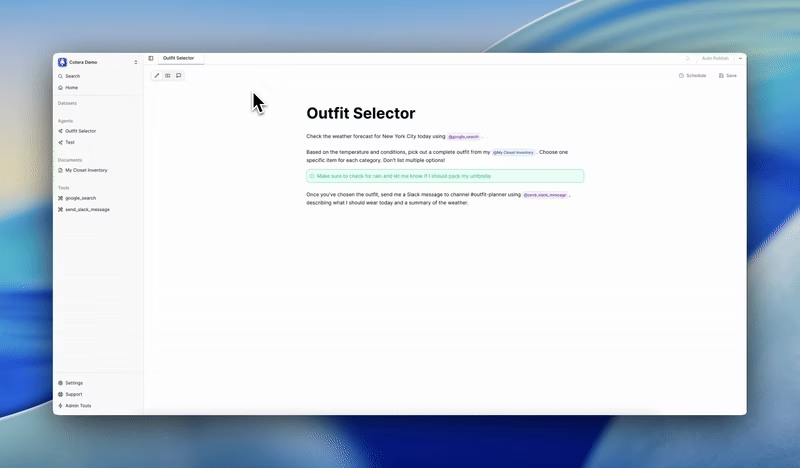
Cotera is an AI agent platform that builds and runs automation workflows from plain-English instructions. You describe the job you want done, and its agent, called Coco, turns that into a scheduled task that reads your data and calls the tools your team already uses. It's built for business process automation: think customer support automation, recurring reporting, and follow-ups that normally eat a team's week. It's AI workflow automation without the wiring. It connects to more than 200 first-party integrations plus warehouses and any HTTP API, and you don't need to code to set one up.
About Cotera
What Is Cotera
Cotera is an agentic AI platform for business process automation. It builds no-code AI agents you describe rather than program. Wiring up triggers and actions by hand is the usual path with automation tools; Cotera skips that. You describe an outcome, and it generates an agent that runs on a schedule, pulls the right context, and writes results back into your existing tools. The pitch is simple: cut the busywork that eats your team's week.
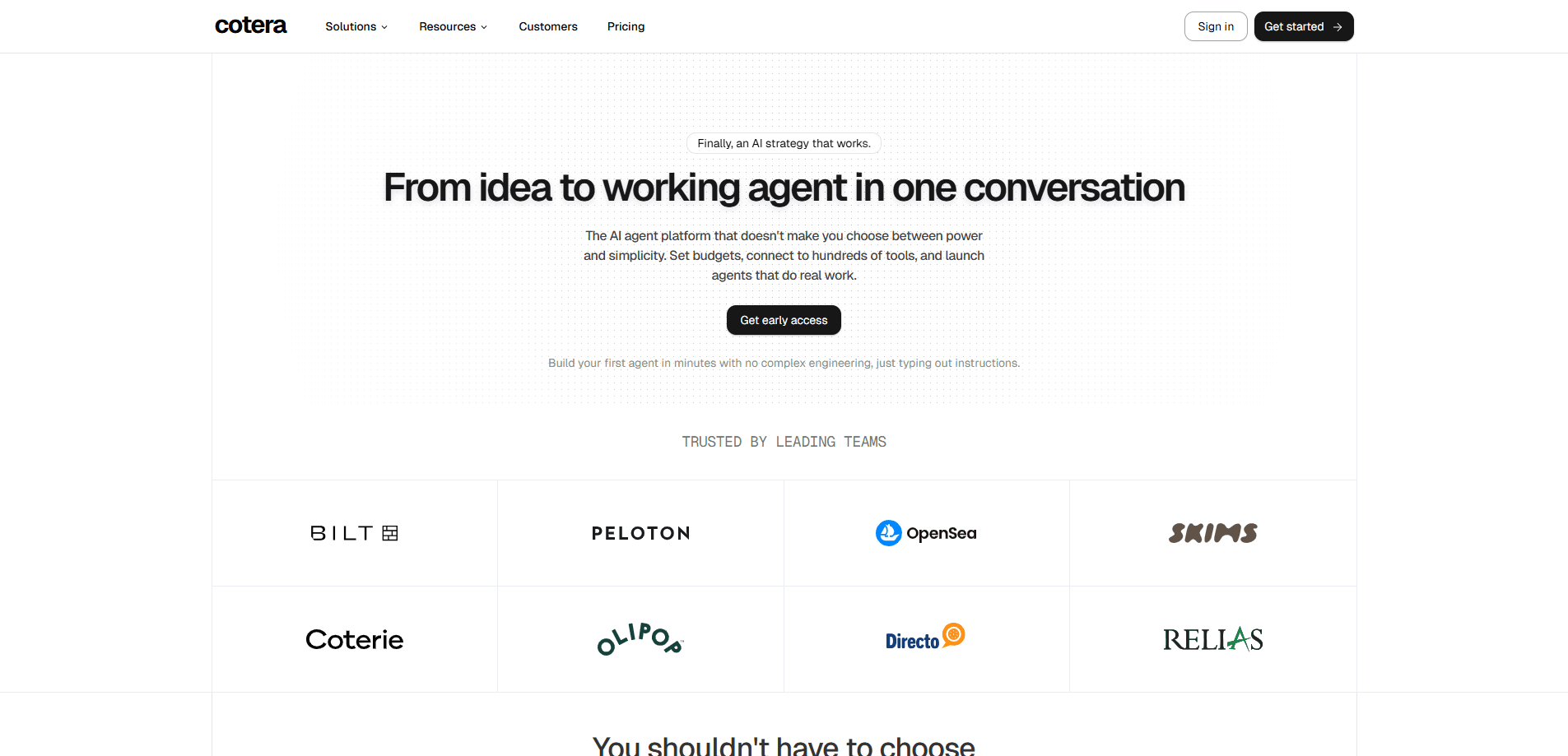
The company was founded in 2023 and is based in New York City. It holds SOC 2 Type II compliance, which matters if you're routing customer data, support tickets, or CRM records through it. Cotera says it powers workflows for companies of all sizes, from internal ops to scaled customer support to multi-agent systems.
Setup takes minutes, not a sprint. The main limitation is that it's built for teams, not individuals. Pricing runs on credits tied to the AI models and tools each agent uses, so costs scale with usage rather than sitting at a flat monthly rate. New users can build their first agent for free without a credit card, but serious automation volume means paying.
Getting Started
- Sign up on the Cotera site and build your first agent for free, with no credit card required.
- Describe the task in plain English, and let Coco draft the agent workflow from your description.
- Connect the tools you want the agent to reach, picking from 200+ integrations or an HTTP API for anything custom.
- Set the schedule the agent should run on, then review its output before you push it live.
- Adjust the agent as results come in, and buy credits or a plan once you're ready to scale past the free build.
Product Information
A quick look at Cotera's pricing, supported platforms, and performance.
Best for
The users, tasks, and scenarios where this tool fits best.
Users
- Operations teams
- Customer support leads
- Growth and marketing teams
Tasks
- Ticket routing
- Voice of customer analysis
- Churn prevention
- Documentation upkeep
Scenarios
- A support team drowning in repetitive triage wants agents to sort requests before a human opens them.
- A small ops team at a growing company needs to connect its CRM, warehouse, and ad tools without hiring engineers.
- A customer success manager wants automated health monitoring instead of checking accounts by hand each week.
Key features
Plain-English Agent Building
You describe what you want done, and Coco converts that into a working agent that runs on your schedule. There's no drag-and-drop canvas or trigger tree to learn, which lowers the bar for non-technical teams. Nice. The trade-off is you'll want to review what the agent actually does before trusting it with live data. Good practice anyway.
200+ First-Party Integrations
Cotera wires directly into CRMs, support tools, marketing platforms, and ad tools, plus warehouses and any HTTP API. These AI integrations cover the tools most teams already live in. It doesn't ship MCP, and that's a deliberate choice, since MCP is the protocol many agent tools rely on. Instead, every connector is hand-built and tested by the team, a choice aimed at making agents work reliably on the first run rather than needing repeated fixes.
Schedule-Based Execution
Agents don't just respond when poked. They run on a schedule you set, hitting the right tools and reporting results back without anyone kicking them off. So what does that buy you? For recurring work like weekly reporting or daily follow-ups, it turns a manual chore into background noise. Set it once. Forget it.
Customer Health Monitoring
The platform can watch for signs that a customer is about to churn and fire off outreach campaigns to head it off, so support and success teams act on early warnings instead of reacting after the renewal is already lost. It works best when your account data lives in one of the connected tools. Not ideal otherwise.
Voice of Customer Analysis
Cotera can extract key themes and sentiment from customer feedback spread across support tickets, surveys, and social media. Product and support leads get a read on what customers actually complain about, without manually tagging hundreds of messages. No spreadsheets required.
Response Quality Assurance
Before a support reply goes out, the platform can review it for tone, accuracy, and completeness. That adds a check between a drafted answer and the customer seeing it. Fewer tone-deaf replies. Fewer incomplete ones.
Proactive Issue Detection
Agents can monitor system logs and user behavior to catch emerging problems early, then alert support teams. Catching an issue during a spike beats hearing about it from customers. That's the whole point, and it pairs well with the routing and QA features above.
Pros and cons
Pros
- Build automation in plain English, no coding or workflow diagramming needed.
- 200+ first-party integrations cover most common CRM, support, marketing, and ad tools.
- Hand-built connectors aim for reliability on the first run, not just on paper.
- Free to start building, with no credit card required.
- SOC 2 Type II compliance suits teams handling customer data.
Cons
- Credits-based pricing means costs scale with usage, so budgets are harder to predict upfront.
- No MCP support, so teams standardized on that protocol will need a different approach.
- Built for teams and enterprises, which makes it overkill for solo users with simple needs.
- Agents still need oversight and review before they touch live customer-facing work.
Frequently asked questions
It builds AI agents that automate recurring business tasks. You describe a job in plain English, and the platform turns it into a scheduled agent that reads your data, calls your connected tools, and reports results back.
Related content
Explore related tools, skills, and articles for Cotera.
Cotera Alternatives

Emailwritr
Emailwritr · Writing · MarketingEmailwritr is an AI email copywriting tool built for affiliates, course creators, and online businesses that want more revenue from the list they already own. Instead of blank pages or generic chatbot prompts, this AI email writer generates welcome sequences, launch campaigns, cart recovery emails, and promo series from frameworks modeled on well-known direct-response copywriters. You connect your autoresponder, answer a few questions about your offer, and it writes the copy for you.

Prosp
Prosp · Writing · Voice & Language · MarketingProsp is an AI LinkedIn outreach tool built for agencies and sales teams, and it writes the message and the voice note in your own voice for each prospect so they actually reply. You connect your accounts, find leads, and let the AI draft and send personalized messages at scale, all from one inbox. It's built for people running outbound at volume. That's the whole pitch. Every touchpoint still has to feel human.

On Model
On Model · Image · MarketingOn Model is an AI fashion model tool that places your clothing on virtual models so online stores can get on-model product photos without booking a photoshoot. It runs as a Shopify app, letting you swap the model in an existing image, change backgrounds, and generate faces for cropped or headless shots. The goal is simple: match your product photos to your customers and stand out from competitors using the same supplier images.