

CrawlChat
CrawlChat · Marketing · Leaning
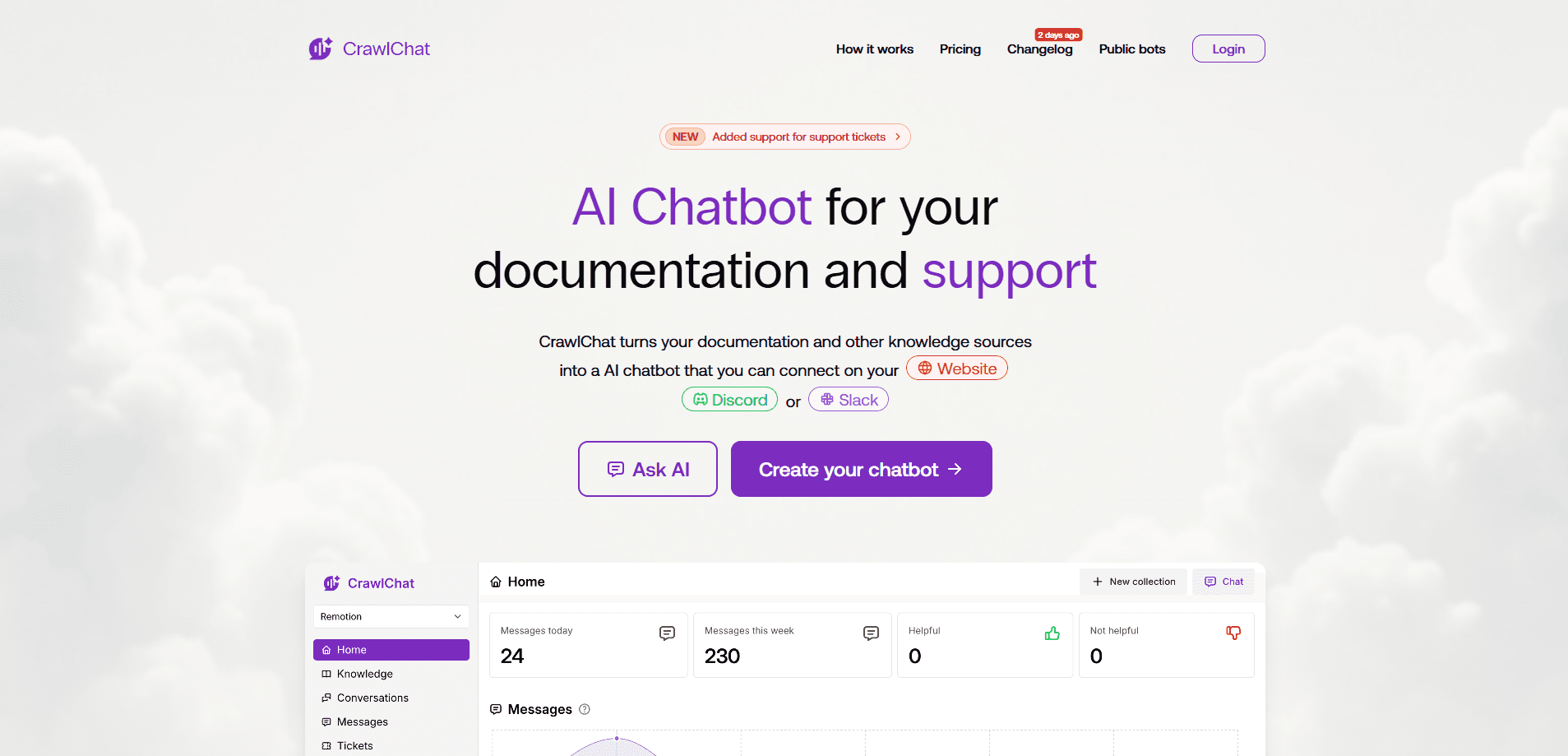
CrawlChat turns your technical documentation into an AI chatbot, an AI knowledge base you can query on your website, Discord, Slack, GitHub and via API. Plans start at $29 per month.
About CrawlChat
What Is CrawlChat
CrawlChat is a docs chatbot platform that connects your documentation sources and trains an AI support agent on them. It reads public documentation sites, GitHub repositories, Notion, Linear and Confluence workspaces, then answers questions in plain language with source citations.
The product targets teams that field the same support questions every week. Instead of pointing users to a static help center, you embed a chat widget that pulls the answer from the exact page that covers it. The same agent can run as a Discord bot, a Slack app, a GitHub bot, or behind an API and an MCP server, so community and developer channels stay on one knowledge base.
The main limit is scope. CrawlChat only answers from what you connect, so the quality of your documentation caps the quality of its replies. Handwritten or scanned content that the crawler can't read cleanly leaves gaps. There's no permanent free plan; you get a 7-day trial before a paid tier starts.
Getting Started
- Sign in to the CrawlChat dashboard and create an agent with a recognizable name such as your product name.
- Add a knowledge group: choose Web for a public docs site, Docusaurus for a Docusaurus project, or Upload for files, then point it at the entry URL.
- Wait for the sync to finish and open the Pages tab to confirm the imported content holds real instructions, not menus or error pages.
- Set the chat prompt, pick an AI model, and choose a visibility type so public embeds stay public and internal bots stay private.
- Connect a channel such as the web embed, Discord, Slack, GitHub, API or MCP, then test a real question before inviting users.
Product Information
A quick look at CrawlChat's pricing, supported platforms, and performance.
Best for
The users, tasks, and scenarios where this tool fits best.
Users
- Developer relations teams
- SaaS support teams
- Open source maintainers
Tasks
- Answering questions from existing documentation
- Finding documentation gaps
- Serving answers inside community channels
Scenarios
- Launching a self-serve support layer on a product docs site
- Reducing repetitive replies in a busy developer community
- Powering an internal assistant over private sources
Key features
Multi-source knowledge sync
CrawlChat imports content from web docs, Docusaurus sites, GitHub issues and discussions, Notion, Linear, Confluence and manual uploads. You can mix sources in one agent, and for sources with sync controls, automatic updates keep answers aligned with the latest version of your product. That matters when your docs change weekly.
Embeddable chat widget
A script tag drops the Ask AI widget onto any docs site. You control the welcome message, example questions and brand colors from the Branding tab, and the widget runs on narrow screens as well as desktop. For teams on Docusaurus, setup is a copy-and-paste step rather than a build.
Answers grounded in your content
This RAG chatbot answers with retrieval-augmented generation, so replies come from your connected sources rather than open-ended model guesses. When a question falls outside your content, it acknowledges the missing information instead of inventing instructions. Citations let users confirm the answer against the original page.
Every channel from one agent
The same agent powers a web widget, a Discord bot, a Slack app, a GitHub bot, an MCP server and a REST API. A single workspace can connect multiple Slack workspaces, Discord servers and GitHub repositories while sharing one knowledge base. Your tone and escalation rules stay the same across every channel.
Analytics and data gaps
The dashboard tracks conversations, source health and failed imports, and the Data gaps view lists the topics users ask about that your documentation doesn't answer clearly. That turns recurring questions into a to-do list for writers. An analytics panel also reports per-channel activity.
Self-hosting and open source
CrawlChat is open source, with a repository that runs a React front end, an Express answer server, a BullMQ sync worker and the Discord and Slack apps. You can run everything on your own infrastructure with Docker Compose and either a PostgreSQL pgvector index or Pinecone. Self-hosting needs a license from the sales team.
Pros and cons
Pros
- One knowledge base feeds the website widget, Discord, Slack, GitHub, API and MCP, so you set up the content once.
- Answers cite their sources, which helps users verify the reply and builds trust in a docs assistant.
- The Data gaps view tells you exactly which questions your documentation fails to answer.
- Open source code and Docker deployment let teams with strict data rules keep everything in-house.
- Simple 7-day trial and a $29 entry tier keep the cost of trying it low.
Cons
- There's no free plan, so you can't run it indefinitely without paying once the trial ends.
- Answer quality depends entirely on your documentation; thin or outdated docs produce thin answers.
- Self-hosting requires a separate license and hands-on Docker, OpenRouter and Auth0 configuration, which is heavy for a solo maintainer.
- Credits, not messages, set the limit, and the message count per credit shifts with the model you choose, so usage is hard to predict up front.
Frequently asked questions
CrawlChat connects your documentation and other sources, then trains an AI agent that answers user questions from that content. You can deploy it as a website widget, a Discord or Slack bot, a GitHub bot, or through an API and an MCP server.
Related content
Explore related tools, skills, and articles for CrawlChat.
CrawlChat Alternatives

ngram 2.0
ngram · Video · Marketingngram 2.0 is an AI video generator for teams. It turns a prompt, a screen recording, or a product URL into a narrated explainer, product demo, or AI avatar video, and every scene stays editable.

shippedit.me
Krawlup · Marketing · Businessshippedit.me now redirects to Krawlup, a web platform that audits SEO, AEO and page speed every week, then hands the fixes to AI coding agents over MCP.

MePersona
MePersona, Inc. · Writing · Productivity · MarketingMePersona is an AI unified inbox for creators. It learns your voice, drafts replies to fan messages from 12 platforms, and sends only what you approve.