

Creads
Creads · Marketing · Business
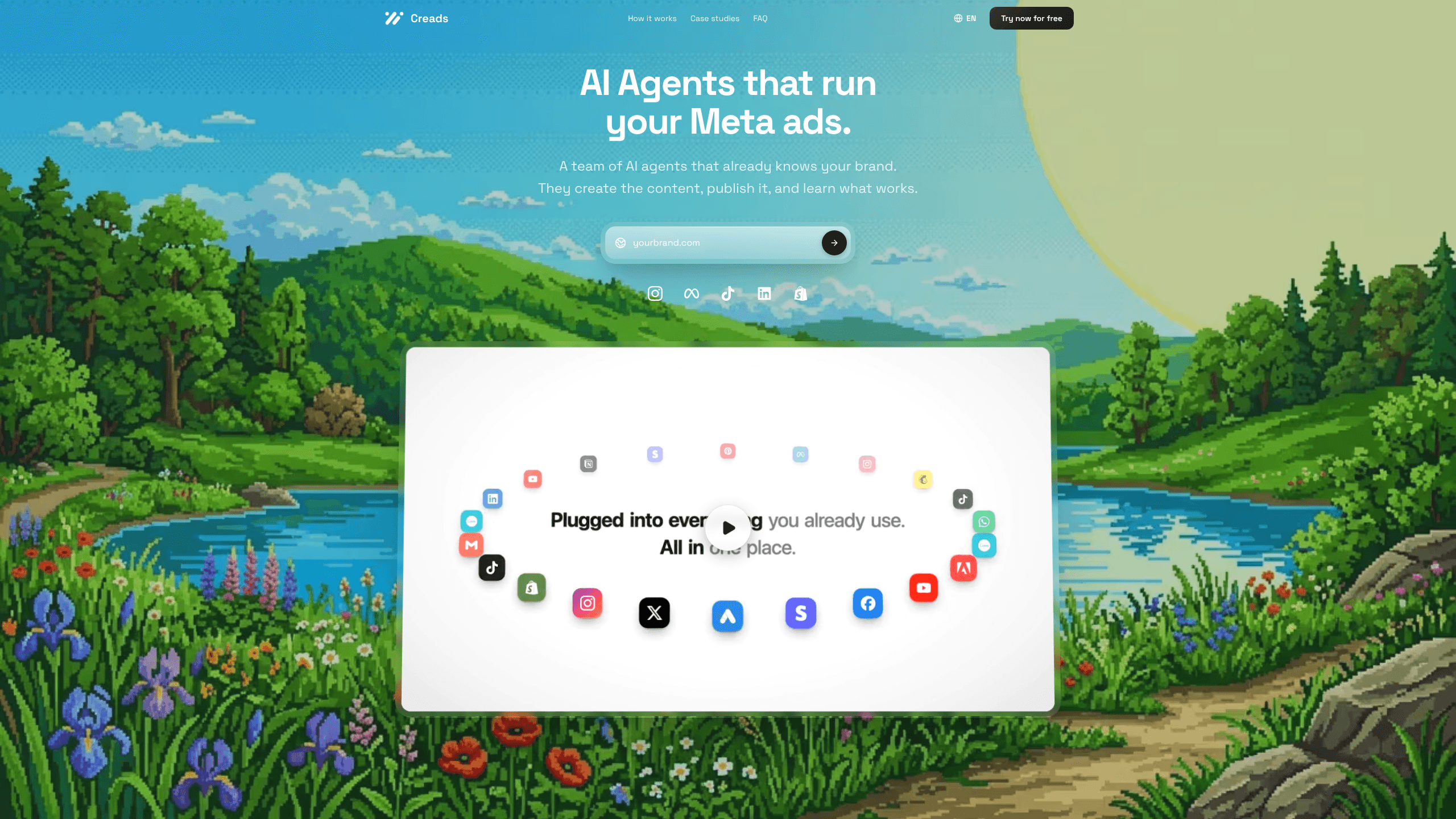
Creads is an AI marketing platform built to run most of a brand's social and ad workflow by itself. You describe what you want in plain words, and it shoots product photos, writes scripts, edits UGC-style videos, schedules the posts and reports the results back. It acts as a full AI marketing automation layer for the whole loop. It's aimed at small teams and solo marketers who need steady content output without hiring a studio.
About Creads
What Is Creads
Creads markets itself as "your marketing, running on its own," and that's a fair summary of what it does. This AI marketing automation platform chains together the parts of a campaign that usually sit in separate tools: shooting product visuals, scripting and editing short-form video, publishing to every connected account, and tracking how each post performs.
It reads your brand before it makes anything. Point Creads at creads.studio or your product page and it pulls your colours, tone and audience, then reuses them across every asset. In the demo flow on the site, the assistant notes the fluo-pink-on-black palette and a Gen-Z audience, then leans into close-up shots because those performed best last time. That memory is the sales pitch. Each batch is supposed to be sharper than the one before.
The honest limit is that this is a young, workflow-first product, not a design studio. The output is built for social feeds and paid ads, and you'll still want a human to review anything that goes live. Pricing isn't published, so you have to talk to the team before you know what it costs. That's a real drawback for anyone comparing options quickly.
Getting Started
- Connect your accounts. Link the social and ad platforms you publish to, such as Meta, TikTok and LinkedIn, from the integrations list.
- Feed it your brand. Give Creads your website or product page so it can pull your palette, tone and audience before generating anything.
- Ask for what you want. Type a plain-language request like "shoot my new drop" instead of building a brief or writing prompts.
- Review and schedule. Check the photos, scripts or videos it returns, then let its agents queue the posts and ads.
- Save the flow as an automation. Once a workflow works, save it so the whole loop repeats daily, either in ask-first mode or full autopilot.
Product Information
A quick look at Creads's pricing, supported platforms, and performance.
Best for
The users, tasks, and scenarios where this tool fits best.
Users
- Solo marketers and founders
- Small ecommerce teams
- Social media managers
Tasks
- Product photography
- UGC-style video
- Ad creation
- Reporting
Scenarios
- A new product drop
- Daily content on autopilot
- Testing ad angles
Key features
Ask in plain words, not prompts
The core interaction is conversational. You tell Creads what you want the way you'd tell a colleague, and it handles the photography, script and edit. The site's example is as simple as "shoot my new drop," after which it returns a set of images shot in your palette. That removes the prompt-writing skill most AI tools quietly demand. This is where the platform's AI content automation starts to feel less like software and more like a teammate.
Brand memory across every asset
Before it generates anything, Creads reads your brand from your website or product page and stores what it learns, tracking your colours, tone and audience along with which posts performed best. Later batches reuse that context, so a poster and a video from different weeks still look like they came from the same brand, even when nobody briefed a designer.
AI agents that publish for you
Two named agents, Marco and Gaia, handle launch and scheduling. Marco runs the ads while Gaia queues the posts, pushing straight to Meta, TikTok and whatever else you connect. You can cancel anything before it goes live from a single scheduled view, which keeps a human in the loop for last-minute changes. Handy when a launch date slips.
UGC and ad templates
Creads ships with ready-made automations it calls templates, including UGC SAAS, Product Reveal, Instant Ad, Static Ad, UGC Unboxing, Styled Flat Lay and UGC Ad. Each one covers a familiar format, so you pick the style you need instead of building a workflow from zero. Instant Ad, for instance, turns a product link into a finished ad with the script, shoot and edit done in one pass. What if your format isn't on the list? You build the flow once and save it as your own automation.
Performance feedback loop
Every connected account feeds results back into what the platform calls the brand brain. The Social Insights view shows reach, impressions, engagements and video views, plus whether each number is up or down against the previous period. It also charts reach over time, so you can see which direction an account is trending without exporting anything. No spreadsheet required.
Daily automation
Once a workflow produces something you like, you save it as an automation and Creads repeats the whole loop every day on its own. You choose how much control to keep, running it in an ask-first mode where it checks with you, or in full autopilot where it publishes and launches without stopping to ask first. That's the feature that turns one good campaign into an ongoing habit, and it's the clearest case for treating Creads as true AI content automation rather than just another generator.
Pros and cons
Pros
- Handles the full loop, from shooting product photos to publishing and reporting, so a small team covers more ground.
- Plain-language requests mean you don't need prompt-engineering skills to get usable output.
- Brand memory keeps visuals and tone consistent across separate batches and formats.
- Ready-made UGC and ad templates cover common formats out of the box.
- Performance data feeds back into the next round, so the workflow is meant to improve over time.
Cons
- Pricing isn't published on the site, so you can't judge cost or free-tier limits without contacting the team.
- It's built for social and ad formats, so you'll still need other tools for long-form or print design work.
- Output quality and brand fit need human review before publishing, which limits how far the autopilot can run unattended.
Frequently asked questions
Creads is an AI marketing platform that automates the production and publishing side of social and ad campaigns. It generates on-brand product photos, scripts and UGC-style videos, schedules them to your connected accounts, and reports performance back.
Related content
Explore related tools, skills, and articles for Creads.
Creads Alternatives

Emailwritr
Emailwritr · Writing · MarketingEmailwritr is an AI email copywriting tool built for affiliates, course creators, and online businesses that want more revenue from the list they already own. Instead of blank pages or generic chatbot prompts, this AI email writer generates welcome sequences, launch campaigns, cart recovery emails, and promo series from frameworks modeled on well-known direct-response copywriters. You connect your autoresponder, answer a few questions about your offer, and it writes the copy for you.

Prosp
Prosp · Writing · Voice & Language · MarketingProsp is an AI LinkedIn outreach tool built for agencies and sales teams, and it writes the message and the voice note in your own voice for each prospect so they actually reply. You connect your accounts, find leads, and let the AI draft and send personalized messages at scale, all from one inbox. It's built for people running outbound at volume. That's the whole pitch. Every touchpoint still has to feel human.

On Model
On Model · Image · MarketingOn Model is an AI fashion model tool that places your clothing on virtual models so online stores can get on-model product photos without booking a photoshoot. It runs as a Shopify app, letting you swap the model in an existing image, change backgrounds, and generate faces for cropped or headless shots. The goal is simple: match your product photos to your customers and stand out from competitors using the same supplier images.