

Crew44
Crew44 · Coding
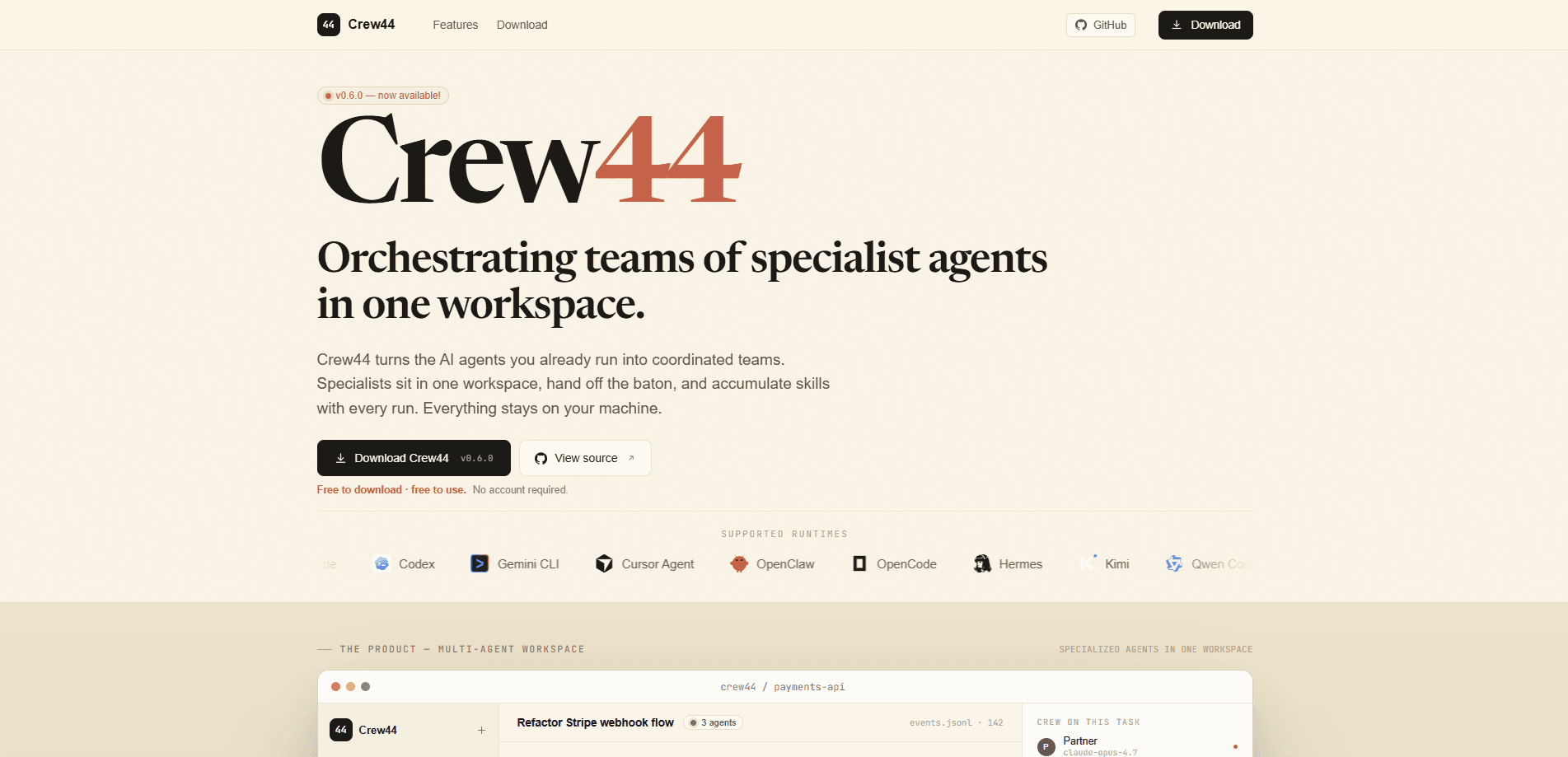
Crew44 is a local-first multi-agent workspace that turns the AI agents you already run into coordinated teams. Instead of one generalist agent starting from scratch on every task, you get a crew of specialist agents that sit in one workspace, hand off work to each other, and compound skills and memory with every run. It's free to download, free to use, and needs no account, so the barrier to trying a multi-agent workflow is basically zero. No account. No cost.
About Crew44
What Is Crew44
Crew44 is an AI agent orchestration workspace for people who already use coding and productivity agents and want them to work together. The problem it solves is simple: a single agent forgets everything between sessions, so every task starts at zero. Crew44 keeps a crew of specialists in one place, each with its own role, its own model, and its own skills folder, so what one agent learns sticks around for the next run.
The default setup ships with a Partner, an Engineer, a Product Lead, and a Designer. Each one owns a job, and they hand off work with a one-line brief instead of dumping an entire conversation into the next agent's lap. That handover model is the interesting part. Agents stay in their lane and pick up context fast because they only get what the task needs.
So why does that matter? Think of a relay race instead of a solo marathon. The baton is light.
The biggest limitation is that Crew44 runs on your machine. Everything stays local, which is great for privacy, but it also means you're responsible for your own setup, models, and runtimes. This isn't a hosted service that runs in the cloud for you. It also assumes you're comfortable configuring agents, so it fits tinkerers and developers more than someone who wants a one-click chatbot. And since it's young software at version 0.8.1, expect things to move and break. Early days.
Getting Started
- Download Crew44 for your platform from the official site. It's free and you don't need an account.
- Open the workspace and connect the runtimes and models you already use, since agents can run on different models per role.
- Review the default crew of Partner, Engineer, Product Lead, and Designer, or add your own specialists and give each a role.
- Describe a task in the workspace and let the crew plan it, debate the approach, and hand off work between agents.
- Approve the upgrades the Partner proposes, since nothing writes to disk until you click Accept, then review the run.
Product Information
A quick look at Crew44's pricing, supported platforms, and performance.
Best for
The users, tasks, and scenarios where this tool fits best.
Users
- Developers who already run coding agents
- Solo builders and indie hackers
- Privacy-conscious users
Tasks
- Multi-step coding work
- Planning and specification
- Design handoffs
- Review and QA passes
Scenarios
- Refactoring a messy codebase
- Running different models for different jobs
- Building up a personal agent workflow over time
Key features
A Crew of Specialist Agents
Crew44's default workspace includes a Partner, an Engineer, a Product Lead, and a Designer, and each one owns a role, a model, and its own skills folder. They hand off the baton with a one-line brief rather than passing the whole conversation along. The result is agents that stay focused on their job instead of acting as interchangeable generalists. No more all-rounders.
Per-Role Model Selection
You pick the model for each role instead of locking the whole app to one. A strong model can plan while a fast one handles simple edits, so you're not paying premium rates for a rename. That per-task flexibility is one of the clearest reasons to split work across agents rather than run everything on a single model. It's a small setting. It adds up.
Local-First by Default
Everything stays on your machine, and Crew44 doesn't need an account to use. For anyone working with private code or notes, that removes a whole class of worry about where data ends up. It also means the app works without a cloud dependency. The tradeoff is real. You manage your own setup. That's the cost of keeping things local.
Skills and Memory That Compound
Each agent accumulates skills and memory over time, so what an agent figures out on Monday is still available on Thursday. That's the core fix for the fresh-contractor problem, where every new session forgets your conventions. The more you run the crew, the more useful it gets. It compounds.
The Partner and Its Upgrade Proposals
One agent, the Partner, mines every run for new skills, memories, and routing tweaks, and proposes them with evidence attached. You click Accept and nothing else writes to disk, so the crew can improve itself without changing your setup behind your back. It's a nice middle ground between full automation and manual bookkeeping. Nothing writes until you say so.
Parallel Work With Shared Context
Specialists run side by side rather than in a queue. The planner drafts while the builder codes while the reviewer checks, and handovers ship the baton, not the entire context window. That parallel structure is what turns a pile of agents into something that reads like an actual team. That's the whole point.
Run Stats and Traceability
Each run shows elapsed time, tokens used, tool calls, and lines changed, along with the files the crew touched. You can see what the agents did and how much it cost, which keeps an agent workflow from feeling like a black box. That trace matters when you're deciding which model each role should use. No mystery here.
Pros and cons
Pros
- Free to download and use with no account required, so trying a multi-agent workflow costs nothing.
- Local-first design keeps your code and notes on your own machine instead of a vendor's servers.
- Per-role model selection lets you match cost and capability to each job instead of paying one rate for everything.
- Skills and memory accumulate per agent, so the crew stops starting from zero on every task.
- The Partner proposes upgrades with evidence and waits for your approval before anything writes to disk.
Cons
- It runs locally, so you're responsible for your own setup, runtimes, and models rather than getting a managed cloud service.
- It's aimed at people comfortable configuring agents, which makes it a poor fit if you want a one-click chatbot.
- At version 0.8.1 it's still early software, so features and behavior can shift between releases.
Frequently asked questions
Crew44 coordinates teams of specialist AI agents in one workspace, so they plan, build, and review work together instead of each task starting from scratch. You use it to run multi-step projects where several roles, like planning, engineering, and design, need to hand work back and forth.
Related content
Explore related tools, skills, and articles for Crew44.
Crew44 Alternatives
Forefront
Forefront · CodingForefront is a web platform for building with open-source AI. It lets you fine-tune leading open-source language models on your own data, evaluate how they perform, and run them through an API or export them to host yourself. Developers who want the convenience of a closed-source platform but insist on owning their models and data are the target audience here.

Startkit
StartKit.AI · CodingStartkit is a boilerplate for building AI SaaS and AI wrapper products. Think of it as an AI startup boilerplate with the boring parts already wired up: authentication, Stripe and Lemon Squeezy payments, usage limits, transactional email, and an AI API starter that talks to OpenAI, Anthropic, Groq, or Llama. You clone the repo, set your price, and start on the part of your product that people actually pay for. It's Next.js under React and Tailwind, so most of the boilerplate code already feels familiar.
Testim
Tricentis · CodingTestim is an AI-powered test automation platform for building and running end-to-end tests across web, mobile, and Salesforce applications. It leans on machine learning to keep tests stable when an interface changes, so teams spend less time fixing broken selectors. Not bad for an automated testing tool you can start using today. You create tests by recording actions in a browser, then optionally add JavaScript when you need more control. It's a solid pick for busy QA teams.