

Crow
Crow Inc. · Coding
Crow is a local-first AI assistant and work environment that connects your folders, browser, and apps into one shared "brain" stored on your own machine, then lets the AI model you already pay for work from it. Instead of re-explaining your context to every chatbot, you connect a source once and any assistant you bring along can read it. The product is free to use and runs on the AI subscriptions people already have, so there's no separate Crow bill to cover. If you want to use your own AI subscription and keep a personal knowledge base off the cloud, this is the kind of tool built for that.
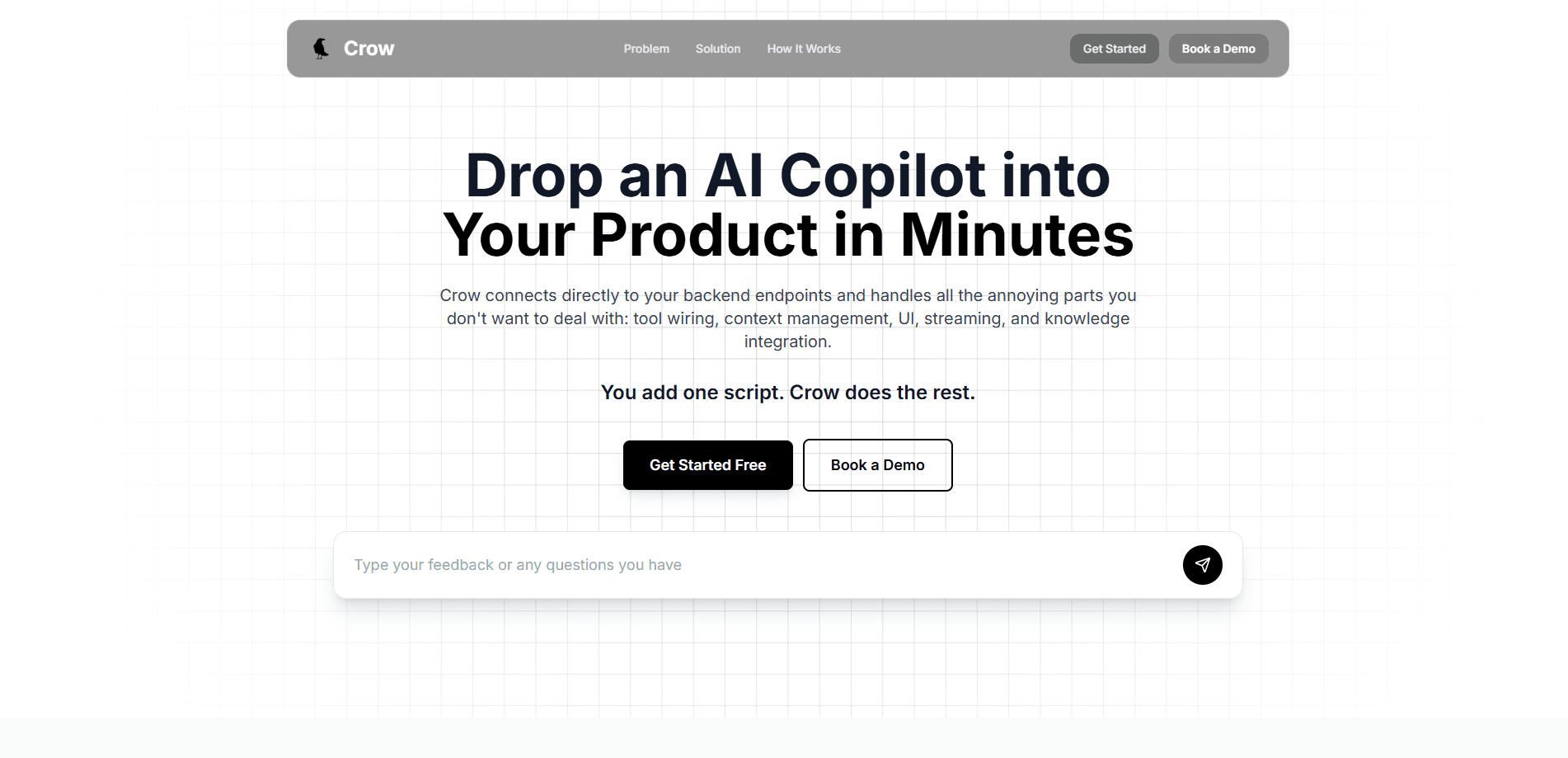
About Crow
What Is Crow
Crow is a desktop environment for getting real work done with AI across every model you use. It gathers what you know from local folders, Gmail, Google Drive, Notion, iMessage, Granola, and your browser, then turns that material into an on-device AI memory that stays current on its own. The pitch is simple: your knowledge belongs to you, and the model comes to the knowledge instead of the other way around.
The main problem it tackles is context loss. Every new chat and every new model starts from zero until you paste your notes back in. Crow keeps one brain that every agent shares, so what one agent learns about your email or a project makes the rest smarter. Switch models mid-task and the knowledge doesn't move with the cloud. It just stays where it was.
The biggest limit is scope and maturity. The knowledge base lives on your Mac at ~/Library/Turnstone, so it isn't built for Windows or phones yet, and access is still gated behind a request form rather than a one-click download. That's a real constraint if you split your week across devices. It also assumes you already pay for at least one capable model, since it doesn't supply the AI itself.
Getting Started
- Request access through the site and wait for your invite.
- Install the desktop app on your Mac, then sign in with a model you already use, such as ChatGPT, Claude, Grok, Cursor, or an OpenRouter key.
- Connect your sources: pick local folders, Gmail, Google Drive, Notion, iMessage, or your browser so the brain has something to work from.
- Create your first agents for the areas you care about, like your inbox, a launch, research, or personal tasks.
- Ask a question and let the agents search your connected sources, then review the draft or brief they hand back.
Product Information
A quick look at Crow's pricing, supported platforms, and performance.
Best for
The users, tasks, and scenarios where this tool fits best.
Users
- Knowledge workers who live in email, docs, and chat all day
- People juggling several AI models
- Founders and small teams tracking promises, renewals, and follow-ups
Tasks
- Answering "what did we promise this client?"
- Drafting follow-up emails
- Catching dropped threads
- Preparing for a meeting
Scenarios
- Daily inbox triage
- Project handoffs
- Personal admin
Key features
One brain shared across every agent
Crow keeps a single knowledge base that all of your agents read from. A research agent, an inbox agent, and a personal agent all draw on the same context, so a fact learned in one place shows up everywhere else. One brain, many workers. The point is that your knowledge compounds instead of resetting each time you open a new tool.
Local-first storage
Your memory and context live on your computer under ~/Library/Turnstone, with no copy kept in Crow's cloud. That design matters if the data you work with is sensitive, because the knowledge stays in a folder you control. No cloud copy. No account holding your notes. The tradeoff is that portability and sync depend on that machine, not an account.
Bring your own AI model
You connect the subscriptions you already pay for, including ChatGPT, Claude, Grok, and Cursor, or use your own API keys and OpenRouter for more models. There's also a path to free open source models through OpenCode. Crow doesn't resell AI access, so what you can do depends on the plan you already hold. That's the appeal of the bring-your-own-model setup: the assistant changes, your knowledge doesn't.
Continuous source syncing
Crow keeps turning your local folders, browser activity, and connected apps into a current brain rather than a one-time import. Gmail, Google Drive, Notion, iMessage, and Granola are among the sources it reads. That means agents usually start with real context instead of a blank slate.
Specialized agents
Each agent focuses on something specific, like your email, a project, or your personal life, and remembers the work you do together. You can stand up separate agents for an inbox, a product launch, or ongoing research. They stay distinct in purpose but share the underlying knowledge.
Draft and brief output
Agents don't just answer questions. They produce usable output such as email drafts, meeting briefs, and commitment lists. A typical response cites the sources it checked and notes what it couldn't find. Real work, not chat. You review and send rather than compose from scratch.
Pros and cons
Pros
- Knowledge stays on your machine with no cloud copy, which suits people handling private material.
- Works with the AI subscriptions you already have, so there is no extra model fee.
- Agents share one brain, so context carries across tools instead of resetting each session.
- Connected sources stay synced, cutting down on re-uploading the same files.
- Free to use, with no Crow-side subscription to manage.
Cons
- macOS only, so Windows and mobile users are left out for now.
- Access runs through a request form, which means you can't just download it and start.
- You need your own capable model subscription; without one, there is little to run.
- Local-only storage means no built-in cloud sync across devices.
Frequently asked questions
Crow connects the places your work lives, like email, files, and notes, into one personal knowledge base on your Mac, then lets AI agents read it to answer questions and draft output. It's less a chatbot and more a shared memory that any model can use.
Related content
Explore related tools, skills, and articles for Crow.
Crow Alternatives
Forefront
Forefront · CodingForefront is a web platform for building with open-source AI. It lets you fine-tune leading open-source language models on your own data, evaluate how they perform, and run them through an API or export them to host yourself. Developers who want the convenience of a closed-source platform but insist on owning their models and data are the target audience here.

Startkit
StartKit.AI · CodingStartkit is a boilerplate for building AI SaaS and AI wrapper products. Think of it as an AI startup boilerplate with the boring parts already wired up: authentication, Stripe and Lemon Squeezy payments, usage limits, transactional email, and an AI API starter that talks to OpenAI, Anthropic, Groq, or Llama. You clone the repo, set your price, and start on the part of your product that people actually pay for. It's Next.js under React and Tailwind, so most of the boilerplate code already feels familiar.
Testim
Tricentis · CodingTestim is an AI-powered test automation platform for building and running end-to-end tests across web, mobile, and Salesforce applications. It leans on machine learning to keep tests stable when an interface changes, so teams spend less time fixing broken selectors. Not bad for an automated testing tool you can start using today. You create tests by recording actions in a browser, then optionally add JavaScript when you need more control. It's a solid pick for busy QA teams.