

cto.new
cto.new · Coding
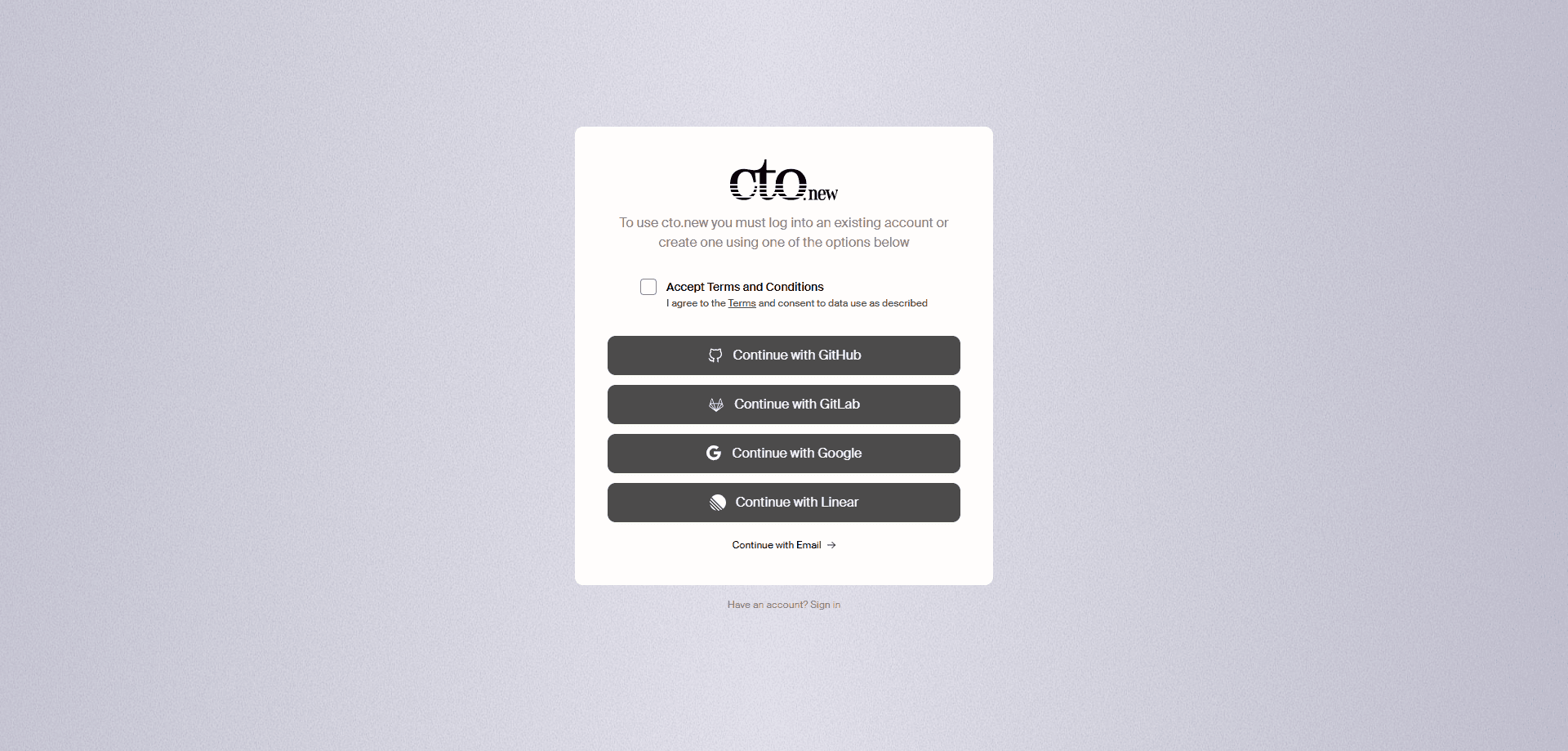
cto.new is a completely free AI code agent that helps developers and teams work through coding tasks on an integrated platform. You sign in with GitHub, GitLab, Linear or an email account, connect the work you already do, and let the agent take on parts of the coding flow. There's no paid tier to weigh up and no card to enter, which is the main thing that sets it apart from most coding agents. In practice it works as a free coding assistant you can point at real work, and it suits teams that want one AI code agent without per-seat pricing.
About cto.new
What Is cto.new
cto.new is a free AI code agent. It takes coding tasks and works on them for you, rather than only suggesting a line of code inside your editor. The product runs as an integrated platform, so the agent and the tasks live in one place instead of being split across tools.
One detail stands out. Access is tied to the accounts you already use. You can sign in through GitHub, GitLab, Linear or email, which means the agent can meet you where your code and issues already are. For a solo developer that keeps setup short, and for a team it means the agent can slot into workflows you've already built rather than running awkwardly beside them.
The main limitation is the same one that affects every coding agent. It depends on the models and connections behind it, and it works on coding tasks specifically rather than as a general assistant. It also expects you to authenticate through one of the supported accounts, so a fully anonymous trial isn't the point here. The draw is simple. It's a capable coding agent with no price tag attached.
Getting Started
- Open cto.new in your browser and choose a sign-in method: GitHub, GitLab, Linear or email.
- Authorize the account you want the agent to work with, so it can see the relevant code and tasks.
- Describe the coding task you want handled, in plain language or by pointing at a specific piece of work.
- Review what the agent produces, then request changes or accept the result.
- Connect more of your repositories or projects as you get comfortable, so the agent has more context to work from.
Product Information
A quick look at cto.new's pricing, supported platforms, and performance.
Best for
The users, tasks, and scenarios where this tool fits best.
Users
- Individual developers
- Small dev teams
- Founders and solo builders
Tasks
- Working through coding tasks
- Tying coding work to your existing repos
- Connecting code work to project tracking
Scenarios
- Getting help on a task when you don't want another monthly bill
- Trialing a coding agent before committing to a paid one
- Keeping a small team on one agent
Key features
Completely Free Access
The core of cto.new is that it costs nothing. There's no paid plan to compare against and no free tier that runs out after a trial. That changes how you approach it. You can hand it real coding tasks without watching a credit counter. Why does that matter? Because almost every coding agent charges once you use it seriously, and this one doesn't.
Multi-Provider Sign-In
You get in through GitHub, GitLab, Linear or email. That range matters because it meets different kinds of users where they already are. A coder with public repos picks GitHub without hesitating. Someone tracking work in Linear picks that. And if you don't want to link a code host at all, email still gets you in. Fewer hoops. More time on the task.
Integrated Coding Platform
The agent and your tasks run on one platform rather than being stitched together from separate tools. That keeps the flow short. Sign in. Describe the work. Review the result. It's a small design choice with a real effect, because most friction in AI coding comes from switching between a chat window, an editor and an issue tracker. One place beats three.
Coding Task Handling
The agent is built for coding work, not general chat. You give it a task and it works on it. That suits developers who'd rather delegate a chunk of work than get a suggestion they still have to place themselves. It won't write your novel. But it's pointed squarely at code.
Works With Your Existing Accounts
Because sign-in runs through GitHub, GitLab, Linear or email, the agent can line up with the accounts and projects you already use, so you don't have to rebuild your setup just to try it out.
Pros and cons
Pros
- Free with no paid tier, so there's no cost barrier to trying it on real coding tasks.
- Signs in through GitHub, GitLab, Linear or email, which covers most developers and teams.
- Built for coding tasks specifically, rather than as a generic chatbot.
- Runs as one integrated platform, so the agent and the work stay in the same place.
- Fits existing accounts, which keeps setup short for individuals and teams.
Cons
- Development detail is thin, so it's hard to judge how it handles large or complex codebases before you try it.
- Requires an account through GitHub, GitLab, Linear or email, so there's no anonymous use.
- It focuses on coding, so it's a poor fit if you want a general-purpose assistant.
- Because it's free, there's no paid support tier to fall back on, and no public API is documented.
Frequently asked questions
cto.new is a completely free AI code agent. It helps developers and teams with coding tasks through an integrated platform, and you sign in with GitHub, GitLab, Linear or email. The selling point is straightforward: a coding agent with no price attached.
Related content
Explore related tools, skills, and articles for cto.new.
cto.new Alternatives
Forefront
Forefront · CodingForefront is a web platform for building with open-source AI. It lets you fine-tune leading open-source language models on your own data, evaluate how they perform, and run them through an API or export them to host yourself. Developers who want the convenience of a closed-source platform but insist on owning their models and data are the target audience here.

Startkit
StartKit.AI · CodingStartkit is a boilerplate for building AI SaaS and AI wrapper products. Think of it as an AI startup boilerplate with the boring parts already wired up: authentication, Stripe and Lemon Squeezy payments, usage limits, transactional email, and an AI API starter that talks to OpenAI, Anthropic, Groq, or Llama. You clone the repo, set your price, and start on the part of your product that people actually pay for. It's Next.js under React and Tailwind, so most of the boilerplate code already feels familiar.
Testim
Tricentis · CodingTestim is an AI-powered test automation platform for building and running end-to-end tests across web, mobile, and Salesforce applications. It leans on machine learning to keep tests stable when an interface changes, so teams spend less time fixing broken selectors. Not bad for an automated testing tool you can start using today. You create tests by recording actions in a browser, then optionally add JavaScript when you need more control. It's a solid pick for busy QA teams.