

Cua
Cua AI, Inc. · Coding
Cua is open-source infrastructure for computer-use agents. It gives AI agents sandboxes, a background driver, local VMs, and benchmarks across macOS, Linux, Windows, and Android.
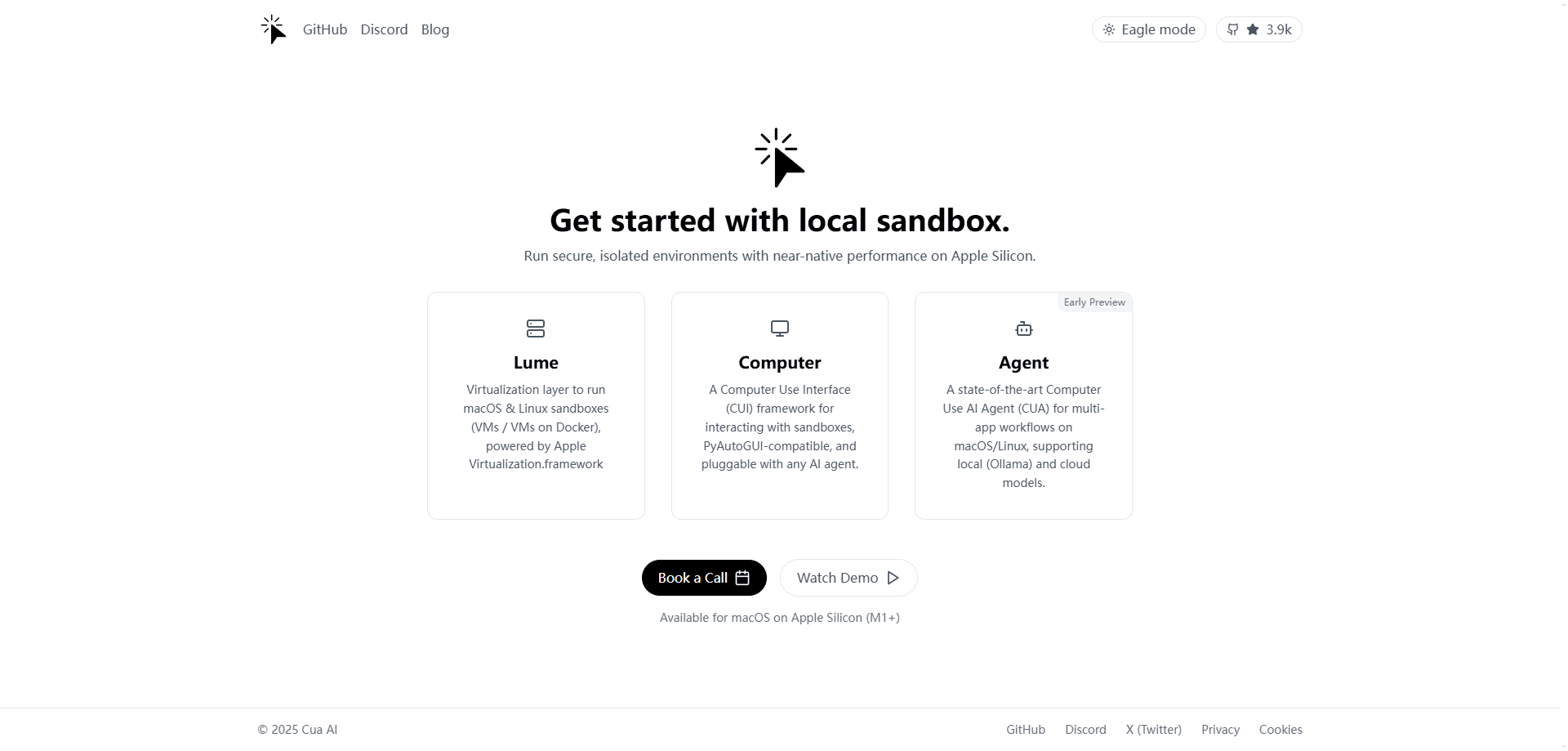
About Cua
What Is Cua
Cua is computer-use agent infrastructure that lets AI agents use a real computer. Instead of a single app, it ships an SDK, a driver, sandboxes, virtual machines, and a benchmark suite that developers can mix for training, testing, and running agents that click, type, and read screens.
The project comes from Cua AI, Inc. and is backed by Y Combinator. Most of the code is MIT-licensed and the repository has drawn tens of thousands of GitHub stars, which is why agent builders pick it over writing desktop automation from scratch.
The hard part with any computer-use agent is where it runs. Raw desktop control is risky on your own machine, and screenshot-driven agents need a stable, resettable environment. Cua answers that with local Docker and QEMU sandboxes plus a macOS virtualization layer, so work stays isolated. The tradeoff is that the cloud side is metered, and the deepest macOS features depend on Apple hardware.
Getting Started
- Install the
cuaCLI on macOS, Linux, or Windows with the one-line install script - Create a sandbox, for example a Linux container or a macOS VM, and give it a name
- Connect your agent, model, or script and send it a task in plain language
- Read the result, take a screenshot, or export the run so you can replay it
Product Information
A quick look at Cua's pricing, supported platforms, and performance.
Best for
The users, tasks, and scenarios where this tool fits best.
Users
- AI agent developers
- Automation engineers
- Research and eval teams
- Solo builders
Tasks
- Desktop app automation
- Agent evaluation
- Cross-platform testing
- Safe experimentation
Scenarios
- Training a computer-use model
- Testing a web or desktop agent in CI
- Running an agent next to your work
- Scaling beyond one machine
Key features
Cua Driver for Background Control
Cua Driver gives an agent tools to inspect and operate native apps and browsers on macOS, Windows, and Linux. It connects through the CLI, MCP, or typed SDKs, so it fits tools like Claude Code, Codex, Cursor, and OpenClaw. Background delivery lets the agent work without moving your pointer or stealing focus, which means you can keep using the machine while it runs.
Sandboxes Across Four Operating Systems
Cua runs agents in each of the four main desktop families: Linux, Windows, macOS, and Android. You start an Ubuntu container, a full Windows 11 VM, a macOS VM, or an Android image and reach them through one API. The images ship with a daemon so agents get processes, files, screenshots, and input the moment a sandbox starts.
Lume for Local Virtual Machines
Lume creates and manages macOS and Linux virtual machines on Apple Silicon using Apple's own virtualization framework. That gives Mac owners a local, resettable macOS environment for testing without extra hardware. It also powers the sandbox layer that runs on your own machine.
One SDK, Many Languages
The same Cua SDK covers Python, TypeScript, Swift, and Kotlin, running either inside your process or through a shared daemon. A single Rust core backs the whole thing, so behavior stays consistent whether you write Python for research or TypeScript for a product.
Cua Spaces and Multiplayer Desktops
Cua Spaces is a macOS app that gives each agent a full desktop. Teleport moves a signed-in app such as Chrome or Slack into a Space and keeps it signed in, while Multiplayer lets you and the agent work on the same desktop with separate cursors. Spaces run on your Mac, on other machines you own, or in your own cloud account.
Cua Bench for Evaluation
Cua Bench builds computer-use tasks, scores agents against their evaluators, and exports trajectories for training. You can start with a simulated task that needs no VM, Docker, or model key, then move up to real environments once your setup is ready.
Pros and cons
Pros
- Core libraries are MIT-licensed, so you can self-host and build on them without a fee
- One API covers Linux, Windows, macOS, and Android sandboxes
- Background driver lets agents work without taking over your mouse and keyboard
- Runs on your own hardware, your own cloud account, or a managed fleet
- Includes an evaluation and benchmark layer, not just the automation tools
- Active project with frequent releases and a large developer community
Cons
- Cloud capacity is metered, so heavy parallel workloads add cost by the hour
- The deepest macOS features depend on Apple Silicon hardware, which not every team has
- It is a developer tool, so non-coders cannot pick it up without writing or connecting some code
- A few older packages are deprecated, which means older tutorials may point at the wrong setup
Frequently asked questions
Cua is open-source infrastructure for computer-use agents from Cua AI, Inc. It bundles an SDK, a background driver, sandboxes, local virtual machines, and a benchmark suite so agents can control a real computer across macOS, Linux, Windows, and Android.
Related content
Explore related tools, skills, and articles for Cua.
Cua Alternatives

Base Code
Base44 (Wix) · Coding · ProductivityBase Code is a shared cloud development environment from Base44. Teammates describe changes to an existing GitHub codebase in chat, preview them live and send them back as pull requests.

Google EmbeddingGemma 2
Google DeepMind · Writing · Image · CodingGoogle EmbeddingGemma 2 is a 740M-parameter open model that turns text, code, images, audio, and video frames into vectors in one 768-dimension space, running on phones and laptops.

GitGlow
GitGlow · Coding · ProductivityGitGlow is a local-first desktop Git client that lets independent developers review their own code and their AI agents' changes in one place before shipping.