

cubic
cubic (mrge) · Coding
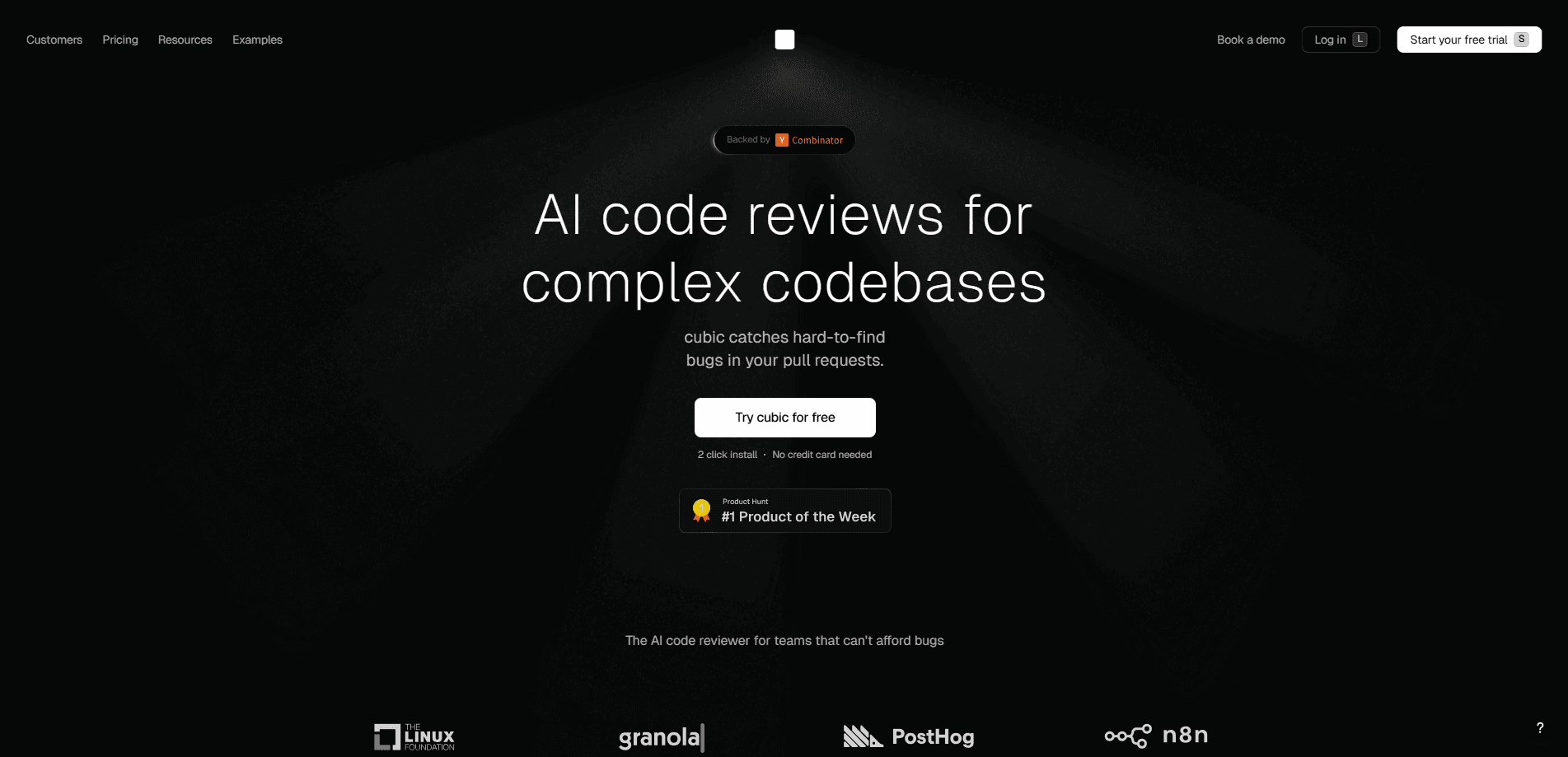
cubic is an AI code review tool that reviews pull requests on GitHub automatically. It handles automated code review for every PR, catches bugs, flags tech debt, and checks your code against team rules, then suggests fixes you can commit in one click. Think of it as code review automation that never sleeps. The platform also runs scheduled scans across an entire codebase to surface bugs and security issues while you sleep. Teams use it to spend less time on low-level review chores and more on the changes that actually need a human.
About cubic
What Is cubic
cubic is an AI code reviewer built for teams working on complex codebases. Instead of waiting for a colleague to read through a pull request, you get inline feedback in seconds, covering everything from obvious mistakes to subtle bugs that tend to slip past tired reviewers. The team behind it, backed by Y Combinator, positions it as the top-ranked reviewer on Code Review Bench, an independent benchmark. Treat that ranking as the vendor's own claim rather than a settled fact. Rankings shift.
The product centers on a simple idea: AI-written code has made review the bottleneck. More pull requests land in the queue, and the bugs hiding inside them are harder to spot. cubic reviews each PR automatically, learns from your codebase's patterns, and pulls in context from tools where you already work, like Linear, JIRA, and Notion. You still make the final call on what merges.
One more thing to check. Two limits are worth knowing up front. It only works with GitHub right now, so GitLab and Bitbucket users are out of luck until that changes. And the free window is short. The website advertises 7 days free with no credit card. The company's own launch post said 2 weeks. Check your trial length at sign-up before you build a workflow around it.
Getting Started
- Sign up at cubic.dev with your GitHub account and start the free trial. No credit card is asked for.
- Install the cubic GitHub App on the repositories you want it to analyze.
- Open a new pull request. cubic reviews it automatically and posts inline comments.
- Respond to findings in the PR, or use one-click fixes for simple issues.
- For an older PR opened before install, comment
@cubic-dev-ai review this PRto trigger a review.
Product Information
A quick look at cubic's pricing, supported platforms, and performance.
Best for
The users, tasks, and scenarios where this tool fits best.
Users
- Engineering teams on GitHub
- Solo developers and small startups
- Tech leads enforcing standards
Tasks
- Reviewing pull requests before merge
- Scanning a full codebase for bugs
- Generating PR descriptions
Scenarios
- A small team drowning in AI-generated pull requests
- Pre-release bug sweeps
- Onboarding into an unfamiliar repo
Key features
Automatic GitHub pull request review
Once the GitHub App is installed, cubic runs a GitHub pull request review on every new PR without prompting. It leaves inline comments on bugs and possible improvements, so you see problems next to the exact line of code that caused them. For a busy repo, this means feedback arrives in seconds rather than after a reviewer frees up.
Team rules in plain English
You describe your standards in ordinary language instead of writing complex config, which matters most for teams where only one engineer actually understands how the current linter rules were built. cubic turns those rules into review checks and flags code that breaks them. The payoff is that conventions live in one readable place, not scattered across a dozen linter files.
Fixes in one click
Simple issues come with a one-click fix that commits the change for you. For harder problems, you click "Fix with cubic" and let a coding agent draft a patch. It won't solve everything on its own, but it clears the small stuff so human review time goes toward judgment calls.
Learns from your team
cubic studies how your senior engineers review. It reads their past PR comments to pick up your house style, then applies that pattern to new reviews in a way that a generic checklist simply can't match. Over time the feedback sounds less generic and more like the person who normally reviews your code.
Whole-codebase scans
Beyond individual PRs, cubic can run thousands of AI agents across your entire repository on a schedule, which means the review doesn't stop when you close your laptop for the night. The scan hunts for serious bugs and security issues, triages what it finds, and notifies the right owner or opens a ticket. It reschedules itself, so each run catches issues introduced since the last one.
Context from your other tools
The reviewer pulls background from Linear, JIRA, Notion, and similar planning tools. That extra context helps it understand why a change was made, not just what the code does in isolation. In practice, you get fewer comments that miss the point of a ticket.
Works across your IDE
cubic runs inside Cursor, Claude Code, VS Code, Codex, and other coding agents, plus a local CLI. You can review changes before you push, or run it headless in CI with an API key. Same brain, different door. The code gets the same look in your editor and in GitHub.
Pros and cons
Pros
- Reviews every pull request automatically, so feedback doesn't wait on a human reviewer.
- One-click fixes handle small issues without a manual patch.
- Plain-English rules make coding standards easy to write and maintain.
- Learns from your senior engineers' review history instead of applying a generic checklist.
- Scheduled codebase scans catch bugs that individual PR reviews miss.
Cons
- GitHub only. If your team works in GitLab or Bitbucket, you can't use it yet.
- Trial length is inconsistent between the website and the company's launch post, so check before you plan around it.
- AI review still needs a human to confirm findings, especially on complex logic, so it reduces review time rather than removing it.
- Exact paid pricing isn't published plainly, which makes budgeting harder before you talk to sales.
Frequently asked questions
cubic is an AI code review tool that automatically reviews pull requests on GitHub. It comments on bugs and improvements, enforces team rules, generates PR summaries, and can scan an entire codebase for issues on a schedule. In short, it does the first pass so humans do the last.
Related content
Explore related tools, skills, and articles for cubic.
cubic Alternatives
Forefront
Forefront · CodingForefront is a web platform for building with open-source AI. It lets you fine-tune leading open-source language models on your own data, evaluate how they perform, and run them through an API or export them to host yourself. Developers who want the convenience of a closed-source platform but insist on owning their models and data are the target audience here.

Startkit
StartKit.AI · CodingStartkit is a boilerplate for building AI SaaS and AI wrapper products. Think of it as an AI startup boilerplate with the boring parts already wired up: authentication, Stripe and Lemon Squeezy payments, usage limits, transactional email, and an AI API starter that talks to OpenAI, Anthropic, Groq, or Llama. You clone the repo, set your price, and start on the part of your product that people actually pay for. It's Next.js under React and Tailwind, so most of the boilerplate code already feels familiar.
Testim
Tricentis · CodingTestim is an AI-powered test automation platform for building and running end-to-end tests across web, mobile, and Salesforce applications. It leans on machine learning to keep tests stable when an interface changes, so teams spend less time fixing broken selectors. Not bad for an automated testing tool you can start using today. You create tests by recording actions in a browser, then optionally add JavaScript when you need more control. It's a solid pick for busy QA teams.