

Cubicle
Çağlar Utku Güler · Coding · Productivity
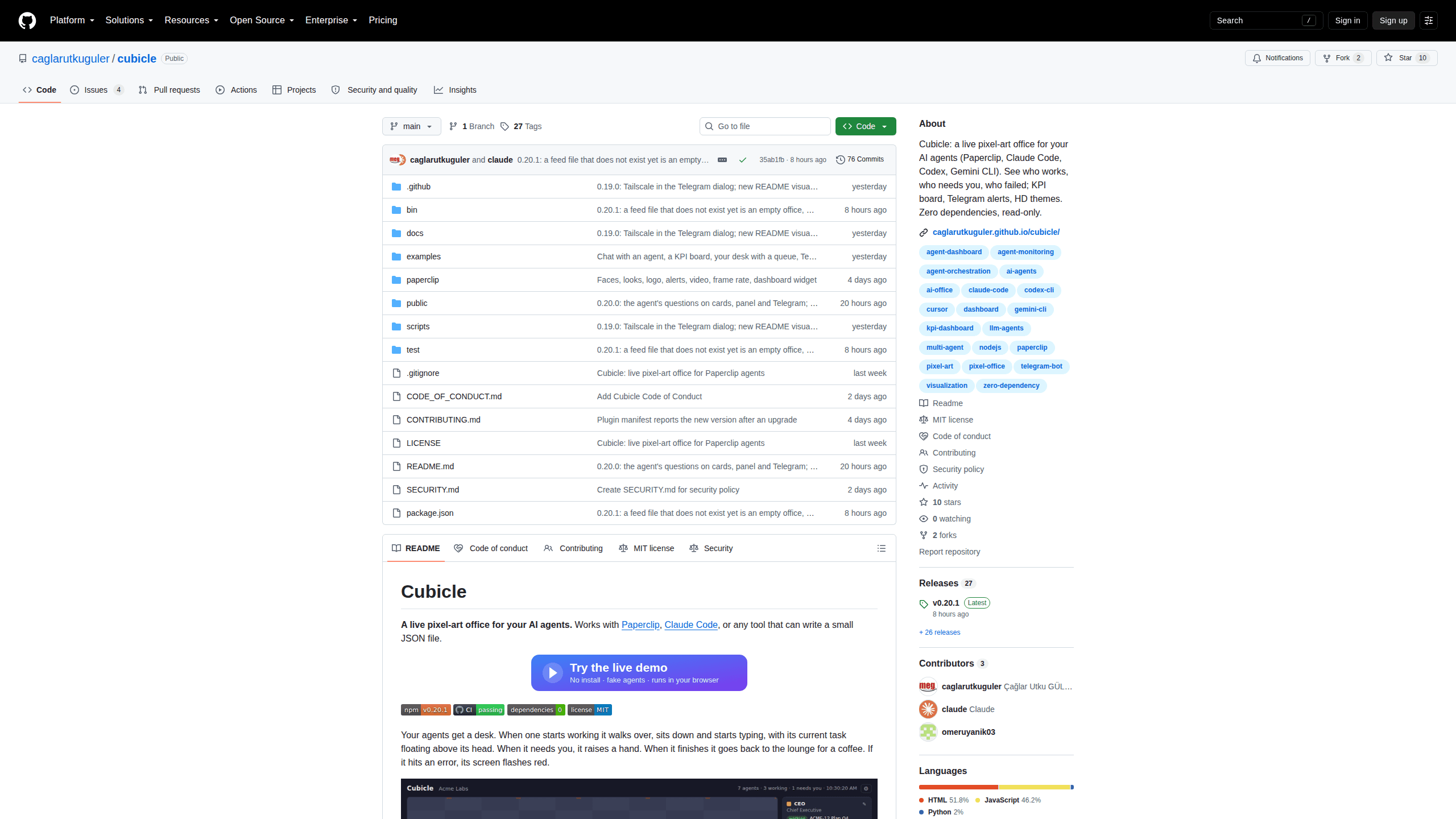
Cubicle is a free, read-only pixel art office for AI agents. Every Claude Code, Codex or Paperclip session gets a desk, a task bubble and a status you can read from across the room.
About Cubicle
What Is Cubicle
Cubicle turns agent monitoring into a small office you can watch. Each running session becomes a character that walks to a desk, sits down and types while its current task floats above its head. When the agent needs a decision it raises a hand. When it finishes it drifts to the lounge for coffee, and when a run fails its screen flashes red.
That sounds like decoration, and half of it is. The other half solves a real problem: with four terminals open, you can't tell at a glance which session is stuck on a permission prompt and which one is still generating. Status lights in a terminal all look the same. A figure standing up with a hand in the air does not.
Cubicle runs on your own machine at 127.0.0.1:3200, reads agent state through a short list of allowed endpoints, and writes nothing back. It is a local AI agent dashboard, not a cloud service: no account, no sync and no telemetry. The tradeoff is that it needs Node.js 18 or newer and a terminal to start, so it suits people who already live in one.
Getting Started
- Run
npx @caglarutkuguler/cubicleif Paperclip is already listening on 127.0.0.1:3100, or pass--source claude-code,--source codex,--source geminior the path to a JSON feed. - Claude Code users can skip the manual hooks: add the plugin with
/plugin marketplace add caglarutkuguler/cubicle, install it, then type/cubicleto start the office. - Open http://127.0.0.1:3200. If nothing is running yet, add
?demoto the address or open the hosted demo to see a sample office first. - Pick a theme and a UI language from the ⚙ menu, and link the optional Telegram bot if you want alerts on your phone.
Product Information
A quick look at Cubicle's pricing, supported platforms, and performance.
Best for
The users, tasks, and scenarios where this tool fits best.
Users
- Developers running several coding agents at once
- Small teams that already use Paperclip as their board
- People who demo agent work to managers or clients
Tasks
- Catching an agent that is waiting on a permission prompt before it sits idle for an hour.
- Following a job that splits into subtasks, since the KPI board shows the tree, expected finish times and what each piece waits on.
- Reviewing what happened overnight, using a recorded session replayed at 60 times speed.
Scenarios
- A second monitor or a spare screen on the wall, where the office stays open all day and needs no interaction.
- Unattended cron, CI or issue-bot runs that name their own character through CUBICLE_NAME and CUBICLE_TASK_URL.
- Screen sharing during a standup, when you need to show progress rather than read numbers aloud.
Key features
A desk per agent, with body language you can read
Each session becomes one character, and its animation carries the status: walking in, typing, hand raised for input, coffee in the lounge, red screen on a failed run. Click a character and the camera follows it, with a panel showing the task, the spend and the last steps, plus buttons to answer, open the task or jump to the failed run's log.
Plugs into the agents you already run
Paperclip, Claude Code, Codex CLI and Gemini CLI are built in, and several can share one office by passing a comma-separated list. On a single machine with three Claude sessions open, it works as a Claude Code monitor first and a control room second. Anything else joins through a small JSON feed served from a file or an HTTP URL, and GitHub Copilot Desktop plus CLI sessions have exporter and hook examples. No adapter means rewriting your stack, just writing one JSON object per agent.
Read-only down to the request level
Cubicle sends only GET and HEAD requests, to a fixed allowlist of endpoints. In Paperclip mode it proxies health, company, agent, issue and heartbeat-run data, and it caps runs at the latest 60 with status codes and the tail of stderr. The one write path is its own appearance file, accepted only from the machine it runs on. Your agent system stays untouchable, which matters when the office sits behind a tunnel or on a shared laptop.
A KPI board for work you handed off
The agent KPI board tracks the tasks you assigned: progress rolled up from subtasks, start dates, durations, the full subtask tree, expected finish times and current blockers. A speed-up hint reads the task's own history and lists what is measurably slowing it down, from failed runs grouped by cause to one agent holding the queue while others sit free. Any hint can become a Paperclip task with one click.
Alerts that reach your phone
Desktop notifications and a sound fire when an agent raises its hand. The optional Telegram bot goes further: it sends a message when an agent needs you, when a run fails or when work completes, answers /status, /waiting, /kpi and /office, and can post your reply back to the Paperclip issue. Replies are the single write path Cubicle allows, and they stay off until you switch them on.
Themes, faces and a logo on the wall
The default office is pixel art. Six HD rooms sit behind the ⚙ menu: a holding HQ, a plaza office, a warehouse, a factory, a space base and a military operations room. A wizard crops a real photo into an agent's head, you can change hair, skirt and heels, and your logo hangs on the wall. A theme is one file, so adding a seventh is a weekend project.
Replay and redaction for teams
--record appends everything the office shows to a JSONL file, and --source replay: plays it back at a configurable speed where 60 means an hour per minute. --redact strips task titles, commands and error text on the server, leaving ids, tool names and statuses. That combination makes the office safe to record for a client demo without exposing prompts.
Pros and cons
Pros
- Free and MIT licensed, with zero runtime dependencies: one Node.js file and one HTML page, no build step and no bundled image assets.
- Setup is a single npx command, and the demo mode lets you judge the look before wiring anything up.
- Mixed stacks work in one view, so a Claude Code session and a Paperclip agent can share the same floor.
- Read-only design keeps the blast radius small, which is rare for a dashboard that sits next to production agents.
Cons
- Needs Node.js 18 or newer and a terminal to launch, so it is not something a non-technical teammate can install alone.
- Answers and approvals still happen in Paperclip's own page or the agent's terminal, which means the office shows the problem but cannot resolve it end to end.
- The default source expects Paperclip on 127.0.0.1:3100, and remote access needs a proxy or tailnet setup before the office opens on a phone.
- Run history is deliberately shallow, capped at the latest 60 runs with truncated stderr, so it will not replace a logging stack.
Frequently asked questions
Yes. The project is MIT licensed and published on npm as @caglarutkuguler/cubicle. There is no paid tier and no account to create, so the only cost is the machine you run it on.
Related content
Explore related tools, skills, and articles for Cubicle.
Cubicle Alternatives

Base Code
Base44 (Wix) · Coding · ProductivityBase Code is a shared cloud development environment from Base44. Teammates describe changes to an existing GitHub codebase in chat, preview them live and send them back as pull requests.

Google EmbeddingGemma 2
Google DeepMind · Writing · Image · CodingGoogle EmbeddingGemma 2 is a 740M-parameter open model that turns text, code, images, audio, and video frames into vectors in one 768-dimension space, running on phones and laptops.

GitGlow
GitGlow · Coding · ProductivityGitGlow is a local-first desktop Git client that lets independent developers review their own code and their AI agents' changes in one place before shipping.