

Cursor AI Mobile: Remote IDE
Anysphere, Inc. · Coding
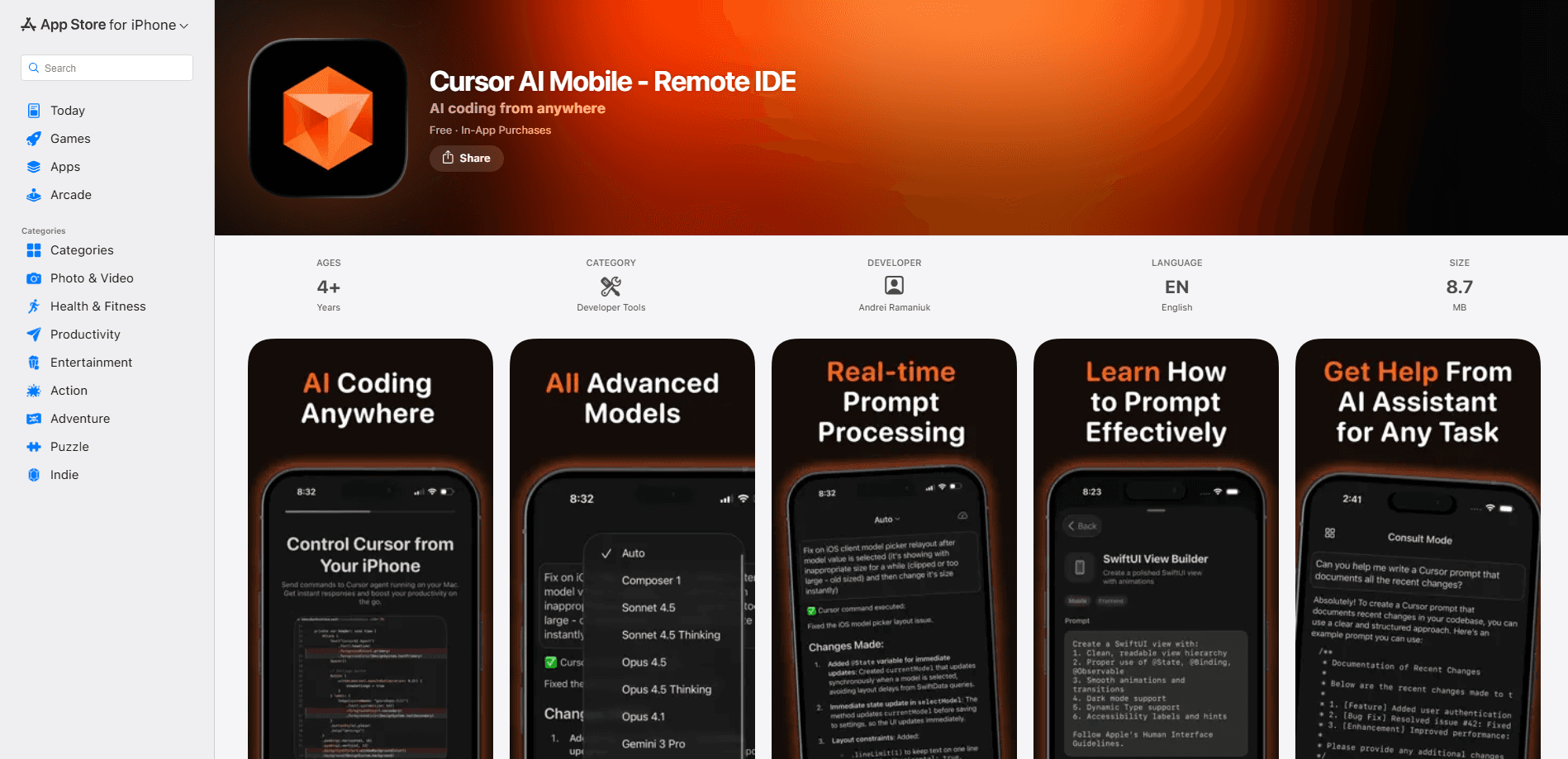
Cursor AI Mobile: Remote IDE is a companion app that puts the Cursor AI code editor in your pocket. It works as a mobile AI coding agent. Built for iPhone and iPad, it lets you launch coding agents, watch them work, and review or merge their output without sitting at a desk. The desktop Cursor app still does the heavy lifting for local work, but this mobile coding assistant handles the decisions you'd normally stop what you're doing to make.
About Cursor AI Mobile: Remote IDE
What Is Cursor AI Mobile: Remote IDE
Cursor AI Mobile: Remote IDE is the official iOS companion to Cursor, the AI-native code editor built by Anysphere. It isn't a phone-sized IDE where you tap out code on a glass keyboard. The app treats your phone as a control panel: you describe what you need, an agent runs the job, and you check the result when it's done.
Two execution paths sit under the hood. Cloud agents spin up an isolated virtual machine that can compile, run tests, and generate demos, so the work carries on even if your laptop is closed. Remote control connects to the agent already running in the desktop Cursor app on your Mac, which keeps your code, keys, and environment on your own machine. Two modes, two very different answers. That split matters if you work on private repos or internal networks, since the cloud path sends work to Cursor's servers.
The biggest catch is what it needs from you. Remote control only works while the desktop Cursor app stays open and awake, so an idle or sleeping computer cuts the connection. The app is also iOS only right now. Android users are out of luck. There's no web version to fall back on either. You also need a paid Cursor plan, since the mobile app isn't offered on the free Hobby tier.
Getting Started
- Install the Cursor desktop app on your Mac and sign in with a paid plan (Pro starts at $20/mo).
- Download Cursor AI Mobile: Remote IDE from the App Store on a device running iOS or iPadOS 16.0 or later.
- Open the app, pick a repository, and choose the model you want the agent to use.
- For remote control, open the desktop app's settings, turn on Remote Development, and scan the pairing code from your phone.
- Type or speak your request, let the agent run, then review the diff or merge the pull request when it flags you.
Product Information
A quick look at Cursor AI Mobile: Remote IDE's pricing, supported platforms, and performance.
Best for
The users, tasks, and scenarios where this tool fits best.
Users
- Solo developers on paid Cursor plans who want to keep agent tasks moving while away from the desk, provided the work fits a cloud agent or a reachable desktop machine.
- Small teams that review pull requests and want to merge small changes from a phone instead of opening a laptop.
- Developers who already run agents in desktop Cursor and want remote control over those running sessions, with the computer left on and connected.
Tasks
- Kicking off a bug fix or feature request in plain language and checking the resulting diff later.
- Reviewing and merging pull requests that don't need a full local test cycle.
- Annotating a screenshot or log so the agent can find and patch the problem it points to.
- Keeping an eye on in-progress agent runs through lock-screen status updates.
Scenarios
- A production alert hits during your commute and you want an agent to start investigating before you reach a keyboard.
- A client flags an issue while you're out, and you ask the agent to reproduce it and prepare a fix.
- You're cooking or watching a show and want to approve a small merge in a few taps.
Key features
Cloud Agents That Keep Running
Cloud agents execute on Cursor's isolated virtual machines rather than your phone, so they can compile code, run tests, and produce interactive demos on their own. Start a job and close the app. The work continues server-side and notifies you when it's ready for review. This is the feature that makes remote code execution on a phone realistic, since your device never needs to hold the whole project.
Remote Control of Desktop Agents
Instead of starting a new job, remote control lets you take over an agent already running in desktop Cursor. You redirect the session to your phone, watch progress, and send the next instruction as if you were sitting in front of the editor. Your code and credentials stay on your own machine, which suits private repositories. The trade-off is real. Your computer has to stay awake and connected the whole time.
Voice Input and Slash Commands
Typing long prompts on a phone is nobody's idea of fun, so the app leans on voice input for describing tasks. Slash commands give you shortcuts for common actions without digging through menus. Together they cover the two ways most people actually hand work to an agent. Say what you want, or fire a known command.
Live Activities on the Lock Screen
Agent status pins to your lock screen through iOS Live Activities, so you can see how far a run has gotten without opening anything. Push notifications arrive when the agent finishes, needs input, or has something to review. It's a small touch that changes the rhythm of use, turning coding into a check-in loop you fit around other things. That matters more than it sounds.
Artifacts, Diffs, and Pull Request Review
When an agent finishes, you get the artifacts it produced: screenshots, logs, demos, and code diffs. You can review a teammate's pull request and merge it straight from the app. Not every merge should happen this way, but for small, well-scoped changes it saves the trip back to a laptop.
Model and Repository Selection
Before an agent starts, you choose which repository it works in and which model it runs on. That control means you can match the model to the job and point each task at the right project. It also means setup is deliberate rather than automatic, which is a fair trade when you're spending agent quota.
Pros and cons
Pros
- Cloud agents keep working after you close the app, so a task doesn't stall when you leave your desk.
- Remote control keeps code and credentials on your own machine, which helps with private repos.
- Lock-screen status updates turn agent monitoring into quick check-ins rather than long screen sessions.
- Pull request review and merge on a phone cut out the laptop round trip for small changes.
- Voice input and slash commands make long prompts manageable on a small screen.
Cons
- Remote control needs the desktop app open and your computer awake, so a sleeping laptop breaks the connection.
- iOS only for now, which leaves Android users with no way to use it.
- No free tier access; a paid Cursor plan is required before the app is useful.
- Cloud agents run on Cursor's servers, so they're a poor fit for code that can't leave your network.
Frequently asked questions
You can, but that isn't the point. The app is built as a control panel for agents, so you describe tasks and review results rather than typing out source files. Voice input and slash commands cover most of the interaction. Want to hand-edit code? The desktop editor is still the right place.
Related content
Explore related tools, skills, and articles for Cursor AI Mobile: Remote IDE.
Cursor AI Mobile: Remote IDE Alternatives
Forefront
Forefront · CodingForefront is a web platform for building with open-source AI. It lets you fine-tune leading open-source language models on your own data, evaluate how they perform, and run them through an API or export them to host yourself. Developers who want the convenience of a closed-source platform but insist on owning their models and data are the target audience here.

Startkit
StartKit.AI · CodingStartkit is a boilerplate for building AI SaaS and AI wrapper products. Think of it as an AI startup boilerplate with the boring parts already wired up: authentication, Stripe and Lemon Squeezy payments, usage limits, transactional email, and an AI API starter that talks to OpenAI, Anthropic, Groq, or Llama. You clone the repo, set your price, and start on the part of your product that people actually pay for. It's Next.js under React and Tailwind, so most of the boilerplate code already feels familiar.
Testim
Tricentis · CodingTestim is an AI-powered test automation platform for building and running end-to-end tests across web, mobile, and Salesforce applications. It leans on machine learning to keep tests stable when an interface changes, so teams spend less time fixing broken selectors. Not bad for an automated testing tool you can start using today. You create tests by recording actions in a browser, then optionally add JavaScript when you need more control. It's a solid pick for busy QA teams.