

CustomGPT
CustomGPT.ai · Coding · Marketing
CustomGPT is a no-code platform for building AI chatbots and agents trained on your own content. Upload documents or a sitemap and it deploys an assistant with source citations.
About CustomGPT
What Is CustomGPT
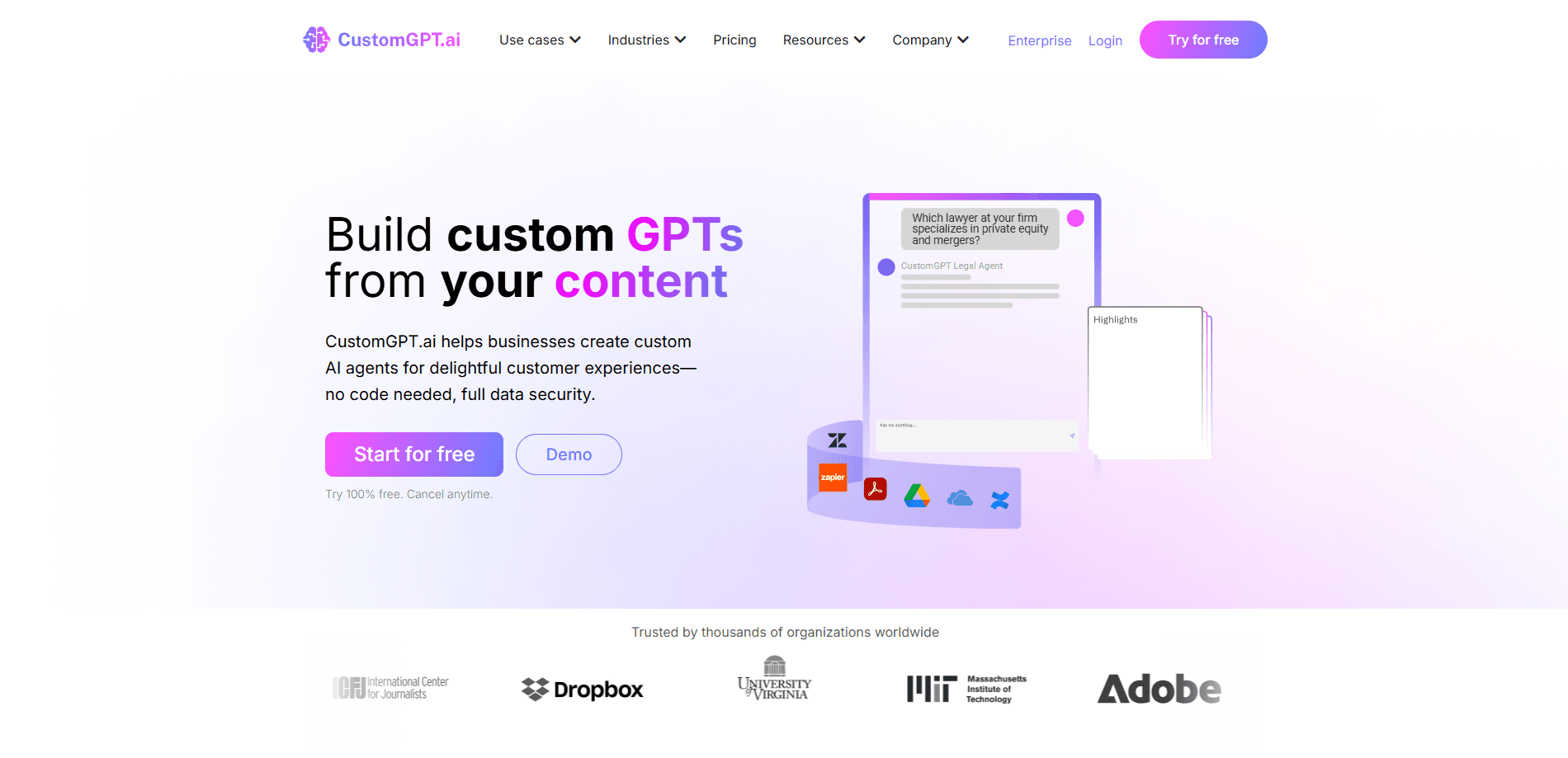
CustomGPT is a no-code custom GPT builder for making AI chatbots, agents and assistants from your own business content. You point it at a website, a help desk, a knowledge base or a folder of documents, and it indexes that material so a chatbot trained on your data can answer questions with links back to the source. The company behind it, CustomGPT.ai, was founded in 2023 and says more than 10,000 organizations use the platform, from solo builders to regulated enterprises.
The problem it solves is the gap between a general chatbot and your actual material. A model like GPT-5 knows a lot about the world but nothing about your pricing page, your internal policies or last month's product change. CustomGPT closes that gap without coding: you feed it your content, it grounds every answer in what it finds, and it shows the passage it pulled from. That grounding is the pitch, and the company markets its anti-hallucination work as its main claim to accuracy.
Two limits are worth knowing before you sign up. The first is that the platform is built for reading and answering, not calculation. CustomGPT's own FAQ says it reads text inside tables but handles counting and analytics poorly, so a question that needs math is a poor fit. The second is capacity. The entry plan caps you at 1,000 queries a month, which a busy support desk can burn through quickly.
Getting Started
- Create an account on the CustomGPT site and pick the plan you want to trial
- Add a data source: paste a sitemap, upload files, or connect a tool like Google Drive, Notion or a help desk
- Let the platform index the content, then open the agent to review what it pulled in
- Test answers against real questions and check the citations on each reply
- Deploy the chatbot as a website widget, a shared link or through the API, then watch usage in the dashboard
Product Information
A quick look at CustomGPT's pricing, supported platforms, and performance.
Best for
The users, tasks, and scenarios where this tool fits best.
Users
- Customer support teams
- Small businesses without developers
- Agencies running client chatbots
- Regulated and enterprise teams
Tasks
- Answering questions from your own docs
- Website and help desk automation
- Internal knowledge search
- Competitive and market research
- Multilingual support
Scenarios
- A support inbox overflowing with repeat questions
- A small team with no engineers
- Content that changes weekly
- An agency pitching clients
- A regulated rollout
Key features
No-Code Agent Builder
The whole build happens in a dashboard, not a code editor. You add a source, wait for indexing, then adjust how the agent opens and how it looks. CustomGPT's own FAQ says a working agent can be set up in about two minutes, and the entry plan is aimed at exactly this kind of pilot: one or two agents, tested before a bigger commitment. If you can upload a file and paste a URL, you can ship a chatbot here.
Grounded Answers with Source Citations
Every reply links back to the passage it came from, which is what separates a custom chatbot from a raw language model. You can click the citation and read the source yourself, so a wrong answer is easy to spot. The company builds its accuracy claim around anti-hallucination controls and says it outperformed OpenAI on answer accuracy in an industry RAG benchmark. That's the vendor's own result, but the citation feature lets you check it on your content.
Wide Data Ingestion
CustomGPT reads more than 1,400 document formats, from PDF and Office files to Google Docs, plus audio and video. It also connects to sites and tools such as Google Drive, Confluence, Notion, SharePoint, Zendesk, HubSpot, Shopify and Wix, and a sitemap crawl can index an entire website and refresh it on a schedule. Recent additions cover YouTube and Vimeo videos, podcasts and metadata, so training data isn't limited to text files.
Deployment and Integrations
You can publish the chatbot as a website widget, a public or private share link, or a live chat handoff, and reach it through the RAG API and SDK. The integration list covers Zapier, Slack, WordPress, Shopify, Wix and Twilio, so the agent can both pull data from your tools and answer queries inside them. On Premium and above you can white-label the widget and drop the CustomGPT branding.
Anti-Hallucination and Data Handling
The platform answers only from indexed content and shows its sources, which cuts down on invented answers. The company frames this as its anti-hallucination AI approach, built to keep replies tied to your material. CustomGPT also states it never trains its models on your data and holds SOC 2 Type 2 compliance and GDPR alignment, with SSL encryption in transit. Premium adds OCR for scanned documents, PII removal and Sitemap Auto-Sync, features a support team handling sensitive material tends to ask for first.
Model Choice by Plan
The model you can run depends on the tier. Standard uses the Optimal capability, Premium adds Speed, Accuracy and Understanding options, and Enterprise unlocks the full selector, which the company lists as including GPT-5.4, Claude Opus and Gemini. So moving up a plan changes which model answers your users and how fast or how precise it runs, on top of the higher limits.
Analytics and Usage Controls
The dashboard shows how the agent is used, with basic analytics on Standard and advanced and Insight Analytics on higher tiers. Premium adds Explore Analytics, and the chatbot pricing documentation stresses watching monthly query volume against real usage rather than guessing from site traffic. For a team deciding whether to stay on Standard or move up, that usage view is the number to watch.
Pros and cons
Pros
- Sources every answer with a citation, so you can verify a reply instead of trusting it
- No-code build means a non-technical owner can ship a chatbot without hiring a developer
- Reads more than 1,400 file formats and connects to common tools like Google Drive, Notion and Zendesk
- States it never trains on your data, and holds SOC 2 Type 2 and GDPR alignment
- 7-day free trial and a $99 entry plan let you test the value before a larger contract
Cons
- No free tier beyond the trial, and the 1,000-query cap on Standard will not hold for a busy support desk
- Poor at counting and analytics, so math-heavy questions are a poor fit for the platform
- Branding removal, OCR and PII removal sit behind the $499 Premium plan, which blocks smaller teams
- Advanced security like SSO and Azure OpenAI is Enterprise-only, so a regulated buyer has no mid-tier option
Frequently asked questions
CustomGPT is a no-code platform from CustomGPT.ai for building AI chatbots and agents from your own content. You feed it a website, documents or a knowledge base, and it creates an assistant that answers questions and links each reply back to the source it used.
Related content
Explore related tools, skills, and articles for CustomGPT.
CustomGPT Alternatives

Base Code
Base44 (Wix) · Coding · ProductivityBase Code is a shared cloud development environment from Base44. Teammates describe changes to an existing GitHub codebase in chat, preview them live and send them back as pull requests.

Google EmbeddingGemma 2
Google DeepMind · Writing · Image · CodingGoogle EmbeddingGemma 2 is a 740M-parameter open model that turns text, code, images, audio, and video frames into vectors in one 768-dimension space, running on phones and laptops.

GitGlow
GitGlow · Coding · ProductivityGitGlow is a local-first desktop Git client that lets independent developers review their own code and their AI agents' changes in one place before shipping.