

Daemons by Charlie Labs
Charlie Labs · Coding
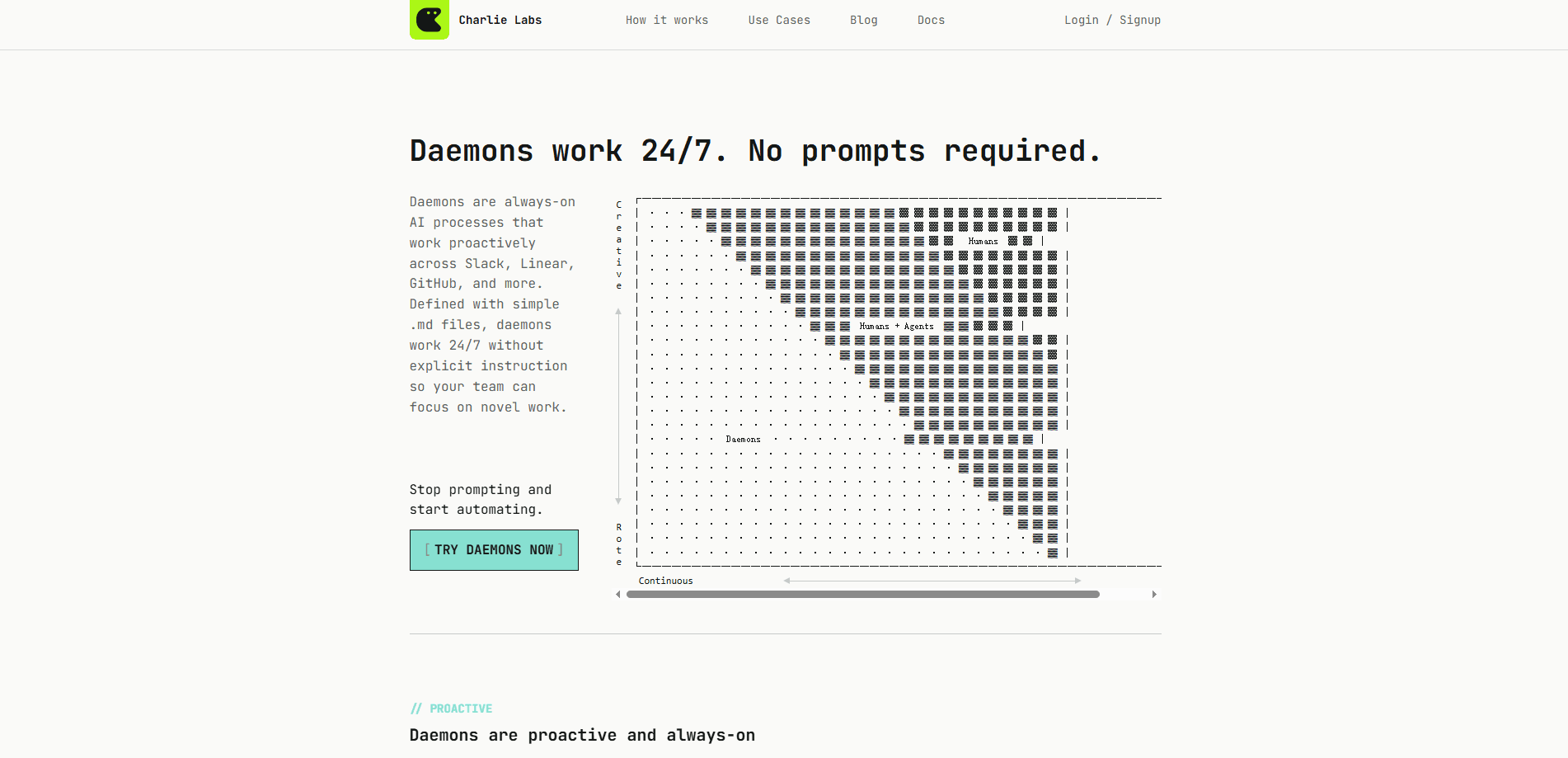
Daemons by Charlie Labs are always-on AI processes that keep working around the clock across tools like Slack, Linear, and GitHub. Instead of waiting for a prompt, each daemon runs on roles, goals, and outcomes you define in a simple Markdown file. Think of it as AI workflow automation for engineering teams that want recurring chores handled without babysitting every AI task. It just runs.
About Daemons by Charlie Labs
What Is Daemons by Charlie Labs
Daemons are a way to hand off the repetitive parts of engineering work to AI that never clocks out. You write a short Markdown file describing a role, the goals attached to it, and the outcome you expect. Charlie then runs that daemon continuously, checking repositories, cleaning up after other agents, and keeping things current across your connected tools.
The appeal is simple: most AI tools still need someone to type a prompt and watch the result. A daemon inverts that. It starts on its own schedule and reports back. No babysitting required, so a whole team benefits from one setup rather than each person re-running the same tasks by hand. Memory carries between runs, which means a daemon gets more useful the longer it runs. That's the whole idea behind proactive AI agents.
The biggest limitation right now is that Charlie Labs is winding down. The company stopped accepting new signups and said the service remains available until October 5, 2026, after which it shuts down completely. Paid subscriptions were canceled effective that date and recent payments were refunded in full. Anyone evaluating Daemons today should treat it as a short runway rather than a long-term purchase, then plan a migration path well before the cutoff date arrives.
Getting Started
- Sign in to Charlie and connect the tools you want a daemon to touch, such as Slack, Linear, or GitHub.
- Write a Markdown file that describes the daemon's role, its goals, and the outcome you want, instead of listing one-off tasks.
- Add the daemon to a repository or workspace so everyone on the team inherits it.
- Let it run on its own schedule and review the work it reports back.
- Adjust the role or goal wording when the results drift from what you actually need.
Product Information
A quick look at Daemons by Charlie Labs's pricing, supported platforms, and performance.
Best for
The users, tasks, and scenarios where this tool fits best.
Users
- Engineering teams
- Engineering managers
- Solo developers who run several agents
Tasks
- Keeping dependency updates and patches moving
- Chasing down loose ends after automated pull requests
- Watching repositories for drift across Slack, Linear, and GitHub
Scenarios
- Recurring maintenance that never seems to reach the top of a backlog
- Teams already using coding agents that generate extra cleanup
- Small teams without dedicated ops staff
Key features
Always-On Execution
Daemons run around the clock without waiting for a prompt. You define the role and the goal, and the daemon keeps working across Slack, Linear, and GitHub on its own schedule. That's the core shift from prompt-driven tools, which only move when someone types something. Slack AI automation that never sleeps is the short version.
Roles, Not Tasks
You describe a daemon by the role it plays and the outcome you want, not by a list of to-dos. That framing lets the daemon decide how to reach the goal rather than following a fixed script, so you spend less time rewriting instructions every time the underlying work changes shape. Daemons are proactive AI agents first and task runners second.
Compounding Memory
Each daemon keeps org-wide memory that carries from one run to the next. Over time it has more context about your repositories and how your team works, so its output fits better with less repeated setup. This is what separates a daemon from a fresh chat every morning.
Markdown-Defined Configuration
A daemon lives in a plain Markdown file. There's no configuration UI to learn and no YAML schema to memorize, which keeps setup readable and easy to review in a pull request, even for teammates who have never touched the tool before. Anyone on the team can read what a daemon is supposed to do. No hidden settings.
Team-Wide Rollout
Adding a daemon to a repository means the whole team inherits it, with no separate rollout or onboarding step. That's a real difference from tools where each person configures their own workspace. One file, shared benefit.
Agent Cleanup
When developers lean on coding agents, they generate more pull requests, more stale branches, and more loose ends than a small team can reasonably track by hand. Daemons keep those pieces up to date, patched, and ready, so the productivity gain doesn't quietly turn into a maintenance tax. That's the point.
Shared Team Billing
Billing is team-based. A shared token budget covers daemon work, so each person's allocation isn't the deciding factor. Plans scale from a free tier through Starter, Team, and Growth, each multiplying the daily and weekly usage limits. Unlimited team members are included on every plan, which keeps the cost predictable as a group grows.
Pros and cons
Pros
- Runs without prompting, so recurring engineering chores stop depending on someone remembering them.
- Markdown-based setup is easy to read, review, and version alongside your code.
- One daemon added to a repo benefits the entire team without individual onboarding.
- Memory that persists across runs gives better context the longer a daemon operates.
- Shared team billing avoids the per-seat limits that stall adoption elsewhere.
Cons
- Charlie Labs is shutting down, with the service ending October 5, 2026, so this isn't a long-term option and you'll need a migration plan.
- The company stopped accepting new signups, which limits who can try it at all.
- Pricing is tied to daily and weekly usage limits rather than predictable credits, so heavy daemon workloads can pause or need overage purchases.
Frequently asked questions
A daemon is an always-on AI process defined in a Markdown file. You give it a role, goals, and an outcome, and it runs continuously across tools like Slack, Linear, and GitHub instead of waiting for a prompt.
Related content
Explore related tools, skills, and articles for Daemons by Charlie Labs.
Daemons by Charlie Labs Alternatives
Forefront
Forefront · CodingForefront is a web platform for building with open-source AI. It lets you fine-tune leading open-source language models on your own data, evaluate how they perform, and run them through an API or export them to host yourself. Developers who want the convenience of a closed-source platform but insist on owning their models and data are the target audience here.

Startkit
StartKit.AI · CodingStartkit is a boilerplate for building AI SaaS and AI wrapper products. Think of it as an AI startup boilerplate with the boring parts already wired up: authentication, Stripe and Lemon Squeezy payments, usage limits, transactional email, and an AI API starter that talks to OpenAI, Anthropic, Groq, or Llama. You clone the repo, set your price, and start on the part of your product that people actually pay for. It's Next.js under React and Tailwind, so most of the boilerplate code already feels familiar.
Testim
Tricentis · CodingTestim is an AI-powered test automation platform for building and running end-to-end tests across web, mobile, and Salesforce applications. It leans on machine learning to keep tests stable when an interface changes, so teams spend less time fixing broken selectors. Not bad for an automated testing tool you can start using today. You create tests by recording actions in a browser, then optionally add JavaScript when you need more control. It's a solid pick for busy QA teams.