

DataMotto
DataMotto · Coding
DataMotto is an AI data notebook for non-technical teams. Upload a CSV or connect Notion, HubSpot or Stripe, and its agents clean, score and analyze the data.
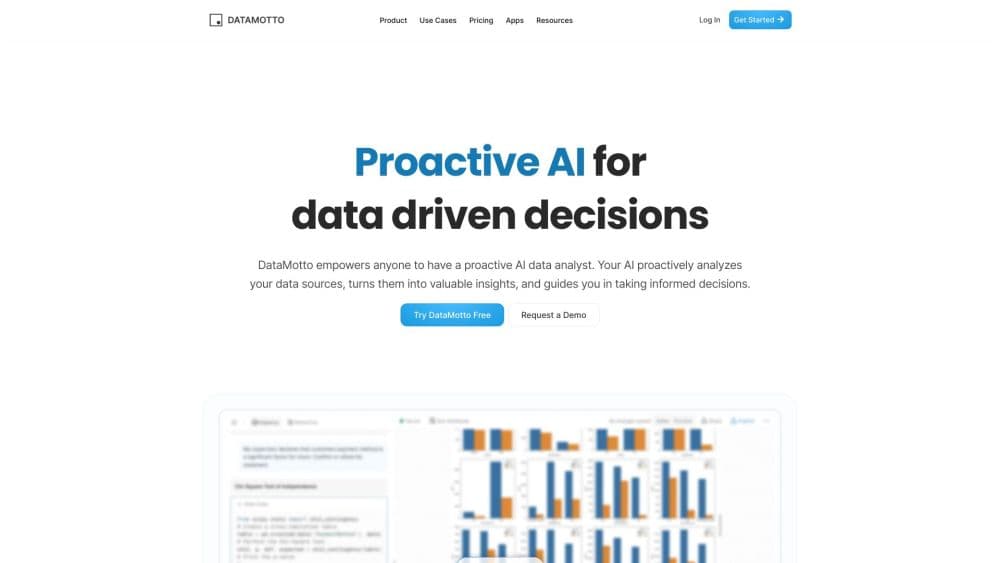
About DataMotto
What Is DataMotto
DataMotto is a browser-based data workspace built by the team of the same name. Each notebook holds your datasets plus a small crew of AI agents: a Data Prep Agent that fixes the raw file and an Analysis Agent that explores it, charts it and models it. Under the hood the notebook runs Python, R and Julia in separate sessions, so the agents can write and execute code while you watch the output tables.
The product targets people who have data and questions but no SQL. You upload a spreadsheet or pull records from an app, and the notebook opens with suggestions for the next step instead of an empty cell waiting for a command. Data preparation, joining and enrichment happen through chat and one-click suggestions, and a download button turns the result into a table you can take elsewhere. The pitch is no-code data analysis: you describe the problem, and the notebook runs the steps.
Two limits deserve a place in the introduction. The datamotto.com domain now redirects to MyLens AI, the company's newer presentation product, so anyone signing up today may land outside the notebook product described here. On the free plan, storage is capped at 5GB across the workspace, and every single notebook is capped at 10GB no matter which plan you pay for.
Getting Started
- Create an account at datamotto.com and open a new notebook from the workspace sidebar.
- Add data with the Upload data card for CSV or Excel files, or connect Notion, HubSpot or Stripe and pick the tables you want.
- Let the Data Prep Agent scan the file, then accept or edit its suggestions for type fixes, empty columns, duplicate rows and column names.
- Ask the Analysis Agent a question in plain language, check the chart or table it returns, and export the cleaned dataset when it looks right.
Product Information
A quick look at DataMotto's pricing, supported platforms, and performance.
Best for
The users, tasks, and scenarios where this tool fits best.
Users
- Analysts who spend their mornings fixing files
- Founders and operators without a data team
- Marketing and sales leads
- Students learning data work
Tasks
- Cleaning a messy export
- Pulling a pattern out of text
- Scoring whether a dataset can be trusted
- Handing work to a colleague
Scenarios
- A monthly board pack
- A first look at a new dataset
- A team that keeps rebuilding the same spreadsheet
Key features
Notebooks With Specialized Agents
Every notebook assigns an agent to the job in front of you. The Data Prep Agent works on structure and cleanliness, and the Analysis Agent takes over once the table is stable, running exploratory charts, summaries and simple models. Splitting the work keeps each agent focused, and it gives you a clear place to check the reasoning before the analysis moves on.
AI Data Cleaning That Runs Before Analysis
Upload a CSV or Excel file and DataMotto detects data types, renames sloppy column headers, drops empty rows and columns, and removes columns that hold one repeated value. That last step matters more than it sounds: a constant column tells a model nothing and often hides a broken export. You review the proposed changes rather than accept a silent rewrite, which keeps the original file honest.
Data Quality Score
The data quality score grades how ready a dataset is for the question you asked, not how tidy it looks in general. It lists the issues it found, checks the data against your stated objective and suggests enrichment where a column is too sparse to support a conclusion. Read it as a triage signal: a low score means slow down, not that the file is worthless.
AI Text Extractor for Messy Columns
Pick a column, highlight an example of what you want and describe it in a sentence. The agent writes the extraction code and drops the result into a new column, which is faster than building a regex by hand and easier to audit because the code stays visible. It handles order references, product names and address fragments well, and it struggles when one column mixes several formats with no consistent marker.
Notion, HubSpot and Stripe Connections
Instead of exporting a spreadsheet every week, you can connect a Notion database, HubSpot records or Stripe data and let the notebook retrieve it. The connection converts records into a dataframe, so the same cleaning and analysis steps apply. It suits recurring reporting, and it does mean your analysis is only as fresh as the last sync.
Python, R and Julia Side by Side
Each notebook page can run Python, R and Julia in separate sessions, with a long list of statistics packages preinstalled, and you can install anything missing in a reproducible environment. Variables don't cross sessions, so a dataframe built in Python isn't visible to R. That's a real constraint for mixed workflows, and it's also the reason a notebook stays predictable when you hand it to someone else.
Pros and cons
Pros
- The prep and analysis split gives non-coders a clear path from a raw file to a finished chart.
- Cleaning suggestions are shown before they apply, so you can reject a change that would distort the data.
- Notion, HubSpot and Stripe connections remove the weekly export ritual for recurring reports.
- Notebooks can be shared with access levels, which makes the analysis usable by a team rather than one person.
- The free plan is real: 5GB of storage and a working notebook, with no card required to start.
Cons
- The main domain now redirects to MyLens AI, so the future of the notebook product is unclear for new buyers.
- Pricing isn't published on an official page anymore, which leaves third-party listings as the only source for the $15 to $49 range.
- The 10GB cap per notebook applies even on paid plans, so large exports need the integration route instead of an upload.
- No public API is documented, which rules out automated pipelines and scheduled refreshes from your own systems.
Frequently asked questions
It prepares and analyzes tabular data in a browser notebook. You add a spreadsheet or connect an app, the AI cleans the structure, gives the dataset a quality score, and then answers questions with tables and charts. The audience is people who work with data but don't write code for a living.
Related content
Explore related tools, skills, and articles for DataMotto.
DataMotto Alternatives

Base Code
Base44 (Wix) · Coding · ProductivityBase Code is a shared cloud development environment from Base44. Teammates describe changes to an existing GitHub codebase in chat, preview them live and send them back as pull requests.

Google EmbeddingGemma 2
Google DeepMind · Writing · Image · CodingGoogle EmbeddingGemma 2 is a 740M-parameter open model that turns text, code, images, audio, and video frames into vectors in one 768-dimension space, running on phones and laptops.

GitGlow
GitGlow · Coding · ProductivityGitGlow is a local-first desktop Git client that lets independent developers review their own code and their AI agents' changes in one place before shipping.