

Datapizza AI Framework
Datapizza · Coding
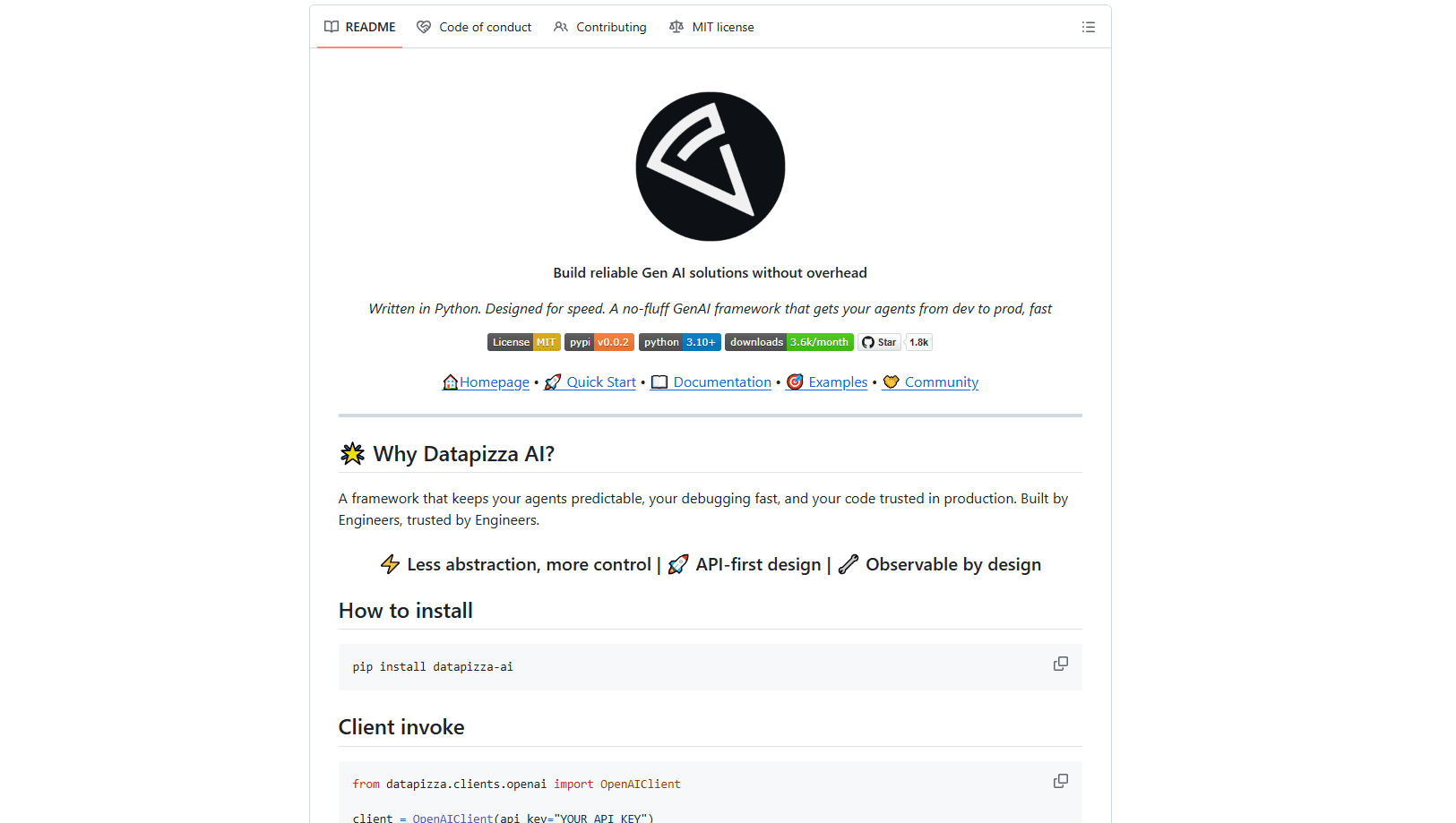
Datapizza AI is an open-source Python framework for building generative AI agents and RAG pipelines that stay reliable from prototype to production. Created by the AI engineering team behind Datapizza, it favors clear interfaces over hidden magic, so you can trace every model call, swap providers without rewriting business logic, and debug agents that would otherwise act like a black box.
About Datapizza AI Framework
What Is Datapizza AI
Datapizza AI is a Python GenAI framework that handles the messy parts of connecting your app to large language models. It's small. It's yours to shape. It gives you building blocks for agents, document ingestion, retrieval, and monitoring, then leaves the wiring to you. The design leans on explicit composition instead of a run() method that hides the whole reasoning loop. That means you can insert a log, a checkpoint, or a metric anywhere between two modules.
The pitch is simple: fewer abstractions, more control. Many frameworks try to be an all-in-one platform and bury tool calls, retries, and conversation history behind layers of code that you can't see or easily change. When an agent loops forever or a tool returns something odd, you're left guessing where it broke. Datapizza AI keeps those steps visible, which makes debugging fast and long-running agents easier to trust in production. You see the loop. You own the loop.
No black box. Just code you can read.
It isn't a hosted product. You install it into your own environment and run it wherever your Python code already runs. Models, rerankers, and vector databases are pluggable, so you're not locked into one vendor. The tradeoff is that you're a developer building on a library, not a business user clicking through a dashboard.
Getting Started
- Confirm you have a working Python installation, since the framework runs as a standard Python package you import like any other dependency.
- Install it with
pip install -U datapizza-aiin your project environment. - Connect a model client, such as OpenAI, Google Gemini, or Anthropic, and pass your API key.
- Define an agent or a retrieval pipeline by assembling the blocks you need, such as ingestion, splitting, embedding, and storage.
- Run it locally, then turn on OpenTelemetry tracing to watch each step before you ship.
Product Information
A quick look at Datapizza AI Framework's pricing, supported platforms, and performance.
Best for
The users, tasks, and scenarios where this tool fits best.
Users
- Python developers who want an AI agent framework without heavy abstraction
- AI engineering teams shipping to production
- Backend engineers adding RAG to an existing service
Tasks
- Building a customer support agent that pulls full context from messaging channels and internal data. No context gaps.
- Turning natural language questions into database queries, the use case shown in the framework's own Speech-to-SQL demo.
- Automating document review to flag inconsistencies against company policy, useful for compliance workflows.
- Standing up a retrieval pipeline with reranking and chunk enrichment to improve answer quality.
Scenarios
- Early prototyping where you want to test an agent idea quickly but still trace what the model actually received.
- Moving a proof of concept into production and needing logs, metrics, and tracing that already exist.
- Swapping model providers or vector databases mid-project without touching your core business logic. One config line, not a rewrite.
Key features
API-First Design
Every major piece exposes a clear interface, with lifecycle hooks you can tap into. Sync, async, and streaming are supported out of the box, so you don't bolt them on later. No surprises. For teams that need to control exactly when a model call fires, that transparency matters more than a one-line convenience method that hides the timing.
Configurable RAG Pipeline
The retrieval side covers the whole chain: document parsing, splitting, embedding with efficient batching, and storage in a vector database such as Qdrant, all of which you can configure or replace piece by piece. You can add a reranker like Cohere to lift relevance before generation. There's also chunk transformation, which enriches retrieved snippets with titles, URLs, and metadata so the generator gets better context.
OpenTelemetry Tracing
Monitoring is built on OpenTelemetry, so it works with the tooling you probably already run. You can trace fine-grained phases and sub-steps to pinpoint bottlenecks, export traces to Zipkin or any OTLP-compatible backend, and optionally log the inputs, outputs, and in-memory context passed to each model call.
Vendor-Agnostic Clients
Swap models, rerankers, and vector databases without rewiring your business logic. Clients for OpenAI, Google Gemini, and Anthropic sit behind the same interfaces, so changing a provider is a config change rather than a rewrite. That flexibility is the main reason teams pick it over a single-vendor SDK.
Composable Building Blocks
The framework gives you reusable components and declarative configuration, with easy overrides when defaults don't fit. You assemble agents and pipelines from parts instead of accepting a fixed template. The upside is flexibility and debuggability. The cost is that you write more of the glue yourself, and that glue is code you'll have to maintain long after the first demo works.
Production Provenance
Datapizza says the framework powers more than 50 GenAI solutions in production, spanning booking assistants, knowledge assistants, and compliance tools. That track record is a signal, not a guarantee, but it does mean the patterns you're copying have already survived real traffic.
Pros and cons
Pros
- Open source and free to install, with no license fee or usage cap on the framework itself.
- Tracing and logging are first-class, so you can see the exact context sent to a model call.
- Vendor-agnostic clients let you switch models or vector stores without rewriting your logic.
- Explicit, composable design makes agents easier to debug than frameworks that hide the reasoning loop.
- Streams, async, and sync are supported without extra setup.
Cons
- It's a library for developers, so non-technical users and no-code teams won't get much out of it.
- The less-abstraction philosophy means more boilerplate: you assemble pipelines instead of getting them prebuilt.
- You supply your own model keys, storage, and vector database, which adds setup work and running costs outside the framework.
- Documentation and community are younger than those of larger, more established AI frameworks, so answers to niche questions can be harder to find.
Frequently asked questions
Yes. The framework is open source and installs for free with pip install -U datapizza-ai. You still pay for whatever you connect to it, such as model API calls, a vector database, or hosting. The framework itself costs nothing.
Related content
Explore related tools, skills, and articles for Datapizza AI Framework.
Datapizza AI Framework Alternatives
Forefront
Forefront · CodingForefront is a web platform for building with open-source AI. It lets you fine-tune leading open-source language models on your own data, evaluate how they perform, and run them through an API or export them to host yourself. Developers who want the convenience of a closed-source platform but insist on owning their models and data are the target audience here.

Startkit
StartKit.AI · CodingStartkit is a boilerplate for building AI SaaS and AI wrapper products. Think of it as an AI startup boilerplate with the boring parts already wired up: authentication, Stripe and Lemon Squeezy payments, usage limits, transactional email, and an AI API starter that talks to OpenAI, Anthropic, Groq, or Llama. You clone the repo, set your price, and start on the part of your product that people actually pay for. It's Next.js under React and Tailwind, so most of the boilerplate code already feels familiar.
Testim
Tricentis · CodingTestim is an AI-powered test automation platform for building and running end-to-end tests across web, mobile, and Salesforce applications. It leans on machine learning to keep tests stable when an interface changes, so teams spend less time fixing broken selectors. Not bad for an automated testing tool you can start using today. You create tests by recording actions in a browser, then optionally add JavaScript when you need more control. It's a solid pick for busy QA teams.