

Dbits
Dbits · Coding
Dbits is a no-code platform that turns a plain-language question into a data-backed report, pulling from the web, social media, and traditional media to show sentiment, trends, and demographics.
About Dbits
What Is Dbits
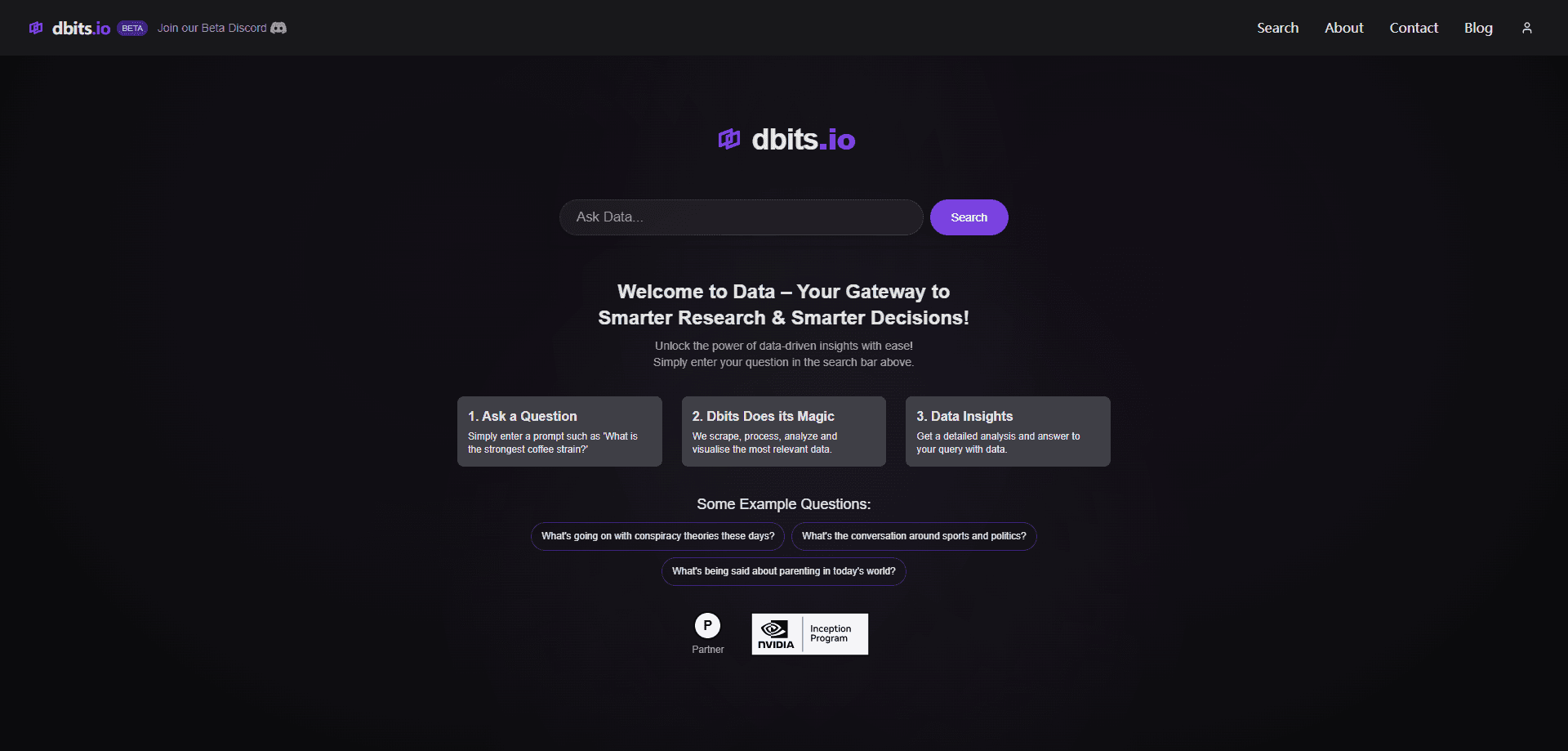
Dbits is a research tool for people who need a fast read on what the public thinks about a topic. You type a question in plain language, the way you'd ask a colleague, and the platform scrapes, processes, and analyzes relevant sources across the web, social media, and traditional media. What comes back is a report built around sentiment, trends, topics, and demographics, not a raw search results page.
Think of it as an AI data analysis tool rather than a search engine. A search engine hands you links; Dbits hands you an interpretation of what those links say, gathered from many places at once. As its makers describe it, you ask a question and get a data-backed answer, which is why people treat it as a way to ask a question and get data insights instead of a results list. That framing is aimed at marketers, analysts, and researchers who would otherwise burn hours collecting posts, sorting them, and eyeballing the mood. The difference is the analysis layer: acting as a trend forecasting platform, it groups recurring topics, flags sentiment shifts, and projects where interest is heading, so you can size up a subject without running the whole study by hand.
The main limit is that reports are summaries, and a summary is only as good as the sources underneath it. Public posts skew toward people who choose to speak up, so sentiment from social media is a signal, not a census. Treat the output as a strong starting point for a decision, then check the underlying material on anything high-stakes. The product is also still in beta, so features and coverage can shift while you're relying on them.
Getting Started
- Open dbits.io and start the beta trial from the site.
- Type your research question into the search bar, for example "What is the strongest coffee strain?" or a question about a market you follow.
- Wait while Dbits scrapes, processes, analyzes, and visualizes the most relevant material it can find.
- Read the report, which groups results into sentiment, trends, topics, and demographics.
- Refine the question or ask a follow-up to narrow in, then export the report to PDF and save it for later.
Product Information
A quick look at Dbits's pricing, supported platforms, and performance.
Best for
The users, tasks, and scenarios where this tool fits best.
Users
- Marketers
- Market researchers and analysts
- Students and writers
- Founders
Tasks
- Tracking sentiment around a topic
- Forecasting a trend
- Building a quick briefing
Scenarios
- Launch week monitoring
- Pre-meeting research
- Content planning
Key features
Plain-language questions and no-code reports
You don't build a query or pick filters. You ask a question the way you'd say it out loud, and Dbits figures out what to gather, which makes no-code data reports the default rather than the exception. That lowers the bar enough that someone with no analytics background can run a real study, which is the point of the no-code approach.
Multi-source scraping and analysis
The platform pulls from across the web, social media, and traditional media in one pass, then processes what it finds. That range matters because a topic's story rarely lives in one place: social posts show the fast reaction, while media coverage shows the slower take. Reading both together gives a fuller picture than either alone.
Sentiment and trend reporting
Reports are organized around sentiment and trends, so you see not only what people say but how they feel about it. Trend forecasting adds direction, letting you judge whether attention is rising or fading rather than just where it stands today.
Topic and demographic breakdowns
The tool groups recurring topics and breaks down demographics, which helps you see who is talking and what they focus on. For research work, this is what turns a pile of posts into something you can actually describe.
Visual reports with PDF export
Results arrive as visual reports, and you can export them to PDF. That makes the output easy to share with a team or drop into a deck, instead of copying findings out of a chat interface by hand.
Search history and trending discovery
Dbits keeps a history of your searches and surfaces trending topics and sentiment shifts. The history is useful for comparing a subject over time, and the trending view is a low-effort way to spot what is gaining attention before it peaks.
Pros and cons
Pros
- Turns a plain question into a structured report, so you skip building queries and picking sources yourself.
- Combines social and traditional media in one pass, which gives a broader read than a single-channel tool.
- Sentiment and trend direction together tell you how a topic is moving, not just where it sits.
- PDF export and search history make it easy to share findings and compare a subject over time.
- No code or setup, so a non-technical user can run a study without training.
Cons
- It's still in beta, so features and source coverage can change and may not be stable for long-term work.
- Reports are summaries, so sentiment from public posts is a signal rather than a representative sample, and high-stakes claims need verifying.
- There's no published API, so you can't automate the workflow or pipe results into other tools.
Frequently asked questions
As a Dbits data insights platform, you ask a question in plain language and it scrapes, processes, and analyzes data from the web, social media, and traditional media, then returns a visual report covering sentiment, trends, topics, and demographics.
Related content
Explore related tools, skills, and articles for Dbits.
Dbits Alternatives

Base Code
Base44 (Wix) · Coding · ProductivityBase Code is a shared cloud development environment from Base44. Teammates describe changes to an existing GitHub codebase in chat, preview them live and send them back as pull requests.

Google EmbeddingGemma 2
Google DeepMind · Writing · Image · CodingGoogle EmbeddingGemma 2 is a 740M-parameter open model that turns text, code, images, audio, and video frames into vectors in one 768-dimension space, running on phones and laptops.

GitGlow
GitGlow · Coding · ProductivityGitGlow is a local-first desktop Git client that lets independent developers review their own code and their AI agents' changes in one place before shipping.