

Decisions
Decisions · Coding · Productivity
Decisions is an AI meeting management platform for Microsoft Teams and Microsoft 365 that builds agendas, captures minutes, decisions and tasks, and syncs follow-ups to Planner and To Do.
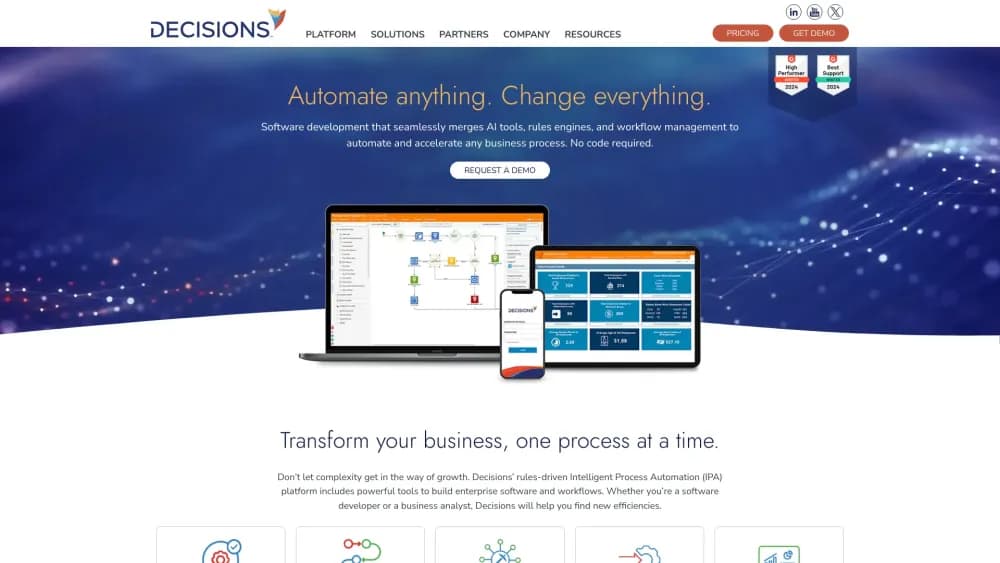
About Decisions
What Is Decisions
Decisions is a meeting management system that runs inside Microsoft Teams and Microsoft 365. It handles the whole lifecycle of a meeting: the agenda you build before it, the notes, decisions and timing you capture during it, and the minutes and follow-ups you push out once it ends. The company behind it has been shipping meeting software since 2010, and thousands of organizations now run their leadership, project and board meetings on it.
The problem it targets is familiar to anyone who has left a call unsure what was actually agreed. Notes live in one tool, tasks in another, and the decision itself often lives nowhere. Decisions pulls those threads together by treating the decision as the unit worth tracking. Every decision gets an owner and lands in a searchable log with an audit trail, so you can point to what was agreed and who agreed to it.
The catch is where it runs. Decisions is built for Teams and Microsoft 365, and its value depends on your organization already living in that stack. On other platforms there is little for it to plug into. Its AI layer, Decisions AI, also meters usage through monthly credits, so heavy users may need to watch consumption.
Getting Started
- Install the Decisions app from the Microsoft AppSource marketplace and add it to a team or a meeting.
- Sign in with your Microsoft 365 account and grant the permissions the app requests for Teams, Planner, Outlook and OneNote.
- Build your first agenda from a template, or let the AI agenda assistant draft one in seconds.
- Run the meeting from the Decisions side panel so the agenda, notes, timer and voting stay in one place.
- Generate AI minutes and recaps when the call ends, then let decisions and tasks sync to Planner and To Do.
Product Information
A quick look at Decisions's pricing, supported platforms, and performance.
Best for
The users, tasks, and scenarios where this tool fits best.
Users
- Team leads and managers
- Project and program managers
- Governance and compliance staff
- Executive assistants who run meetings for leadership
Tasks
- Running structured meetings
- Capturing minutes automatically
- Tracking follow-through
- Recording decisions for audit
Scenarios
- Weekly leadership meetings that need a reliable record
- Board or committee meetings where accountability matters
- Hybrid teams spread across offices
- Projects where follow-ups slip
Key features
Agenda Builder and Templates
Build an agenda inside Teams, from scratch, from a template, or with the AI agenda assistant. Each topic can carry a time plan, a presenter, attachments and an objective, so everyone knows why it is on the list. An automatic Meeting Book pulls every topic and file into a single PDF or PowerPoint.
In-Meeting Side Panel
The agenda, notes, timer and voting all live in a side panel without leaving the Teams call window. A time tracker with live prompts keeps topics on schedule, and secure voting runs open, partially anonymous or fully anonymous. Guest presenters get scoped access to what they need and nothing else.
AI Minutes and Recaps
Decisions AI turns the agenda, transcript and notes into ready-to-edit minutes in your own Word or OneNote template. Each meeting recap pulls out the key takeaways and can be shared with the team in seconds, so people who missed the call still catch the outcome.
Decision Log and Task Sync
Decisions treats decisions as first-class records, each with an owner and an audit trail. Tasks and decisions sync from the minutes into Microsoft Planner and To Do, so follow-ups land in tools your team already uses rather than a separate list nobody reopens.
Microsoft 365 Copilot Integration
A Decisions agent for Microsoft 365 Copilot lets you ask questions about any meeting, from agendas and recaps to decisions and attached files, in plain language. Copilot already sits in the Microsoft 365 workflow, so this keeps meeting history searchable without a separate app.
Decisions AI Credits
Every Decisions license includes 100 AI credits each month at no extra charge. Those credits cover the AI minutes, recaps, agenda assistant and insights dashboard. Heavier use draws on more credits, so teams that lean on the AI layer need to track consumption against their plan.
Pros and cons
Pros
- Runs entirely inside Microsoft Teams and Microsoft 365, so it fits the tools most organizations already use.
- It treats decisions as trackable records with owners and an audit trail, not just lines in a document.
- One-click minutes in your own Word or OneNote template cut the admin time that normally follows every meeting.
- Tasks sync to Planner and To Do, so follow-ups surface where people already work.
- Every license includes 100 AI credits a month, giving teams room to try the AI features without a separate purchase.
Cons
- There is no free plan, so you cannot test the full workflow before committing a budget.
- It is built for Microsoft Teams and Microsoft 365, leaving little value for organizations that run meetings on other platforms.
- Pricing starts around $120 per user per year, which adds up quickly across a large team.
- The AI features run on monthly credits, so heavy users can exhaust the included allowance and need more.
Frequently asked questions
Decisions manages the full lifecycle of a meeting inside Microsoft Teams and Microsoft 365. It builds the agenda, captures minutes, decisions and tasks during the call, and pushes the results to Word, OneNote, Planner and To Do afterwards.
Related content
Explore related tools, skills, and articles for Decisions.
Decisions Alternatives

Base Code
Base44 (Wix) · Coding · ProductivityBase Code is a shared cloud development environment from Base44. Teammates describe changes to an existing GitHub codebase in chat, preview them live and send them back as pull requests.

Google EmbeddingGemma 2
Google DeepMind · Writing · Image · CodingGoogle EmbeddingGemma 2 is a 740M-parameter open model that turns text, code, images, audio, and video frames into vectors in one 768-dimension space, running on phones and laptops.

GitGlow
GitGlow · Coding · ProductivityGitGlow is a local-first desktop Git client that lets independent developers review their own code and their AI agents' changes in one place before shipping.