

Deck
Deck · Writing · Productivity
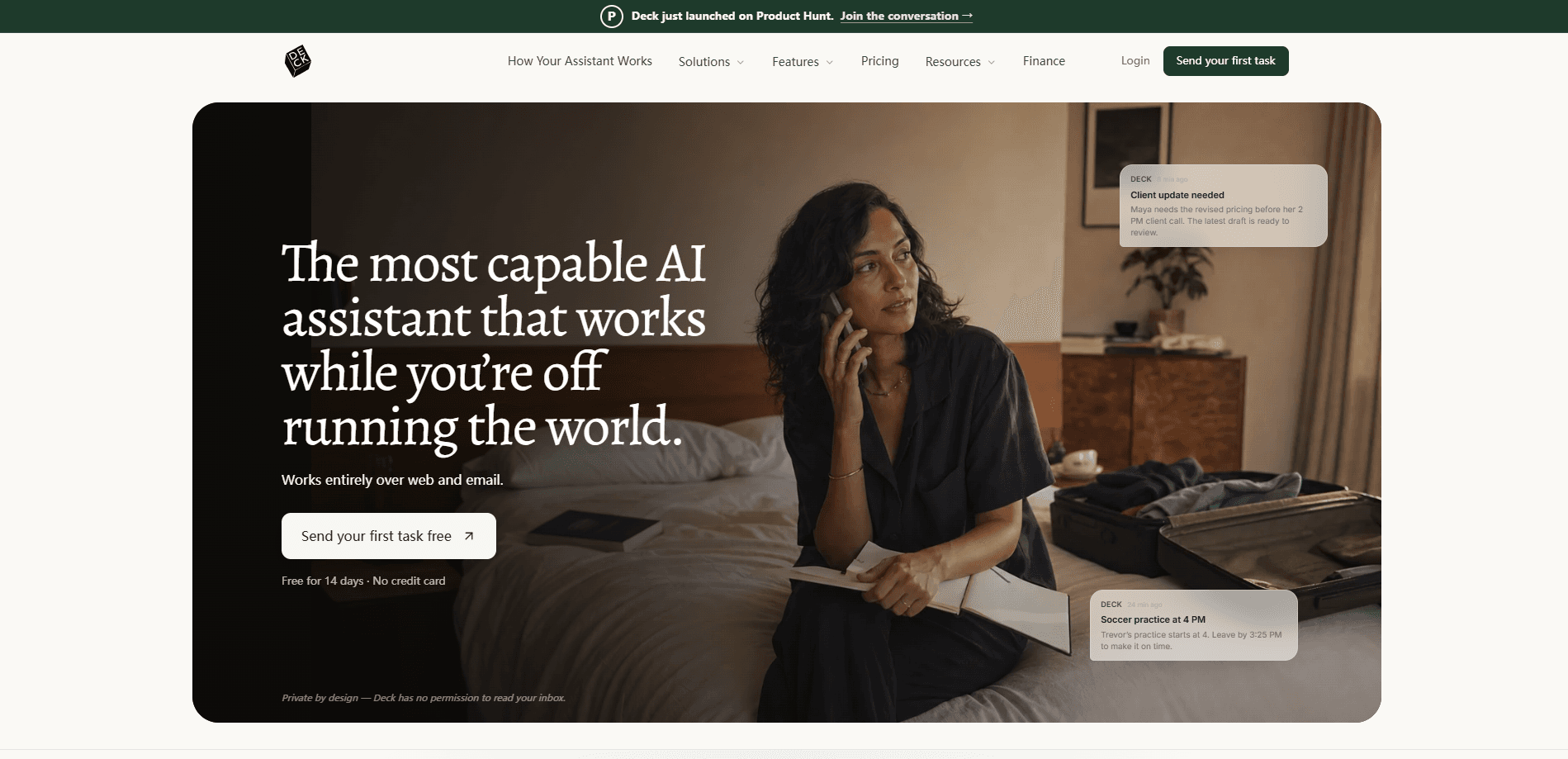
Deck is a private-by-design AI email assistant that works through email and the web, so you don't have to install anything or hand over your inbox. It lives at its own address, and you CC it on threads or forward messages to it. From there it drafts replies in your voice, tracks tasks, runs routines, and keeps context across the tools you already use. The pitch is simple: an email sidekick that handles the busywork and reports back to you, not a faster inbox. It isn't built for automated email replies that fire off messages on its own, and that's the point.
About Deck
What Is Deck
Deck is an AI email assistant built around a single idea: instead of making your inbox faster, it gives you a teammate with its own email address. You don't log into a new app and you don't grant standing access to your mailbox. You just add Deck to a thread the way you'd add a colleague.
That design choice matters more than it sounds. Most AI email tools put an assistant inside Gmail or Outlook, which means it only works while you're sitting in that tab. Deck works outside your inbox entirely. It reads a thread silently, drafts a reply you can send, files attachments, and hands you the short list of things that actually need a decision.
The tradeoff is real too. Deck isn't meant to replace your email client, so you still live in Gmail or Outlook day to day. It also replies only to you, which keeps things safe but means you always review before anything goes out. And because it learns your preferences over time, the first week feels thinner than the third. If you want instant magic, this isn't it. If you want something that gets sharper the longer you use it, that's the deal.
So what actually lands in your plate? Drafts. Summaries. Routines that run on schedule. Not chaos.
Getting Started
- Sign up on the Deck website and pick an address for your assistant, something like [email protected].
- Start the 14-day Pro trial. No credit card is required, and you can cancel anytime.
- CC your assistant on a live email thread, or forward a message you want help with.
- Ask for what you need in plain language, like a draft reply, a summary, or a routine such as a Monday morning briefing.
- Review the result in your own inbox and send it yourself, or let a routine run on schedule and email you the outcome.
Product Information
A quick look at Deck's pricing, supported platforms, and performance.
Best for
The users, tasks, and scenarios where this tool fits best.
Users
- Sales and client-facing teams
- Founders and small teams
- Realtors and coordinators
Tasks
- Drafting email replies
- Running recurring routines
- Tracking tasks across threads
- Summarizing busy threads
Scenarios
- Back-to-back meeting days
- Working across time zones
- Early research on a new contact or project
Key features
Own Email Address
Deck lives at its own address rather than inside your mailbox. You forward messages to it or CC it on a thread, and it follows along without a login or a standing inbox connection. That means it keeps working when your email tab is closed, which is the part most inbox add-ons can't do.
Silent Thread Reading and Draft Replies
Once you copy Deck on a thread, it reads quietly and drafts a reply in your voice. It never replies to anyone else on the thread. You get the draft, you decide what to send. Note the word "draft." The sending is on you. That "replies only to you" rule is what makes it safe to use on client and team conversations.
Routines and Scheduled Work
You can hand Deck a recurring job, like a morning briefing or a weekly status pull, and it runs on its own schedule and emails you the outcome. Why does that matter? Because standing work is the stuff you always forget to trigger. This turns the assistant from a one-off reply tool into something that handles that work without you remembering to ask.
Persistent Memory and Context
Deck learns your preferences, your priorities, and the people you work with as it goes. Files, decisions, and details stay in context, so you don't re-prime it every session the way you would with a chat assistant pasted into a browser. From what we've seen, that memory is the difference between a tool you tolerate and one you rely on. It's the whole game.
Privacy by Design
Deck runs on encrypted, enterprise-grade infrastructure and reports SOC 2 and GDPR alignment. It only reads what you loop it into unless you grant wider access. For anyone handling client data, that's the first question to ask, and Deck answers it up front. No vague promises. Just the two acronyms that matter.
Attachment Handling
Deck files attachments where they belong as it reads a thread. Small thing, but it's the kind of chore that eats minutes every day across a busy inbox. Small chores add up.
Pros and cons
Pros
- No install and no full inbox access, so you can try it without changing how you work.
- Keeps running when your email client is closed, unlike inbox-only assistants.
- Replies only to you, which lowers the risk on client and team threads.
- Learns your preferences over time, so routines get more useful the longer you use it.
- SOC 2 and GDPR posture fits teams that handle sensitive data.
Cons
- No free tier, only a 14-day Pro trial, so you can't keep testing indefinitely without paying.
- You still need Gmail or Outlook for actual sending, so it adds a layer rather than replacing your client.
- Early use feels thinner while it learns, which may frustrate people who want immediate results.
- Public pricing details are limited, so budgeting needs a direct check with Deck.
Frequently asked questions
Deck is an AI email assistant that handles drafting, task tracking, and recurring routines over email. You forward or CC it on threads, and it works in the background and reports back to you.
Related content
Explore related tools, skills, and articles for Deck.
Deck Alternatives

Google EmbeddingGemma 2
Google DeepMind · Writing · Image · CodingGoogle EmbeddingGemma 2 is a 740M-parameter open model that turns text, code, images, audio, and video frames into vectors in one 768-dimension space, running on phones and laptops.

MePersona
MePersona, Inc. · Writing · Productivity · MarketingMePersona is an AI unified inbox for creators. It learns your voice, drafts replies to fan messages from 12 platforms, and sends only what you approve.

Fluence
Yay Software (Yannick Huchard) · Writing · Voice & Language · ProductivityFluence is an Android app that reads PDFs, EPUBs, Word files and web articles aloud, follows each sentence as it speaks, and answers questions about the text on the phone itself.