

Decopy AI
Decopy AI · Writing · Leaning · AI Detection
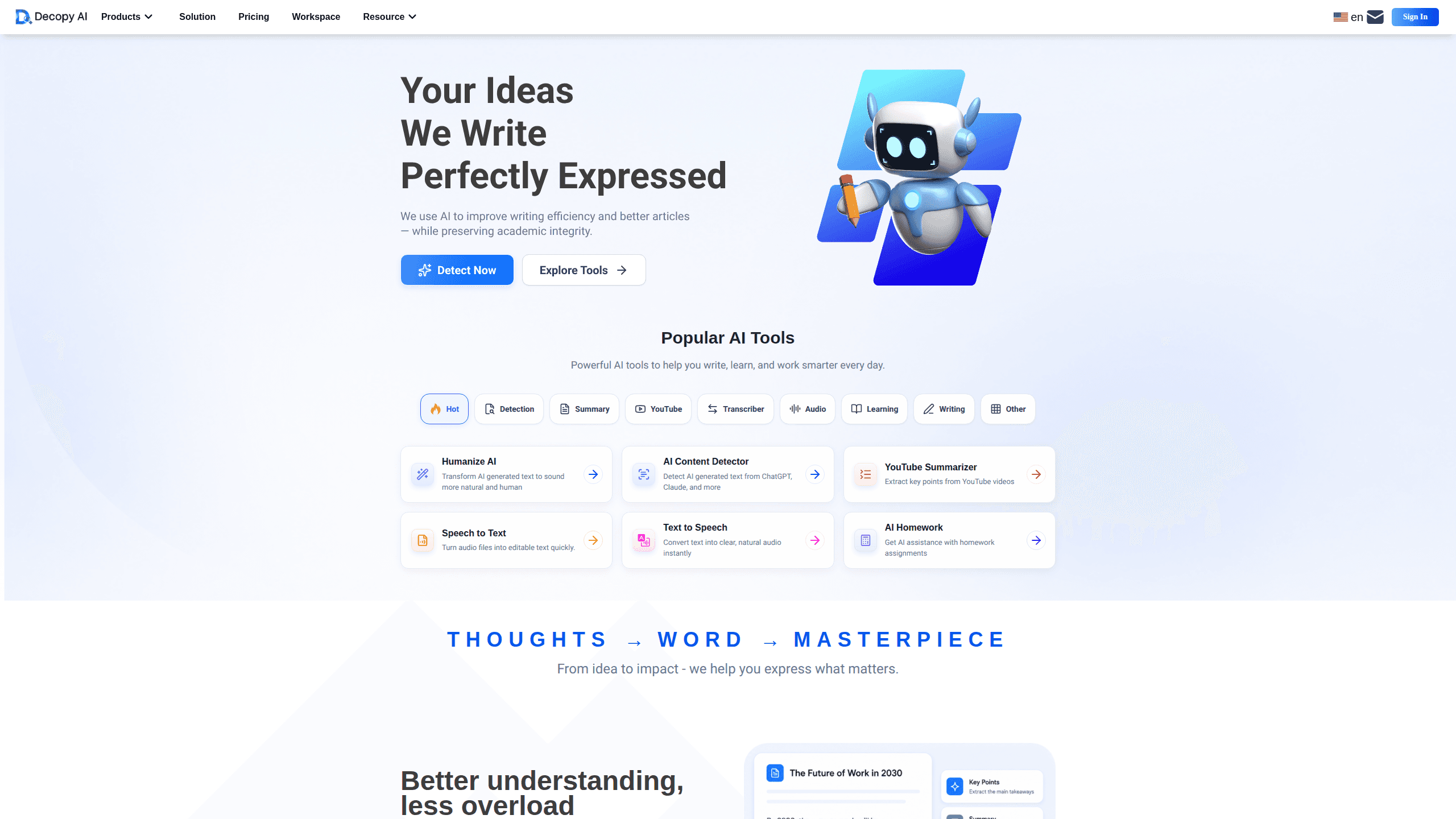
Decopy AI is an AI writing assistant that detects machine-written text, rewrites stiff drafts, and summarizes long documents, PDFs, audio, and video in one browser workspace.
About Decopy AI
What Is Decopy AI
Decopy AI is a web-based writing toolkit built around one idea: help people check and improve text without losing their own voice. The core tools are an AI detector that flags machine-written patterns, a humanizer that rewrites those passages, and a summarizer that condenses long material into usable notes. It runs in your browser, so there's nothing to install.
The main problem it solves is trust. AI-generated text is everywhere now, and readers, teachers, and editors have gotten suspicious of anything that reads a little too smooth. That's the whole pitch. Decopy gives you a way to inspect a draft before someone else does, then fix what looks off. It also handles the busywork around writing, such as turning a lecture video into study notes or translating a page you need to skim.
The biggest limit is that detection is a signal, not proof. No detector, Decopy included, can promise the same verdict across every tool, and humanized output still needs a final read-through from you. The advanced features run on a credit system, so heavy users will hit paid tiers fairly fast.
Getting Started
- Open decopy.ai in any browser. Basic checks like AI detection work without signing up. You'll need an account to save files and use advanced credits.
- Paste your text, upload a file, or drop in a link. Decopy accepts documents, images, audio, and video URLs, so you don't have to retype anything.
- Run the check you need. Pick AI detection to see a likelihood score, the humanizer to rewrite flagged passages, or the summarizer to pull out key points.
- Review the result and edit by hand. Treat the score as a hint, then adjust anything that still sounds off.
- Save your work to My Account, which keeps files, notes, and past results in one place for later.
Product Information
A quick look at Decopy AI's pricing, supported platforms, and performance.
Best for
The users, tasks, and scenarios where this tool fits best.
Users
- Students
- Non-native English speakers
- Content teams and freelancers
Tasks
- AI content detection
- Humanize AI text
- Summarize documents and media
Scenarios
- Weekend essay crunch
- Meeting or lecture recap
- Research skimming
Key features
AI Content Detector
The detector scores text on how likely it's machine-written and splits the result into AI, human, or mixed categories. It also breaks down why specific sentences got flagged, which helps you decide what to rewrite. A separate deep plagiarism check runs on credits when you need an originality pass. Supports long-form input up to 200,000 characters, so full chapters and reports fit in one pass.
AI Humanizer
This is the tool for rewriting stiff or repetitive AI text into something that reads closer to a person. It adjusts sentence length, transitions, and structure rather than just swapping words. Big difference. Per Decopy, it keeps your original meaning while cleaning up the tell-tale patterns detectors pick up.
Multi-Format Summarization
Beyond plain text, Decopy takes documents, images, audio, and video. You can summarize a PDF or slide deck, run OCR on a screenshot to pull out its text, or summarize a YouTube video from its link. It's the part that saves the most time on research-heavy work. Huge for anyone buried in PDFs.
Study and Math Help
For students, the toolkit includes step-by-step math solving, flashcards, and worksheet generation. It walks through problems rather than just handing over answers. That matters. If the goal is understanding the method, not copying it, this is where the tool earns its keep.
Translation and Q&A
You can translate text and ask questions about a document you've loaded. Handy when you work across languages. It's a practical add-on when you need a quick explanation of a dense passage without leaving the page.
Organized Workspace
Files, saved notes, and past results live in My Account, so a summary you ran last week isn't gone. It's a small thing, but it beats hunting through browser tabs. Who wants to rerun the same PDF twice? Who wants to rerun the same PDF twice?
Pros and cons
Pros
- Wide input support means one tool covers text, docs, images, audio, and video instead of five separate apps.
- Basic AI detection works without a login, which is handy for a quick check.
- Sentence-level explanations show why text got flagged, not just a number.
- Free trial covers advanced features well enough to test before paying.
Cons
- Advanced features run on credits, and monthly allowances reset instead of rolling over, so heavy use pushes you into paid tiers.
- Detection results aren't guaranteed to match other detectors, so a clean score here doesn't mean a clean score everywhere.
- There's no public API, which rules it out for anyone wanting to wire it into their own workflow.
Frequently asked questions
It's a set of writing tools on one site: an AI detector, an AI humanizer, a summarizer, and study helpers. Most people use it to check a draft for AI traces, then clean up the passages that get flagged.
Related content
Explore related tools, skills, and articles for Decopy AI.
Decopy AI Alternatives

Emailwritr
Emailwritr · Writing · MarketingEmailwritr is an AI email copywriting tool built for affiliates, course creators, and online businesses that want more revenue from the list they already own. Instead of blank pages or generic chatbot prompts, this AI email writer generates welcome sequences, launch campaigns, cart recovery emails, and promo series from frameworks modeled on well-known direct-response copywriters. You connect your autoresponder, answer a few questions about your offer, and it writes the copy for you.

Swms
Swms AI · Writing · Productivity · BusinessSwms is an AI safety compliance tool that turns a plain description of a job into ready-to-use safety documents. Describe your project, trade, and known hazards, and it writes a safe work method statement, job hazard analysis, safe work procedure, RAMS, or safety data sheet in seconds. It also ships with Oscar, a chat assistant that answers workplace safety questions in any language. Teams in construction, mining, transport, and warehousing use it to cut the paperwork that usually eats into a workday.

Prosp
Prosp · Writing · Voice & Language · MarketingProsp is an AI LinkedIn outreach tool built for agencies and sales teams, and it writes the message and the voice note in your own voice for each prospect so they actually reply. You connect your accounts, find leads, and let the AI draft and send personalized messages at scale, all from one inbox. It's built for people running outbound at volume. That's the whole pitch. Every touchpoint still has to feel human.