

Deep Work Plan
Dailybot · Coding · Productivity
Deep Work Plan is a free, open-source approach for getting AI coding agents through long, multi-step jobs without losing the plot. Instead of a chat transcript, it writes the work down as a plan with atomic tasks and pass-or-fail checks, then lets any agent execute, pause, and resume against it. The kit installs as an agent skill and runs with tools that read your files, including Claude Code, Cursor, and Codex. It's built for developers who hand agents migrations, refactors, or whole new subsystems and want those jobs to actually land.
About Deep Work Plan
What Is Deep Work Plan
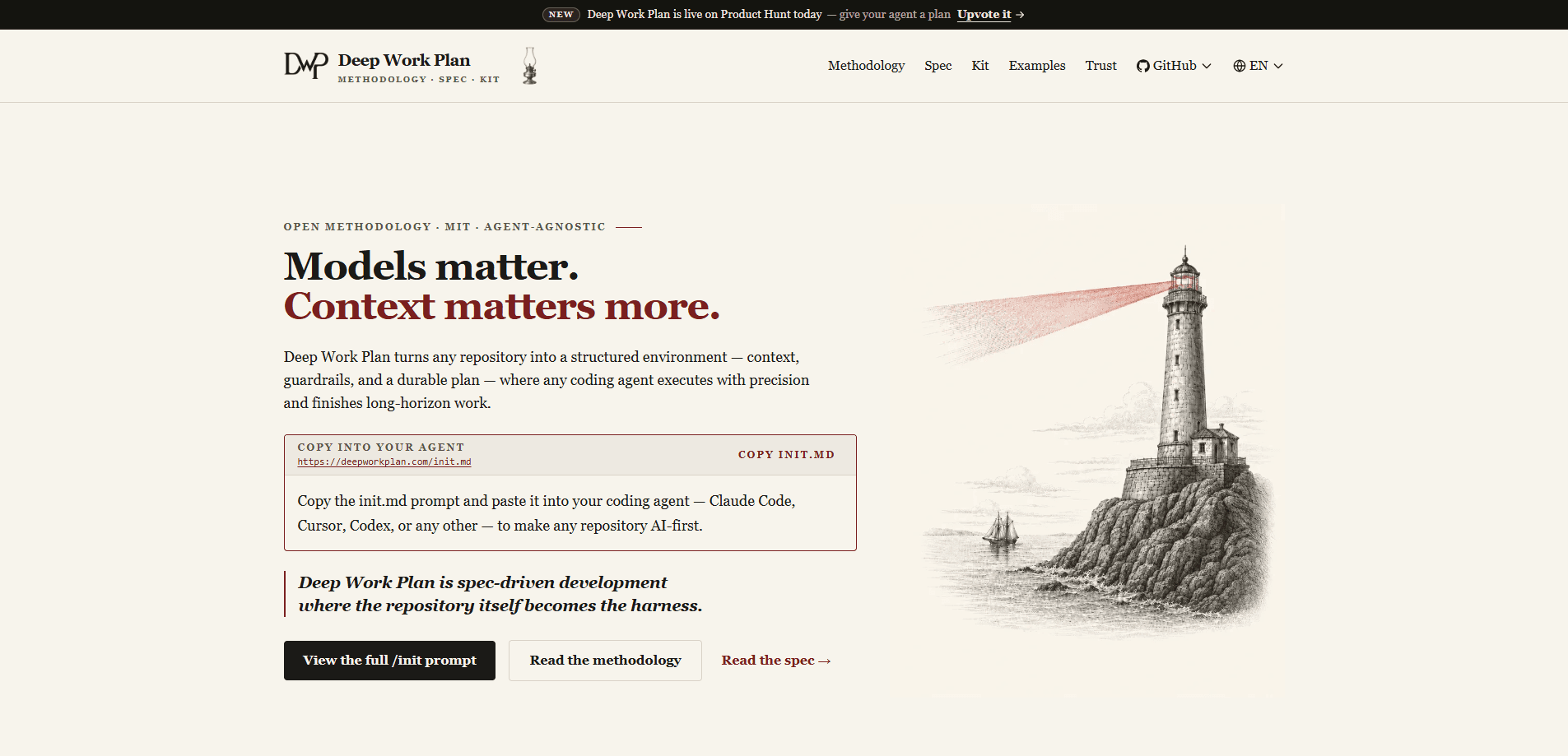
Deep Work Plan (DWP) is an MIT-licensed, spec-driven development framework for running structured software work with AI coding agents. Its central claim is blunt. Context matters more than models. Hand a strong model a long-horizon mission, and it still drifts once the context window fills and early decisions fade. DWP answers by turning the repository itself into the setup the agent works inside. Context, guardrails, and a durable plan live as files it can read.
The plan is the spec. You write down what should be true, break it into tasks with acceptance criteria, and add validation gates the agent has to pass. Done stops being a feeling. It becomes a check. Tests pass, types check, criteria met, or the task stays open. Because the spec sits in the repo rather than inside one agent's session, any agent that can read those files can pick the work back up hours later, which is the part that really matters when a refactor runs long enough to cross a lunch break or three.
This isn't a hosted product, and there's no dashboard. You adopt it by copying the init prompt into your agent and letting it make your repo AI-first. The trade-off is real. You write the plan up front, and it earns its keep only on work long enough to drift. For a fifteen-minute fix, the ceremony isn't worth it. For a migration, it usually is.
Getting Started
- Open the init prompt at deepworkplan.com/init.md and read it end to end before you change anything.
- Paste the prompt into your coding agent, such as Claude Code, Cursor, or Codex.
- Let the agent run reconnaissance on your repo, then review the plan it proposes and confirm before large changes.
- Install the skill through the kit so the dwp-create, dwp-execute, and dwp-verify commands become available.
- Create your first plan, execute it task by task, and use dwp-status or dwp-resume whenever you step away and come back.
Product Information
A quick look at Deep Work Plan's pricing, supported platforms, and performance.
Best for
The users, tasks, and scenarios where this tool fits best.
Users
- Solo developers
- Small engineering teams
- Developers juggling several agents
Tasks
- Large refactors
- Framework migrations
- New subsystem builds
- Dependency upgrades
Scenarios
- Picking up a job the next morning
- Unattended runs on heartbeat or cron
- Reviewing agent output
- Onboarding a new repo
Key features
Spec-Driven Development
Deep Work Plan treats a written spec as the source of truth, not the chat log. You define the goal, scope, and acceptance criteria first, and the agent executes against them. The plan itself is the spec, so drift gets measured against stated criteria instead of your memory of what you asked for. That's what separates it from tool-bound systems that lock the spec inside one vendor.
The Plan-Execute-Verify Loop
Every task moves through a cycle of plan, atomic tasks, validation gates, resumable state, and completion. A task only closes when its checks pass, which means the agent can't simply declare the work finished and move on to the next item. Otherwise it stays open. That single rule removes most of the trust you'd otherwise need to extend to a machine doing engineering work while you're not watching. The loop is the same whether the job is a one-file fix or a multi-day build, which makes agent behavior predictable once you learn it.
Repository as the Setup
Context lives in AGENTS.md and docs, tools in the .agents kit, guardrails in the validation gates, and state in a gitignored .dwp folder. Because every part is a file, the whole arrangement is portable and auditable. You can version it, review it, and hand it to a different agent without a rewrite.
Token Efficiency by Construction
Context is the scarcest resource an agent has, and DWP is engineered to spend it carefully because a careful approach that wastes that context will fail exactly when the work gets long and the stakes rise. Instructions load progressively as their trigger fires, and validation only touches what a task changed. The site publishes the instruction bytes each flow needs and reports that the latest release cut the execute flow by 45.7% and the resume flow by 67.5%.
Plan Sizes That Match the Job
A Lite plan covers a bounded fix, while a Full plan handles work that spans hours. The format follows the scope of the work rather than forcing every task into the same heavy template. Small jobs stay light. Big jobs get room for real structure.
A Router Plus Nine Sub-Skills
The skill is a router over create, execute, refine, resume, status, verify, onboard, author, and upgrade. Each one has a thin slash command like dwp-create or dwp-verify. Refine lets you add, remove, or reorder tasks while preserving completed work, which matters when scope shifts mid-job.
Adapters for the Agents You Already Use
Deep Work Plan ships adapters for Claude Code, Cursor, OpenAI Codex, GitHub Copilot, Google Gemini, OpenCode, Windsurf, Cline, and more. The adapters are thin by design, so updating your agent doesn't force a rewrite of your AI agent workflow. Swap tools. Keep the method. OpenClaw and Hermes get an unattended profile driven by heartbeat or cron scheduling.
Pros and cons
Pros
- Free and MIT-licensed, so there's no license cost or vendor lock-in to weigh before you try it.
- Works across Claude Code, Cursor, Codex, and other agents rather than tying you to one tool.
- Validation gates make "done" objective, which cuts the back-and-forth of agents claiming a task is finished when it isn't.
- Resumable state lets a long job survive closing your laptop or switching sessions.
- Published instruction-byte numbers give you a concrete sense of the context cost, not just a marketing claim.
Cons
- You pay in setup time up front. Writing the spec and confirming the plan adds work before any code changes.
- The overhead only pays off on long-horizon jobs, so if most of your work is quick edits that finish in a single sitting, the extra planning steps will slow you down more than they help.
- It's an approach and a kit, not a hosted product, so there's no dashboard, billing page, or support desk to fall back on.
- Real value depends on the agent you pair it with. A weak agent will still struggle on hard tasks, even with better structure around it.
Frequently asked questions
Yes. It's released under the MIT license at no cost, which is why the paid plan value is $0. You can use it in personal and commercial repositories without a fee.
Related content
Explore related tools, skills, and articles for Deep Work Plan.
Deep Work Plan Alternatives
Forefront
Forefront · CodingForefront is a web platform for building with open-source AI. It lets you fine-tune leading open-source language models on your own data, evaluate how they perform, and run them through an API or export them to host yourself. Developers who want the convenience of a closed-source platform but insist on owning their models and data are the target audience here.

Startkit
StartKit.AI · CodingStartkit is a boilerplate for building AI SaaS and AI wrapper products. Think of it as an AI startup boilerplate with the boring parts already wired up: authentication, Stripe and Lemon Squeezy payments, usage limits, transactional email, and an AI API starter that talks to OpenAI, Anthropic, Groq, or Llama. You clone the repo, set your price, and start on the part of your product that people actually pay for. It's Next.js under React and Tailwind, so most of the boilerplate code already feels familiar.
Testim
Tricentis · CodingTestim is an AI-powered test automation platform for building and running end-to-end tests across web, mobile, and Salesforce applications. It leans on machine learning to keep tests stable when an interface changes, so teams spend less time fixing broken selectors. Not bad for an automated testing tool you can start using today. You create tests by recording actions in a browser, then optionally add JavaScript when you need more control. It's a solid pick for busy QA teams.