

Deepfind
Deepfind · Coding
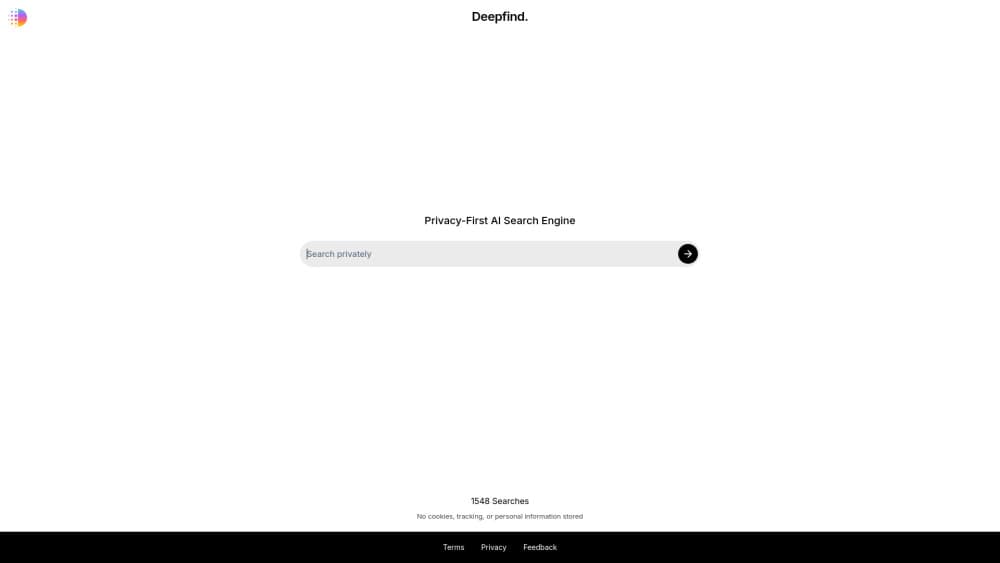
Deepfind is a private AI search engine that answers questions with cited web results and runs without tracking or saving your data.
About Deepfind
What Is Deepfind
Deepfind is a web-based AI search engine built around one idea: you should be able to look things up without being watched. You type a question in plain language, and it scans the live web, then hands back a written answer with links to the sources it used. It works as a private AI search tool rather than a classic list-of-links engine.
The product splits into two modes. Search Mode pulls fresh results from the open web and shows citations for every claim. Chat Mode skips the web and just talks, which suits brainstorming or drafting where you don't need live sources. You can switch between them inside one conversation.
The main catch is usage limits. The free tier caps you at a shared pool of 3 queries a day and 15 a month across both modes, so heavy users will hit the ceiling fast. Deepfind pricing stays simple, but the caps do the real work of pushing people to Lite. It's a web app, so there's no offline access and no desktop client.
Wondering if an AI search engine can actually keep you private? That's the whole pitch here. If a Deepfind review of the pricing and limits is what you want, the numbers below tell the story better than any slogan.
Getting Started
- Open the Deepfind website in your browser. No account is needed to run your first searches.
- Type a question in the box and pick Search Mode if you want live web results with citations.
- Review the answer and click through the linked sources to check anything important.
- Sign up for the free plan to keep your history, or upgrade to Lite for unlimited queries.
- Switch to Chat Mode when you want open-ended discussion instead of sourced answers.
Product Information
A quick look at Deepfind's pricing, supported platforms, and performance.
Best for
The users, tasks, and scenarios where this tool fits best.
Users
- Privacy-conscious searchers
- Students and researchers
- Writers and marketers
Tasks
- Fact-checking a claim
- Getting a fast summary of a topic
- Running an AI chat search for ideas
Scenarios
- Late-night research when you don't want your queries logged
- Quick answer hunting between tasks
- Comparing what several sources say about a topic
Key features
Private Search With No Tracking
Deepfind's core promise is that your searches stay yours. The engine is built so it doesn't store personal data or build a profile from what you look up, which sets it apart from the engines funded by ad targeting. If you've ever been uneasy about your search history following you around, that's the itch this targets. The trade-off is the free tier's hard query cap.
AI Answers Backed by Citations
Search Mode doesn't just summarize, it shows its work. Every answer comes with links to the live pages it pulled from, so you can check a claim instead of taking the AI's word for it. That matters. For anything you plan to repeat, quote, or act on, verifiable beats confident. Almost every engine will hand you a tidy paragraph, but very few will hand you the receipts along with it so you can judge the answer for yourself.
Chat Mode Without the Web
Not every question needs fresh sources. Chat Mode lets you hold a conversation with the AI on its own, good for drafting, planning, or working through an idea. You flip between Chat and Search inside the same session, so you don't lose your thread when the question changes shape. Handy.
Real-Time Web Scanning
The engine reads the open web as it answers, so results reflect what's on pages now rather than a snapshot from training. That helps with anything time-sensitive. Think a product's current price or a recent event. It's the same reason you'd use it over a plain chatbot.
Simple Plain-Language Interface
There's no query syntax to learn. You ask in everyday words, the way you'd ask a person, and the engine figures out the rest. No operators. No quotes. That lowers the barrier if you've never gotten the hang of search operators, and it keeps the whole flow to a single box.
Pros and cons
Pros
- No tracking or personal data storage, so your searches don't feed an ad profile.
- Every Search Mode answer includes citations you can verify.
- Chat and Search modes live in one place, so you don't juggle two tools.
- No account needed to try it, which keeps the first step frictionless.
Cons
- The free plan caps you at 3 queries a day and 15 a month, which serious users will blow through quickly.
- It's web-only, so there's no desktop app or offline mode if you need either.
- No public API means you can't bake Deepfind's search into your own tools.
Frequently asked questions
Deepfind is built as a privacy-focused search engine that doesn't track your queries or store personal data. That's its central design choice, not an add-on. You should still read the current privacy policy on its site, since terms can change.
Related content
Explore related tools, skills, and articles for Deepfind.
Deepfind Alternatives

Base Code
Base44 (Wix) · Coding · ProductivityBase Code is a shared cloud development environment from Base44. Teammates describe changes to an existing GitHub codebase in chat, preview them live and send them back as pull requests.

Google EmbeddingGemma 2
Google DeepMind · Writing · Image · CodingGoogle EmbeddingGemma 2 is a 740M-parameter open model that turns text, code, images, audio, and video frames into vectors in one 768-dimension space, running on phones and laptops.

GitGlow
GitGlow · Coding · ProductivityGitGlow is a local-first desktop Git client that lets independent developers review their own code and their AI agents' changes in one place before shipping.