

DeepvBrowser
DeepvBrowser · Other
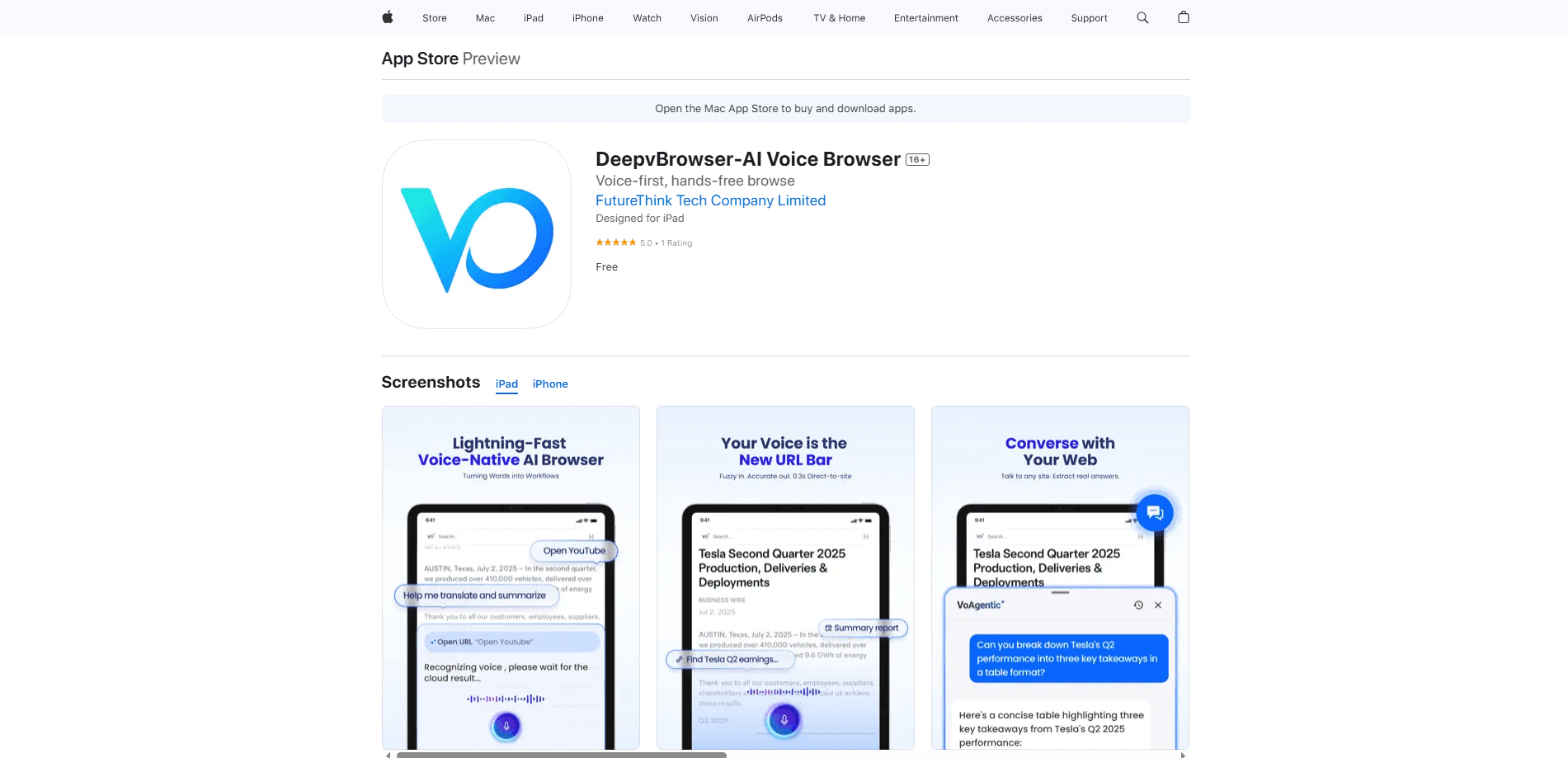
DeepvBrowser is an AI voice browser for mobile that runs on spoken commands instead of tapping and typing. It reads pages out loud, summarizes long articles with AI, and translates content in real time across more than 100 languages. That helps when your hands are busy. It also helps when a useful page is written in a language you don't read well. So what does it actually do? It listens, it answers, and it reads back.
About DeepvBrowser
What Is DeepvBrowser
DeepvBrowser is a browser for phones that treats your voice as the main input. Rather than hunting for buttons and search fields, you speak what you want and the app responds, so most of the browsing flow happens without touching the screen.
The app centers on three jobs. It turns spoken requests into navigation actions, such as opening a site or searching for a topic. It uses AI to summarize long pages into short, readable briefs. And it translates pages into your language as you read them, which helps when a useful article is written in a language you don't speak well.
Like any voice-driven tool, DeepvBrowser depends on a decent microphone and a quiet setting for the best results. Noisy rooms can trip up speech recognition. Complex interactions still work better with a tap. The app is aimed at iOS users, so Android owners won't find it on their platform yet.
Getting Started
- Install DeepvBrowser from the App Store on your iPhone or iPad.
- Open the app and allow microphone and speech permissions when it asks.
- Tap the voice button and speak a command, such as a site name or a search topic, to open a page.
- Ask the app to summarize or translate the page you're reading for a quick overview.
- Set your preferred language if you want translation to default to it on every page.
Product Information
A quick look at DeepvBrowser's pricing, supported platforms, and performance.
Best for
The users, tasks, and scenarios where this tool fits best.
Users
- People browsing hands-free
- Readers working in a second language
- Users who tire of small touchscreens
Tasks
- Listening to long articles
- Looking something up quickly
- Reading foreign-language pages
Scenarios
- Multitasking at home
- Commuting or walking
- Cross-language research
Key features
Voice-First Navigation
DeepvBrowser is built so you can move around the web by speaking. Say a site name or a search topic and the app handles the request, which means you don't have to find and tap a search field first. It's the core idea behind the whole app, and it's what separates it from a standard mobile browser.
AI-Powered Page Summaries
Long articles get condensed into short briefs. You can ask for a summary before deciding whether a page is worth reading in full, which saves time on dense or lengthy content. It works fast. The summaries come from an AI layer rather than a simple keyword skim.
Real-Time Translation
The browser translates pages as you read them and covers more than 100 languages. If you land on a page written in a language you don't know, you can keep reading without switching to a separate translation tool. This is especially useful for research that spans several languages.
Hands-Free Reading
Beyond navigation, DeepvBrowser can read content to you out loud. That makes it workable when your eyes or hands are occupied and turns the browser into something closer to an audio reader for the web. Just press play and listen.
Voice Commands Across the Flow
You can issue commands as you browse instead of only at the start. The voice layer is meant to stay available throughout a session, so opening pages, summarizing, and translating all stay within reach without leaving the screen to type.
Pros and cons
Pros
- Voice-first design makes hands-free browsing practical on a phone
- AI summaries cut down the time spent on long pages
- Real-time translation spans more than 100 languages
- Combines navigation, reading, and translation in one app
Cons
- Voice accuracy drops in noisy environments, so a quiet setting helps
- Some interactions still work better with a tap than a spoken command
- Only available on iOS, so Android users can't use it yet
Frequently asked questions
DeepvBrowser is a mobile browser you control with your voice. It handles spoken navigation, summarizes pages with AI, and translates content in real time, so you can browse without typing or tapping much.
Related content
Explore related tools, skills, and articles for DeepvBrowser.
DeepvBrowser Alternatives
BinkBink
BinkBink · OtherBinkBink is a free online game platform and AI game maker that lets anyone turn a short text description into a playable browser game. You can jump into hundreds of community-made games. Or describe your own idea and play it in seconds, then share it with friends. Want to create your own game? You don't need to code. No engine setup, no download, no hassle.

Audiogen
Audiogen Inc. · OtherAudiogen is an AI music generator built by Audiogen Inc., a small research team that spent about 2.5 years training its own generative music model and designing a web interface around it. Instead of a plain text box, this AI music tool turns the timeline into a beginner-friendly Generative Audio Workstation, or GAW, where inpainting, extending, remixing and stem editing work more like painting on a canvas. The product is still in beta, so access runs through a waitlist or an invite. Paid plans aren't published yet.

Aiml API
AIMLAPI OÜ · OtherAiml API is a unified AI model API that puts more than 1000 models from OpenAI, Google, Anthropic, and others behind one endpoint and one bill. You write code against a single OpenAI-compatible schema, then switch between chat, image, video, and audio models by changing a model string. It suits developers and small teams who want multi-model access without juggling a dozen separate provider accounts, and it removes the usual billing headache that comes with testing several vendors. One key covers it all.