

Defang
Defang Labs · Coding
Defang is a cloud deployment platform that turns a Docker Compose file into a production-ready app on your own AWS or GCP account in minutes.
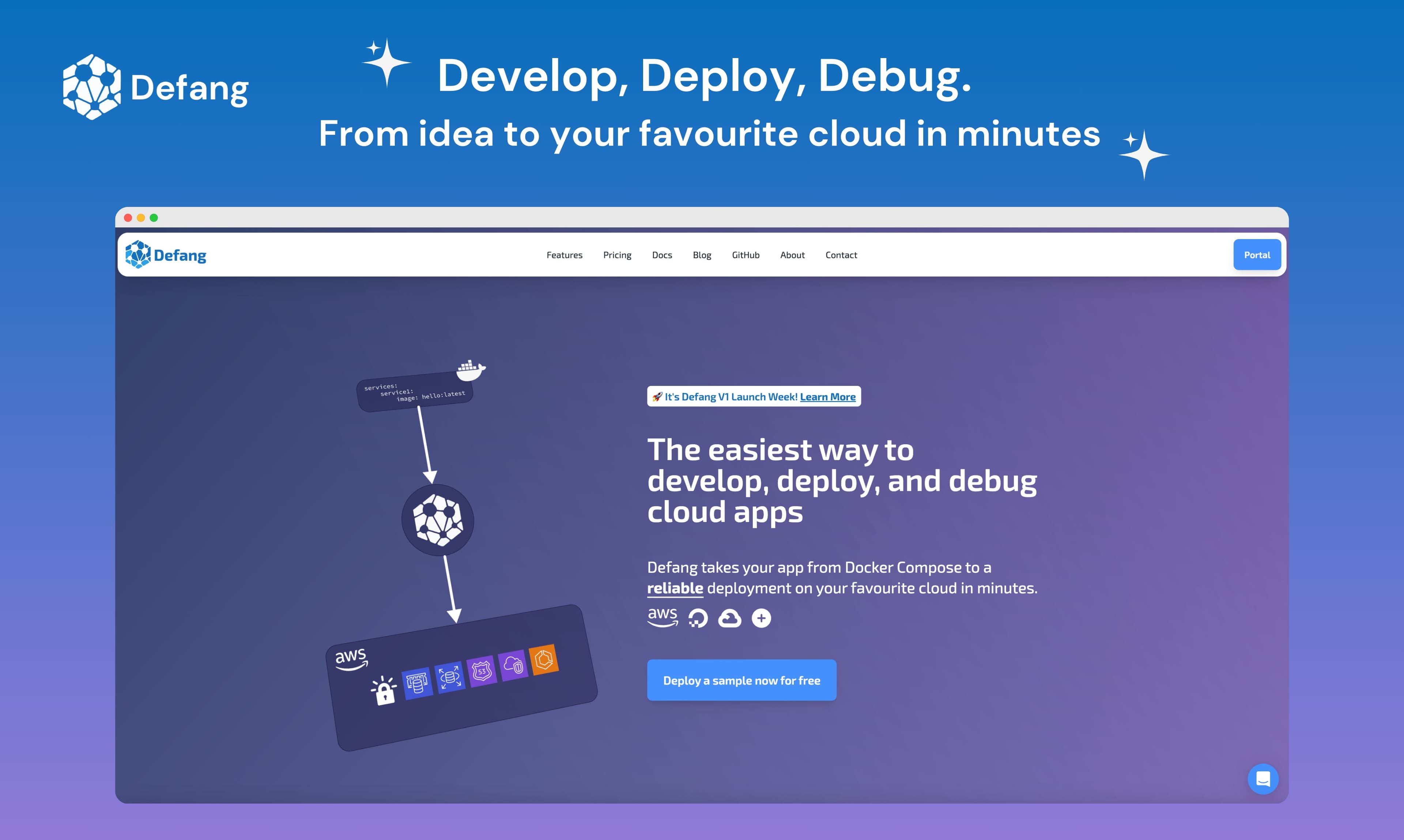
About Defang
What Is Defang
Defang is a cloud deployment tool from Defang Labs that takes an app you already have and puts it into production on cloud accounts you control. You write a standard Docker Compose file, and Defang handles the parts most teams dread: provisioning containers, DNS, load balancers, databases, and IAM roles. The whole deployment runs inside your AWS or GCP account, not a hosted sandbox on Defang's side.
That last detail is the point. Your code and secrets never leave your cloud account. Defang's own backend just orchestrates and tracks the deployment, so you keep the infrastructure and the data. You can walk away whenever you want.
The catch is that Defang is built for people who already have a containerized app and a cloud account. If you don't have a Compose file or prefer a fully managed host that hides the cloud entirely, Defang adds a layer of setup you won't need. That's a real limit.
Getting Started
- Install the Defang CLI from the official download page, then sign in with your Defang account.
- Make sure your app has a
compose.yamlfile and that your container builds locally. - Run
defang stack new, then answer the prompts for cloud provider, region, deployment mode, and stack name. - Launch with
defang up --stack=<name>, and Defang provisions the infrastructure in your own cloud account. - Watch the rollout and query runtime logs straight from the CLI until the service is live.
Product Information
A quick look at Defang's pricing, supported platforms, and performance.
Best for
The users, tasks, and scenarios where this tool fits best.
Users
- Backend developers who already run Docker Compose locally and want the same app live in the cloud without writing Terraform by hand.
- Solo builders who want a real production setup without hiring a platform engineer.
- Small teams and startups that want production infrastructure but also want to keep ownership of it, since every resource lands in their own account.
- Platform and DevOps engineers who need repeatable deploys across several cloud accounts, which is where the Enterprise fleet management kicks in.
Tasks
- Taking a prototype from Compose to a running cloud service, which is the workflow Defang was built around.
- Managing secrets and config through the CLI so they stay tied to the cloud account rather than a third-party dashboard.
- Rolling out updates and tailing runtime logs during a deploy, all from the terminal.
- Letting an AI coding assistant generate and deploy a stack through the Defang MCP server inside VS Code or Cursor.
Scenarios
- Shipping a weekend project to AWS without hand-configuring a load balancer or database.
- Standing up identical environments for staging and production in one cloud account. Same file, same result.
- An agency deploying the same app to a client's own cloud account, which keeps the client in control of the data.
- A team that wants GPU-backed endpoints for an AI service without managing the GPU nodes themselves.
Key features
Compose to Cloud in One Command
You start with a file you probably already have. Defang reads your compose.yaml, validates the project, and then builds out the real cloud resources that match it: containers, DNS, load balancing, databases, and IAM roles. The upside is that the thing you tested locally is the thing that ships. If your Compose file is messy, the deploy reflects that, so it pays to clean up before you push. This is the workflow that makes Docker Compose to cloud feel like one step instead of ten. Clean file in, clean deploy out.
Deploy Into Your Own Cloud Account
Every resource Defang creates lives in your AWS or GCP account, so there's no shared tenancy and no copy of your code sitting on Defang's servers, because the backend only orchestrates and monitors the deployment. For teams that need to deploy to AWS or deploy to GCP under their own governance, this is a real difference from hosts that run your app on their machines.
CLI-First Workflow
The Defang CLI is the main control surface. You create a stack, deploy it, query logs, and manage secrets without leaving the terminal. Stacks are stored as config files you check into version control, which means your deployment setup is reviewable and reproducible rather than clicked together in a web console. No console clicks. The whole flow stays in your terminal.
Deployment Modes for Different Budgets and Needs
Defang offers affordable, balanced, and high availability modes, and you pick one when you create a stack. Affordable keeps costs down for early projects, while high availability adds the redundancy production traffic needs. Which one should you pick? Start with affordable. Free and Pro plans get the first two; high availability is Enterprise only.
Managed Services and Autoscaling
Defang provisions managed Postgres, Redis, and other backing services so you don't wire up database servers by hand, and it also supports GPU instances plus autoscaling that automatically responds to incoming demand. That matters if you're hosting an AI model or an API that sees uneven traffic.
AI Debugging and Compose Generation
The paid plans add unlimited Compose generation and AI debugging. You can describe what you want, get a Compose file back, and then get help when a deploy fails. It's the feature that pushes Defang past being a plain deployment tool into something closer to a coding assistant that also ships your app. Nice touch.
MCP Server for AI Editors
Defang ships an MCP server that plugs into VS Code and Cursor. That lets an AI assistant in your editor create a stack and deploy it directly. It's a nice fit if you already lean on an AI pair programmer, since the deploy step stops being a context switch. Worth trying if you live in the editor.
Fleet Management and Compliance
The Enterprise plan covers multiple cloud accounts, which suits ISVs shipping to client environments, and adds a WAF plus SOC 2 Type II compliance. That combination is aimed at teams that need to prove their deployment pipeline meets an audit standard before a security review ever starts. It's the part of the cloud deployment service that speaks to auditors, not founders.
Pros and cons
Pros
- Keeps code, secrets, and infrastructure inside your own AWS or GCP account, so you retain ownership.
- Turns an existing Docker Compose file into a live deployment without writing Terraform.
- CLI-first design with stack files that live in version control, making deploys reproducible.
- Free tier with GPU support and managed Postgres and Redis, so you can test real workloads before paying.
Cons
- You still need a cloud account and a working Compose file, so it's not a fit for non-technical users.
- The cloud provider list is narrow right now. AWS and GCP only, which rules out Azure or smaller hosts.
- High availability mode and fleet management sit behind the $499/mo Enterprise plan, which is steep for small teams.
Frequently asked questions
It takes a Docker Compose file and deploys it as a production cloud service. You run one command, and Defang provisions the containers, networking, databases, and permissions your app needs inside your own AWS or GCP account. In short, it's a cloud deployment service you point at your own infra.
Related content
Explore related tools, skills, and articles for Defang.
Defang Alternatives

Base Code
Base44 (Wix) · Coding · ProductivityBase Code is a shared cloud development environment from Base44. Teammates describe changes to an existing GitHub codebase in chat, preview them live and send them back as pull requests.

Google EmbeddingGemma 2
Google DeepMind · Writing · Image · CodingGoogle EmbeddingGemma 2 is a 740M-parameter open model that turns text, code, images, audio, and video frames into vectors in one 768-dimension space, running on phones and laptops.

GitGlow
GitGlow · Coding · ProductivityGitGlow is a local-first desktop Git client that lets independent developers review their own code and their AI agents' changes in one place before shipping.