

Detectly
Detectly · AI Detection
Detectly is a free AI content detector that scans up to 5,000 words of text and tells you whether a human or a model like ChatGPT wrote it, with no sign-up required.
About Detectly
What Is Detectly
Detectly is a web-based AI content detector that runs on detectly.net. You paste text into the box, pick a detection model, and get a verdict on whether the writing looks human or machine-generated. It targets people who need a quick second opinion on a block of text, not a full forensic report.
The tool leans on its own detection models plus signals from major AI systems like ChatGPT, Gemini, and Claude. The About page frames it as a simple check for students, teachers, journalists, and editors who want to know what they're reading before they act on it.
There's a real catch. Detection is a probability call, not proof. Detectly's own terms say results come from third-party systems and may not always be accurate, so you shouldn't treat one verdict as the final word on authorship.
Getting Started
- Open detectly.net in any browser. There's no account to create and nothing to install.
- Paste your text into the input box, up to the 5,000-word limit shown on the page.
- Pick a detection model from the dropdown, then hit the analyze button.
- Read the verdict and score, then copy the finished analysis if you need it for a record.
- Optional: add the Chrome or Firefox extension to check selected text without leaving the page you're on.
Product Information
A quick look at Detectly's pricing, supported platforms, and performance.
Best for
The users, tasks, and scenarios where this tool fits best.
Users
- Students
- Teachers
- Journalists and editors
Tasks
- Screening freelance copy
- Checking your own writing
- Reviewing user-submitted content
Scenarios
- Grading a stack of assignments
- Vetting a cover letter
- Social media fact-checking
Key features
Text Detector to Detect AI Writing
The core page takes up to 5,000 words per run and lets you choose from different detection models, including Detectly's own engine and options labeled for other AI systems. Picking a model changes how the analysis reads, so you can compare verdicts when a result feels off.
No Sign-Up or Install
Everything runs in the browser on detectly.net. There's no account, no email, and no software to download before your first check, which matters when you just need a fast answer and don't want to hand over personal details.
Browser Extensions
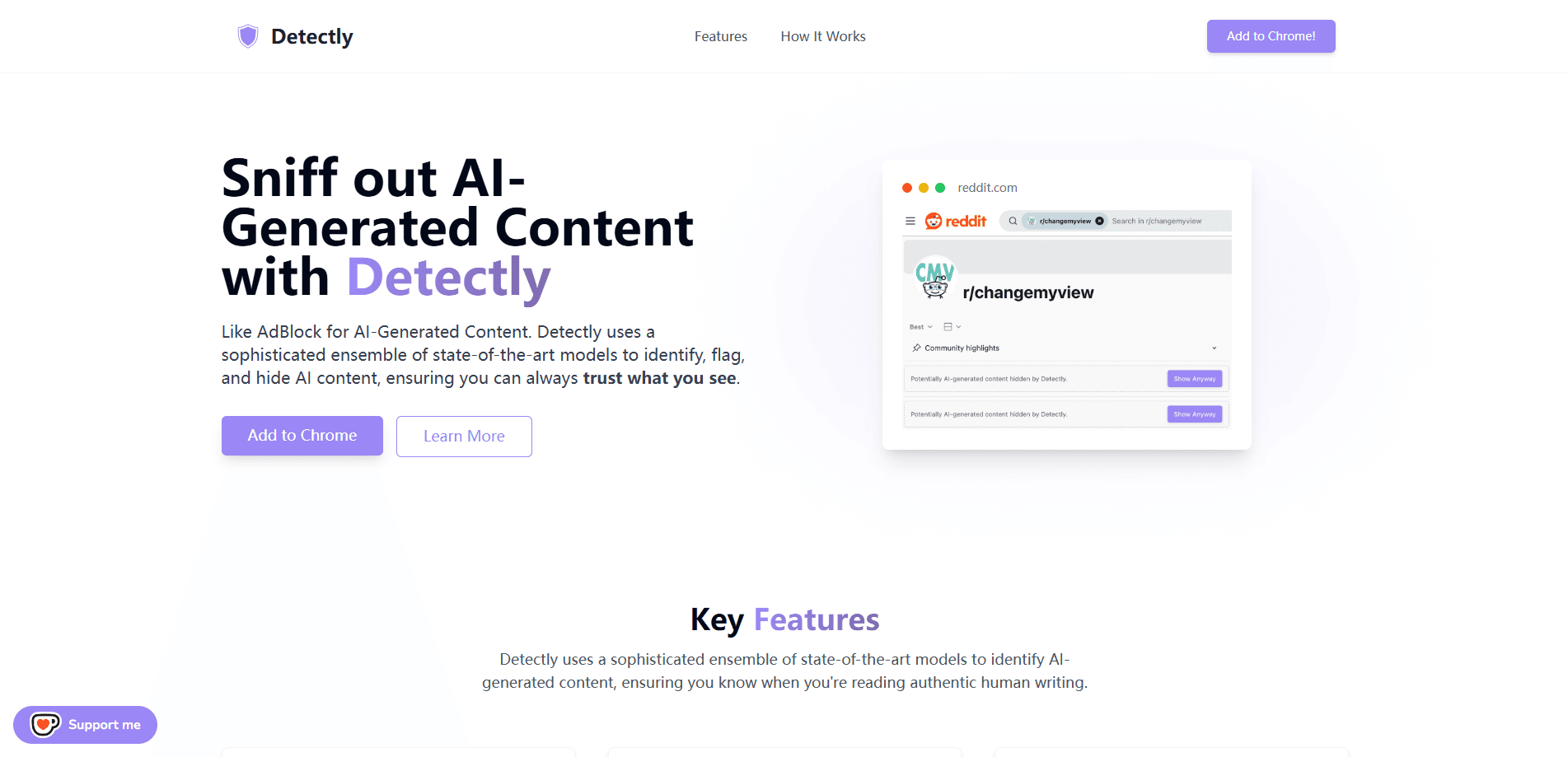
Detectly ships a Chrome extension and a Firefox add-on. Both let you highlight text on any page, right-click, and send it for analysis without copying it into a separate tab.
Image Detection (Beta)
A separate Pixpect image detector is in beta, aimed at checking whether a photo was AI-generated using vision models. It sits alongside the text tool rather than replacing it.
Privacy-Minded Handling
The service states it doesn't store submitted text permanently and discards it after processing, with anonymized logs kept only to stop abuse. That's a meaningful difference from tools that keep a copy of everything you paste.
Free With Daily Limits
Text analysis is free, and Detectly says it always will be. Free users do hit daily usage caps, and the terms warn that trying to get around those limits can get you suspended.
Pros and cons
Pros
- No account or payment needed to start checking text
- The 5,000-word ceiling covers most essays, articles, and reports in one pass
- Chrome and Firefox extensions let you analyze selected text in place
- States that submitted text isn't stored long-term
- Free to use, with image and video detection on the roadmap
Cons
- Results are probabilistic, so a wrong verdict can cost you if you act on it alone
- Free access carries daily limits that heavy users will hit
- No public API, so you can't wire Detectly into your own workflow
- Image detection is still in beta and video detection has not shipped
Frequently asked questions
Yes. Text detection is free, and the site says it will stay free. You only run into daily usage limits, not paywalls.
Related content
Explore related tools, skills, and articles for Detectly.
Detectly Alternatives
Isgen AI
Isgen · AI DetectionIsgen AI is a web-based AI detector that scores text for machine authorship and shows you which sentences and phrases push the number up. It's built for teachers, editors, students, and writers. Their question is simple: did this draft come from ChatGPT, GPT-5, Claude, Gemini, DeepSeek, or another model? You paste or upload content, run a scan, and get a Human, AI, and Mixed breakdown in seconds. There's also a companion editor that scores text while you write it.
Humanizeai Tools
Humanizeai Tools · Writing · AI DetectionHumanizeai Tools is a web-based AI humanizer that rewrites machine-generated text so it sounds like a person wrote it, which is the whole point of the category it belongs to. Paste a draft from ChatGPT, Claude, or Gemini, run it through the tool, and it swaps out the phrases and sentence patterns that AI detectors flag. If your goal is to make AI text sound human before you publish it, this is the kind of tool built for exactly that. It suits students, bloggers, and marketers who need copy that reads naturally and clears tools like GPTZero, Copyleaks, and Winston AI after a single pass.

Hidemyai
Hidemyai · Writing · AI DetectionHidemyai is an AI content humanizer. It rewrites text from ChatGPT, Jasper, and similar tools so the result reads like a person wrote it. You paste your draft, pick a document type and tone, and the service returns a version meant to bypass AI detectors such as Originality.ai, Turnitin, and ZeroGPT. It targets writers, marketers, and students who lean on AI drafts but can't ship copy that sounds robotic. The promise is simple: make AI content undetectable.