

Devin
Cognition AI · Coding
Devin is an autonomous AI software engineer from Cognition that plans, writes, tests, and debugs code so developers and teams can ship faster.
About Devin
What Is Devin
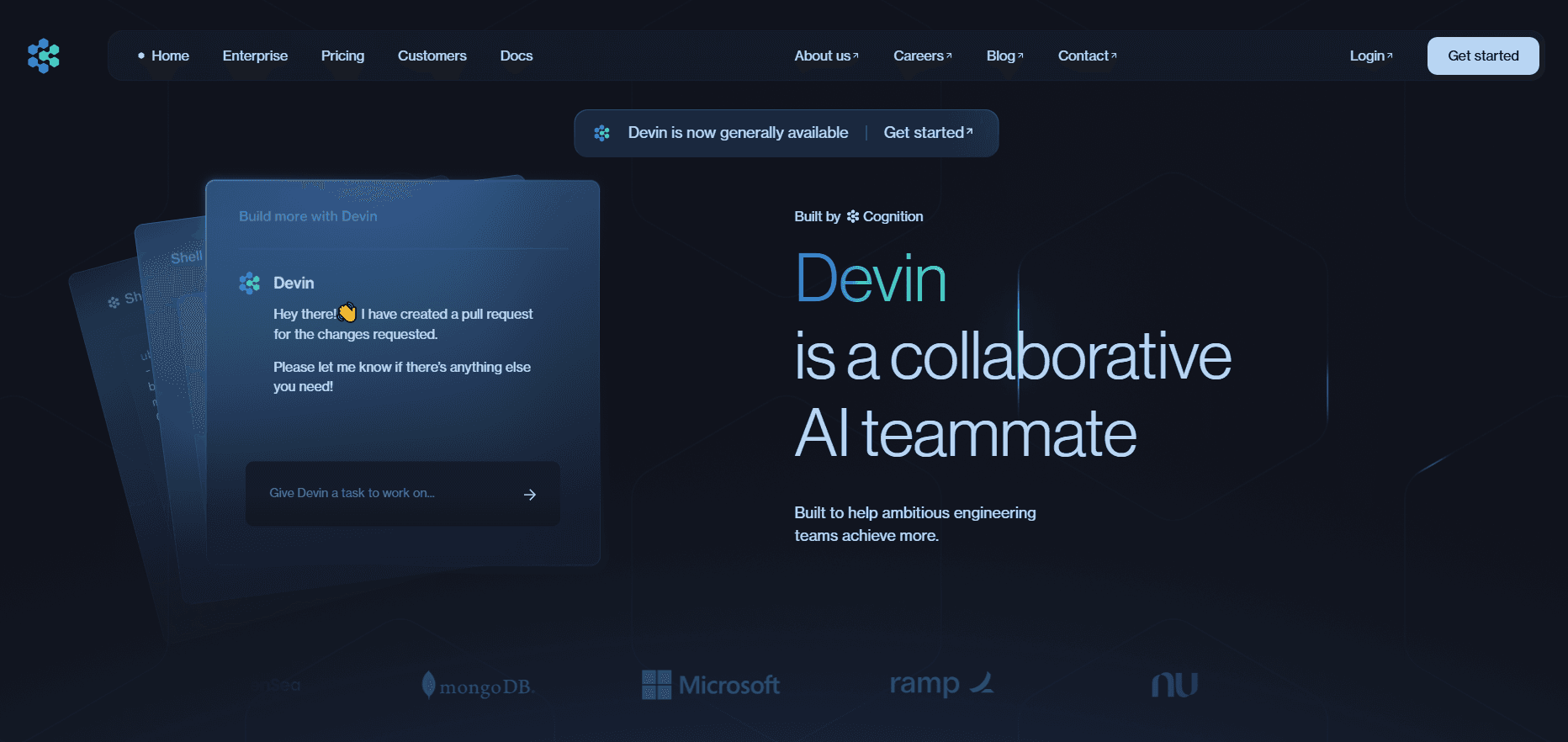
Devin is an autonomous AI software engineer built by Cognition. Unlike an AI coding agent that only finishes your current line, Devin takes a whole task, plans the steps, writes the code, runs it, and keeps going until the finished job is ready for review. The rule the company gives is simple. If a human can wrap a task up in about three hours, Devin can probably handle it. That's a bold claim, and it mostly holds for well-scoped work.
The product targets engineering teams that are drowning in a backlog. Not hobbyists poking at a demo. You can point Devin at Linear or Jira tickets, ask it to build an entire feature from scratch, reproduce a bug report, or run migrations that move a codebase to a new language. It runs in the cloud or on your own machine, tests its work in a browser, and opens pull requests the way a teammate would.
The catch is that Devin rewards clear instructions and punishes vague ones. Hard tasks need to be broken into well-scoped steps with real context. It also works best when the result is easy to verify, such as a passing CI run. You're trading a bit of upfront setup for the ability to run many sessions in parallel while you do other work. Is it worth that trade? For a team with a real backlog, usually yes.
Getting Started
- Sign up for a plan at the official site and connect your source control (GitHub, GitLab, or Bitbucket).
- Link the tools you already use, such as Slack, Jira, or Linear, so you can start sessions from a ticket or a chat thread.
- Describe the task in plain language and give explicit completion criteria so Devin knows when the job is done.
- Review the draft, take over in the IDE if it needs a nudge, and merge the pull request once the CI run passes.
Product Information
A quick look at Devin's pricing, supported platforms, and performance.
Best for
The users, tasks, and scenarios where this tool fits best.
Users
- Engineering teams with large backlogs
- Solo developers and small startups
- Platform and DevOps engineers
Tasks
- Ticket triage and fixes
- Code migrations
- Test and documentation upkeep
Scenarios
- Clearing a sprint backlog
- Onboarding to an unfamiliar codebase
- Prototyping customer demos
Key features
Autonomous Task Execution
Devin takes a task from start to finish instead of waiting for step-by-step prompts. It plans the approach, writes the code, runs and tests it, and adjusts when something breaks. The goal is a pull request that's ready to merge. Not a suggestion you still have to assemble.
Parallel Sessions
You can run many Devin sessions at the same time, which is the real reason teams adopt it. Ten tasks move forward at once while you stay on the work that needs a human brain. Concrete planning is what keeps those parallel runs from turning into a pile of half-finished branches. Skip that step and things get messy.
Cloud or Local Runs
Devin runs in the cloud or on your own machine, so you pick the setup that fits your security and workflow needs. On the local side, Devin for Terminal brings the same agent into your environment for quick fixes and interactive coding. Handy for small jobs.
Native Integrations
Devin connects to the tools teams already live in. Slack and Teams let you tag it in a thread about a bug. Jira, Linear, GitHub, GitLab, and Bitbucket keep tickets and code in sync. Plugins and MCP servers extend what it can query and act on.
Migrations and Refactors
Language migrations, framework upgrades, monorepo restructuring, and pulling shared code into libraries are all fair game. Sound boring? They're tedious. And error-prone. For humans, anyway. That makes them a strong fit for an agent that doesn't get tired mid-way through a rename.
Model Choice
Paid plans give you access to frontier models from OpenAI, Claude, Gemini, and others rather than locking you to a single brain. One task needs deep reasoning. Another just needs speed. You can spend your quota on the model that fits each job.
Pros and cons
Pros
- Handles whole tasks, not just line-by-line suggestions, so you get a reviewable pull request. That's the whole point.
- Parallel sessions let a small team clear a large backlog faster than working sequentially.
- Strong native integrations with Slack, Jira, Linear, and major git providers keep it inside existing workflows, so you rarely have to leave the tools your team already uses every day.
- Migration and refactor support turns weeks of tedious cleanup into a monitored background job.
Cons
- Costs climb fast at the team tier. Heavy usage can push you onto separate API-priced billing, which gets expensive quickly.
- Vague prompts lead to weak results, so you must write clear tasks with completion criteria, adding upfront work.
- It's a poor fit for genuinely hard or ambiguous problems that need human judgment, not an agent that follows a plan, so you'll still be the one making the tricky calls on architecture and unclear requirements.
Frequently asked questions
Devin writes, runs, and tests code on its own. It handles tickets, builds full features, reproduces and fixes bugs, writes unit tests, and runs migrations. As a rule of thumb, if you could finish the task in about three hours, Devin can likely do it.
Related content
Explore related tools, skills, and articles for Devin.
Devin Alternatives

Base Code
Base44 (Wix) · Coding · ProductivityBase Code is a shared cloud development environment from Base44. Teammates describe changes to an existing GitHub codebase in chat, preview them live and send them back as pull requests.

Google EmbeddingGemma 2
Google DeepMind · Writing · Image · CodingGoogle EmbeddingGemma 2 is a 740M-parameter open model that turns text, code, images, audio, and video frames into vectors in one 768-dimension space, running on phones and laptops.

GitGlow
GitGlow · Coding · ProductivityGitGlow is a local-first desktop Git client that lets independent developers review their own code and their AI agents' changes in one place before shipping.