

Dia Browser
The Browser Company (Atlassian) · Coding · Chatbot
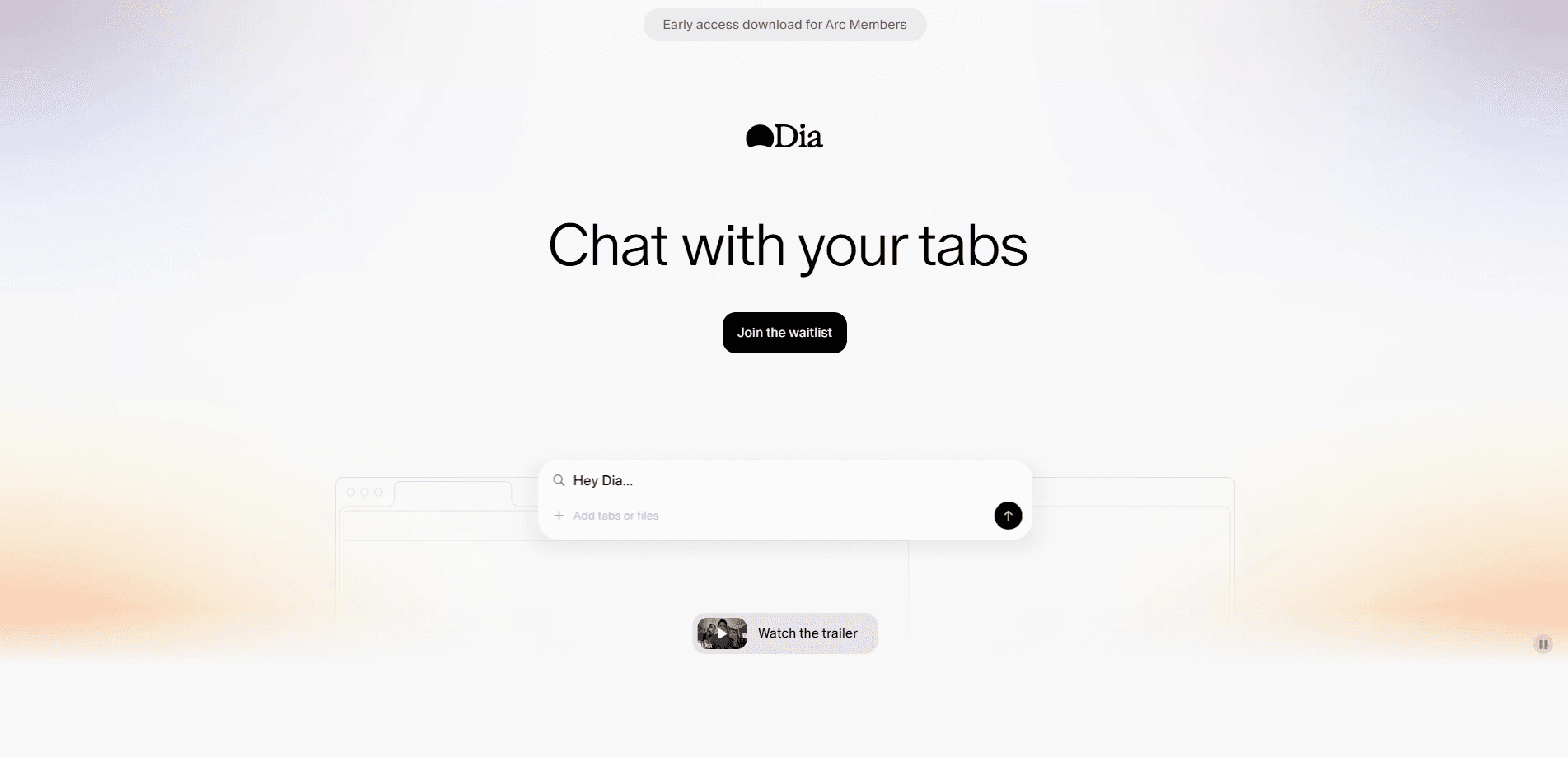
Dia Browser is an AI-native web browser from The Browser Company that chats with your open tabs, runs reusable Skills for everyday tasks, and builds a Memory of how you like to work.
About Dia Browser
What Is Dia Browser
Dia Browser is a Chromium-based web browser built by The Browser Company, the studio behind Arc. Instead of bolting a chat widget onto a normal browser, the team rebuilt the browsing experience around an assistant that can read the pages you already have open. The goal is simple: fewer tabs juggled, fewer copy-paste trips into a separate chatbot.
Where Arc experimented with a radically different layout, Dia keeps the familiar tab bar and address field most people already know. The twist sits in the sidebar. From there you can ask questions about the page you're reading, pull in files, or hand off a multi-step task and let Dia work through it.
The biggest limitation is reach. Dia spent its first year on Apple silicon Macs running macOS 14 or newer, so Windows users had to wait on a list. That gap has started to close with the Windows release. There's no public API, so you can't wire Dia's assistant into your own apps.
Getting Started
- Download Dia from the official site and install it on a Mac with an M-series chip (or a supported Windows PC).
- On first launch, let Dia import bookmarks and history from Safari, Chrome, Edge, or Brave so your starting point feels normal.
- Set up your style and preferences during onboarding, then open a few tabs you actually use day to day.
- Click a tab, open the chat sidebar, and ask a question about what's on screen to see how tab chat works.
- Build your first Skill for a task you repeat, then add attachments and let Memory learn your habits over time.
Product Information
A quick look at Dia Browser's pricing, supported platforms, and performance.
Best for
The users, tasks, and scenarios where this tool fits best.
Users
- Students
- Researchers and writers
- Everyday multitaskers
Tasks
- Summarizing a long article or report
- Fact-checking a claim
- Drafting an email or message
- Comparing products while shopping
Scenarios
- Handling the same weekly research routine
- Early project research
- Reading in a second language
Key features
Chat With Your Tabs
Dia's sidebar chat works on the pages you have open, so you can ask about the article on screen instead of copying text into a separate chatbot. You can reference a single tab or several at once, which turns a stack of open pages into one conversation. It's the feature that separates Dia from a normal browser with an AI attachment added on, and it's why people treat it as a true AI browsing assistant.
Skills
Skills are reusable shortcuts that mix official presets with ones you build yourself. Current built-in Skills cover summarizing, fact-checking, browsing history analysis, outlining, and productivity planning. Once you save a Skill for a task you repeat, you run it again with a click instead of retyping the same prompt.
Memory
Memory lets Dia learn your preferences, writing style, and the sites you visit most. Over time the assistant answers closer to how you'd phrase things yourself, which reduces cleanup after it drafts something. The catch is that it only works well if you actually keep using the browser, since a fresh install hasn't learned anything yet.
Attachments and Context
You can add files to a conversation and pair them with what's on screen. That means asking about a PDF while also citing a webpage, without switching tools. It's handy when the answer depends on both a document you downloaded and a source you're reading live.
Student Tools
Dia ships study features that turn notes, lectures, and readings into flashcards, quizzes, and custom study guides. For students this covers a lot of the manual work of building revision material by hand. It's a narrow audience, but for that audience it's one of the more concrete additions.
Cross-Session Continuity
Because your history and preferences live in the browser, Dia can carry context across sessions rather than starting from zero each time. Pro adds extended cross-session Memory and chatting across all open tabs at once. This is where the paid plan earns its place for heavy users.
Pros and cons
Pros
- Talks to your open tabs directly, so you skip copying text into a separate chatbot.
- Skills turn repeated tasks into one-click shortcuts you build once and reuse.
- Free tier covers the core features, including chat, custom Skills, tab mentions, attachments, and Memory.
- Runs on Chromium as a Chromium AI browser, so the pages and sites you already use load the way you expect.
- Pro is a flat $20/month with a 14-day trial, with no usage metering to track.
Cons
- No public API means you can't connect the assistant to your own tools or scripts.
- Memory only pays off after steady use, so new installs feel less personalized at first.
- Windows support arrived later than macOS, so early adopters faced a long wait or a waitlist.
- macOS builds need Apple silicon and macOS 14+, which rules out older Intel Macs.
Frequently asked questions
Dia Browser is a web browser that adds an AI assistant to your tab bar. You use it for everyday browsing, but its main draw is chatting with the pages you have open, summarizing them, writing with context, and running reusable Skills.
Related content
Explore related tools, skills, and articles for Dia Browser.
Dia Browser Alternatives

Base Code
Base44 (Wix) · Coding · ProductivityBase Code is a shared cloud development environment from Base44. Teammates describe changes to an existing GitHub codebase in chat, preview them live and send them back as pull requests.

Google EmbeddingGemma 2
Google DeepMind · Writing · Image · CodingGoogle EmbeddingGemma 2 is a 740M-parameter open model that turns text, code, images, audio, and video frames into vectors in one 768-dimension space, running on phones and laptops.

GitGlow
GitGlow · Coding · ProductivityGitGlow is a local-first desktop Git client that lets independent developers review their own code and their AI agents' changes in one place before shipping.