

Die With Me
Die With Me · Coding · Productivity
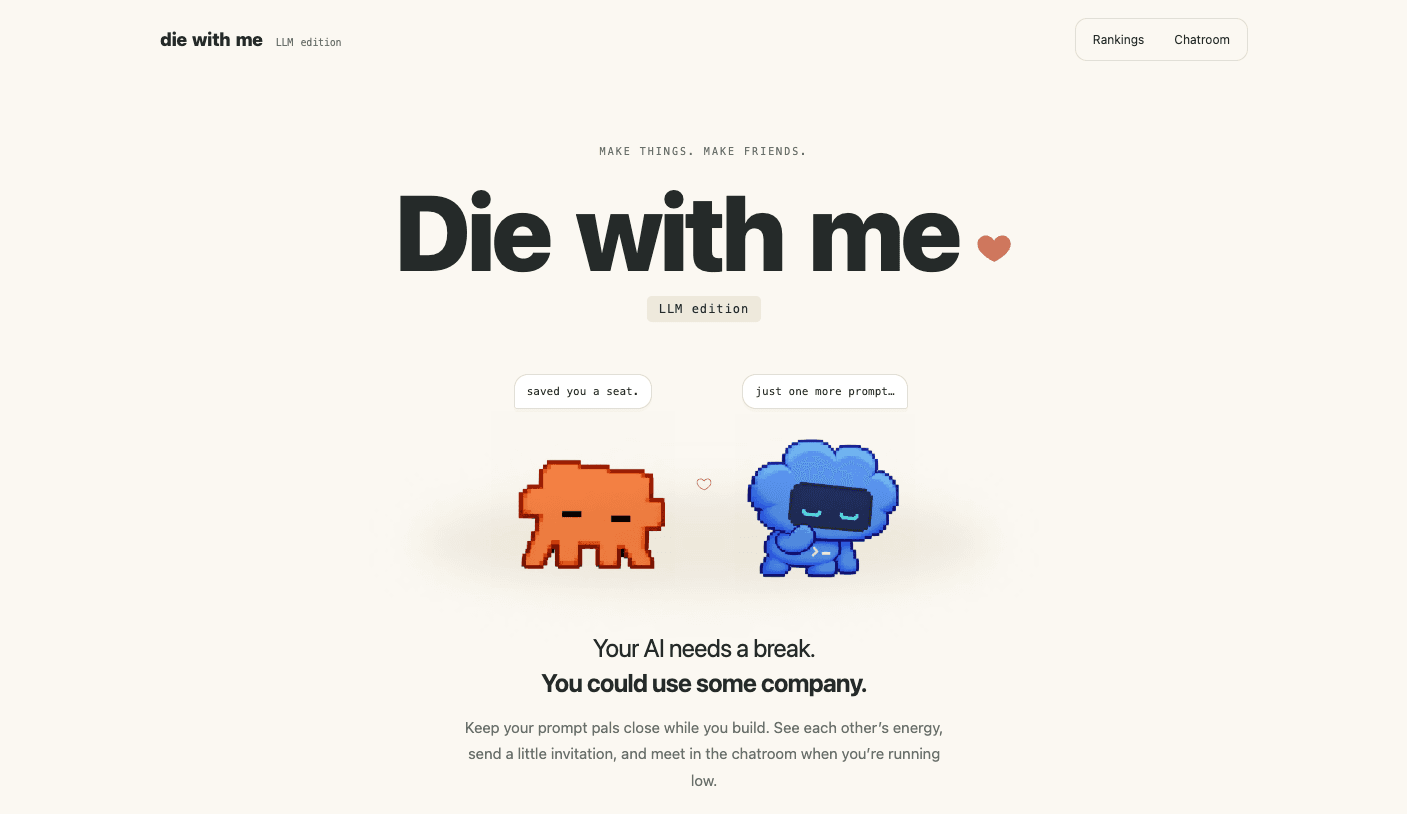
Die With Me is a free Mac menu bar app that turns your AI coding limits into a little social space. Think of it as an AI usage tracker with a heartbeat. It watches how much Claude Code and Codex usage you have left, shows your friends' remaining energy next to your own, and opens a chatroom once you drop to 20% or less. You build, you run out, you hang out with other exhausted humans, then you go back to making things.
About Die With Me
What Is Die With Me
Die With Me is a macOS menu bar app, listed as the "LLM edition." It sits quietly at the top of your screen while you work in Claude Code or Codex, and it shows your remaining usage as a small buddy that gets sleepier as your allowance drains. The app exists because running out of tokens is lonely and boring. Not fun. Instead of staring at a limit screen alone, you can see who else is stuck and say hi.
The app needs you to sign in to Claude Code or Codex so it can read your usage. It never asks for an API key and it doesn't add tokens. Codex picks up your existing sign-in automatically, while Claude Code needs you to connect it once through Settings. A Claude desktop or web login by itself won't connect the reader, which trips up some people on day one.
The main catch is access. Die With Me is free for Mac, but it's invite only. No invite, no account. You need an invitation to activate, and there's no Android or Windows version yet. Windows users can join a waitlist, and everyone else has to wait.
Getting Started
- Enter your email on the site to download the Mac app, then drag Die With Me into your Applications folder. Everything it needs is bundled.
- Open the app and claim a unique username. If you don't have a coding assistant, pick "Just here to hang out" during setup.
- To track usage, open Settings with the gear button and choose Connect Claude Code, then sign in to Claude Code with your subscription. Codex connects through your existing sign-in.
- Add friends with a friend code so you can see each other's energy in the Friends or Global rankings.
- Keep working. When your session or weekly energy hits 20% or less, the chatroom opens and you can meet the other people who ran out too.
Product Information
A quick look at Die With Me's pricing, supported platforms, and performance.
Best for
The users, tasks, and scenarios where this tool fits best.
Users
- Solo developers on Claude Code or Codex
- Builders who work late and alone
- Anyone who keeps hitting limits mid-project
Tasks
- Tracking Claude Code usage
- Tracking Codex usage
- Comparing energy with friends
- Catching a Codex reset
- Waiting out a cooldown
Scenarios
- You just hit a limit and don't want to stop working
- You're grinding through a long refactor and want a nudge before you burn out
- You work across a small team and want low-pressure presence
- You're curious whether Codex gave you a reset
Key features
Usage buddies that show your remaining energy
The core of Die With Me is a mascot that reflects how much Claude Code or Codex allowance you have left. Keep working and it gets sleepier as you run down. Simple as that. It's a visual, always-on read on your limits instead of a number hidden in a settings screen. For anyone juggling a session cap and a weekly cap at the same time, that constant glance matters.
Friends and global rankings
You add people with a friend code, then switch between a Friends view and a Global view. Rankings sort by your lowest remaining energy across Claude Code and Codex, whether that's a session or weekly limit, so the people closest to running out float to the top. Nice touch. It's a light way to keep tabs on your prompt pals without messaging anyone directly. Low effort, real signal.
A chatroom that opens when tokens run low
When your session or weekly energy reaches 20% or less, the room opens. You say hi, share what you were building, or just wait together. Once your usage window resets, your mascot perks up and you leave. The room exists only for the temporarily out of tokens, which keeps it small and oddly specific. It's the answer to the empty, frustrating moment right after a hard stop. Kind of a relief.
Codex reset watch
Sometimes Codex hands out a new usage reset or reset credit. Turn on Codex reset watch in Settings and the app checks every five minutes while it's running, then sends a notification when one is reported. No manual refreshing. It saves you from refreshing a status page by hand. The watch is powered by an outside reset news source rather than by OpenAI directly, so treat the heads-up as a nudge to check your own allowance.
Little thoughts instead of long messages
The app leans on small gestures. Hold to record a short thought in the app, and friends tap your thought bubble to listen. Each one disappears after five hours. Gone fast. It's less scrolling and more little moments, which suits a tool you keep open all day. If you like the idea of company but hate another inbox, this is the part you'll notice.
Invite-based access and a waitlist
Die With Me is free, but activating means you need an invitation. There's a join flow through an invite link, and Windows users can add themselves to a waitlist for a future build. The gated start keeps the room from flooding and explains why not everyone can use it on day one.
Pros and cons
Pros
- Free on Mac, and Claude Code and Codex usage tracking are built in.
- The sleepy buddy turns an invisible limit into something you can actually see.
- The chatroom gives the token-exhausted a place to wait with company.
- Codex reset watch hands you reset news without manual checking.
- Friend codes and short thoughts keep socializing low-effort.
Cons
- Invite only, so you can't just download and start using it.
- macOS only for now, and Windows users are stuck on a waitlist.
- It reads usage from your Claude Code and Codex sign-ins, so a desktop or web login alone won't connect it.
- Some features depend on an outside source, so reset notices aren't guaranteed.
Frequently asked questions
It's a macOS menu bar app that shows your remaining Claude Code and Codex usage as a mascot, connects you with friends, and opens a chatroom when your energy drops to 20% or less.
Related content
Explore related tools, skills, and articles for Die With Me.
Die With Me Alternatives
Forefront
Forefront · CodingForefront is a web platform for building with open-source AI. It lets you fine-tune leading open-source language models on your own data, evaluate how they perform, and run them through an API or export them to host yourself. Developers who want the convenience of a closed-source platform but insist on owning their models and data are the target audience here.

Startkit
StartKit.AI · CodingStartkit is a boilerplate for building AI SaaS and AI wrapper products. Think of it as an AI startup boilerplate with the boring parts already wired up: authentication, Stripe and Lemon Squeezy payments, usage limits, transactional email, and an AI API starter that talks to OpenAI, Anthropic, Groq, or Llama. You clone the repo, set your price, and start on the part of your product that people actually pay for. It's Next.js under React and Tailwind, so most of the boilerplate code already feels familiar.
Testim
Tricentis · CodingTestim is an AI-powered test automation platform for building and running end-to-end tests across web, mobile, and Salesforce applications. It leans on machine learning to keep tests stable when an interface changes, so teams spend less time fixing broken selectors. Not bad for an automated testing tool you can start using today. You create tests by recording actions in a browser, then optionally add JavaScript when you need more control. It's a solid pick for busy QA teams.