

Digital First AI
DFIRST AI (formerly Digital First AI) · Marketing · Business
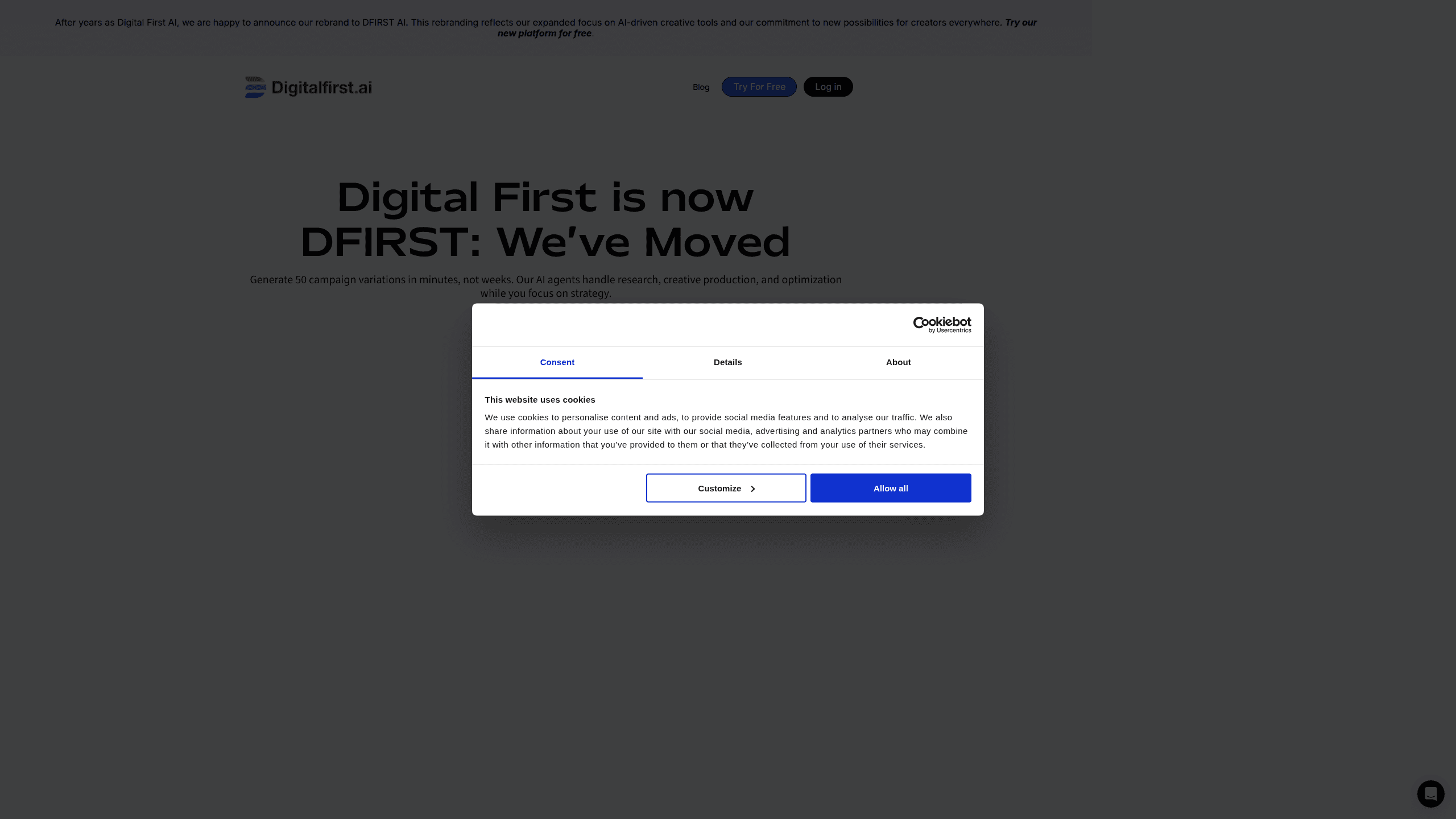
Digital First AI, now rebranded as DFIRST, is an AI marketing platform that builds entire campaigns from a brand's own guidelines. You drop in a URL or upload a brand kit, and its AI agents handle research, copywriting, visuals, and campaign variations on a drag-and-drop canvas. It centralizes the messy parts of campaign production into one canvas with one brand profile behind them. The pitch is speed: dozens of on-brand campaign variations in minutes instead of weeks. No more juggling five subscriptions and copy-pasting assets between tools. It's built for marketing teams, agencies, and solo creators who want an AI marketing agent rather than another single-purpose content generator.
About Digital First AI
What Is Digital First AI
Digital First AI has spent years as a marketing tool and recently rebranded to DFIRST AI. The core idea didn't change: instead of asking a chatbot for copy, you give the platform your brand context once and let specialized AI agents produce the work. A drag-and-drop canvas replaces the linear, template-bound workflows that most campaign builders force you into.
The product leans on agentic workflows. Each agent has a job, like market research, social listening, content generation, or visual design, and they analyze and execute rather than just generate. Built-in integrations pull in models such as Claude, Gemini, Grok, Flux, Stable Diffusion, and Kling for the creative side, plus SEMrush and Google for research. Your brand colors, fonts, and voice get stored as Brand DNA. So every output stays on-brand. The trade-off is that the depth of any single step depends on which third-party model you route to, so quality can vary across tasks.
It isn't a full replacement for a human strategist. The platform automates production and research; the strategy still comes from you. Agencies get multi-client workspace management and white-label options, which is where the rebrand's "expanded focus on AI-driven creative tools" shows up most clearly.
That split is the whole pitch in one line: you set direction, the agents do the volume.
Getting Started
- Sign up for a free account at the DFIRST app. No credit card is required, and new accounts get 80 daily tokens.
- Drop in your website URL or upload brand guidelines so the platform can build your Brand DNA (colors, fonts, tone, values).
- Open the drag-and-drop canvas and pick an AI agent for the task you need, such as research, copywriting, or visuals.
- Choose the model for that agent, then generate. You can produce dozens of campaign variations from a single brief.
- Review the outputs, adjust the brand settings if something drifts, and export the campaign for your channels.
Product Information
A quick look at Digital First AI's pricing, supported platforms, and performance.
Best for
The users, tasks, and scenarios where this tool fits best.
Users
- Marketing teams
- Marketing agencies
- Solo creators and consultants
- Content and social media managers
Tasks
- Campaign generation
- Market and competitor research
- Content and copywriting
- Visual and video creation
- Web data extraction
Scenarios
- Launching a multi-channel campaign on a short deadline
- Keeping a large content calendar on-brand
- Testing many ad variations at once
- Managing several client brands at an agency
Key features
AI agentic workflows
Digital First AI runs on specialized agents rather than a single chat window. Each agent has a defined scope, like research, copywriting, social intelligence, or creative production, and it analyzes and executes on your brief. You route each task to the agent that fits, which keeps outputs focused instead of generic.
Drag-and-drop canvas
Most campaign tools push you through a fixed, linear flow: template, fill in fields, export. This platform swaps that for a visual canvas where you place agents and steps wherever they make sense. It's the part that makes a complex campaign feel more like arranging blocks than following a wizard. That matters once campaigns stop fitting a template.
Brand DNA
When you sign up, you hand over your brand guidelines, and the platform builds Brand DNA from your colors, fonts, voice, and values. Every image, video, and piece of copy is checked against that profile, so scaling output doesn't mean diluting identity. If something drifts off-brand, you adjust the settings rather than rewriting each asset.
Campaign variation at scale
The headline promise is volume. A single brief can produce up to 50 campaign variations, which matters most when you're testing headlines or creative at speed. Instead of one polished asset, you get a spread of options and let the data pick a winner. Which one wins? The metrics tell you. For teams that used to wait weeks for a batch, that turnaround is the real change. It changes how you plan a launch.
Multi-model creative stack
Rather than train its own image or video models, DFIRST connects to established ones. Depending on the task, it can call Claude, Gemini, Grok, Flux, Stable Diffusion, Kling, Ideogram, or Recraft. The upside is access to current, best-in-class models without you managing separate subscriptions. The downside? Output quality shifts depending on which model each agent uses.
Research and competitive intelligence
Agents handle the analysis side too. Through integrations that include SEMrush and Google, they gather market data, track competitors, and surface social intelligence. That research feeds directly into the campaign steps, so the copy and creative start from something concrete rather than a blank prompt.
Pros and cons
Pros
- Brand DNA keeps large volumes of output consistent, which is the hardest part of scaling content.
- The drag-and-drop canvas is flexible enough to model non-linear workflows that templates can't handle.
- Multi-model access means you're not locked to one image or video engine for every task.
- A free tier with 80 daily tokens lets you test the platform before paying anything.
- Agency features like multi-client workspaces and white-label support fit teams that manage several brands.
Cons
- Strategy still comes from you. The agents execute and research, but they won't decide what your campaign should say.
- Output quality varies by model, so a task routed to the wrong engine can come back weaker than expected.
- Pricing isn't fully transparent on the public site, so you may need to contact sales to confirm the plan that fits.
- There's no public API documented, which limits use in custom pipelines or automated workflows.
Frequently asked questions
It's an AI marketing platform for producing campaigns at scale. You give it your brand context, then its agents handle research, copywriting, visuals, and campaign variations. Marketing teams use it to cut production time and keep every asset on-brand.
Related content
Explore related tools, skills, and articles for Digital First AI.
Digital First AI Alternatives

Emailwritr
Emailwritr · Writing · MarketingEmailwritr is an AI email copywriting tool built for affiliates, course creators, and online businesses that want more revenue from the list they already own. Instead of blank pages or generic chatbot prompts, this AI email writer generates welcome sequences, launch campaigns, cart recovery emails, and promo series from frameworks modeled on well-known direct-response copywriters. You connect your autoresponder, answer a few questions about your offer, and it writes the copy for you.

Prosp
Prosp · Writing · Voice & Language · MarketingProsp is an AI LinkedIn outreach tool built for agencies and sales teams, and it writes the message and the voice note in your own voice for each prospect so they actually reply. You connect your accounts, find leads, and let the AI draft and send personalized messages at scale, all from one inbox. It's built for people running outbound at volume. That's the whole pitch. Every touchpoint still has to feel human.

On Model
On Model · Image · MarketingOn Model is an AI fashion model tool that places your clothing on virtual models so online stores can get on-model product photos without booking a photoshoot. It runs as a Shopify app, letting you swap the model in an existing image, change backgrounds, and generate faces for cropped or headless shots. The goal is simple: match your product photos to your customers and stand out from competitors using the same supplier images.