

diny
Dino Danic · Coding
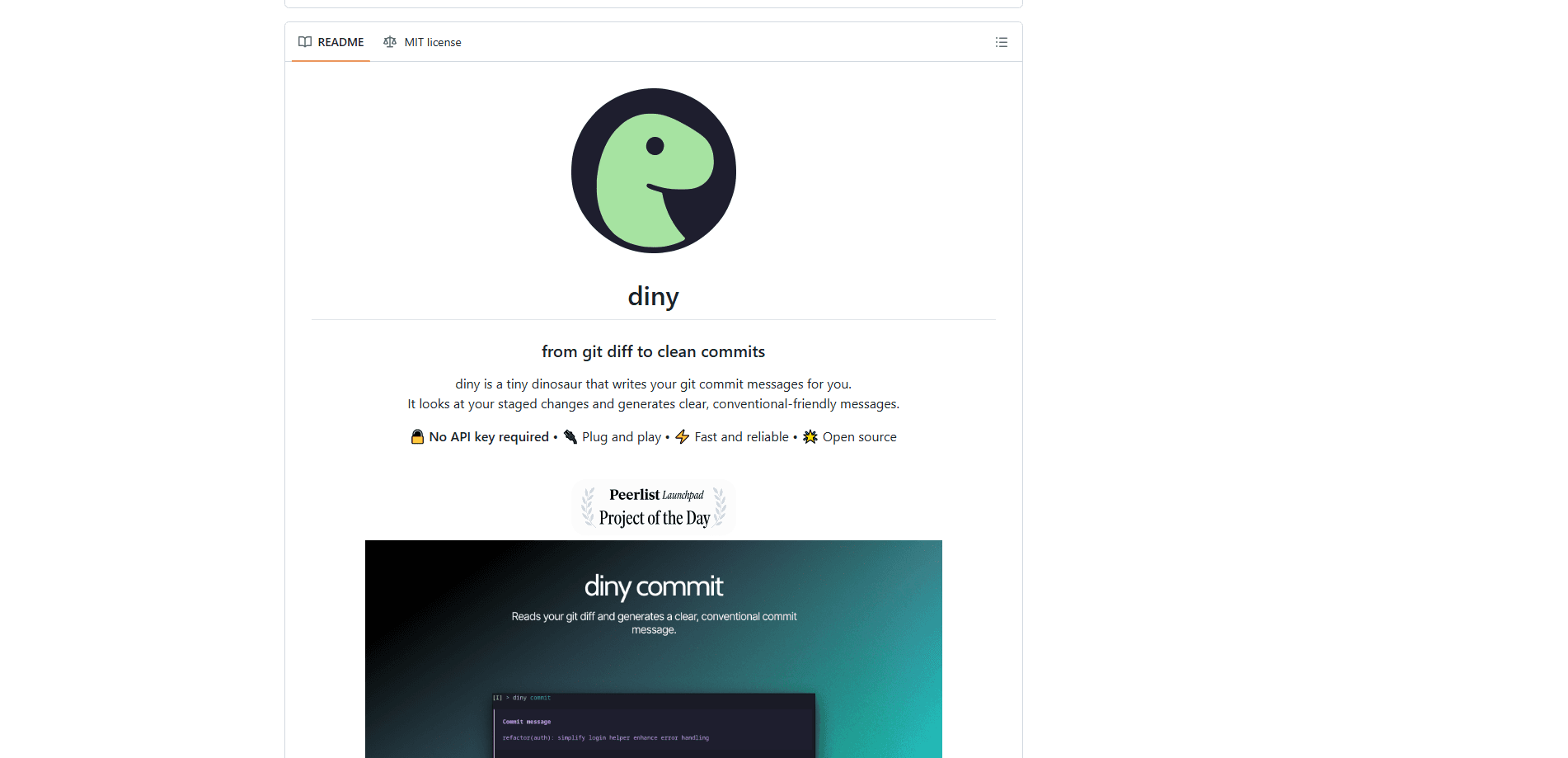
diny is a free, open-source CLI tool that turns your staged git changes into readable commit messages with a single command. Think of it as a git commit message generator that runs in your terminal. It reads the staged diff, strips out noise like lockfiles and build artifacts, and suggests three message variants you can edit or commit as-is. There's no API key to sign up for and no account to create, so setup is a one-line install and you're committing in seconds.
About diny
What Is diny
diny is an AI-powered CLI built for developers who are tired of staring at a blank commit message box, and it fits into the git workflow you already use instead of asking you to learn a new one. You stage your changes, run diny commit, and it generates a clear message based on what actually changed.
The tool targets the small friction that adds up over a project: vague commits like "fix stuff" or "wip" that make history useless six months later. As a conventional commits tool, diny leans toward that format, which makes logs easier to scan and pairs well with automated tooling. It also handles the messy case where you've staged too much at once, letting you split one big diff into several commits grouped by concern.
None of that requires a cloud account, and the diff never has to leave your machine if you'd rather keep everything local. That matters to plenty of teams.
The main limit is scope. diny only writes messages and organizes commits; it won't review your code, catch bugs, or decide what belongs in a commit for you. As an AI git commit message tool, that focus is the point. Everything runs from the terminal, so if you work entirely inside a GUI git client, you'll need to check whether it hooks into your app of choice. The one integration it ships with is LazyGit.
Getting Started
- Install the CLI on macOS or Linux with
brew install dinoDanic/tap/diny, or on Windows withscoop install diny. Pre-built binaries are also available from the GitHub releases page. - Stage the changes you want to commit by running
git add .or adding specific files. - Run
diny committo open the interactive terminal interface. It reads the staged diff and generates three message variants. - Pick a variant, edit it inline or open it in your
$EDITOR, then commit. Press S on the ready screen if you want to split the staged changes into multiple commits. - Optionally run
diny configto set your default theme, commit format, tone, and length.
Product Information
A quick look at diny's pricing, supported platforms, and performance.
Best for
The users, tasks, and scenarios where this tool fits best.
Users
- Solo developers who commit often and want consistent, readable history without slowing down. Works best if you're comfortable in a terminal.
- Small teams that want shared commit conventions. A versioned `.diny.yaml` file lets everyone follow the same settings.
Tasks
- Writing commit messages from a staged diff
- Splitting one large diff into several focused commits grouped by concern, so each commit tells a clear story.
- Generating a changelog between two tags or commits for release notes. Great for shipping day.
- Reviewing commit history over a date range to see what shipped and when.
Scenarios
- Cleaning up a messy branch before opening a pull request, when your working commits were quick and sloppy.
- Wrapping up a long day of edits and just wanting the message handled without breaking your flow. No thinking required.
- Onboarding onto an unfamiliar repo, where a summarized timeline helps you see recent activity fast.
Key features
One-Command Commit Generation
The core loop is simple: stage, run diny commit, and review. diny reads your staged changes with git diff and drafts three message variants you can pick from. You can edit inline or hand the message off to your editor before committing. It's the part most people install this CLI commit tool for, and it works without any key or login.
Noise Filtering on the Diff
Raw diffs are full of things that shouldn't shape a message, like lockfiles, binaries, and build artifacts. diny filters these out before generating text, so the message reflects real code changes instead of dependency churn. The payoff is simple. Fewer commits that read "update package-lock.json."
Splitting Changes into Multiple Commits
Staged too much in one go? Press S on the ready screen and diny breaks the diff into separate commits grouped by concern. You can edit each group, move files between them, regenerate, and then commit them in order. That's a lot less painful. This turns one vague blob into a clean series that's easy to review later.
Interactive TUI for the Whole Workflow
diny does more than fire off one message and quit. Its terminal interface handles commit, config, changelog, timeline, and yolo in one place. A built-in file picker lets you stage and unstage files without leaving the tool, so you can shape a commit before writing its message.
AI-Powered Changelog and Timeline
Beyond single commits, diny works as an AI-powered changelog generator between tags or commits, which is handy for release notes. The timeline command summarizes and analyzes your commit history, with date presets or custom ranges. Both features use the same local generation as commits, so there's nothing extra to configure.
Three-Tier Configuration
Settings live in three layers: a global config in ~/.config/diny/config.yaml, a project-shared .diny.yaml you commit for the team, and a personal per-project file that stays local. Priority runs local > versioned > global, and project files only need the values they override. Clean. It's a straightforward way to share conventions without forcing them on everyone.
Tone, Format, and Emoji Options
You can tell diny how you want messages to read. Set conventional commit format on or off, choose a tone (professional, casual, or friendly), control length (short, normal, or long), and optionally prefix commits with emoji. Custom instructions give the AI extra guidance for edge cases.
Pros and cons
Pros
- No API key, no signup, and no account, so there's nothing to configure before your first commit.
- Free and open-source under the MIT license, so this open-source commit message generator can be inspected and self-hosted.
- Works across macOS, Linux, and Windows with one-line installs via Homebrew and Scoop.
- Splits a bloated staged diff into focused commits, which keeps history readable.
- Built-in changelog and timeline commands extend it past single-commit use.
Cons
- It only handles commit messages and history, so it won't review code or catch mistakes for you.
- Runs in the terminal, which means GUI-only git users won't get the same experience without adopting LazyGit or a similar setup.
- The generated messages are only as good as the diff you stage, so sloppy staging still yields vague commits.
Frequently asked questions
Yes. diny is free and open-source under the MIT license, and there's no paid tier. You install it, run it, and generate commits without paying or signing up for anything.
Related content
Explore related tools, skills, and articles for diny.
diny Alternatives
Forefront
Forefront · CodingForefront is a web platform for building with open-source AI. It lets you fine-tune leading open-source language models on your own data, evaluate how they perform, and run them through an API or export them to host yourself. Developers who want the convenience of a closed-source platform but insist on owning their models and data are the target audience here.

Startkit
StartKit.AI · CodingStartkit is a boilerplate for building AI SaaS and AI wrapper products. Think of it as an AI startup boilerplate with the boring parts already wired up: authentication, Stripe and Lemon Squeezy payments, usage limits, transactional email, and an AI API starter that talks to OpenAI, Anthropic, Groq, or Llama. You clone the repo, set your price, and start on the part of your product that people actually pay for. It's Next.js under React and Tailwind, so most of the boilerplate code already feels familiar.
Testim
Tricentis · CodingTestim is an AI-powered test automation platform for building and running end-to-end tests across web, mobile, and Salesforce applications. It leans on machine learning to keep tests stable when an interface changes, so teams spend less time fixing broken selectors. Not bad for an automated testing tool you can start using today. You create tests by recording actions in a browser, then optionally add JavaScript when you need more control. It's a solid pick for busy QA teams.