

ditto.site
ion-design · Coding
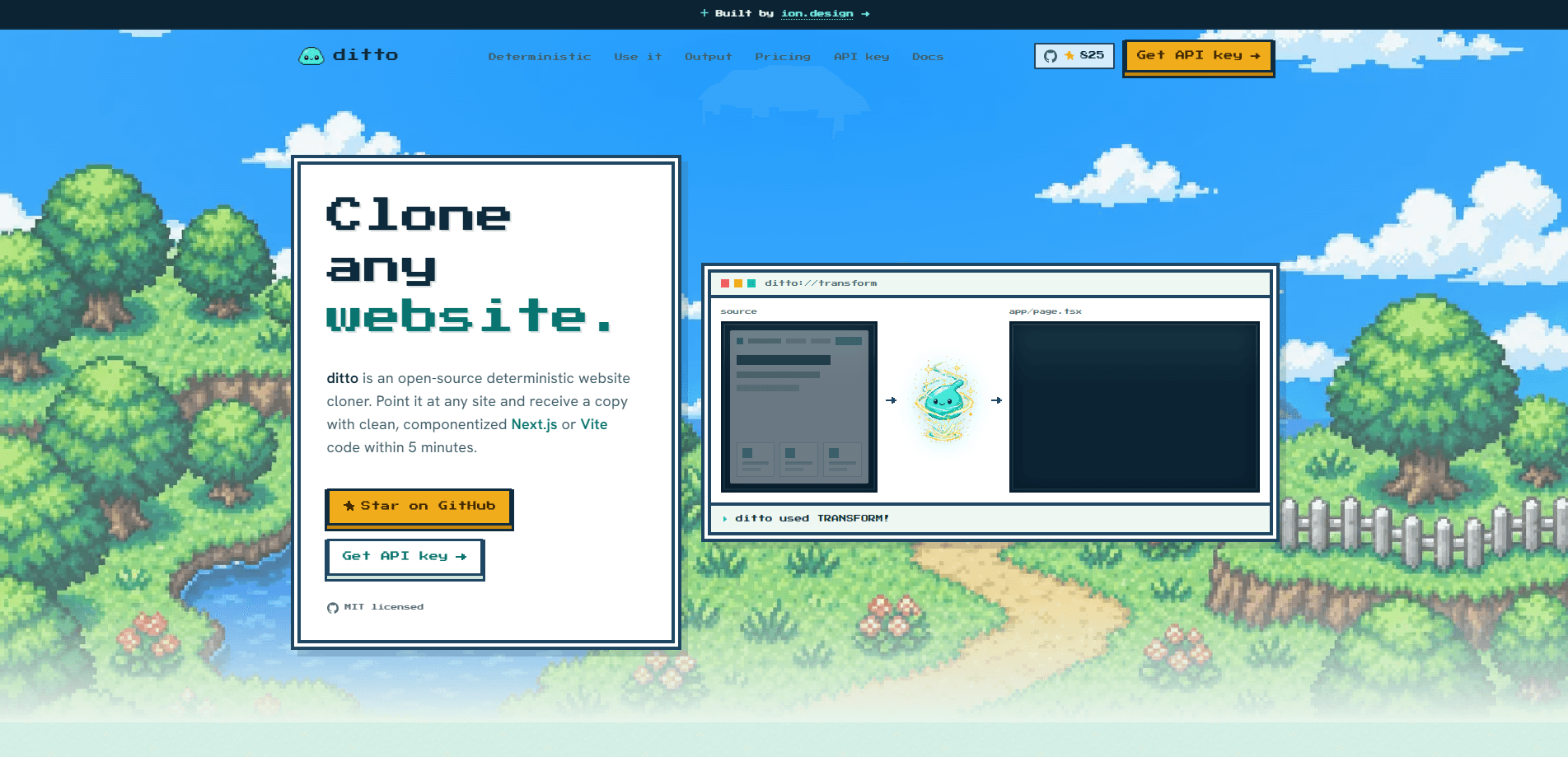
ditto.site is an open-source, MIT-licensed website cloner that turns any public URL into a working, componentized Next.js or Vite React project. Instead of asking a language model to guess at your markup, it captures what the browser actually renders and emits a deterministic codebase, usually in around five minutes. You can self-host the whole pipeline, call the hosted REST API, or wire it into an agent through its MCP server, and it costs nothing either way. Hard to argue with that.
About ditto.site
What Is ditto.site
ditto.site is a website-to-code tool and Next.js code generator built for developers who want a real, maintainable starting point rather than a blank canvas. Point it at a live page and it writes a fresh project from the rendered result, so you don't need the original source or an existing repository. The output isn't one giant file: the tool splits repeated DOM into components, lifts clean regions into sections, and hands you typed, tokenized code you can keep working on.
The core idea is determinism. Many AI website cloners send your page to an LLM and hope the result looks close. ditto.site runs a capture-to-code pipeline instead, so the same frozen capture always produces a byte-stable app. No guesswork. According to the project, it also pulls out the design system behind the page, including tokens, fonts, interactions, motion, breakpoints, and sections.
The main limit is scope. It clones public URLs you have the right to work with, and it's a developer tool at heart, so you'll be comfortable running npm commands, managing an API key, or unpacking a JSON file map. Not for everyone. If you want a finished product with a visual editor and hosting built in, this isn't that.
Getting Started
- Go to the ditto.site site and request a hosted API key with your email, or clone the repo and run the pipeline on your own machine.
- Verify your email, then copy the one-time
dtto_live_...key and store it in an environment variable likeDITTO_API_KEY. - POST a public URL to the REST API endpoint with your preferred options, such as framework
nextand stylingtailwind. - Poll the job until it succeeds, then extract the returned file map into a project directory with the official tool.
- Run your usual install and dev commands inside the new project and start building on top of it.
Product Information
A quick look at ditto.site's pricing, supported platforms, and performance.
Best for
The users, tasks, and scenarios where this tool fits best.
Users
- Front-end developers
- AI app builders
- Teams evaluating an existing site
Tasks
- Turning a landing page into Next.js code
- Prototyping from a reference design
- Building an internal agent workflow
Scenarios
- Kicking off a new client project
- Rebuilding a legacy public page
- Migrating a design into a component library
Key features
Deterministic Capture-to-Code Pipeline
ditto.site doesn't point an LLM at your page and hope for the best. It captures what the browser rendered, then compiles that frozen capture into a project, so the same input gives you byte-stable output every time. Same input, same output. That consistency matters when you're building on top of the result or regenerating after a change.
Componentized Next.js and Vite Output
The tool splits repeated DOM into components and lifts clean regions into sections, then emits a real project rather than a single monolithic file. No giant file to untangle. You can request Next.js App Router by default or Vite React when that fits your stack better. The result is typed and tokenized, so it slots into your normal workflow.
Three Ways to Run It
You pick the entry point that matches how you build. Clone the repository and self-host the entire pipeline under the MIT license, POST a URL to the hosted REST API and skip the infrastructure, or connect the MCP server so any agent can clone as a tool. All three share the same deterministic engine underneath. Which one fits comes down to your setup.
Design System Extraction
Beyond markup, ditto.site pulls the design system out of the page: design tokens, web fonts, hover and focus states, dropdowns, accordions, and declarative motion. It also captures breakpoints and sections, along with SEO metadata, JSON-LD, and sitemaps. That gives you editable material for styling, not just a static snapshot.
Agent and API Integration
The hosted endpoint at api.ditto.site handles clone jobs over REST, returning a file map keyed by each app-relative path. The MCP server at api.ditto.site/mcp lets you give Claude, Cursor, or a custom builder loop a cloning tool directly. For teams automating their setup, this is the fastest way to bake cloning into a pipeline.
Open Source Under MIT
The whole project is MIT-licensed and built in the open, so you can read every line, send a PR, and shape how it evolves. Self-hosting means your captures and generated code stay on your own machine, which suits teams with stricter data habits. No paywall either. There's no paid tier hiding the core engine.
Pros and cons
Pros
- Free and open source under the MIT license, with no paid tier gating the main features.
- Deterministic output means the same capture produces stable, repeatable code.
- Splits pages into components and sections instead of one unmanageable file.
- Flexible entry points: self-host, REST API, or MCP server for agents.
- Extracts design tokens, fonts, motion, and breakpoints you can actually edit.
Cons
- Aimed at developers, so you need comfort with npm, API keys, and unpacking JSON output.
- It only handles public URLs, and you're responsible for having the rights to clone a given site.
- There's no visual editor or built-in hosting, so it won't replace a full site builder for non-coders.
Frequently asked questions
It turns a public URL into a self-contained Next.js or Vite React project. It captures what the browser renders and compiles that into componentized, tokenized code you can build on.
Related content
Explore related tools, skills, and articles for ditto.site.
ditto.site Alternatives
Forefront
Forefront · CodingForefront is a web platform for building with open-source AI. It lets you fine-tune leading open-source language models on your own data, evaluate how they perform, and run them through an API or export them to host yourself. Developers who want the convenience of a closed-source platform but insist on owning their models and data are the target audience here.

Startkit
StartKit.AI · CodingStartkit is a boilerplate for building AI SaaS and AI wrapper products. Think of it as an AI startup boilerplate with the boring parts already wired up: authentication, Stripe and Lemon Squeezy payments, usage limits, transactional email, and an AI API starter that talks to OpenAI, Anthropic, Groq, or Llama. You clone the repo, set your price, and start on the part of your product that people actually pay for. It's Next.js under React and Tailwind, so most of the boilerplate code already feels familiar.
Testim
Tricentis · CodingTestim is an AI-powered test automation platform for building and running end-to-end tests across web, mobile, and Salesforce applications. It leans on machine learning to keep tests stable when an interface changes, so teams spend less time fixing broken selectors. Not bad for an automated testing tool you can start using today. You create tests by recording actions in a browser, then optionally add JavaScript when you need more control. It's a solid pick for busy QA teams.