

Domo.AI
Domo, Inc. · Coding · Marketing · Chatbot
Domo.AI is an AI-powered data platform that lets business teams query data, build dashboards, and ship AI agents without heavy setup.
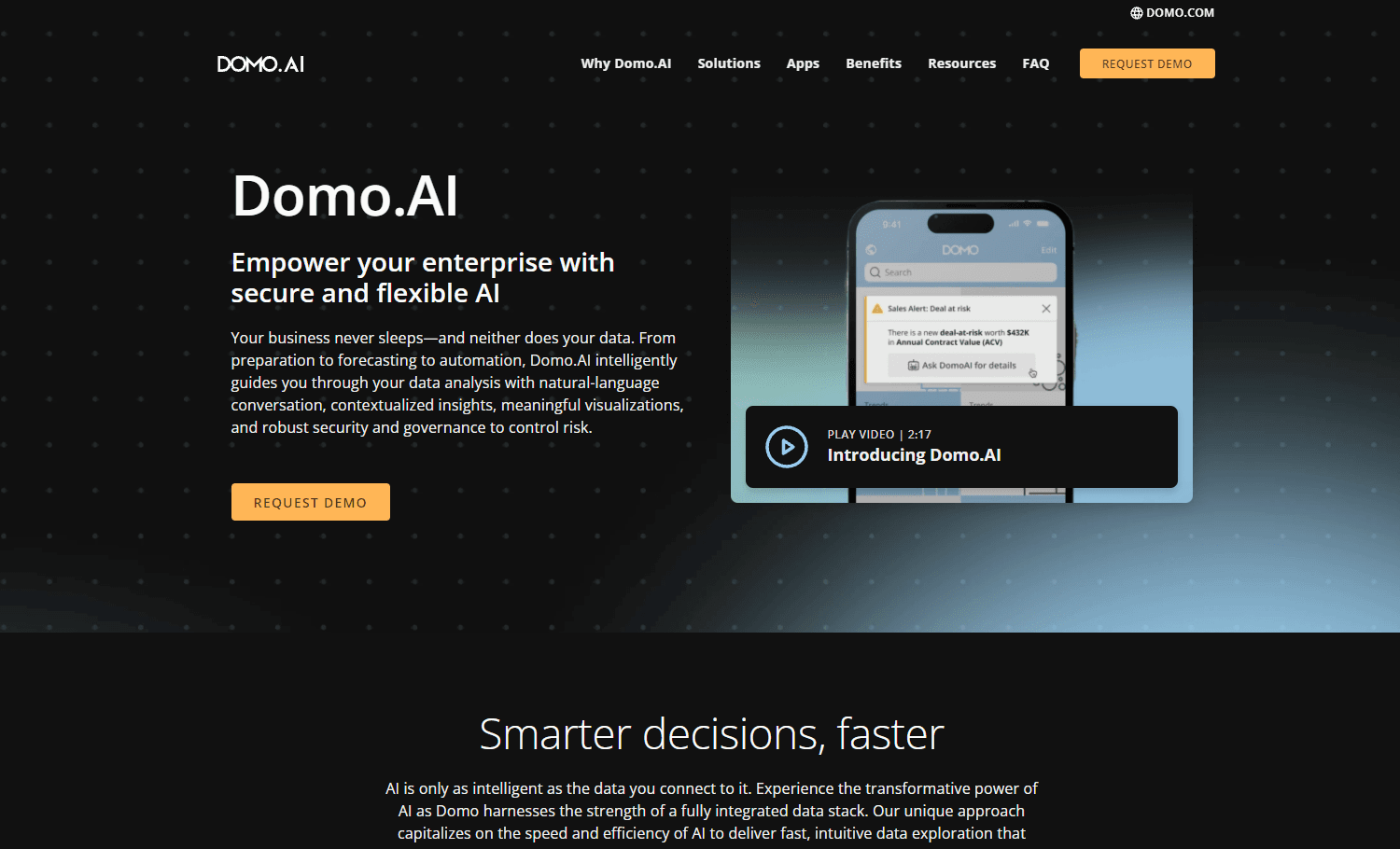
About Domo.AI
What Is Domo.AI
Domo.AI is the AI layer on top of Domo, a cloud business intelligence platform that companies use to pull data from hundreds of sources and turn it into dashboards, reports, and automated workflows. The AI side adds generative features on top of that foundation: you ask questions in plain language, and the platform writes the query, pulls the numbers, and returns a chart or a written answer.
It's built for teams that already drown in spreadsheets and scattered reports. Instead of waiting on a data analyst for every question, a manager can type "which region missed its target last quarter" and get a result in seconds. That's the pitch. And it's a real change from how most AI analytics tools worked even two years ago.
The catch is scope. Domo.AI isn't a standalone chatbot you drop into any app. It works inside Domo's own platform, priced and deployed at the enterprise level. Big difference. I'd treat it as a platform decision, not a weekend experiment.
Getting Started
- Sign up for a Domo trial or work with their sales team to provision a Domo instance.
- Connect your data sources through the built-in connectors, then set access rules so each team sees only what it should.
- Open the AI tools inside your dashboard and ask a question in plain language, or ask an agent to summarize an existing report.
- Save the result as a dashboard card, share it with your team, and refine the prompt or data model as you go.
Product Information
A quick look at Domo.AI's pricing, supported platforms, and performance.
Best for
The users, tasks, and scenarios where this tool fits best.
Users
- Business analysts who want faster answers without writing SQL for every request
- Operations and marketing managers who need self-serve dashboards from live data
- Enterprise data teams that need AI features to stay inside an existing governance model
Tasks
- Asking plain-language questions about sales, spend, or inventory data
- Building and sharing BI dashboards from multiple connected sources
- Summarizing long reports or datasets into short written briefs
- Automating recurring data pulls and alerts
Scenarios
- A weekly leadership review where someone needs a fresh number on the spot
- Onboarding a new team onto shared dashboards without training them on query languages
- Monitoring a metric and getting an alert when it drifts off target
Key features
Natural Language Query
You type a question the way you'd ask a colleague, and Domo.AI translates it into a query against your connected data, then returns a chart or a short answer. The value is speed: no request ticket, no waiting on an analyst. Accuracy still depends on how clean and well-modeled your data is underneath. Garbage in, garbage out.
AI Agents
Domo.AI lets you set up agents that handle multi-step tasks, like pulling a dataset, summarizing it, and posting the result where your team already works. It's aimed at repeated jobs rather than one-off questions. You define what the agent can touch, which keeps its reach bounded.
Dashboard Generation
Describe the dashboard you want and the platform drafts it, complete with charts and filters you can edit. It won't match a hand-built layout perfectly, but it gets you a working first version in minutes. Good enough to start. From there you tweak cards, colors, and metrics yourself.
Governance and Access Control
Every AI action runs through Domo's permission model, so a user only sees data they're already cleared for. For regulated teams this matters more than raw capability. It means the AI can't quietly surface payroll numbers to someone in sales. That's the whole point.
Connectors and Data Prep
Domo ships with hundreds of connectors for cloud apps, databases, and files, plus tools to clean and join that data before it reaches a dashboard. The AI features only work as well as this layer does, so it's the part worth setting up carefully.
Mobile Access
The iOS and Android apps let you check dashboards and ask questions from a phone. Useful when a question comes up in a meeting and nobody wants to wait. Feature parity with the web version isn't total. Heavy dashboard editing is still a desk job.
Pros and cons
Pros
- Plain-language querying cuts the wait for routine data questions
- Governance is built into the AI layer, not bolted on afterward
- Large connector library means less custom data plumbing
- Mobile apps cover the "quick answer away from my desk" case
- Agents handle recurring reports so people stop doing them by hand
Cons
- Enterprise pricing with no real free tier, so it's hard to test solo
- The AI is tied to the Domo platform, so you can't use it as a standalone tool
- Answer quality depends on your data being modeled well first, which takes work
- It's overkill for a small team that just needs a couple of charts
Frequently asked questions
It's used to query business data in plain language, build dashboards, and run AI agents that automate recurring reporting tasks. It sits on top of Domo's BI platform rather than standing alone.
Related content
Explore related tools, skills, and articles for Domo.AI.
Domo.AI Alternatives

Base Code
Base44 (Wix) · Coding · ProductivityBase Code is a shared cloud development environment from Base44. Teammates describe changes to an existing GitHub codebase in chat, preview them live and send them back as pull requests.

Google EmbeddingGemma 2
Google DeepMind · Writing · Image · CodingGoogle EmbeddingGemma 2 is a 740M-parameter open model that turns text, code, images, audio, and video frames into vectors in one 768-dimension space, running on phones and laptops.

GitGlow
GitGlow · Coding · ProductivityGitGlow is a local-first desktop Git client that lets independent developers review their own code and their AI agents' changes in one place before shipping.