

Dorik AI
Dorik, Inc. · Coding
Dorik AI builds a multi-page website from one prompt, then opens it in a drag-and-drop editor with hosting and a CMS attached. Plans start at $29 a month.
About Dorik AI
What Is Dorik AI
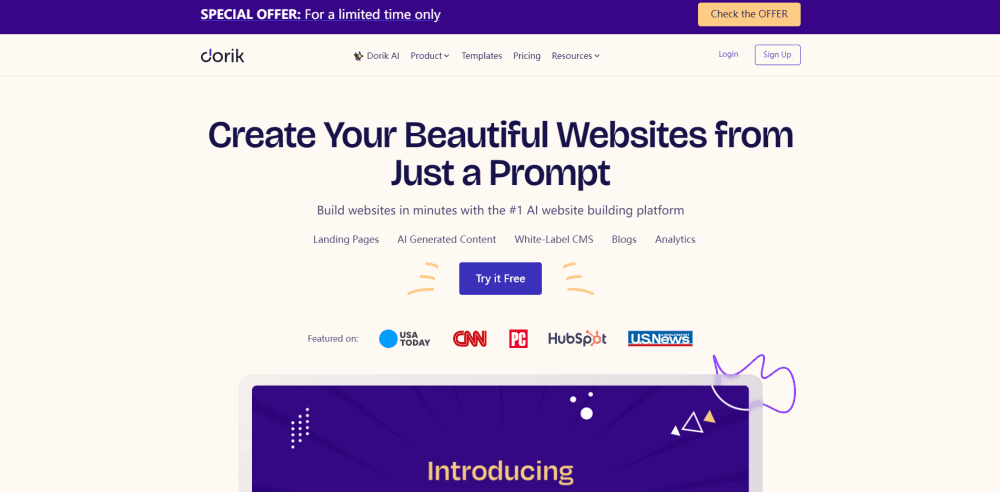
Dorik AI is the AI website builder inside Dorik, a website building platform that went public in August 2020. You describe the business in a sentence, pick a visual style, and the AI website generator returns a finished multi-page site with headlines, body copy and images already in place.
The output lands in Dorik's own no-code editor, so nothing about the draft is final. Swap a section, rebuild a hero, delete a block, or start from one of the 250+ UI blocks instead. A CMS, a blog and managed hosting sit behind the editor, which is why the tool competes with Webflow and Wix rather than with a one-off landing page generator.
The limits are worth knowing upfront. Dorik AI writes structure and first-draft copy, not brand voice. Expect to rewrite most sentences before a site goes live. The generator also runs on a quota: one AI site on Personal, three on Business, unlimited on Agency.
Getting Started
- Sign up and start the 7 day trial, which unlocks the full feature set of the plan you pick.
- Type a prompt such as "a website for my coffee shop", choose a style, and let the AI website generator build the pages.
- Edit the result in the visual editor, replacing AI copy and images where they miss the mark.
- Connect a domain you already own, then publish. Hosting and an SSL certificate come with every plan.
Product Information
A quick look at Dorik AI's pricing, supported platforms, and performance.
Best for
The users, tasks, and scenarios where this tool fits best.
Users
- Solo founders
- Small business owners
- Freelance designers
- Agencies
Tasks
- Launching a landing page
- Writing site content
- Building a content site
Scenarios
- Testing a business idea this week
- Handing a finished site to a client
- Moving off WordPress
Key features
Prompt to Website Generation
Describe the business in a sentence, choose a style, and Dorik AI produces a complete site with multiple pages, sections and placeholder content. It generates in any language you type, so an AI site generator run in Spanish or Japanese needs no translation step afterward. This is the feature that separates Dorik from its own template library.
AI Copy and Image Generation
The AI copywriter writes headlines and body text section by section, and the image generator creates visuals from a prompt. Both run inside the editor, which means you can regenerate one block without touching the rest of the page. Output quality is workable draft material rather than final copy.
Drag and Drop Editor With 250+ Blocks
Every AI page opens in the visual editor of this no-code website builder, which carries 250+ prebuilt UI blocks and 35+ elements. You can drag a pricing table, swap a gallery layout, or adjust spacing on a phone-sized canvas without writing CSS. Code export exists too, so the drag and drop work is not trapped inside Dorik.
White-Label CMS and Airtable Data
The built-in CMS supports custom fields and collections, a public API, and Airtable as a data source. Present Airtable records in grid, table or job board layouts, and edits in Airtable show on the site in real time. Agencies get a branded dashboard plus client billing from the same place.
Built-In SEO and Blogging
Sites ship with editable meta tags, custom schema, sitemap controls, URL redirects, robots.txt and even llms.txt. The blog supports RSS feeds and imports from WordPress, Medium, Ghost and Substack, which covers most migrations without a plugin.
Hosting, CDN and Code Export
Dorik hosts sites on AWS and DigitalOcean and serves static files from a global CDN, with a free Let's Encrypt SSL certificate on every plan. Storage and bandwidth are unlimited. Code export is static only, so dynamic CMS pages stay on Dorik's servers.
Pros and cons
Pros
- The first draft arrives in minutes, including copy and images, which removes the slowest part of a small site build.
- Flat pricing undercuts comparable Wix and Webflow plans, with unlimited storage and bandwidth on every tier.
- A CMS, public API and blog are included rather than sold as add-ons, so a content site needs one subscription.
- The white-label dashboard and client billing make it usable for agency work without a second tool.
- Static code export and self-owned domains keep the exit door open.
Cons
- AI site generation is metered: one site on Personal, three on Business. Extra sites cost $199 or $149 as a one-time fee on lifetime deals.
- There is no free plan, only a 7 day trial, so testing costs a card at the end of the week.
- Dorik does not sell domains. You register elsewhere and point DNS at the site.
- Ecommerce stops at payment buttons for PayPal, Stripe and Gumroad. There is no native cart, tax handling or shipping logic.
Frequently asked questions
No. Dorik has no free plan. New accounts get a 7 day trial with full access to the features of the plan they select, and a payment method is required to keep the site online afterward.
Related content
Explore related tools, skills, and articles for Dorik AI.
Dorik AI Alternatives

Base Code
Base44 (Wix) · Coding · ProductivityBase Code is a shared cloud development environment from Base44. Teammates describe changes to an existing GitHub codebase in chat, preview them live and send them back as pull requests.

Google EmbeddingGemma 2
Google DeepMind · Writing · Image · CodingGoogle EmbeddingGemma 2 is a 740M-parameter open model that turns text, code, images, audio, and video frames into vectors in one 768-dimension space, running on phones and laptops.

GitGlow
GitGlow · Coding · ProductivityGitGlow is a local-first desktop Git client that lets independent developers review their own code and their AI agents' changes in one place before shipping.