

EasyCircuit
EasyCircuit · Coding · Productivity
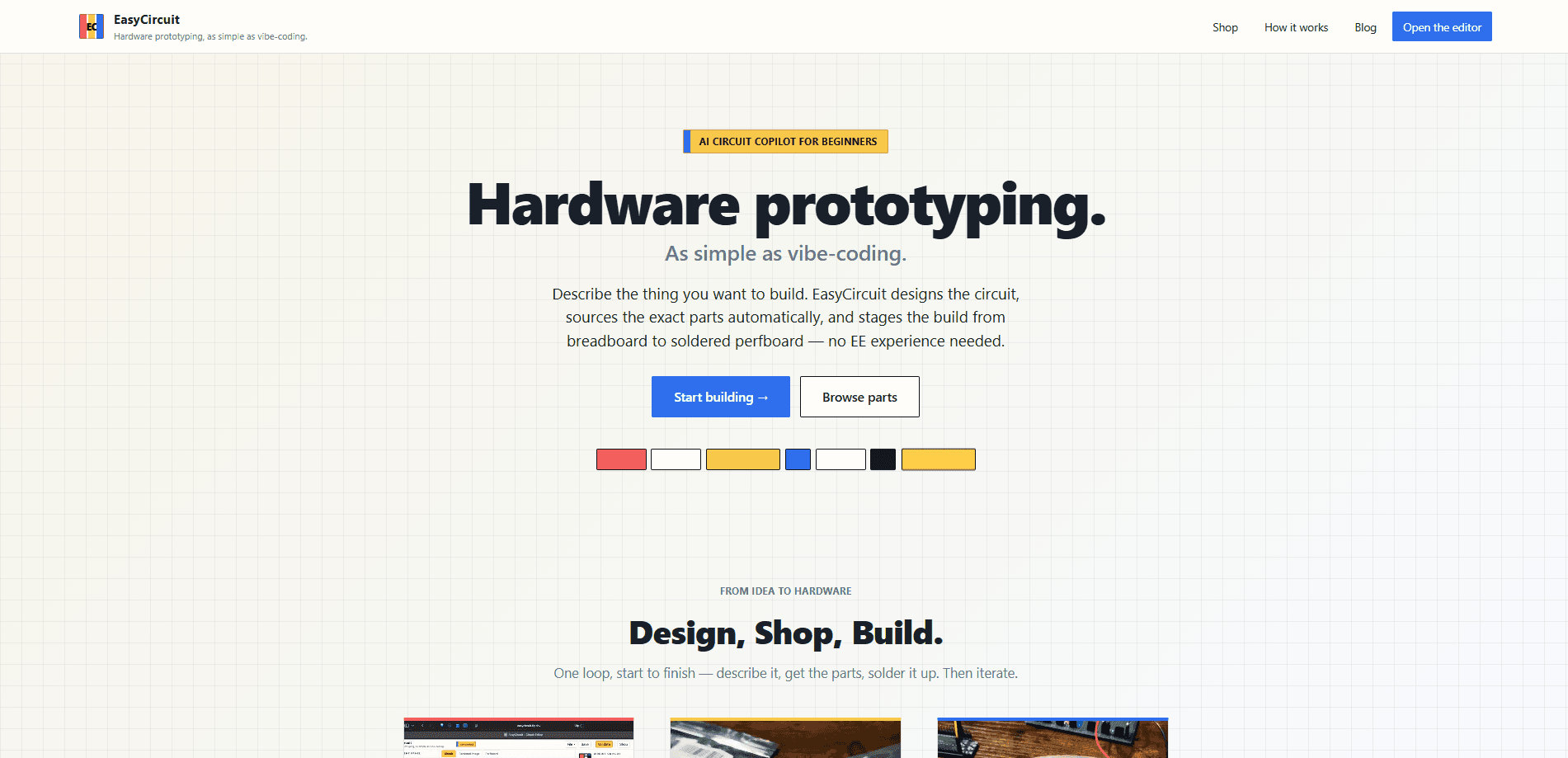
EasyCircuit is an AI hardware prototyping tool that turns a plain-language idea into a working circuit. You describe what you want in chat, and it designs an editable schematic, explains every component choice, sources the parts into one made-to-order kit, and walks you from a breadboard test to a solder-ready perfboard layout. It's built for makers and first-time builders who don't want to read datasheets before they can build anything.
About EasyCircuit
What Is EasyCircuit
EasyCircuit is a browser-based tool for building DIY electronics without an electronics degree. You type something like "a plant that waters itself when the soil dries out" and the copilot wires up a full schematic. It picks the components and connections, and it explains why each one is there. Nothing is locked in, either. You can ask it to swap a part or reroute a net and it updates the design.
The harder part of hobby electronics has never been the idea. It's the paperwork around it: cross-referencing supplier sites, checking stock, matching pinouts, and hoping the footprint on your board matches the part in your hand. EasyCircuit folds that work into the same loop. It sources verified parts into a single kit, and it shows you where every piece goes on a perfboard with real footprints.
The biggest limit is scope. This is a low-voltage DIY tool, not a path to production hardware. If you're designing a multi-layer PCB for manufacturing, you still want a real EDA suite. But for a bench project or a first soldering attempt, it removes the guesswork.
Getting Started
- Sign in to easycircuit.app and open the chat-based design view.
- Describe the behavior you want in plain language, then review the schematic the copilot builds.
- Ask for changes until the circuit matches your idea. Check the component explanations as you go.
- Order the matched parts kit, which is verified and usually ships within one to two weeks.
- Validate the build on a breadboard first, then follow the ready-to-solder perfboard layout.
Product Information
A quick look at EasyCircuit's pricing, supported platforms, and performance.
Best for
The users, tasks, and scenarios where this tool fits best.
Users
- Beginners with no electronics background
- Makers with a project in mind
- Students practicing circuit basics
Tasks
- Designing a low-voltage circuit from a description
- Sourcing parts for a build
- Moving from breadboard to permanent build
Scenarios
- A weekend DIY electronics project, like a self-watering planter that reports soil moisture.
- A first soldering attempt where you want a clear layout instead of improvising placement.
- Breadboard prototyping a small gadget idea before committing to a larger hardware effort.
Key features
Conversational Circuit Design
You describe the behavior you want and the copilot produces a complete schematic you can edit. It doesn't just draw lines, either. It explains each component and connection as it goes, so you can catch a wrong assumption before you order anything. Ask it to change a part or a net and the design updates. Simple as that.
Editable, Explained Schematics
The schematic isn't a black box. Every choice comes with a reason, which matters if you're learning. If the copilot picks a particular sensor or resistor value, you can see why and override it. That back-and-forth is how the tool doubles as a teaching aid rather than just an auto-generator that hands you a design you don't fully understand and can't safely modify later.
Verified, Made-to-Order Parts Kits
Once the design is settled, the copilot matches each part to real suppliers and bundles everything into a single kit. Parts are checked and in stock before your kit is assembled, and most ship within one to two weeks. You don't compare supplier sites or copy part numbers by hand. That's a real time sink saved.
Perfboard Layout with Real Footprints
The tool packs your circuit onto a perfboard layout that shows where each part goes, footprint and pin order included. This is the step most beginners get wrong. You solder what you see instead of guessing, and that cuts down on ruined boards.
Breadboard-First Validation
EasyCircuit pushes you to prove the circuit on a breadboard before you commit to solder. That's a cheap way to catch a wiring mistake. Only after it works do you move to the permanent perfboard build.
Learn-as-You-Build Guidance
There's no required electronics background. The copilot walks you through one clear step at a time, so you pick up how the circuit works as you assemble it. For someone who's never touched a multimeter, that pacing is the difference between finishing a build and giving up halfway. Ever wondered why a resistor sits where it does? The explanation arrives right when you need it.
Pros and cons
Pros
- Turns a plain-language idea into an editable schematic, no datasheet reading required.
- Sourcing and kit assembly remove the most tedious part of a hobby build.
- Perfboard layouts with real footprints reduce the soldering mistakes beginners make most.
- The explain-every-choice approach teaches circuit basics while you work.
Cons
- Aimed at low-voltage DIY electronics, so it won't cover production-grade or high-voltage designs that need certification, mains safety margins, or manufacturing tolerances beyond what a hobby bench can verify.
- Kits ship as made-to-order, so you wait one to two weeks instead of grabbing parts locally today.
- Pricing details for kits aren't published up front, which makes budgeting harder to plan.
- It's a web tool, so there's no offline desktop version for bench work without a connection.
Frequently asked questions
It's an AI copilot for hardware prototyping. You describe a circuit in plain language, and it designs an editable schematic, sources the matching parts into one kit, and guides you from a breadboard test to a solder-ready perfboard layout.
Related content
Explore related tools, skills, and articles for EasyCircuit.
EasyCircuit Alternatives
Forefront
Forefront · CodingForefront is a web platform for building with open-source AI. It lets you fine-tune leading open-source language models on your own data, evaluate how they perform, and run them through an API or export them to host yourself. Developers who want the convenience of a closed-source platform but insist on owning their models and data are the target audience here.

Startkit
StartKit.AI · CodingStartkit is a boilerplate for building AI SaaS and AI wrapper products. Think of it as an AI startup boilerplate with the boring parts already wired up: authentication, Stripe and Lemon Squeezy payments, usage limits, transactional email, and an AI API starter that talks to OpenAI, Anthropic, Groq, or Llama. You clone the repo, set your price, and start on the part of your product that people actually pay for. It's Next.js under React and Tailwind, so most of the boilerplate code already feels familiar.
Testim
Tricentis · CodingTestim is an AI-powered test automation platform for building and running end-to-end tests across web, mobile, and Salesforce applications. It leans on machine learning to keep tests stable when an interface changes, so teams spend less time fixing broken selectors. Not bad for an automated testing tool you can start using today. You create tests by recording actions in a browser, then optionally add JavaScript when you need more control. It's a solid pick for busy QA teams.