

EasyCode
Personabo Technologies Inc. · Coding
EasyCode is an AI app builder that turns plain-language ideas into working web apps on Next.js and Supabase. It pairs top AI coding models with human developers when the AI gets stuck.
About EasyCode
What Is EasyCode
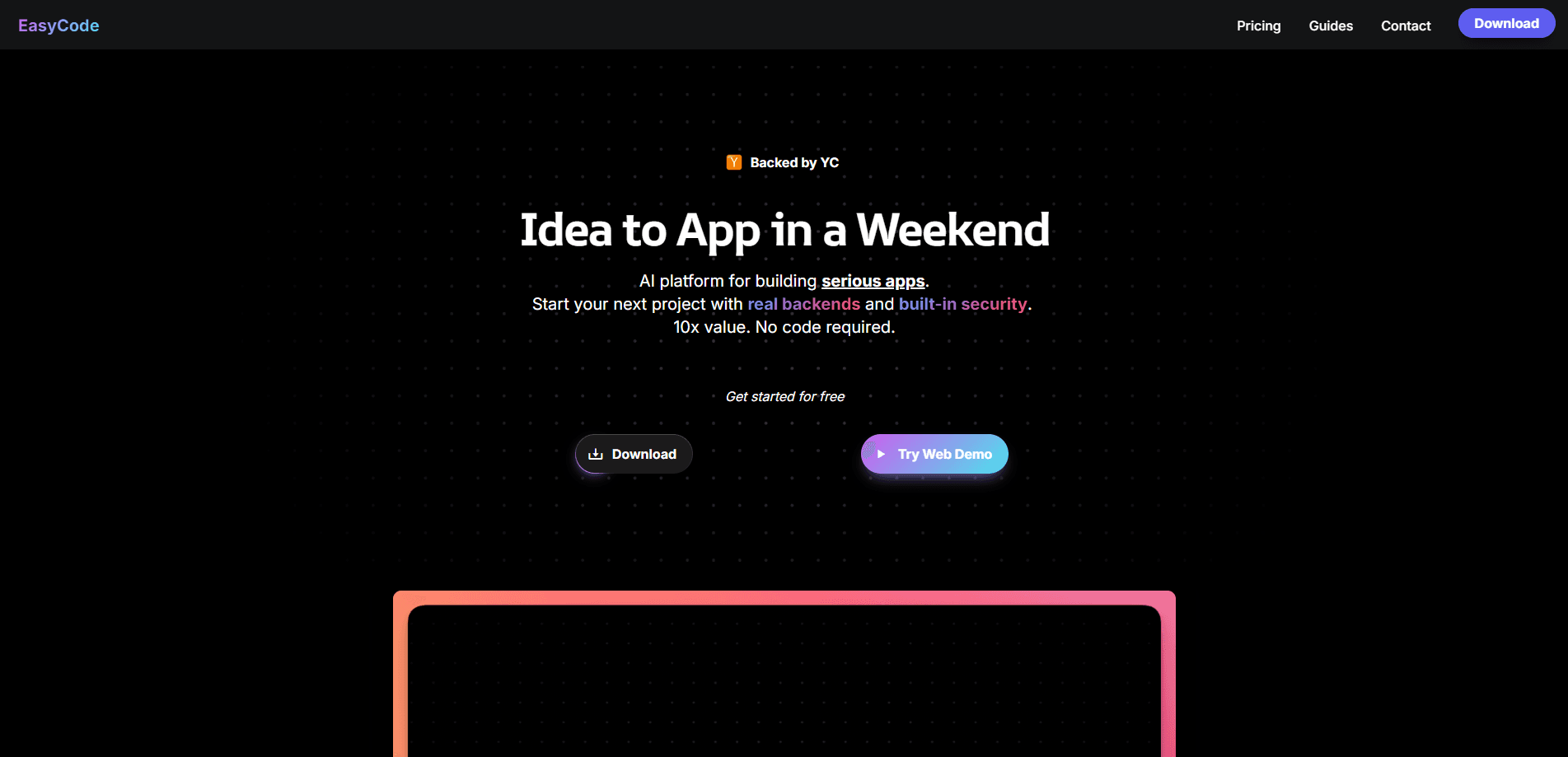
EasyCode is a browser-based development platform from Personabo Technologies. You describe the app you want in everyday language, and EasyCode generates the front end, backend and database wiring behind it. It doesn't just suggest code line by line. It builds whole features: pages, data models, authentication and API routes, all on a Next.js and Supabase stack.
The product is aimed at founders and small teams who have a clear idea but not a full engineering staff. The pitch on the official site is blunt about who it's for: "non technical entrepreneurs building serious apps." You bring the problem and the workflow you want; EasyCode handles the plumbing that usually needs a hired developer.
Think of it as an AI coding assistant that builds features rather than one that finishes your lines. It's meant to carry an AI MVP builder from a written idea to something users can actually open.
There's a limit worth setting expectations around. EasyCode leans on third-party AI providers to write and explain code, so quality tracks whatever model you're running. The entry plan exposes only the top five AI coding models, and the more powerful ones (GPT-5, Claude Opus, Claude Sonnet and Gemini Pro) sit behind paid tiers. You can't plug in your own API keys yet either, so you're tied to the models the platform offers.
Getting Started
- Sign up on easycode.ai and pick a plan, starting with the free tier if you want to test the workflow first
- Describe your app in plain language and let EasyCode scaffold the Next.js front end, Supabase database and backend routes
- Use the data flow debugger to trace how data moves through your app and fix breaks as they show up
- Spend a credit to have a developer review your code when you hit a wall, or move up to a plan with a shared dev context
- Ship your MVP, then keep iterating inside the platform
Product Information
A quick look at EasyCode's pricing, supported platforms, and performance.
Best for
The users, tasks, and scenarios where this tool fits best.
Users
- Non-technical founders
- Solo entrepreneurs building an MVP
- Small teams without a backend engineer
- Developers who want to move faster on boilerplate
Tasks
- Turning an idea into a live web app
- Setting up a backend without writing it by hand
- Debugging how data moves through an app
- Getting unstuck fast
- Migrating or extending legacy code
Scenarios
- You have a startup idea and a deadline
- Your MVP keeps failing at the backend
- You're stuck on one stubborn bug
- You want to test demand before hiring
- You're moving fast between ideas
Key features
Full-Stack App Generation
EasyCode builds the front end, backend and database as one connected project. Describe the app you want and it produces Next.js pages along with the Supabase tables, authentication and API routes they depend on. This matters because most AI coding tools stop at the code window, leaving you to wire everything together yourself.
Backend and Library Integrations
The platform connects your app to common backend services and libraries without manual configuration. Databases, authentication and the usual supporting pieces come ready to use, which is the part non-technical founders most often get stuck on. You spend time on what the app does rather than how the pieces talk to each other.
Data Flow Debugger
A built-in debugger traces how data moves through your application. When something breaks or a value doesn't show up where you expect, you can follow its path instead of guessing. It's included on every plan, including the free tier.
Access to Top AI Coding Models
Even the free tier unlocks the top five AI coding models. Paid plans add the premium models (GPT-5, Claude Opus, Claude Sonnet and Gemini Pro) for harder problems. Since the platform won't take your own API keys yet, this model access is what you work with.
Developer Credits and Human Help
Credits let you hand a problem to a real developer and get a response within 24 hours. You can't buy them outside your plan, and they reset each billing cycle rather than rolling over. Higher tiers add options like a shared context with a dev or a strategy call.
AI Plus Human Delivery
On the AI + Human plan, EasyCode combines certified developers with the AI to take an idea to a live app in two to four weeks. It includes a deep backend importer and offboarding so you can keep running the project on your own afterward.
Pros and cons
Pros
- Builds complete Next.js and Supabase apps, not just code snippets, so you get a runnable product rather than fragments
- Free tier gives real access to the top five AI coding models, so you can judge the workflow before paying
- Human credits and shared-context plans close the gap when the AI can't solve a problem on its own
- A dedicated data flow debugger makes it easier to find where an app breaks
- The AI + Human tier delivers a finished app in two to four weeks for founders who'd rather delegate
Cons
- Entry price for paid work starts at $200 per month, which rules out hobbyists and very early experiments
- No support for your own API keys, so you're locked to the models EasyCode allows and can't control that cost
- Credits don't roll over and reset every cycle, so unused ones are lost
- Several listed features and pricing details may change, and the pricing page has carried notice of planned updates
Frequently asked questions
EasyCode is an AI app builder for creating full-stack web applications. You describe what you want, and it generates a Next.js front end with a Supabase backend, database and authentication, aimed at people who want a working app without assembling the stack by hand.
Related content
Explore related tools, skills, and articles for EasyCode.
EasyCode Alternatives

Base Code
Base44 (Wix) · Coding · ProductivityBase Code is a shared cloud development environment from Base44. Teammates describe changes to an existing GitHub codebase in chat, preview them live and send them back as pull requests.

Google EmbeddingGemma 2
Google DeepMind · Writing · Image · CodingGoogle EmbeddingGemma 2 is a 740M-parameter open model that turns text, code, images, audio, and video frames into vectors in one 768-dimension space, running on phones and laptops.

GitGlow
GitGlow · Coding · ProductivityGitGlow is a local-first desktop Git client that lets independent developers review their own code and their AI agents' changes in one place before shipping.