

GTPhone–Cloud Phone for Roblox
GT Phone · Coding · Productivity
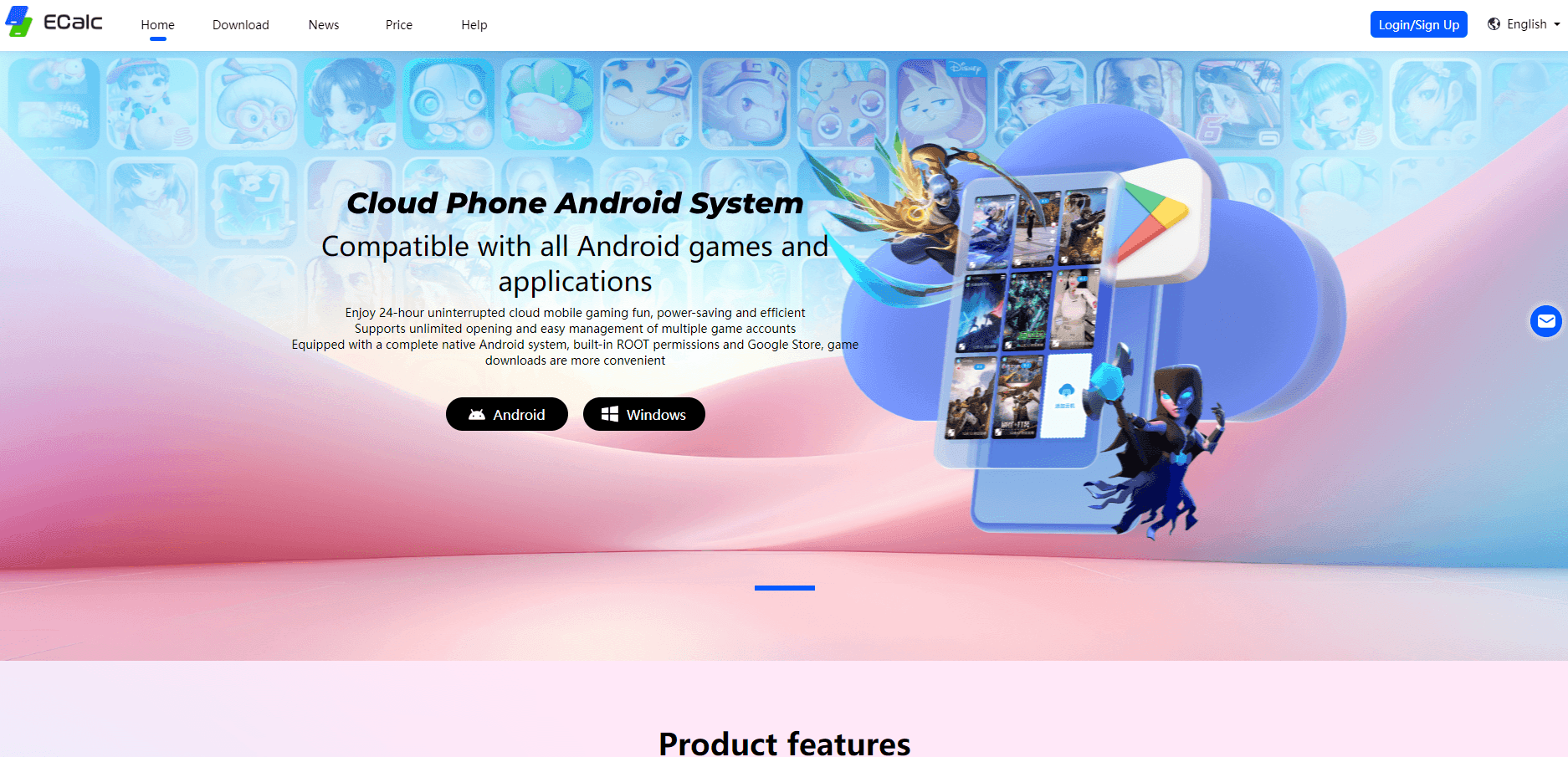
GTPhone – Cloud Phone for Roblox runs a full Android system in the cloud, so you can play Roblox 24/7, run multiple instances, and skip storage or battery limits.
About GTPhone–Cloud Phone for Roblox
What Is GTPhone – Cloud Phone for Roblox
GTPhone is a cloud Android phone that lives on remote servers instead of your handset. The Roblox build targets players who want the game running when their own phone is off, asleep, or almost out of power.
The idea is basic. You install GTPhone, pick a cloud device, install Roblox inside it, and log in. The session then keeps running on GTPhone's servers, so farming loops, AFK sessions, and alt accounts don't burn your local storage or battery. You reconnect from a phone or a PC and land back in the same game.
The catch is trust. Your Roblox login sits on someone else's hardware, so you depend on GTPhone's security and uptime. There's no public API for automation, and pushing several instances at once moves you into paid plans.
Getting Started
- Download the GTPhone app and create an account.
- Pick a cloud device and choose a system, either Android 10 or Android 13.
- Open the built-in store, install Roblox, or upload the Roblox APK directly.
- Sign in to your Roblox account and start playing in the cloud.
- Optional: clone Roblox through the manager for extra instances, lock the screen, and let it run.
Product Information
A quick look at GTPhone–Cloud Phone for Roblox's pricing, supported platforms, and performance.
Best for
The users, tasks, and scenarios where this tool fits best.
Users
- Roblox AFK farmers
- Multi-account players
- Players stuck with low storage
- People sharing one device
Tasks
- Running Roblox around the clock without leaving a real phone plugged in overnight.
- Banking in-game currency or event rewards while you sleep, then collecting them at login.
- Testing an alt account without buying a second handset.
- Offloading a heavy Roblox install so your daily phone keeps its free space.
Scenarios
- Overnight farming before a limited event, where every extra hour of play counts.
- Juggling several Roblox accounts on one screen instead of swapping logins.
- Playing on a PC when your phone hardware can't hold the frame rate.
Key features
Always-On Cloud Android
The core promise is uptime. GTPhone runs Android on remote servers and keeps your session alive with the app closed, so Roblox 24/7 cloud gaming works while you do something else. You log back in and find the game where you left it.
Dual Android Systems
GTPhone switches between Android 10 and Android 13 cloud devices. Older Roblox builds and tools sometimes behave differently across versions, so having both on hand helps when an app refuses to run on one system.
Multi-Instance Roblox
You can clone Roblox inside a cloud phone and run several copies at once. One account stays in the main instance, while clones handle alt accounts, and a taskbar keeps the running apps in reach. It's a fit for players who farm or trade across multiple accounts.
Phone and PC Access
The service markets multi-platform access, so you can reach the same cloud device from a phone or a computer. Switching screens doesn't reset the session, since the game keeps running server-side between visits.
Low-Latency Global Servers
GTPhone advertises global, low-latency servers for cloud gaming. In practice that means the closer your server, the smoother Roblox feels, and remote play holds up better when you're far from the original data center.
Session Persistence and Screen Lock
Apps, files, and settings stay on the cloud device between logins, so you don't reinstall Roblox or reconfigure it each time. A quick screen lock adds a privacy layer when you hand a session off or step away.
Pros and cons
Pros
- Roblox keeps running with your phone off, which suits farming and AFK play.
- Multiple instances let you manage several accounts from one cloud phone.
- Storage and battery stay on the server, so a full phone still runs the game.
- Two Android versions give you a fallback when an app misbehaves on one.
- Session persistence means no reinstall and no lost setup between visits.
Cons
- Your Roblox login lives on GTPhone's servers, so account security depends on their setup.
- No documented API, so you can't script or automate tasks on your own terms.
- Pricing isn't published openly, which makes cost hard to judge before you sign up.
- Running several instances at once raises load and likely pushes you toward paid plans.
Frequently asked questions
It's a cloud Android phone and, in effect, a cloud Android emulator built for Roblox. The game runs on GTPhone's servers, and you connect from your own device to play, farm, or hold a session open.
Related content
Explore related tools, skills, and articles for GTPhone–Cloud Phone for Roblox.
GTPhone–Cloud Phone for Roblox Alternatives

Base Code
Base44 (Wix) · Coding · ProductivityBase Code is a shared cloud development environment from Base44. Teammates describe changes to an existing GitHub codebase in chat, preview them live and send them back as pull requests.

Google EmbeddingGemma 2
Google DeepMind · Writing · Image · CodingGoogle EmbeddingGemma 2 is a 740M-parameter open model that turns text, code, images, audio, and video frames into vectors in one 768-dimension space, running on phones and laptops.

GitGlow
GitGlow · Coding · ProductivityGitGlow is a local-first desktop Git client that lets independent developers review their own code and their AI agents' changes in one place before shipping.