

Ekamoira Google Search Console MCP
Ekamoira · Coding · Marketing
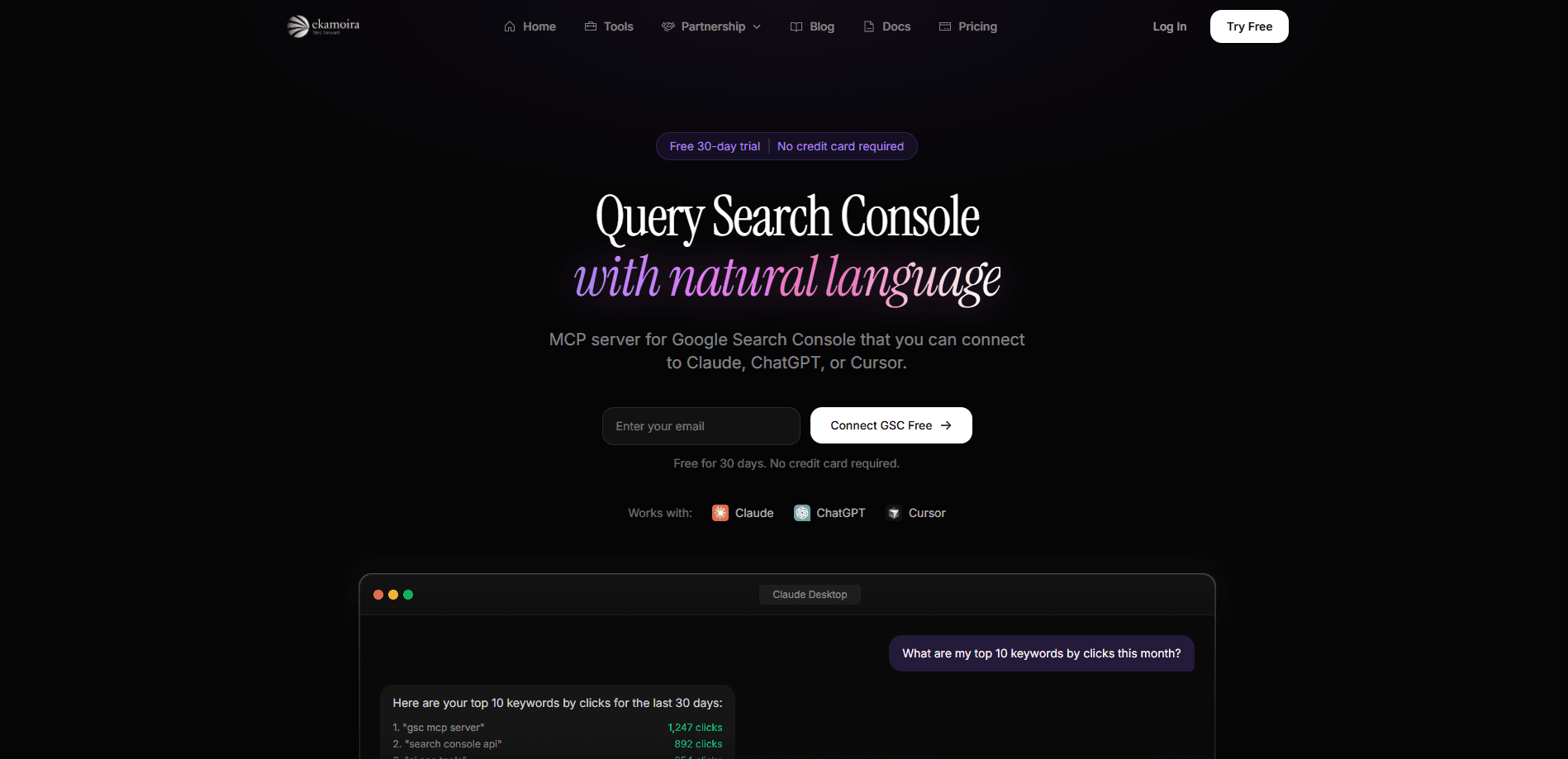
Ekamoira Google Search Console MCP is an MCP server that connects your Google Search Console account to AI assistants like Claude, ChatGPT, and Cursor, so you can pull search performance, indexing, and sitemap data through plain conversation instead of clicking around the GSC dashboard. It runs on the Ekamoira platform, the same company behind an AI visibility tracking suite, and gives you a free 30-day trial with no credit card required. Think of it as an MCP SEO tool first and a dashboard second. If you already work inside an AI chat client and want your SEO numbers to show up there, this is the bridge that makes it happen.
About Ekamoira Google Search Console MCP
What Is Ekamoira Google Search Console MCP
It's a Model Context Protocol server built specifically for Google Search Console. MCP is an open standard that lets AI assistants call external tools, and this server exposes your Search Console data as a set of tools the assistant can use. Ask "which pages have low CTR but high impressions?" and it fetches the real numbers from Google rather than guessing.
The pitch is simple: your AI assistant already reads and writes text for you, but it can't see your site's search data on its own. This server fixes that gap. You connect it once. From then on, the assistant can inspect URLs, break down performance by query or country, and even list or submit sitemaps. So who actually needs it? Anyone who wants to query Google Search Console with AI instead of through the browser.
The main catch is scope. This is a data-access layer, not a full SEO suite. It won't write content or fix technical issues by itself, and you'll want a solid grasp of GSC metrics to ask good questions. It also lives on the Ekamoira platform, so beyond the trial you're paying for access there rather than for the connector alone.
Getting Started
- Sign up for an Ekamoira account through the GSC MCP page and start the free 30-day trial. No card needed at this step.
- Connect your Google Search Console property by authorizing the app to read your GSC data through Google's OAuth flow.
- Add the MCP server to your AI client. The page lists support for Claude, ChatGPT, and Cursor, and you'll paste the server URL into each client's MCP settings.
- Ask your first question in the chat, such as "what are my top 10 keywords this month?" and confirm the data matches what you see in Search Console.
- Refine from there with date ranges, dimension filters, and URL inspections until the answers fit how you actually work.
Product Information
A quick look at Ekamoira Google Search Console MCP's pricing, supported platforms, and performance.
Best for
The users, tasks, and scenarios where this tool fits best.
Users
- SEO specialists who live in the Search Console interface and want faster answers without exporting CSVs
- Content marketers using Claude or ChatGPT daily who'd rather ask about rankings than open another tab
- Small site owners who check GSC a few times a month and want plain-language summaries
Tasks
- Spotting pages with high impressions but weak click-through rate so you know where to rewrite titles
- Pulling top queries and top pages for a date range without building a report by hand
- Checking whether a specific URL is indexed and whether it has crawl or mobile usability problems
Scenarios
- Weekly performance reviews where you want the assistant to summarize last week's clicks and impressions
- Debugging a traffic drop by comparing queries across two date ranges in one conversation
- Onboarding a new client site and auditing its sitemap health and indexing status quickly
Key features
Natural Language Queries
The core idea is that you ask questions the way you'd ask a colleague. "Which pages have low CTR but high impressions?" or "What are my top 10 keywords?" are both valid inputs, and the server translates them into actual Search Console API calls. You get answers tied to your real data, not a generic explanation of what CTR means. No memorizing filters. Just ask.
Search Performance Data
You can pull clicks, impressions, CTR, and average position with date range filters, which covers the metrics most SEO decisions hang on. Comparing two windows side by side is where this earns its keep, since a single date range rarely tells the whole story.
Dimension Breakdowns
Filter results by query, page, country, or device to find where the traffic actually sits. This is the difference between "traffic is down" and "traffic dropped on three specific pages." It's the kind of breakdown that's tedious to assemble by hand.
URL Inspection
Check indexing status, crawl issues, and mobile usability for any URL straight from the chat. If you've ever waited for a page to get indexed and refreshed the inspection tool a dozen times, asking the assistant to check it for you is a real convenience. No dashboard needed.
Sitemap Management
List, submit, and delete sitemaps, and monitor their health and coverage. It's a narrow feature set, but sitemap chores are exactly the kind of repetitive task an assistant should handle. Doing them from the chat instead of working through the GSC menu is the appeal.
Property Management
List all your properties, check permissions, and manage site access across accounts. Useful when you run several client sites and need a quick inventory, or when you're unsure which account actually holds the verified property.
Pros and cons
Pros
- Free 30-day trial with no credit card makes it easy to test against your own GSC data
- Works with Claude, ChatGPT, and Cursor, so it fits whichever AI client you already use
- Turns repetitive GSC reporting into a one-line question, which saves real time on weekly reviews
- Grounded in the actual Search Console API, so answers reflect your live data rather than estimates
Cons
- It organizes and fetches data but doesn't write content or fix issues, so it's a helper rather than a complete SEO workflow
- After the trial you're paying for the Ekamoira platform, which may include features you won't use for GSC alone
- You need a working knowledge of Search Console metrics to ask questions that surface anything useful
Frequently asked questions
It connects your Google Search Console data to AI assistants so you can query clicks, impressions, indexing status, and sitemaps in plain language. It's for people who want their SEO data inside the chat tools they already use, not another dashboard to log into.
Related content
Explore related tools, skills, and articles for Ekamoira Google Search Console MCP.
Ekamoira Google Search Console MCP Alternatives
Forefront
Forefront · CodingForefront is a web platform for building with open-source AI. It lets you fine-tune leading open-source language models on your own data, evaluate how they perform, and run them through an API or export them to host yourself. Developers who want the convenience of a closed-source platform but insist on owning their models and data are the target audience here.

Startkit
StartKit.AI · CodingStartkit is a boilerplate for building AI SaaS and AI wrapper products. Think of it as an AI startup boilerplate with the boring parts already wired up: authentication, Stripe and Lemon Squeezy payments, usage limits, transactional email, and an AI API starter that talks to OpenAI, Anthropic, Groq, or Llama. You clone the repo, set your price, and start on the part of your product that people actually pay for. It's Next.js under React and Tailwind, so most of the boilerplate code already feels familiar.
Testim
Tricentis · CodingTestim is an AI-powered test automation platform for building and running end-to-end tests across web, mobile, and Salesforce applications. It leans on machine learning to keep tests stable when an interface changes, so teams spend less time fixing broken selectors. Not bad for an automated testing tool you can start using today. You create tests by recording actions in a browser, then optionally add JavaScript when you need more control. It's a solid pick for busy QA teams.