

ElevenReader: Read Books Aloud
ElevenLabs · Voice & Language
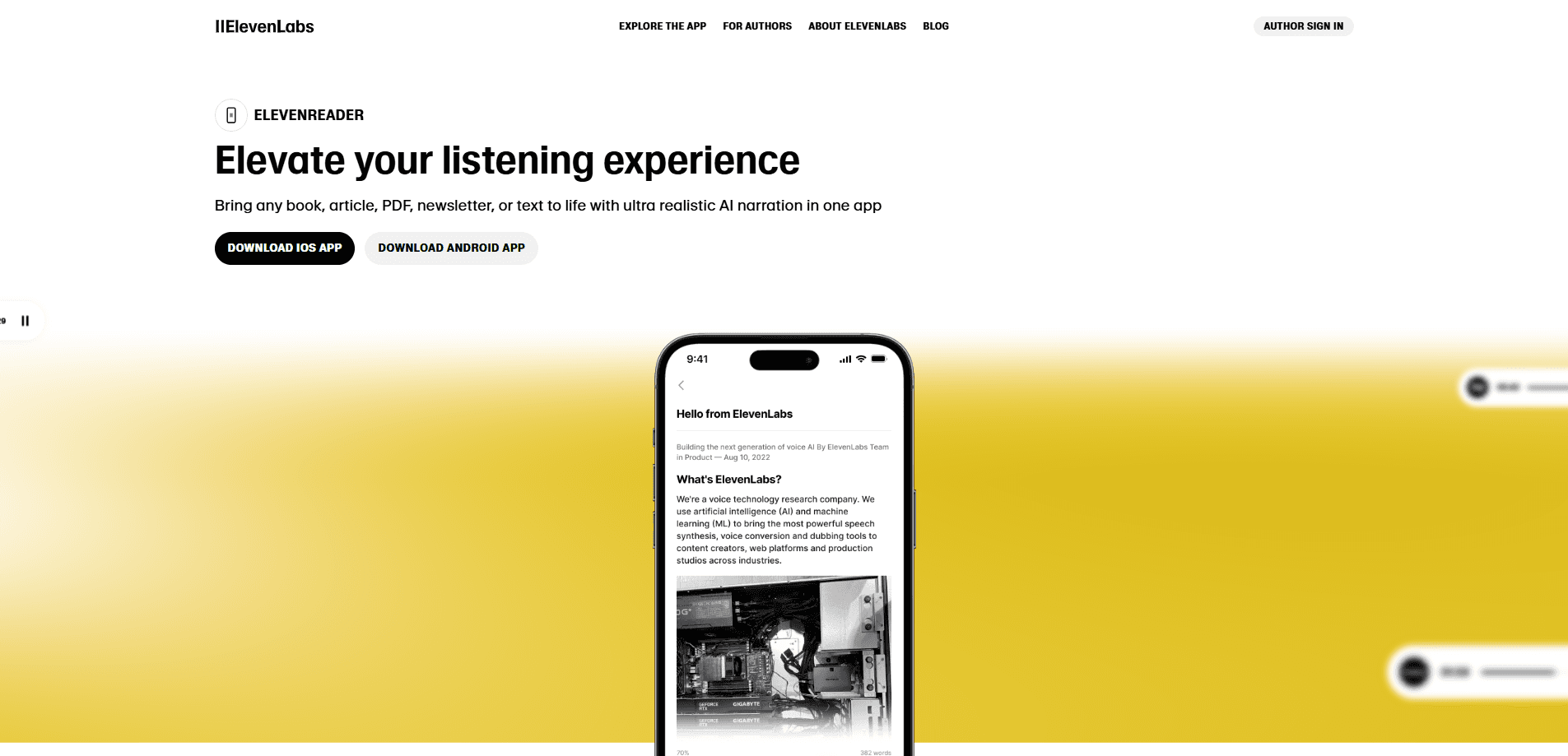
ElevenReader by ElevenLabs reads books aloud, turns PDFs and articles into natural-sounding audio, and bundles 200,000+ audiobooks. It runs on Android, iOS, and the web.
About ElevenReader: Read Books Aloud
What Is ElevenReader
ElevenReader is a read-aloud and audiobook app from ElevenLabs, the voice AI company behind the Eleven Multilingual speech models. It takes written content you already have and reads it back in a voice of your choosing. You upload a PDF, an EPUB, a Word file, or a link, and the app converts the text into speech within seconds.
The product solves a narrow but common problem. Plenty of people want to finish a book, a research paper, or a newsletter but can't find the time to sit and read. ElevenReader makes that material listenable, so you can get through it on a commute, at the gym, or while doing chores.
The catch is that it's built for personal listening. You can't export the generated audio from the app, and the free tier caps how much text you can convert each month. The app is localized for 8 languages, while the voices cover far more.
Getting Started
- Download ElevenReader from the App Store or Google Play, or open it in a web browser.
- Create a free account and pick a voice from the library based on accent, tone, and style.
- Upload a file, paste a link, scan a page, or import an audiobook from the library.
- Press play, then adjust speed, set a sleep timer, or download the title for offline listening.
Product Information
A quick look at ElevenReader: Read Books Aloud's pricing, supported platforms, and performance.
Best for
The users, tasks, and scenarios where this tool fits best.
Users
- Students
- Commuters and multitaskers
- Readers with dyslexia or ADHD
- Audiobook listeners
Tasks
- Converting a PDF into audio
- Listening to newsletters and blog posts
- Following a book with your eyes and ears at once
Scenarios
- Long daily commutes
- Study and revision
- Winding down at night
Key features
Read Anything Aloud
ElevenReader is a text to speech reader that handles PDFs, DOCX files, EPUBs, Markdown, TXT files, web links, and scanned images. You can read books aloud, paste a link, or scan a page and the app produces audio in seconds. This range matters because most people's reading is scattered across formats, not stored in one tidy library.
1,000+ Natural AI Voices
The app draws on 1,000+ natural AI voices in 90+ languages, built on ElevenLabs voice technology. You pick a narrator by accent, tone, and style, and the app recommends voices based on your device language. The voices breathe and stress words the way a person does, which is the main reason long sessions stay listenable.
Audiobook Library
A library of 200,000+ audiobooks and eBooks sits alongside your own uploads. Bestsellers, classics, romance, fantasy, and thrillers are all covered, with thousands free to listen to. The Ultra plan adds 20 hours of premium titles a month, so heavy listeners should check that ceiling before committing.
Custom Voice Design
On the paid plan you can design a narrator from a text prompt rather than choosing from a preset list. That is handy if you want a consistent voice across every file you import. This is a premium feature rather than a free one.
Smart File Imports
ElevenReader makes it easy to turn a PDF into audio without the clutter. Imports skip headers, footers, page numbers, and filler text, so the recording leaves out the repeated material that plagues PDFs. This is a small detail that makes a real difference when a document runs to dozens of pages.
Playback Controls
Playback runs from 0.25x to 4x speed, with a sleep timer, bookmarks, and word-level highlighting. Text highlighting supports readers with dyslexia or ADHD and helps anyone practising a foreign language. Progress syncs between web and mobile so you can pick up on another device.
Pros and cons
Pros
- Reads books aloud and almost any format you throw at it, from PDFs to scanned images to web links.
- Voice quality is the standout strength, and it holds up over hours of listening.
- Bundles a large audiobook library on top of the read-aloud feature, so you need fewer apps.
- Free tier gives 10 hours of text to audio each month, enough for roughly a 400-page book.
Cons
- You can't export audio from the app, so files are locked to in-app listening.
- The free plan caps monthly conversion at 10 hours, which heavy readers will hit fast.
- Premium audiobook access is limited to 20 hours a month on Ultra.
- The app itself is localized for 8 languages even as the voices span many more.
Frequently asked questions
It turns written content into spoken audio. You upload a book, PDF, article, or document and listen to it in a voice you choose, or browse the built-in audiobook library instead.
Related content
Explore related tools, skills, and articles for ElevenReader: Read Books Aloud.
ElevenReader: Read Books Aloud Alternatives

Off the Record
Weird Machines · Voice & Language · ProductivityOff the Record is a macOS app from Weird Machines that reshapes your voice in real time to block AI transcription, so people hear you normally and notetakers get nothing usable.
Cekura Bench
Cekura · Voice & Language · BusinessCekura Bench is a public benchmark that runs speech-to-speech models and deployed voice agents through 82 simulated phone calls, three times each, then publishes pass rates, latency and cost.
Griffin by Tavus
Tavus · Voice & Language · Video · ChatbotGriffin by Tavus is the first Human Interaction Model: a full-duplex, video-to-video system that watches, listens, and answers during a live video call in real time.