

Ellis
Nectar Labs UG (haftungsbeschränk) · Voice & Language · Productivity
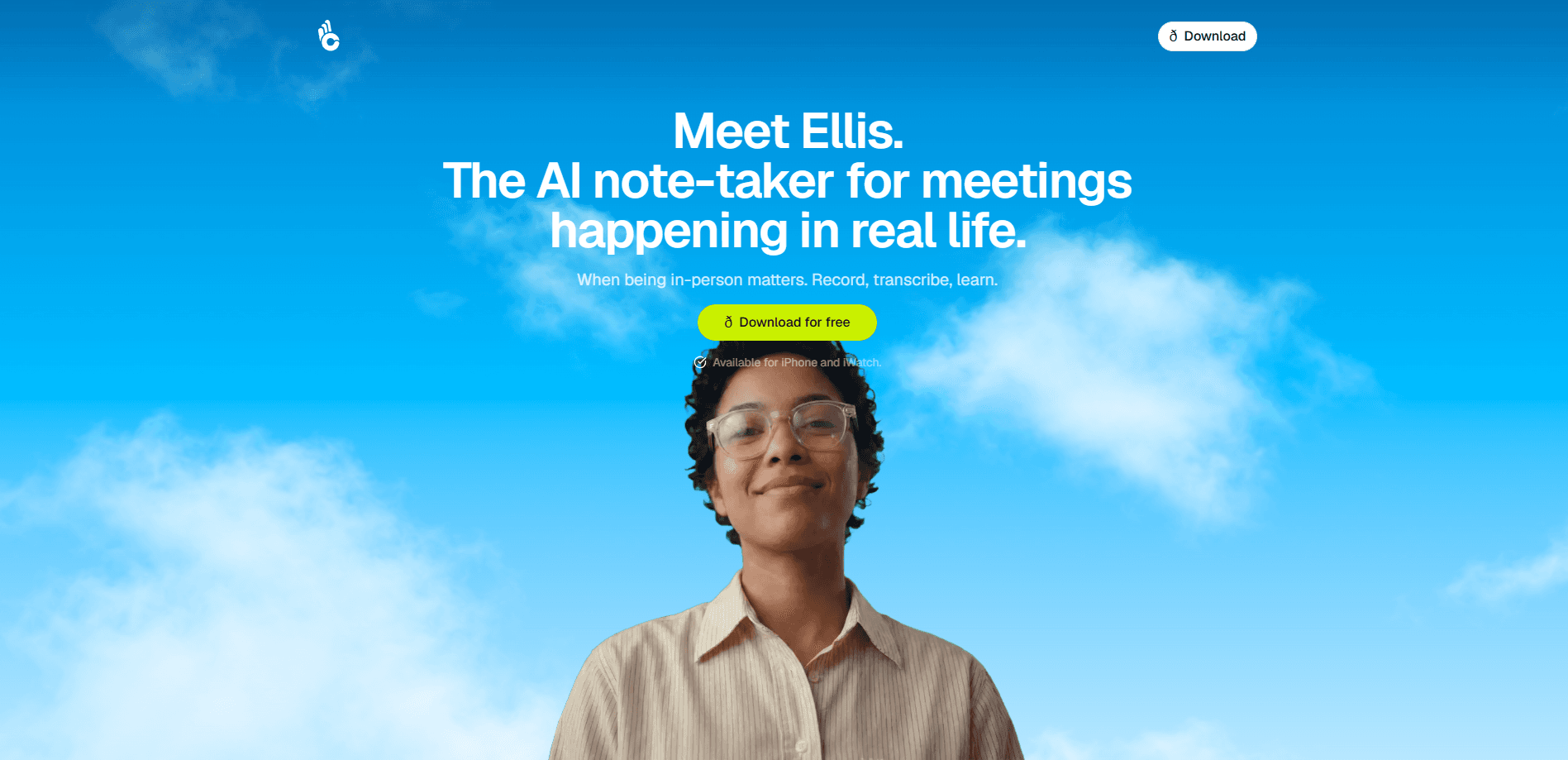
Ellis is an AI note taker built for conversations that happen in the same room, not on a video call. You start a recording with one tap on iPhone or Apple Watch, and Ellis transcribes the whole meeting, separates your voice as a speaker, and writes summary notes you can share. It also goes a step further than most AI meeting recorder apps by telling you how you came across, so you can adjust before the next high-stakes talk. So what's the trade-off? A free tier covers light use; a subscription covers the rest.
About Ellis
What Is Ellis
Ellis is an AI conversation analyst for iPhone, made by Nectar Labs. The idea is simple: in-person meetings carry more signal than a Zoom call, and they rarely get recorded. Ellis fixes that with a single tap, then turns the audio into a clean transcript and set of notes. Think of it as an iPhone note app that listens, writes, and then judges the result.
What sets it apart from a typical note-taking app is what it does with the transcript. Instead of only listing what was said, Ellis reviews how you said it, covering your framing, whether your main point landed, and where you lost the thread. That makes it useful for investor pitches, sales calls, interviews, and other talks where the outcome matters. Different tools split these jobs; Ellis rolls the notes and the review into one.
The main catch: Ellis runs on iPhone only. There's no Android build and no web app, so you're tied to Apple hardware. It also needs a recent iOS version, and recordings are processed and then deleted. Great for privacy. Less great if you like to re-check the raw audio forever.
Getting Started
- Download Ellis from the App Store and create your account.
- Open the app, tap to start a new meeting recording, then drop your phone in your pocket or set it on the table.
- Mark your own voice as the speaker when prompted so Ellis can tell you apart from everyone else in the room.
- Stop the recording when the conversation ends and wait for the transcript and notes to generate.
- Debrief with the app by chat or voice, asking follow-up questions about what was said and how you came across.
Product Information
A quick look at Ellis's pricing, supported platforms, and performance.
Best for
The users, tasks, and scenarios where this tool fits best.
Users
- Salespeople
- Founders and interviewers
- Anyone who wants honest feedback
Tasks
- Capturing in-person meeting notes
- Reviewing a sales pitch or interview
- Tracking progress across meetings
Scenarios
- Conferences and networking events
- On-site research or field interviews
- Difficult one-on-ones
Key features
Single-Tap Recording on iPhone and Apple Watch
Ellis is designed to be started in one tap, from a lock screen or home screen widget, so you don't fumble with menus while the other person waits. You can pause, resume, and complete a recording the way you would a workout, which suits talks that run in bursts. Recording from the Apple Watch is handy when your phone is out of reach. No phone in hand, no problem.
In-Person Transcription With Voice Isolation
The recorder is built for the room, not a headset. It uses voice isolation to pull your voice out of background noise, so a busy cafe or conference floor doesn't ruin the transcript. It handles conversations where people are sitting across a table. That's exactly the case most meeting recorder apps ignore. Big gap in the market.
Speaker Tagging
Ellis lets you mark your own voice as a speaker, so the notes can separate you from everyone else. That sounds small, but it's what makes the analysis possible: the app needs to know which words are yours before it can tell you anything useful about your delivery. Skip this step and the feedback gets vague.
Analysis of How You Came Across
This is the part that separates Ellis from a plain note app. After a meeting, it reviews your framing and positioning and tells you what landed and what didn't, in plain terms. It's aimed at substance rather than vocal polish, so you won't get filler-word counts or pacing charts. In short, the conversation analysis stays focused on your message. No fluff. If you want speech coaching, look elsewhere.
Chat and Voice Debrief
Once the notes are ready, you can dig in by text or by talking. Ask Ellis what the recruiter said about leadership, or who spoke the most, or which decisions came out of the meeting. A voice debrief lets you think out loud about the conversation instead of paging through a transcript. Useful on the drive home.
Reusable Notes for Sharing
Ellis writes notes you can actually send, from a short summary to a version focused on outcomes, process, or how you came across. That covers the usual need to turn a meeting into something a colleague or client can read in two minutes. Share it fast. Move on.
Pros and cons
Pros
- Built for in-person meetings, a gap most AI note takers leave open in favor of Zoom.
- One-tap capture from iPhone or Apple Watch keeps you present instead of typing.
- Feedback on how you came across goes beyond what a standard transcript offers.
- Voice isolation handles noisy rooms and background chatter.
- Free tier lets you test the core recording and notes before paying.
Cons
- iPhone only, with no Android app, so nothing on that side of the fence gets recorded.
- The $14.99/month subscription adds up if you rely on it daily.
- Recordings are deleted after processing, so you can't go back to the raw audio later.
- It's not a speech coach, so you won't find pacing or filler-word reports.
- Requires a recent iOS version, which rules out older iPhones.
Frequently asked questions
Ellis records and analyzes in-person conversations. You start a recording with one tap, and it transcribes the meeting, tags your voice, and writes notes. The app is aimed at talks where the outcome matters, like sales calls, interviews, and investor meetings.
Related content
Explore related tools, skills, and articles for Ellis.
Ellis Alternatives

Prosp
Prosp · Writing · Voice & Language · MarketingProsp is an AI LinkedIn outreach tool built for agencies and sales teams, and it writes the message and the voice note in your own voice for each prospect so they actually reply. You connect your accounts, find leads, and let the AI draft and send personalized messages at scale, all from one inbox. It's built for people running outbound at volume. That's the whole pitch. Every touchpoint still has to feel human.

Wordly AI Translation
Wordly · Voice & Language · ProductivityWordly AI Translation is a real-time AI translation and captioning platform built for meetings, conferences, and events. It delivers live translation, captions, transcripts, and summaries in more than 60 languages, and attendees join by scanning a QR code or opening a link instead of using dedicated headsets. The platform works with Zoom, Microsoft Teams, Google Meet, and Webex, and it's designed for organizations that want multilingual access without hiring human interpreters for every session. Simple as that.
Musicful
Musicful AI · Voice & Language · VideoMusicful is an AI music generator and AI music video maker that turns text to music in minutes. Give it a text prompt, a set of lyrics, or a hummed melody and it returns a finished track with vocals and instruments. It also doubles as an AI song generator, produces music videos from the songs you create, and offers an AI cover tool plus a developer API. The platform runs in a web browser and through an Android app, so you can start a song on desktop and pick it up on your phone.